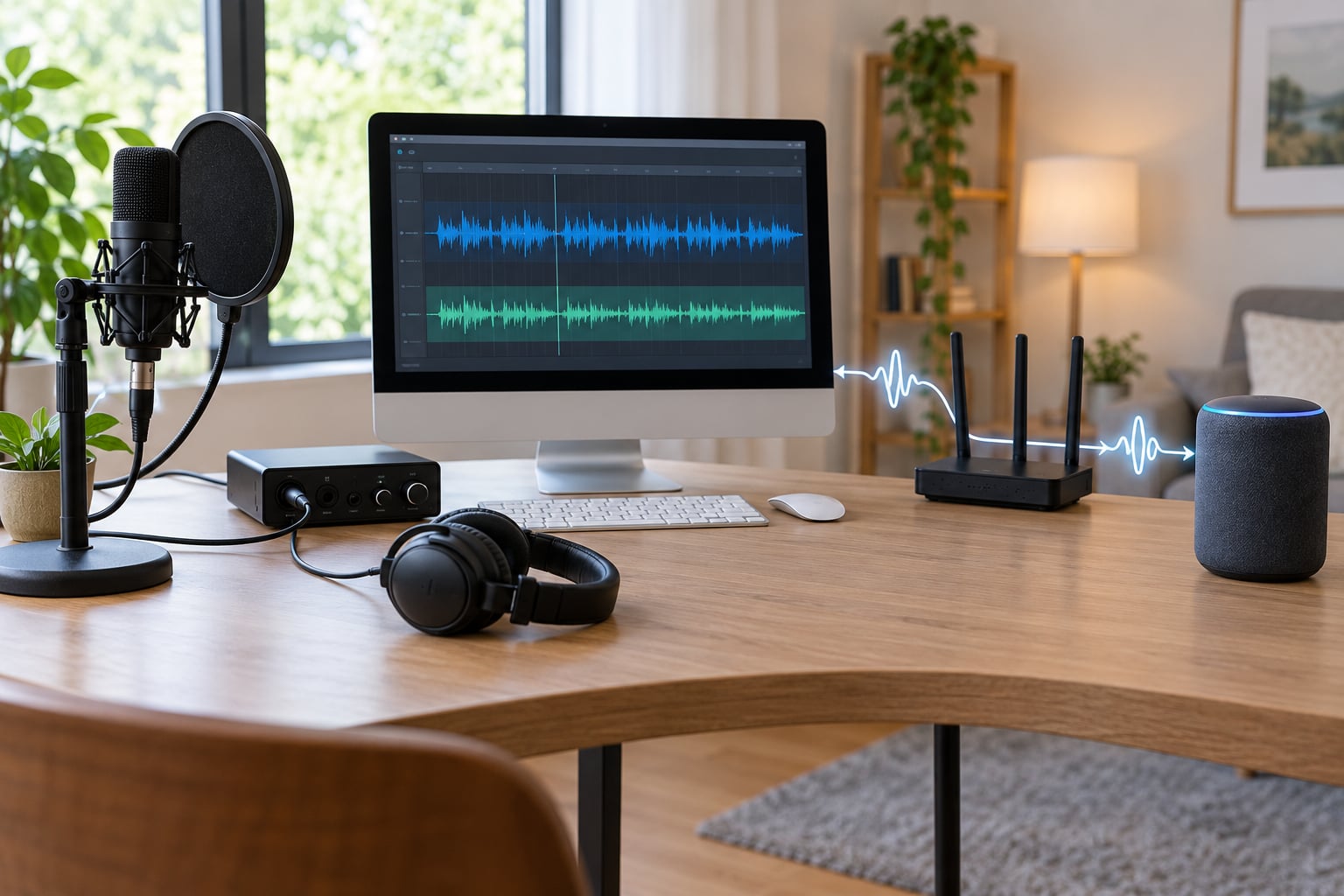
Internet radio works by turning sound into digital data and streaming it over the internet in real time, so you hear it through an app, web player, smart speaker or car stereo rather than by tuning a frequency. A microphone or music source feeds an encoder, the encoder compresses the audio, a streaming server holds the continuous stream, and your device decodes and plays it as it arrives.
It sounds technical until you realise it is just a pipeline with five links. Once you know what each link does, buffering, data use and that silent app all stop being mysteries. 2026 is a good year to be curious about it, because almost every radio device in a kitchen or a dashboard now receives audio this way rather than over the air.
Table of Contents
- How internet radio works in simple terms
- What is the difference between internet radio and traditional radio?
- What happens from the studio to your speaker?
- How do streaming servers deliver radio stations?
- How do you listen to internet radio?
- Why does internet radio need bandwidth?
- How do you choose a station and get the best sound?
- Is internet radio free, and what are the limits?
- Frequently Asked Questions
- Is internet radio legal to listen to?
- How much data does listening to internet radio use?
- Can I listen to internet radio without using an app?
- Why does an internet radio station keep buffering?
- What is the difference between a live stream and an internet radio playlist?
- Can I listen to internet radio on a smart speaker?
- Start listening with a simple first step
How internet radio works in simple terms
Here is the short version: audio is captured, converted from analogue sound into digital data, compressed by an encoder, sent continuously to a streaming server, delivered across the internet as a live stream URL, then decoded and played by whatever device you are listening on.
Nothing is downloaded and finished before it starts. Your device receives a piece of the broadcast a few seconds after it was captured, plays it, discards it, and receives the next piece. That is why a live internet radio stream cannot be paused or rewound, and why it needs a working connection the whole time you listen.
What is the difference between internet radio and traditional radio?
Traditional radio sends audio through the air from a transmitter, while internet radio sends the same kind of audio as data through routers and cables. That single change alters almost everything else about it.
| Factor | Internet radio | FM or AM broadcast | DAB digital radio | Podcast or on-demand music |
|---|---|---|---|---|
| How it reaches you | Data over the internet | Radio signal through the air | Digital radio signal through the air | Data over the internet, on demand |
| Range | Anywhere with a connection | Local transmitter coverage | Local transmitter coverage | Anywhere with a connection |
| Station choice | Thousands worldwide, searchable | Whatever your transmitter carries | Whatever the local multiplex carries | Whatever the service carries |
| Live or recorded | Live, continuous, cannot pause | Live, continuous | Live or pre-recorded schedule | Recorded, pause and skip freely |
| Needs data | Yes, constantly | No | No | Yes, in bursts |
| Interactivity | Track info, listener counts, requests | None | Some nowcasting data | Skip, replay, queue |
One practical consequence surprises people: internet radio does not care about transmitter range. A station broadcasting from a spare room in Leeds can be heard in Cape Town, which is exactly how local community stations reach listeners who have moved away.
What happens from the studio to your speaker?
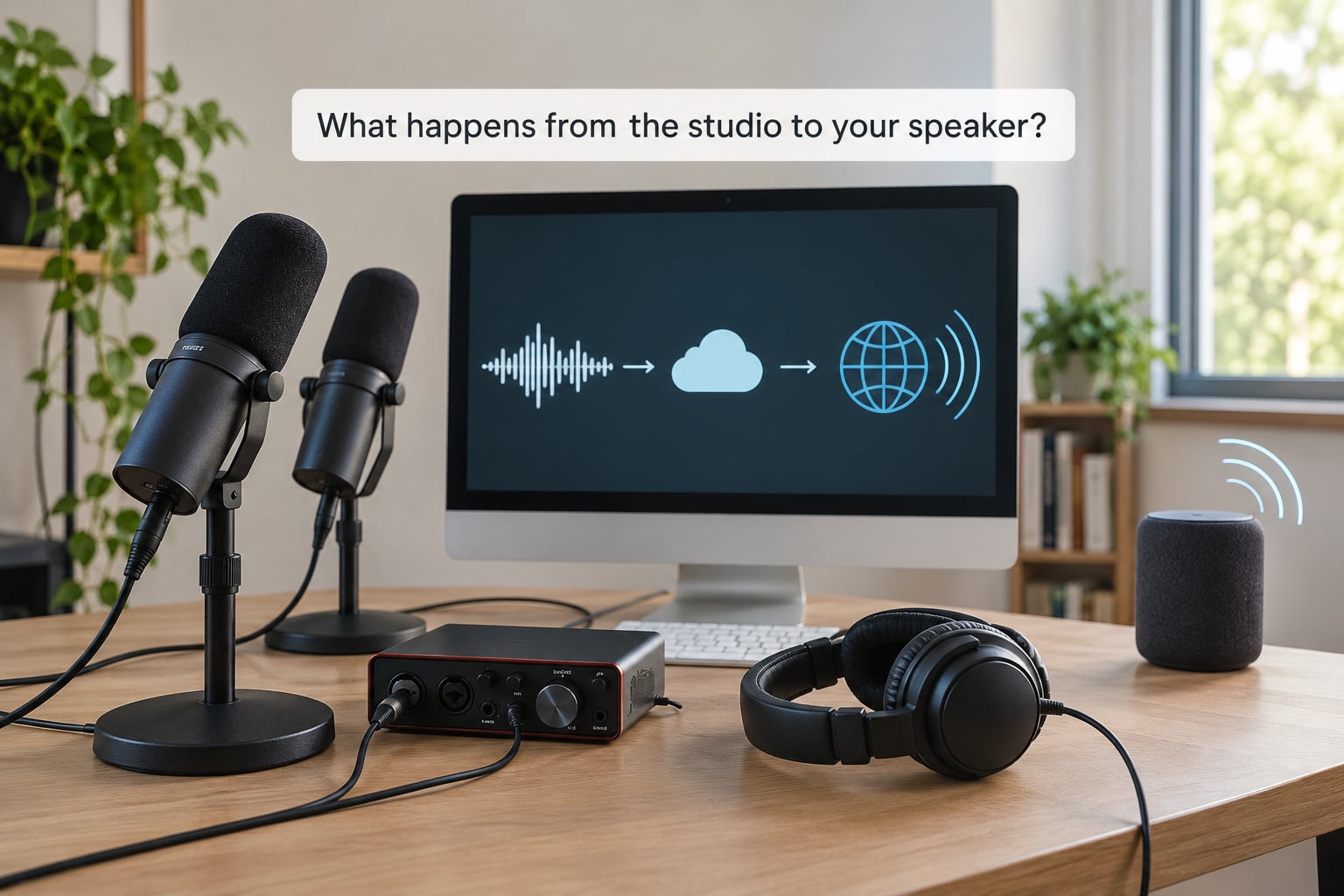
The chain runs from a microphone to your speaker in five stages, and each stage has a name you will see in station documentation.
Stage 1, sound capture: a presenter speaks into a microphone, or playback software such as Mixxx sends a prepared playlist to the same input. A mixer or audio interface turns that into one clean stereo feed at a standard level, because the encoder downstream expects a steady signal rather than a jumping one.
Stage 2, encoding: the feed is converted from analogue waves into digital numbers and compressed. An encoder such as LAME, FFmpeg or a station app’s built-in one takes a steady feed and outputs a compressed digital audio stream at a chosen bitrate, often quoted in kbps, meaning kilobits per second. The higher the number, the more data is sent each second, and the closer the result sounds to the studio original.
Stage 3, the streaming server: the encoder connects outward to a streaming server, usually Icecast or SHOUTcast, on a set port, commonly port 8000, at a mountpoint such as /live. The server accepts the incoming audio and hands the same feed to every listener who requests it, so one upload can serve thousands of people at once with no extra cost per listener.
Stage 4, delivery over the internet: each listener’s device opens the stream URL, which looks something like https://stream.example-station.com:8000/live, and the server starts sending the encoded audio. Your device downloads slightly faster than it plays, keeping a small buffer in reserve to smooth out network hiccups.
Stage 5, decoding and playback: the decoder reverses the compression, the buffer feeds the audio output, and sound comes out of your speaker. On a phone that chain is hidden inside the app; on a smart speaker it happens in the speaker itself.
How audio codecs compress an internet radio stream
A codec is the compression format the encoder uses, and the three common ones behave differently on real devices.
- MP3 is the format with the widest support. It plays on virtually every phone, smart speaker, car stereo and network music player, which is why many stations offer it as their main stream.
- AAC sounds noticeably cleaner than MP3 at the same bitrate, so it is common on Apple devices and on higher quality streams. Older budget tuners often refuse it.
- Opus is the most efficient of the three, holding good quality at low bitrates, but it needs a relatively recent device or app. If a station offers Opus only and your player is older, you will get silence.
That device mismatch is one of the most common reasons a station works on your phone and not on your kitchen speaker. When a station offers several streams, pick MP3 for an old tuner, AAC or Opus for a recent phone.
How do streaming servers deliver radio stations?
A streaming server holds one continuous feed and serves it to whoever asks, which is why a station can have ten listeners in the morning and ten thousand at a festival.
The listener rarely sees just audio. Stations attach metadata alongside the sound, including the track or show title, the presenter name, the bit depth or genre, and sometimes a listener count. Your app displays that text while the audio plays, and the whole feed is normally fetched over one continuous HTTP connection rather than a series of separate files.
Because one feed must serve phones on patchy mobile data and desktops on fibre, stations often publish the same show at several bitrates. A 320 kbps stream suits broadband, a 128 kbps stream saves mobile data, and a 64 kbps stream still sounds acceptable on a weak connection. Playlists work the same way: a pre-recorded show or an AutoDJ rotation is sent down the identical pipeline, so a listener cannot tell from the stream itself whether a human or a scheduler is choosing the music.
One more distinction worth knowing: a live stream and a playlist both arrive as a continuous stream, but only the live show includes whatever happens in the room at that moment. Talk radio with a single listener counts as a live broadcast just the same.
How do you listen to internet radio?
You need a device, a connection and something to press play. After that it is the same four routes, whichever one you pick.
A station’s own web player: the fastest way in. Open the station’s site, press play in the browser tab and you are listening within seconds. No app to install, which makes it the easiest option to hand to someone else.
A radio directory app: directories index thousands of stations by genre, country and language, and give you search, favourites and usually a higher stream quality setting than the website default. Search for a format rather than a station name, because you rarely know what you want before you hear it.
A smart speaker: ask the speaker to play a station by name, genre or city, and it fetches the same stream URL behind the scenes. This is the least fiddly route for anyone who does not want to look at a screen, and the first thing to try if a relative finds apps confusing.
Phone, computer or car stereo: any browser with audio support plays a stream URL directly, and most streaming apps have a search box plus a paste-a-URL field for stations they have not listed. Apple CarPlay and Android Auto both surface directory apps in the car, so the same choices exist while you are driving.
The barrier for new listeners is rarely the concept. It is finding a station worth keeping, which is why browsing by format beats scrolling a favourites list.
Why does internet radio need bandwidth?
Bandwidth is simply how much data your connection can move each second, and an audio stream uses a set slice of it continuously. A stream running at 128 kbps needs at least that much arriving every second to stay ahead of playback, plus headroom for everything else your connection is doing.
| Stream quality | Data per hour | Data for 30 minutes | Sounds like |
|---|---|---|---|
| 64 kbps | About 29 MB | About 14 MB | Fine on talk radio, thin on music |
| 128 kbps | About 58 MB | About 29 MB | Standard for most stations |
| 192 kbps | About 86 MB | About 43 MB | Good, noticeably fuller |
| 320 kbps | About 115 MB | About 58 MB | Close to the studio master |
Half an hour of standard quality internet radio costs roughly 29 MB of mobile data, so a full month of an hour a day is around 1.7 GB. Bitrate labels measure compressed digital data, not the number of seconds of audio, which is why the arithmetic looks heavier than people expect.
Buffering is the same story from the other end. Your device keeps a few seconds of audio ready to play, and if the incoming data pauses, playback drains that reserve until it empties and the audio stalls. Lowering stream quality is the fastest fix on a weak connection.
How do you choose a station and get the best sound?
Judge a station on three things: whether it plays in your app, whether the format holds your attention, and whether the stream quality matches your connection. In that order.
Start with format rather than popularity. A station that plays four hours of northern soul you have never heard will beat a chart station you already have on repeat, and directory apps make genre search much easier than scrolling the top 100.
Then raise the stream quality. Most apps default to something conservative, and switching a 128 kbps station to 192 or 320 kbps is free, since the station publishes both and your device picks one. On mobile data, 128 kbps is the sensible ceiling.
When something is wrong, work through these in order.
- Buffering and dropouts: switch to a lower stream quality, move closer to the router, or pause other heavy use of the connection. Buffering is nearly always the network or the station’s server, not your device.
- Silence with no error: the stream is probably live but muted at the source, or the codec is unsupported. Switch the station’s format from AAC or Opus to MP3 and try again.
- Nothing loads at all: many older stream links are plain HTTP, and modern browsers and apps block those mixed-content requests. Try the link in a desktop player outside the browser, or find the station in an app that has an up-to-date address.
- It worked yesterday and does not today: stations move host, change port or close. Saved playlist files of stream URLs rot quietly, and the fix is to look the station up again in a current directory rather than trusting an old saved link.
- It works in one app but not another: the app probably supports fewer codecs, or filters stations by region. Paste the same stream URL into a different player to confirm.
Is internet radio free, and what are the limits?
Listening is free almost everywhere, but the station may charge you in ways that are not money.
Many stations fund themselves with advertising read between shows, which is why a station occasionally stops for a short break. Others sit behind a subscription, or hand you a month free and then ask. Some restrict listening to the country they broadcast to, which matters if you are travelling or behind a VPN. A few require an account, or only offer their highest quality stream to paying listeners.
There is a limit on the broadcaster’s side too. Playing commercial music on a public internet station involves royalties, and broadcasting without the right permission is a legal problem rather than a grey area. That does not affect what you do as a listener.
Frequently Asked Questions
Is internet radio legal to listen to?
Yes. Listening to a public internet radio stream is legal in the UK and most other countries, whether you use a station website, an app or a smart speaker. Responsibility sits with the broadcaster, who must hold the right music and speech licences. Stations that play commercial music without permission risk losing their stream, and in some cases facing action, so avoid directories built specifically around unlicensed streams.
How much data does listening to internet radio use?
A standard 128 kbps stream uses about 58 MB an hour, or roughly 29 MB for half an hour. A 320 kbps stream uses about 115 MB an hour. Listening for an hour a day costs roughly 1.7 GB a month at standard quality. If mobile data is tight, set the app to a lower stream quality, and remember that a paused stream stops using data only if you close it.
Can I listen to internet radio without using an app?
Yes. Every station website usually has a play button that works in any modern browser, and you can also paste a stream URL straight into a desktop media player. That route is the simplest one for a single afternoon of listening because there is nothing to install. Apps add search, favourites and higher quality settings, so they are worth installing once you settle on a few stations.
Why does an internet radio station keep buffering?
Buffering means the audio paused because your device ran out of ready audio. It is nearly always the network or the station’s own server rather than your device. Drop the stream quality to 128 kbps, move nearer the router, and pause anything else using the connection heavily. If one station buffers constantly while others play fine, the problem is on the station’s upload, and nothing on your end will fix it.
What is the difference between a live stream and an internet radio playlist?
A live stream carries whatever is happening in the studio right now, including a presenter talking over the music and any mistakes. A playlist is pre-recorded or scheduled music sent down the identical connection, sometimes managed by an AutoDJ. Both arrive as one continuous stream you cannot pause, so the only way to tell them apart is the on-air log or the now-playing text in your app.
Can I listen to internet radio on a smart speaker?
Yes. Smart speakers from Sonos, Amazon and Google all play internet radio stations, and you normally start them with a voice command naming a station, a genre or a city. The speaker looks up the stream URL in a radio directory and plays it over your Wi-Fi. If it cannot find a particular station, search for it by an alternative name, or paste the stream URL into the speaker’s own app instead.
Start listening with a simple first step
Pick one radio directory or one station website and press play on a computer or phone while you are on Wi-Fi. That single test tells you whether your connection, the station and your audio setup all work together.
If the sound is thin, switch the stream quality up. If it stutters, switch it down to 128 kbps. Once one station plays cleanly, browse by genre and keep three or four, and you will have working internet radio without needing to understand a single thing about ports or codecs.