HD Radio is a digital broadcasting technology that lets an existing AM or FM station send a second, digital audio signal alongside its normal analog broadcast on the same frequency. You get cleaner sound, extra channels and on-screen information, but only with a compatible receiver. Here is how the whole thing works.
It matters because ordinary broadcast radio quietly got a digital upgrade in much of North America, while the rest of the world went a different route. If you drive in the US or Canada, some of the stations you already listen to are sending a hidden second layer your current stereo can decode once you know how to look for it.
UK listeners should read this with one thing in mind: the digital standard that matters here is DAB+, not HD Radio. The two systems are not compatible, so an HD Radio receiver will find nothing on a UK frequency. Details on that sit further down.
Table of Contents
- What Is HD Radio?
- How Does HD Radio Work?
- Do You Need a Special HD Radio Receiver?
- What Stations and Channels Are Available?
- How Does HD Radio Reception Work?
- HD Radio vs FM, AM, Satellite, and Internet Radio
- What Are the Advantages and Disadvantages of HD Radio?
- How to Choose an HD Radio Receiver
- Frequently Asked Questions
- Conclusion
What Is HD Radio?
In short, HD Radio is a digital upgrade delivered inside the same slice of spectrum an analog station already holds. Four things define it:
- Digital sound. An FM station that upgrades typically gets a clean, static-free signal instead of the hiss and interference that analog FM suffers with distance.
- Multicasting. A single frequency can carry up to four separate channels, so one station licence delivers a main channel plus sub-channels such as HD2, HD3 and HD4.
- On-screen data. Compatible displays show station logos, artist and song titles, album art on some stations, plus traffic, weather and emergency alerts.
- No subscription. There is no monthly fee and no account. The only outlay is the receiver itself, and the audio reaches you over the air like any broadcast.
The “HD” label is marketing shorthand, not high definition in the television sense. The useful phrase is hybrid digital: the analog broadcast stays on air for everyone, and the digital layer is added alongside it.
How Does HD Radio Work?
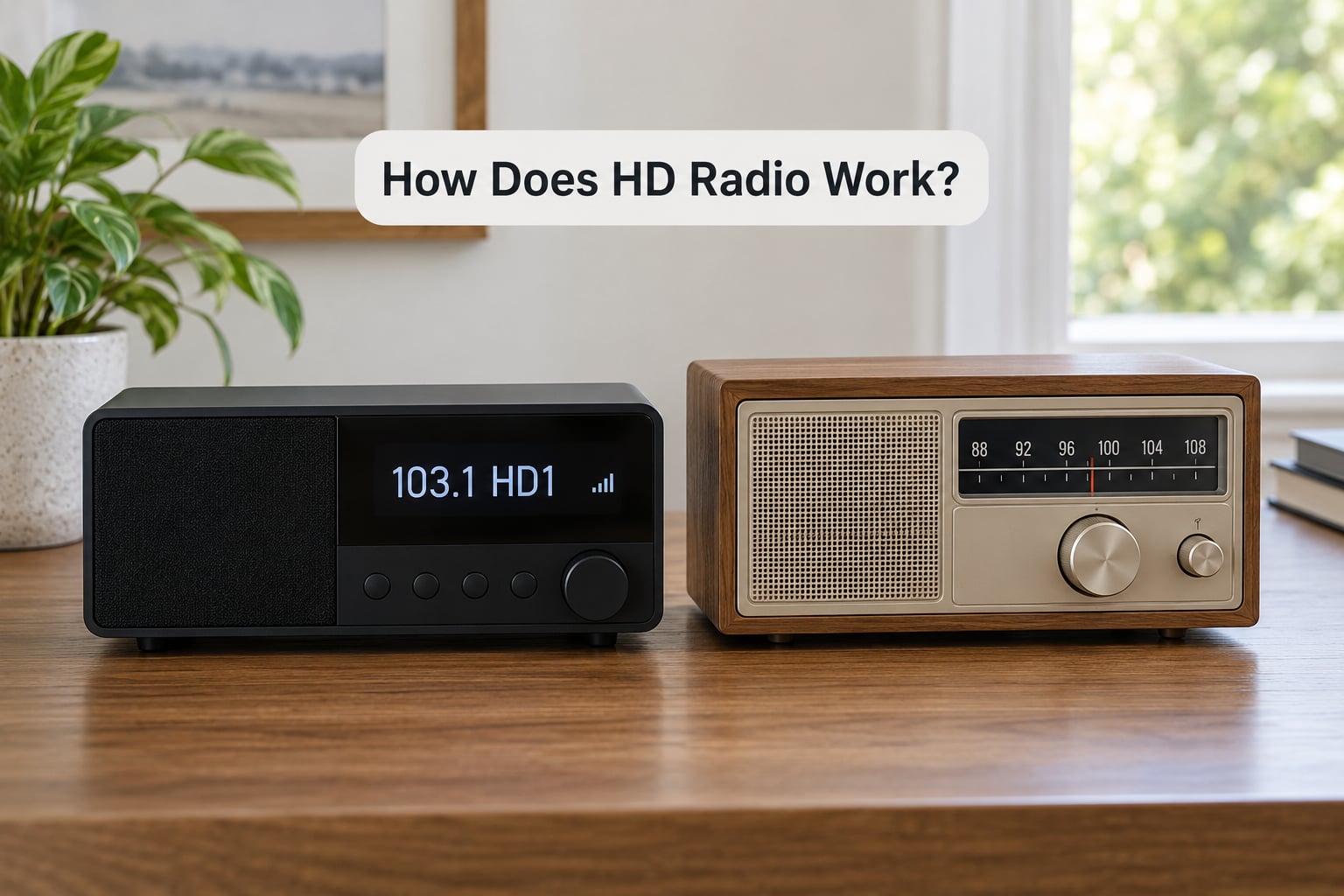
The mechanism is called In-Band On-Channel digital broadcasting, usually shortened to IBOC. Four points cover it:
- Digital sidebands around the analog carrier. The digital audio is packed into narrow bands of spectrum on either side of the station’s existing analog carrier, rather than being sent from a separate transmitter on a different frequency. Picture the analog carrier as the middle of a road and the sidebands as the two shoulders.
- Hybrid transmission. Both signals go out from the same mast through a shared aerial system, so an ordinary AM or FM radio receives exactly what it always did and ignores the digital shoulders.
- Smooth handover back to analog. When the digital signal weakens, a compatible receiver blends down to the analog version automatically. You normally hear a short swell of audio rather than silence, which is why the signal can fade without the station disappearing.
- Sub-channels inside the same slot. Whatever capacity is left over after the main channel gets split into additional channels on that same frequency, which is how one dial position holds four separate streams.
How Does HD Radio Work in Practice?
Tuning a hybrid station feels almost identical to tuning analog. You press the HD button, tune to the familiar frequency, and the receiver decodes the digital layer. The display usually changes to show an HD indicator and the station’s callsign, often with the artist and song title underneath.
From there, pressing the tune or channel button again while still parked on that frequency scrolls through the sub-channels. In practice that means a station you know as one channel might also appear as a second and third stream, commonly carrying a different format such as classic rock, news or sport.
Alongside the audio, a receiver can pick up data sent in the digital stream. That covers the metadata on your screen, traffic and weather bulletins where the station offers them, and emergency alerts that can override the audio. Which features appear depends on the station and the receiver, not on HD Radio itself.
Do You Need a Special HD Radio Receiver?
Yes. An ordinary AM or FM radio, however good it sounds, cannot decode the digital sidebands, so it will play the analog version only and never reveal the sub-channels. You need a tuner or a device with an HD Radio chip built in.
Three things decide whether a device is suitable:
- A marked HD Radio tuner. Look for the HD Radio logo on the bezel, the box or the specification list. Many car stereos from the early 2010s onwards include it, often quietly.
- Antenna options. A car uses the built-in roof or windscreen aerial. At home, the whip antenna supplied with a tabletop receiver is fine in a strong signal area, and an external or amplified indoor aerial helps in weak ones.
- A power source and connection. Most home receivers run from a mains adaptor, and Bluetooth, USB or auxiliary input is common for playing your own music as well as broadcast radio.
In the UK the answer is different: there is no HD Radio service to tune into, and DAB+ receivers are the ones that carry digital broadcast radio here. Buying an HD Radio receiver in Britain gives you a very good FM and AM radio and nothing more.
What Stations and Channels Are Available?
Availability depends on where you are and which stations have invested. Coverage follows the existing analog footprint, since the digital sidebands travel inside the same spectrum allocation, which means station by station rather than country by country.
Within a covered area, a typical setup looks like this:
- HD1. The station’s main service, matching what you hear on the analog signal but in digital quality and with data.
- HD2. A separate stream from the same transmitter, often a format the market has no room for on the main dial.
- HD3 and HD4. Further streams where the station has capacity and something worth putting on them, and where the receiver and station equipment support them.
Some stations also run translators that rebroadcast another signal on a sub-channel, so a small-town listener can pick up a metropolitan station without a local licence.
How Does HD Radio Reception Work?
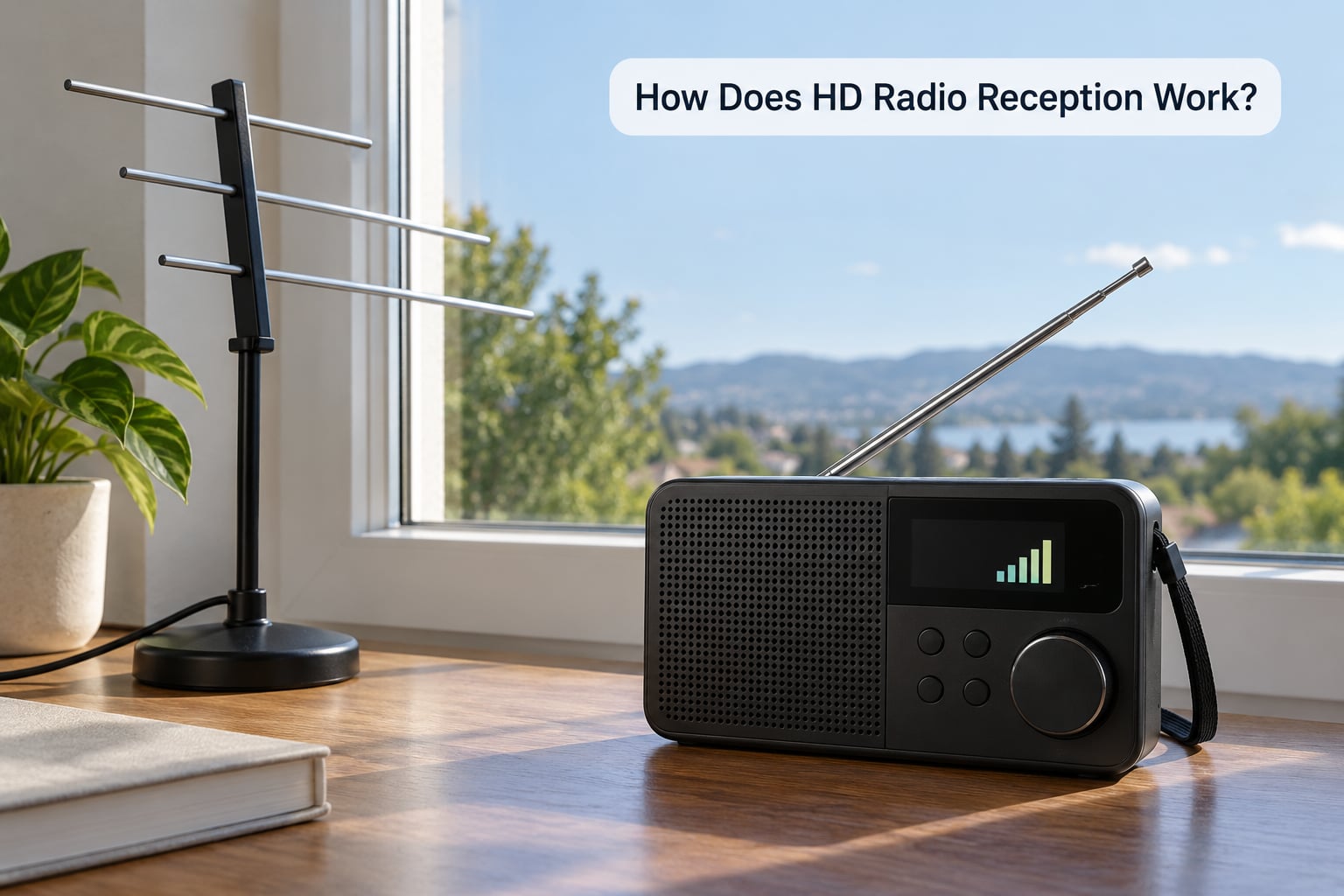
The digital layer is less forgiving than analog. Analog FM fades into noise gradually, while the digital stream needs a cleaner path, which is why antenna placement matters more here than most people expect.
Signal strength is the first factor, and distance from the transmitter is the biggest driver of it. Terrain plays a big role too: a hill between you and the mast can block the sidebands long before the analog carrier fades. Buildings, metal structures and even some tinted window films cause loss, which is a common reason a car signal drops in a city centre but holds steady on open road.
Interference matters for the AM version more than the FM version. A digital AM signal on an adjacent frequency, heard on a conventional AM receiver, sounds like white noise or wind through dense trees rather than like music, which trips up anyone who does not know what it is.
A few practical expectations:
- In the car. The roof aerial is the best you have. Keep metal roof boxes and racks clear of it, and expect the signal to hold well on the move.
- At home. Start with the supplied antenna, then raise it and move it away from set-top boxes, LED lighting and USB chargers, all of which can add noise.
- In the countryside. Coverage drops off faster than analog does. Fringe stations that hiss slightly in analog may not hold the digital layer at all.
If the digital drops out mid-sentence, check the aerial connection and cable condition before suspecting the tuner. That is where technicians usually start, and it solves most cases.
HD Radio vs FM, AM, Satellite, and Internet Radio
| Format | How it reaches you | Channels | Mobility | Audio quality | Data features |
|---|---|---|---|---|---|
| HD Radio (FM) | Digital sidebands around the FM analog carrier | Up to four per frequency | Good, no connection needed | Static-free, close to CD | Song info, album art, alerts |
| HD Radio (AM) | Digital sidebands inside the AM channel | Usually fewer | Good | Clearer than analog AM | Song info and alerts |
| FM analog | Conventional FM broadcast | One per frequency | Excellent | Hiss and interference with distance | Limited, some RDS text |
| AM analog | Conventional AM broadcast | One per frequency | Excellent | Noisy, narrow and dull | Minimal |
| Satellite radio | Satellite feed to a mounted dish | Dozens, nationwide | Poor indoors, needs clear sky view | Consistent | Channel and artist display |
| Internet radio | Streaming over a data connection | Thousands worldwide | Needs mobile data | Depends on connection | Unlimited, plus on-demand |
The key trade-off is between broadcast and streaming. HD Radio is free to receive and works anywhere with a signal, but the choice of channels stops at your transmitter. Internet radio gives you everything, and asks for a connection and a monthly payment.
What Are the Advantages and Disadvantages of HD Radio?
On the plus side, there is no subscription, coverage that mirrors the station you already receive, and audio that holds together far better than analog over distance. Extra channels are the feature listeners mention most, because formats that would never get a place on the analog dial turn up on a sub-channel. Local content stays local, which streaming cannot promise.
Against it, coverage is limited to the stations that have upgraded, and in some markets that list is shorter than a first-time buyer expects. The digital layer is more sensitive to a poor antenna than analog is, so a marginal signal can sound worse than it did before the upgrade. Features are inconsistent, since station data, album art and alerts depend on what each station has paid to run.
There is also a subtle catch for analog listeners. When a station adds digital sidebands, they consume part of the channel, and on some older receivers that reduces the quality of the analog signal itself. This is why analog reception can degrade slightly after a station upgrades, and it has drawn criticism from people who simply wanted better digital without a quieter analog signal.
And it will not replace FM. Regulators have set no switch-off date for analog broadcast radio, so both layers will run side by side for the foreseeable future. FM is not going anywhere.
How to Choose an HD Radio Receiver
Work through this list and most of the decision is made:
- Confirm HD Radio support. The logo or an explicit mention in the specifications. Anything without it is just a good FM and AM radio.
- Check your local coverage first. Search your main stations and look for their HD channels. If none of them broadcast digitally, the receiver is wasted money.
- Decide car or home. Car units prioritise presets, steering-wheel controls and built-in navigation displays. Home receivers favour larger screens, better speakers and connectivity.
- Antenna flexibility. A removable or external aerial connection gives you a way to improve reception later rather than being stuck with the supplied whip.
- Display quality. A clear screen matters if you want artist and song information, since the data is only useful if you can read it at a glance.
- Extra inputs. Bluetooth, USB and auxiliary let the unit double as a speaker for your own music and podcasts.
- Portability. If you want reception in the kitchen, the garden or on a workbench, a battery-powered portable with a headphone output suits better than a mains unit.
Frequently Asked Questions
Is HD Radio the same as internet radio?
No. HD Radio is a broadcast technology, received over the air from a transmitter using the same kind of signal as FM, with no data connection needed. Internet radio is streamed over Wi-Fi or mobile data from an app or website. Broadcast radio gives you a fixed set of local channels for free once you own a receiver, while streaming gives you worldwide choice but needs a connection and usually a monthly payment.
Do I need an HD Radio antenna?
You need an antenna, but you probably already have one. In a car the built-in roof or windscreen aerial is the antenna, and nothing extra is required. At home, most receivers include a whip that performs well in strong signal areas. In weak coverage, a larger indoor amplified aerial or an outdoor mounted antenna makes a real difference, because the digital layer needs a cleaner path than analog FM does.
Can I listen to HD Radio on my phone?
Sometimes, and it depends on the hardware. Many recent smartphones sold in the US include an HD Radio chip, though not every carrier enables it, so check the specification before buying. There are also some portable and plug-in receivers that connect to a phone over Bluetooth and act as the tuner. Without a compatible chip or receiver, a phone cannot decode the broadcast signal itself.
Why is my HD Radio signal weak?
The usual causes are distance from the transmitter, obstructions and interference. Hills and large buildings block the digital sidebands before the analog signal fades, so a station that still sounds clear may have no digital layer. Metal roof racks, window tint and set-top boxes indoors all reduce it. Start by reseating the aerial connection and moving the antenna higher and away from electronics, since that fixes most cases.
Does HD Radio cost money to listen to?
There is no subscription and no monthly fee, and you do not need an account. The audio arrives as a free over-the-air broadcast, exactly like FM. The only thing you pay for is the receiver, whether that is built into a car you already own or a separate home or portable unit. The same applies to the digital features, including song information and traffic alerts where a station offers them.
How many channels can one radio station broadcast?
Up to four channels fit inside a single FM frequency in hybrid mode: the main channel plus up to three sub-channels labelled HD2, HD3 and HD4. The main channel receives most of the available capacity, so sub-channels carry a lower bitrate and can sound slightly softer, particularly on stations where a lot of capacity is given over to extra data. Some stations use only two channels and leave the rest unused.
Conclusion
HD Radio is a digital layer hidden inside the same frequency an analog AM or FM station already broadcasts from. An HD Radio receiver decodes it for cleaner sound, extra sub-channels and on-screen information, with no subscription involved, and it falls back to analog smoothly when the signal weakens.
Three things to do first. Check whether the main stations in your area broadcast HD Radio at all, because coverage follows the stations rather than the country. Pick a receiver with a marked HD Radio tuner and an antenna connection you can improve later. Then tune in, press HD, and scroll past the main channel to find the sub-channels, which are usually the reason people keep the feature switched on.
Listening from the UK, point the same effort at DAB+. It is the digital broadcast standard here, the two systems are incompatible, and the receiver you want for a Yorkshire drive is not the one described here.