You can find smooth jazz radio stations online by searching a curated multi-channel service first — AccuRadio, JAZZRADIO.com or a dedicated internet-only outlet like OverTymeSmoothJazz.com — then vetting the stream for ad load, bitrate and uptime before you save it. Most directories work on a phone, a laptop or a smart speaker with no sign-up.
The awkward part is that smooth jazz quietly left mainstream radio. It was always a narrow slice of R&B programming rather than a broad mainstream format, so when stations consolidated playlists in the 2000s, the format ended up on HD2 subchannels, low-power translators and satellite radio instead of the main FM channel.
That is why a search for a familiar call sign often turns up nothing. The station is still there, it just is not where it used to be. This guide covers how to find smooth jazz stations online, which is a five-minute job once you know the difference between a directory entry and a working stream.
Everything below was checked in October 2026. Stream links break constantly, so treat any date on a directory page with suspicion until the audio actually plays.
Table of Contents
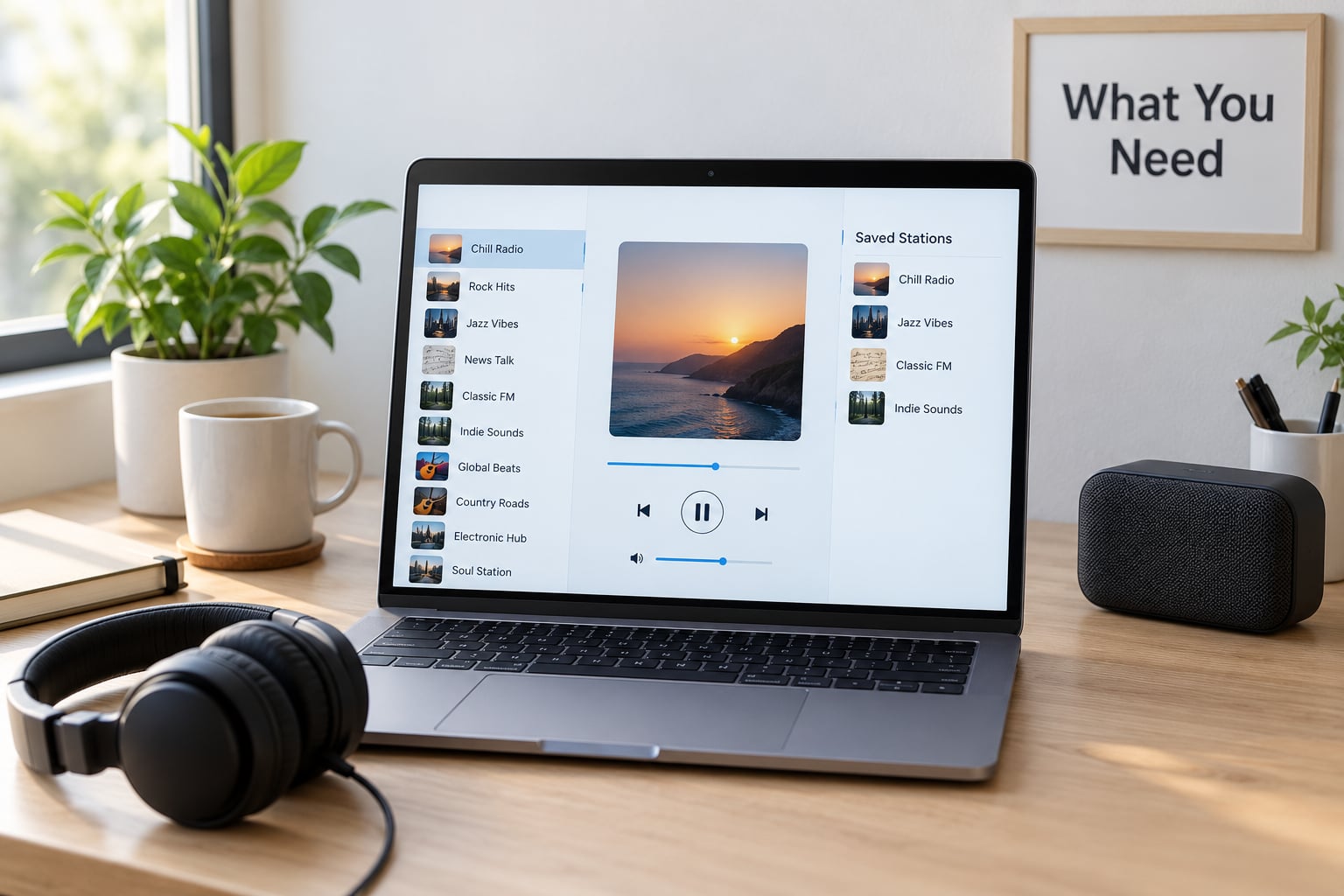
What You Need
You need very little. Most people already have the whole kit.
- A device: a phone, tablet, laptop, desktop or a smart speaker. Nothing exotic.
- A steady connection: a home Wi-Fi connection is best. Mobile data works, but a weak cellular signal is the number one cause of a stream that keeps cutting out.
- A player: any modern browser plays audio streams. If you want background playback, app lock and smart speaker control, install a listening app such as TuneIn or the service’s own app.
- Audio output: earbuds, headphones, a Bluetooth speaker or a smart speaker. The difference between a compressed stream and a good pair of headphones is bigger than most people expect.
- A place to save preferences: the browser bookmark bar, the favourites list inside your listening app, or a note on your phone. You will want this in step five.
That is genuinely it. No account, no download, no hardware. If a site asks you to install something before you can hear a preview stream, close the tab and find another one.
Step-by-Step: How to Find Smooth Jazz Stations Online
1. Choose a Reliable Radio Directory or Streaming App
Start with a source that has already done the sorting for you. Broad directory indexes give you thousands of unfiltered entries, which sounds useful and mostly is not, because plenty of them are hobby streams that go silent for weeks.
Curated multi-channel services are the better starting point. AccuRadio runs more than a dozen smooth jazz channels split by instrument, mood and era. JAZZRADIO.com mixes in jazz-adjacent formats alongside its main jazz channels. Just Jazz and similar internet-only outlets run continuous instrumental streams.
When you pick a source, check five things before you commit an evening to it:
- Format label: does the page actually say smooth jazz, or just jazz? A general jazz channel will drift into bebop and hard bop within twenty minutes.
- Ad load: commercial-free streams exist, and listeners on Reddit’s r/smoothjazz specifically recommend them because the genre does not survive ad breaks.
- Sign-up: a basic stream should play without an account.
- Uptime: a page that lists a station with a listen count but no player is a listing, not a stream.
- Device support: check for iOS, Android, smart speaker and web players before you settle in.
| Service | What it offers | Ad load | Sign-up | Listen on |
|---|---|---|---|---|
| AccuRadio | Channels split by instrument, mood and era, including pioneers, quiet storm and a 1997-2009 channel | Commercial-free on most channels | Not required | Web, iOS, Android, Sonos |
| JAZZRADIO.com | Several live channels with named DJs and listener requests | Varies by channel | Not required for basic listening | Web, iOS, Android, smart speakers |
| OverTymeSmoothJazz.com | Internet-only continuous smooth jazz, recommended by r/smoothjazz for having no adverts | No adverts | None | Web player |
| Just Jazz | Instrumental-leaning jazz and smooth jazz channel | Commercial-free | None | Web, mobile apps |
| Streema, MyTuner Radio, Online Radio Box | Very large indexes with geography and genre tags, quality varies per station | Depends on the station | Usually none | Web, iOS, Android |
| SmoothJazz.com radio guide | Sortable list of terrestrial affiliates by US state and country | Whatever the affiliate runs | None | Links out to each station’s own player |
| SiriusXM Watercolors | Satellite channel widely described by listeners as the closest modern equivalent to classic smooth jazz radio | Subscription, with a trial period | Required | Car radio, app, smart speaker, Alexa |
Check that the audio started before you move on. A player that shows a track title but produces no sound is a failed station, not a volume problem.
2. Search for Smooth Jazz Stations Online
Type the plain search terms that match how the format is actually labelled. These pull the right results far more often than anything clever.
- smooth jazz radio stations online
- how to find smooth jazz radio stations online
- smooth jazz internet radio free
- quiet storm online radio free
- contemporary jazz instrumental radio
- cocktail jazz stream
- smooth jazz HD2 subchannel stream
Era terms work well inside directories. Searching for the pioneers before 1987, the 1987-1992 period, the 1997-2009 heyday or Latin smooth separates the well-curated channels from generic playlists, because curators use those labels and generic playlists do not.
Aim for the keyword early: how to find smooth jazz radio stations online. It is the exact phrase people type, and putting it in your own searches mirrors what the directory’s own search box is built to handle.
3. Verify the Station and Stream
Once a candidate is playing, spend thirty seconds confirming it is really what you came for.
Listen for three tracks. A genuine smooth jazz stream is mostly instrumental, sits in the lower-mid tempo range and leans on sax, flute, keyboards and electric guitar over drum machines. If you hear a vocalist every second track or the bass lines start chasing a beat harder, you are on contemporary R&B or an adult contemporary station that borrowed the label.
Then check the station’s own page. Look for a format description, a schedule with named DJs, and a recent show listing. A real station publishes these; a scraped aggregator usually has nothing but a logo and a play button.
Tell live from playlist by watching the track display. A live stream shows the current song and sometimes a listener count that moves. A playlist masquerading as radio shows a fixed “now playing” title and no live indicators.
One more check: make sure the page is not a directory listing with an ad-farmed play button that opens a different site three seconds in. Legitimate players load in a second or two and never redirect you mid-song.
4. Test the Sound and Streaming Quality
Play each finalist for at least five minutes on both Wi-Fi and mobile data. Streams that sound fine at home often fall apart on a phone in a car, because the same station will drop from a high bitrate to a low one when bandwidth tightens.
Listen for the four failure signs:
- Buffering stutters: short gaps where audio pauses then catches up. Usually the server is overloaded or your connection is marginal.
- Frequent ad breaks: an ad every two or three songs destroys the continuous format that made smooth jazz worth seeking out.
- Thin, watery sound: a low bitrate stream loses the cymbals and the breath on the sax, which is most of what the genre lives on.
- DJ talk over the intro: a lot of talk is fine and even welcome, but constant promos become background noise you cannot ignore.
For setup, a smart speaker with the service’s app linked is the easiest way to get continuous music in a room without touching a screen. For the car, download the station playlist or app while you are still on Wi-Fi, then switch to mobile data once you are moving.
Turn off any loudness or audio enhancement toggle your phone adds on top. These are designed for spoken word and they flatten exactly the dynamics that make a saxophone track sound alive.
5. Save Your Favorite Stations
Saving is what separates a station you found once from one you can reach in two seconds tomorrow.
Bookmark the player page rather than the directory listing. Directory entries move, break or get re-categorised; a direct link to a station’s own player usually survives. Inside a listening app, use the favourites or heart function, then rename the entry to something you’ll recognise.
For each station you keep, write down five details somewhere you will actually look: the station name, the format or sub-genre, the direct stream link, whether it has adverts, and one note about the sound. That last one saves you the whole evaluation process next time you are deciding between eleven channels.
Group them by era or mood rather than alphabetically. A folder for the 1997-2009 heyday and a folder for quiet storm weekend listening is far more useful than a single flat list.
Common Mistakes
Almost every frustrating smooth jazz search comes down to one of six mistakes.
1. Assuming the stream is dead when the format changed
A bookmarked station that plays something else now did not break. Terrestrial formats flip constantly, and regulars on radio discussion boards track these changes in real time — a station shifting its mix toward mainstream R&B is a routine format move, not a technical fault. Check whether the station now airs the format on an HD2 subchannel, because that simulcast usually sits on the station’s own online player.
2. Confusing smooth jazz with other jazz formats
Contemporary jazz leans harder into R&B production, nu jazz adds electronic and hip-hop elements, and chillout is a separate ambient genre with no jazz roots at all. A station playing any of these may be tagged smooth jazz in a directory and still not match what you mean. Learn the terms so you can correct the filter instead of abandoning the search.
3. Treating every directory entry as an official stream
This is the one to be careful about. Large indexes host thousands of user-submitted streams of unclear provenance. Some are legitimate station partners, some are a hobbyist re-broadcasting a station without permission, and a few exist to serve malware or drive-by downloads. Stick to services with a legal entity, a contact page and an established history. If a site wants a download to play a stream, that is your answer.
4. Ignoring geo-restrictions
Terrestrial station streams are licensed for their broadcast country. Outside it you get an error, silence or a recording telling you the stream is unavailable. That is a licensing wall, not a broken link. If an official station site refuses to play outside the country, switch to the directory entry or a national internet-only channel rather than hunting for a workaround.
5. Ignoring buffering and stream quality
A station that stutters every four minutes is not a smooth listening experience, however good the playlist is. Test on mobile data before you commit, and if it fails there, drop it. Connections that cannot hold a steady stream will not improve on a bad day.
6. Saving one stream and nothing else
Keep at least three. Formats shift, servers retire and apps change their players. Having a backup channel in the same sub-genre means a bad morning does not turn into a search from scratch, and a station you are slightly bored of can be replaced without losing your place entirely.
Listening tips worth keeping
Set the volume a little lower than you think you want. The genre works as background and sitting slightly below your attention keeps it there.
Try the era channels first rather than the general ones. A curated 1997-2009 channel sounds more focused than a broad smooth jazz channel, because someone chose the rotation instead of an algorithm guessing.
Give any channel a full ten minutes before judging it. Ad-heavy streams and DJ talk segments often hand over to a cleaner block later in the hour, and a few minutes of judging can talk you out of the station you would have kept.
Keep one easy channel for background work and one more considered channel for when you are actually listening. Mixing them means you stop noticing the music entirely.
Frequently Asked Questions
Where can I listen to smooth jazz online for free?
Curated services such as AccuRadio, JAZZRADIO.com and internet-only outlets like OverTymeSmoothJazz.com all stream smooth jazz free in a browser, with no account needed for basic listening. Install the service app or TuneIn if you want background playback on a phone, or a smart speaker app if you want it in a room without touching a screen.
What are the best smooth jazz internet radio stations?
The best ones narrow the format rather than serving a generic mix. Look for channels labelled by era or sub-genre, such as pioneers before 1987, the 1987-1992 period, the 1997-2009 heyday, quiet storm or Latin smooth. Broad smooth jazz channels often drift toward contemporary Ru0026amp;B within twenty minutes, so the label matters more than the logo.
What is the best app for listening to jazz music radio?
For live radio, TuneIn and Radio Garden are the broadest starting points, while a service’s own app gives you its full channel list and smart speaker support. For on-demand jazz rather than continuous radio, a subscription streaming service gives you searchable albums and unlimited skips. Pick by whether you want a station that never stops or a library you choose from.
Why is smooth jazz not on the radio anymore?
Smooth jazz was a narrow slice of Ru0026amp;B programming, and when stations consolidated playlists toward more broadly appealing formats it lost its main channel slot. Most surviving examples now sit on HD2 subchannels, low-power translators, satellite radio and internet-only streams. The music never disappeared, but it moved to places a normal radio dial scan never reaches.
How do I fix a smooth jazz stream that will not play?
Check three things in order. If the audio does not start, try a different browser or the service’s own app, since some web players are blocked by extensions. If it plays then stops, test on mobile data to see whether your connection is the limit. If it refuses to play outside your country, the station’s stream is geo-restricted and you need an internet-only channel instead.
Conclusion
Open a curated multi-channel service, search for smooth jazz radio stations online, and test three streams before you commit to any of them. Give each one ten minutes, check the ad load, then save the direct player link with a short note about the sound. That is the whole job, and it takes about five minutes.
Keep a backup channel in the same sub-genre, because the format moves around and the links do not last forever.