Podcasts sound better with headphones because the sound travels a few millimetres from the driver straight to your eardrum, skipping the room entirely. No wall reflections, no reverberation, no traffic bleeding through the brickwork, and a much higher signal-to-noise ratio, which is what makes a voice easy to follow for two hours without your brain working overtime.
That is the short version. The rest of this guide unpacks the physics, the psychoacoustics, and the practical headphone choices that matter when the content is nothing but a person talking.
Table of Contents
- What Makes Headphones Sound Better for Podcasts?
- How Headphones Change Podcast Sound
- Which Headphone Features Matter Most for Voice-Only Podcasts?
- Noise Isolation: The Biggest Everyday Difference
- Closed-Back, Open-Back, or Earbuds: Which Format for Podcasts?
- How to Make Any Headphone Setup Sound Better for Podcasts
- What About Speakers, Earbuds, and Podcast Apps?
- Frequently Asked Questions
- Do all podcasts sound better with headphones?
- Are noise-cancelling headphones best for podcasts?
- Is Bluetooth worse than wired headphones for listening to podcasts?
- Do open-back headphones make voices sound better?
- Should I use an equalizer for podcast listening?
- Why do podcasts sound clearer on some headphones than others?
- Conclusion: Start With Isolation and Voice Clarity
What Makes Headphones Sound Better for Podcasts?
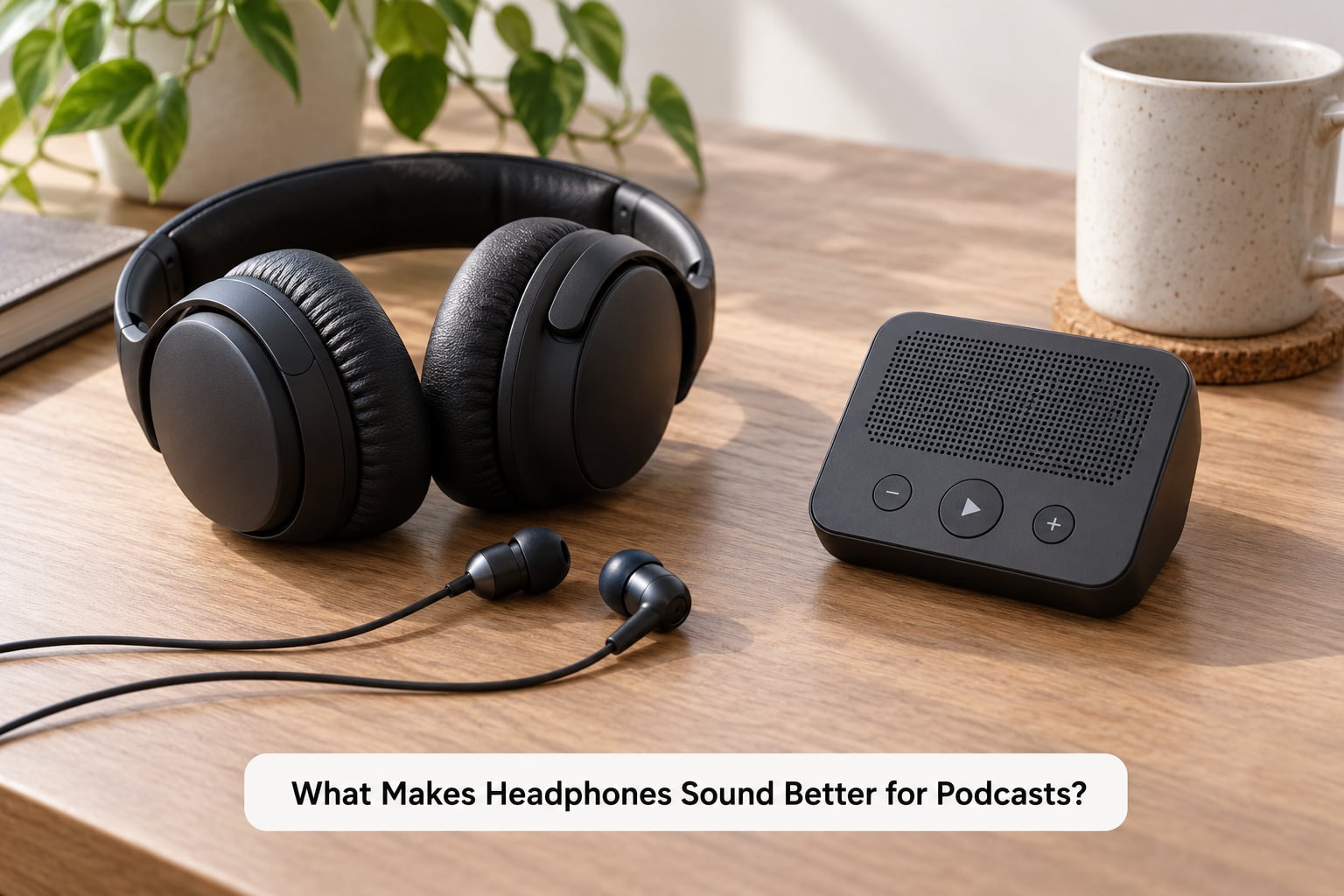
Headphones beat a phone or laptop speaker for spoken-word content for five linked reasons, and they all come back to how a sound reaches your ear rather than to the quality of the recording itself.
- Direct sound delivery. The driver sits against your ear canal, so you hear the mix as it was made instead of as the room reshaped it.
- Higher signal-to-noise ratio. Sealing the cup against your head removes the bus, the extractor fan, the dishwasher, so the quiet parts of a conversation stay audible instead of disappearing under the noise floor.
- Cleaner speech cues. Consonants like t, k, f and p live in the 2 kHz to 6 kHz range where a small speaker rolls off, which is why names and place names blur on a laptop and snap into focus in headphones.
- Consistent level and tone. Distance to the speaker is fixed and near, so there is no volume drop across the room, no bass lost to the desk the speaker is sitting on, and no EQ preset fighting you.
- A sense of closeness. Psychoacoustics, the branch of science studying how the brain interprets sound, explains a lot of this: audio arriving from a few centimetres away registers as intimate and present, which is a large part of why podcasts feel different in headphones.
None of that requires expensive gear. Most of the improvement comes from the seal and from the absence of the room, not from the badge on the earcup.
How Headphones Change Podcast Sound
Play the same episode through a phone speaker and a pair of headphones and you are not hearing the same signal twice. You are hearing two different versions of it, and the difference is mostly about the room.
What a speaker does to a voice in a room
A speaker pushes sound into open air. Almost every wavefront leaves it in all directions and hits something on the way to you: a wall, a desk, a curtain, a ceiling. Those reflections arrive a few milliseconds apart and the listener’s brain sums them into one slightly smeared, slightly coloured version of the voice.
Two things make that worse. Reflections arriving from opposite sides of a head-sized gap reinforce some frequencies and cancel others, producing a rippling comb-filter effect that hollows out low-mids and makes a voice sound thin and nasal. And in the bottom octaves, the speaker’s output meets whatever it is standing on and the room’s own modes cancel it out, so low end either booms in one spot or vanishes in another.
Podcast producers call the time it takes for sound to fall by 60 dB the reverberation time, or RT60. A carpeted bedroom might sit near 0.3 seconds; a hard-walled kitchen can run past a second. Speech recorded for a dry-sounding podcast mix becomes smeared the moment it plays in that kitchen.
Seal and driver size matter more than the spec sheet
Headphones remove the room, but they add their own variable: the seal. A poor seal leaks the bass, and ear coupling, the physical connection between the driver and your ear canal, decides how much low end actually reaches you. That is why two earbuds at the same price can sound thin and hollow one minute and properly full the next, depending on which tips you fitted and how firmly they sit.
Driver size follows the same logic. A small driver moving a lot of air at very low frequencies needs excursion the ear canal does not give it, so bass on headphones is usually perceived as less deep rather than quieter. Over-ear cups with larger drivers and a firm seal reproduce more of that bottom end.
Why bass feels different in headphones
For speech-dominant podcasts this matters less than it does for music, but it explains why a laptop speaker can seem bassier and worse. The speaker’s cabinet resonance often adds mid-bass bumpiness that a well-behaved headphone does not. What you gain in headphones is not more bass, it is cleaner midrange, which is where a voice actually lives.
Listeners describe the result as fuller rather than louder. It is a psychoacoustic effect: at close volume with no background noise competing, the perceived loudness of the voice rises, so it reads as more present without being turned up.
Which Headphone Features Matter Most for Voice-Only Podcasts?
For spoken word, four things decide whether a pair works: how well it isolates, how long you can wear it, how it connects, and whether the extras get in the way. Frequency response charts matter far less than most spec sheets imply.
When the difference is smallest
Most shows gain something from headphones, and the gain is biggest when the episode is hosted by two people, recorded in different rooms, or mastered at a modest level. A single-voice, heavily processed, high-bitrate episode played on a good speaker in a quiet room is the case where the difference narrows to a matter of taste. In every other case, headphones remove a variable rather than add a gimmick.
How to choose headphones for podcast listening
- Isolation first. A closed-back over-ear design with a firm pad seal handles a commute better than anything else. If you listen mostly at a desk, an open-back pair sounds more natural but lets the room in.
- Comfort over hours. A podcast is often the thing running in the background for a long shift. Clamping force and pad softness decide whether you still notice the headphones at hour three, and drivers that clear your glasses matter more than any treble extension.
- Wired if you are buying once. Latency barely affects playback, but a wired pair cannot run out of battery, cannot drop out on a busy train, and saves a charging case in a bag.
- Wireless is fine for listening. Bluetooth is only a real problem when you are monitoring a live recording, where a delay between your voice and the playback makes it hard to judge pitch and timing.
- Microphone, if you record. A pair with a boom mic keeps a listener off your earbud’s bone-conduction path, which is where most thin-sounding solo podcast recordings come from.
- Careful with active noise cancelling. It is the single best addition to a commute. It is also processing that shifts tonal balance slightly, so turn it off for critical listening at a desk.
Noise Isolation: The Biggest Everyday Difference
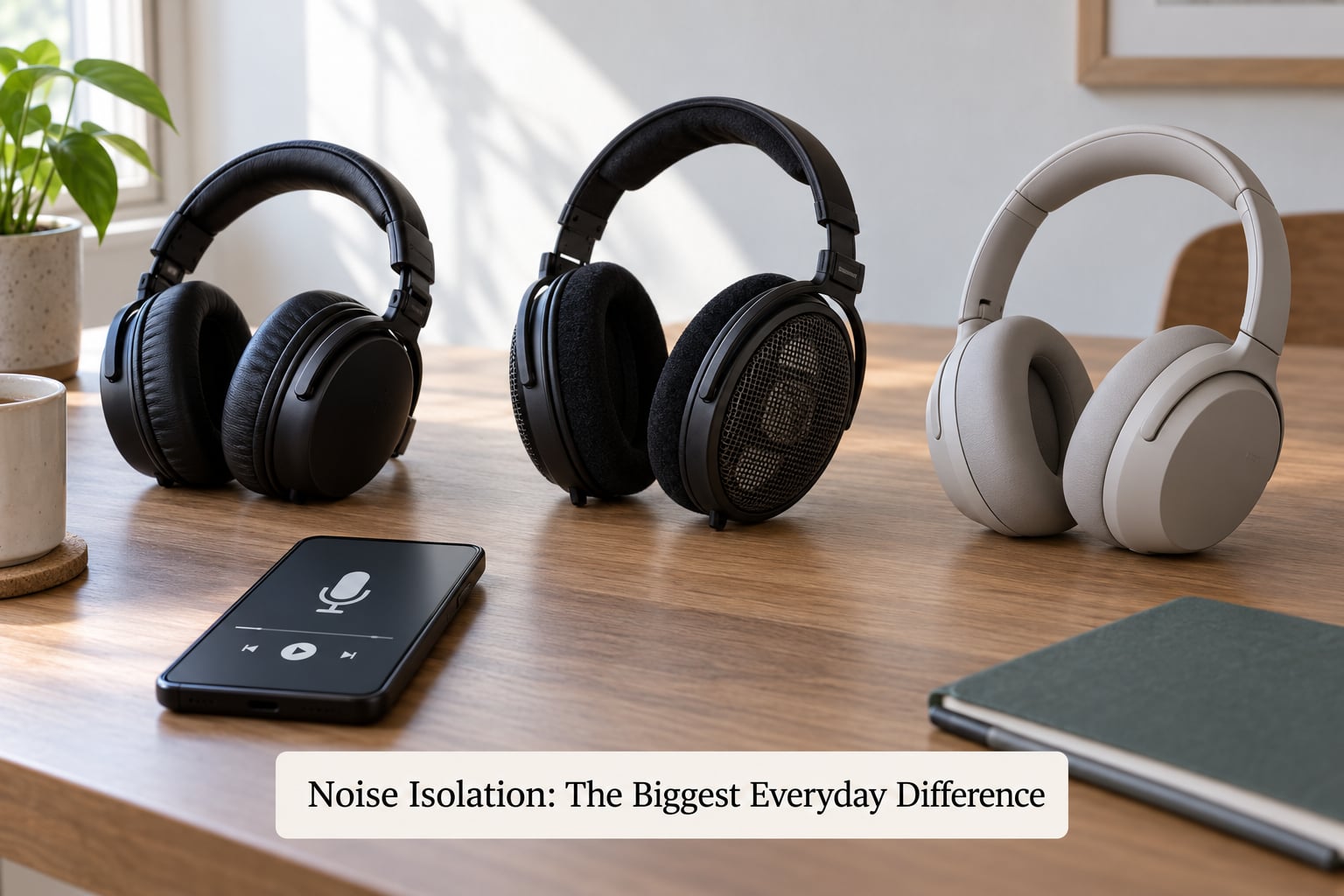
Isolation is the feature that changes daily listening more than any other, and it is worth being precise about what it does: it does not make the podcast better, it makes the podcast easier to follow.
Three approaches do it differently. Passive isolation comes from physical design alone: sealed cups, dense padding, an ear-canal plug sitting deep enough to resist the pressure wave of outside sound. It works across the whole frequency range, strongest in the highs where the difference between a quiet room and a road is largest. It does nothing to low-frequency rumble, because bass wavelengths are long enough to flow around a cup and reach your ear anyway.
Active noise cancelling is a microphone and an inverted signal that cancels what it hears, which extends that protection down into the low end where passive designs give up. It works best on steady noise such as aircraft cabin rumble or air conditioning, and it is where the small tonal shift comes from: the system is always listening and adjusting.
Open-back designs do the opposite. They let the outside world straight in by design, which many listeners prefer for natural voice tone and an airy sense of space. It is a fair trade at a quiet desk on a Sunday afternoon, and a poor trade on a train.
Forgetting to lower the volume is the other half of the story. Isolation only helps if you keep the level steady, because your ear perceives a constant level in a constant background as quiet, and any noise leaking in makes the whole thing feel louder than it measures.
Closed-Back, Open-Back, or Earbuds: Which Format for Podcasts?
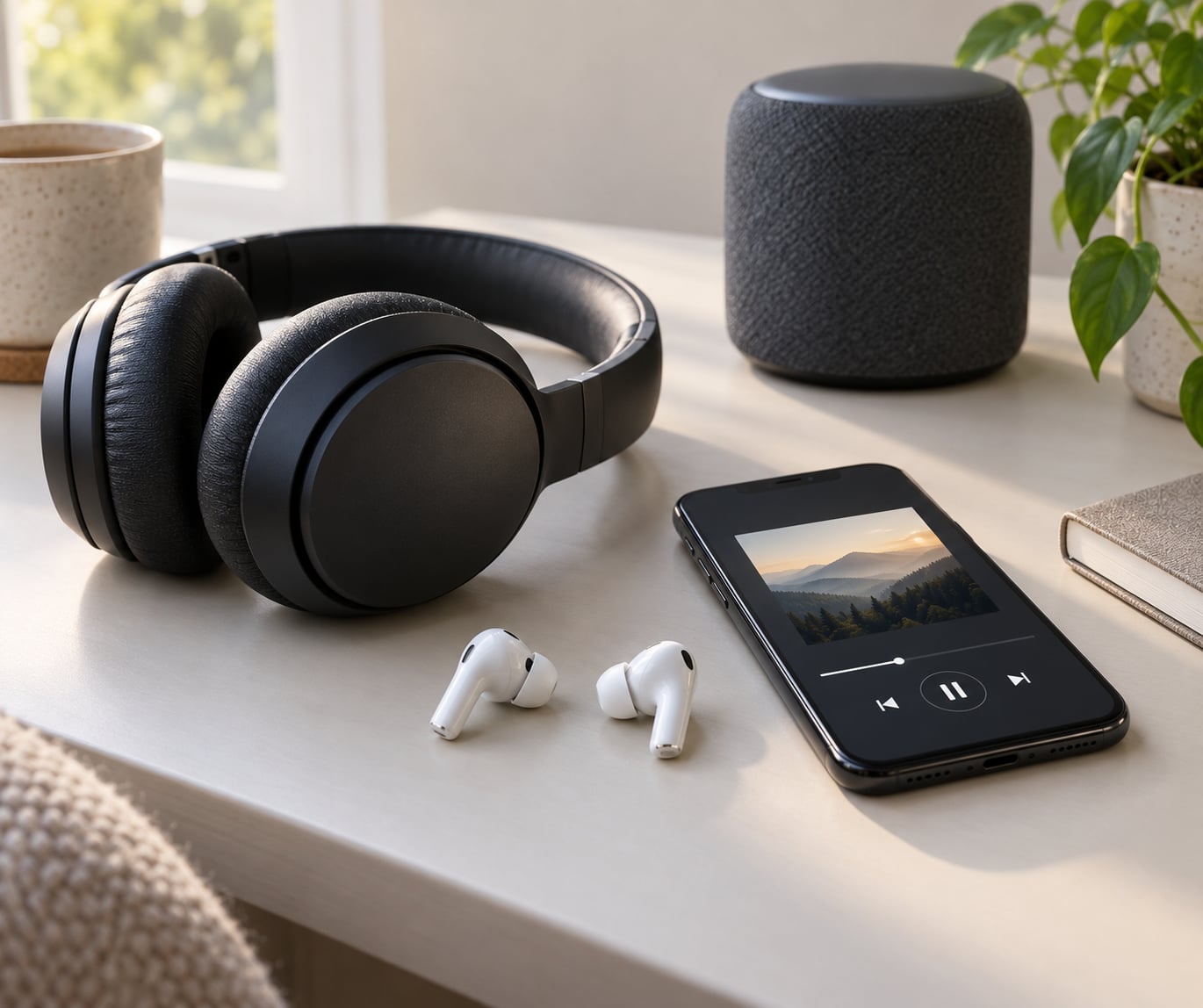
The format choice is less about sound quality than about where your ears will be for the next two hours. A closed-back over-ear pair and a pair of true wireless earbuds both isolate well; they differ on comfort, awareness and battery.
| Format | Portability | Isolation | Awareness of your surroundings | Comfort over long sessions |
|---|---|---|---|---|
| Closed-back over-ear | Bulky, needs a case | Strongest passive seal, weak against low rumble | Very low | Best over hours, if the clamp suits you |
| Open-back over-ear | Bulky, needs a case | Very weak by design | Full | Best over hours, usually cooler |
| True wireless earbuds | Pocket sized | Good once the tips seal | Low, with a transparency mode | Fine, but ear pressure builds |
| Wired earbuds | Pocket sized, no battery | Good once the tips seal | Low | Fine, with cable management caveats |
| Phone or laptop speaker | Already with you | None, and it adds room reflections | Full | Fine for shared listening |
Listeners in r/podcasting threads describe the same pattern from the other side of the microphone: commuting listening on earbuds feels closer and easier to follow than the same episode in a kitchen with the extractor fan running. Forum conversations about this topic are overwhelmingly creator-side, which is why the listening experience often goes unexamined.
How to Make Any Headphone Setup Sound Better for Podcasts
You do not need new hardware to get most of this. Run through these six steps with whatever you already own.
- Get the seal right. Try every tip size that comes with the earbuds, or press the over-ear cups firmly and check for a bass boost. An unexpected bass lift that appears and disappears with pressure is a seal problem, not a recording problem.
- Set a moderate volume and leave it there. Loud listening does not reveal detail, it compresses your hearing’s sensitivity. If a quiet passage seems unintelligible, move up in small steps rather than jumping.
- Turn off processing that thins voices. Some phones and laptops apply a dialogue enhancer or an automatic EQ on their built-in speakers. Playback through headphones should be flat, and any effect tuned for a tiny speaker will sound boxy in a sealed cup.
- Check the output path. When a phone is connected to Bluetooth headphones, audio sometimes routes through the phone’s own speaker for system sounds and notifications. Confirm the output device in your system settings before blaming the show.
- Skip the equalizer unless something is genuinely off. Podcast mixes are already normalised to roughly minus 16 LUFS, which is the loudness target streaming platforms use. Most apps offer a built-in volume boost, which is safer than a manual EQ that adds harshness.
- Cross-check before long sessions. The familiar hearing guidance is 60 percent volume for 60 minutes. Play a few minutes through a speaker at the end of a long session so your ears get a break, and turn it down if you are past an hour or two.
What About Speakers, Earbuds, and Podcast Apps?
None of this rescues bad audio. A podcast recorded on a laptop in a hard-walled room has already been shaped by that room, and no headphone can reconstruct what was never captured cleanly.
That said, here is what to expect from the rest of the chain. Phone and laptop speakers are small drivers in a tiny sealed box, so they cannot produce meaningful low end and they lose the consonants that carry intelligibility. They work for convenience and shared listening, not for detail.
Wireless codecs compress the stream before it reaches your ear. Modern devices pair with AAC or aptX rather than the original SBC, which sounds close to wired on speech and easier to live with. Sample rate and bitrate matter far less at this point: most spoken-word shows are delivered at 44.1 kHz in mono, and the app you use to fetch them changes very little about the sound.
What the app does change is volume. Normalisation and per-episode volume boosts are set by the host or platform, and a badly set level on a quiet recording sounds worse on headphones where background noise is not masking the problem.
Frequently Asked Questions
Do all podcasts sound better with headphones?
Most do. The gain is largest with two-host shows, interviews recorded in different rooms, and episodes mastered at a modest level, because headphones remove reflections, background noise and level variation. On a single-voice episode with heavy processing, played on a good speaker in a quiet room, the difference narrows to taste. If your commute is noisy, headphones win every time.
Are noise-cancelling headphones best for podcasts?
They are the best choice on a commute or in a shared office, because cancelling steady low noise is exactly what they are built for. At a quiet desk, turn them off. Active cancellation is a microphone and an inverted signal always running, and the tonal shift it introduces is easier to hear on speech than on music. Check the spec sheet for a transparency mode if you need to hear announcements.
Is Bluetooth worse than wired headphones for listening to podcasts?
Only slightly, and much less than the gap suggests. Modern Bluetooth pairs with AAC or aptX rather than the original SBC, and speech compresses gracefully, so most listeners cannot tell on a finished episode. Latency becomes a problem when you are monitoring a live recording, where the delay between your voice and playback makes pitch and timing hard to judge. For listening alone, battery life is the deciding factor.
Do open-back headphones make voices sound better?
They often do at a quiet desk. Open-back designs are tuned to sound natural and open, which many listeners find easier on the ears over long sessions, and they avoid the pressure some people get from a sealed cup. The cost is that the outside world comes straight in, so a closed-back pair is the better pick on a train, in a cafe, or anywhere with ambient noise competing with the voice.
Should I use an equalizer for podcast listening?
Usually not. Podcast mixes are already normalised to roughly minus 16 LUFS, the loudness target streaming platforms use, and most apps carry their own volume boost that is better tuned than a manual EQ. If a show still feels thin, it is a seal or isolation problem rather than a frequency problem. A gentle low-shelf adjustment in a podcast app can help with a phone speaker, and rarely does anything beyond that.
Why do podcasts sound clearer on some headphones than others?
Three things decide it. The seal between pad or tip and your ear controls how much low end gets through, the room around a speaker shapes speech with reflections and comb filtering, and the driver’s own frequency response decides how much of the consonant range survives. Distance matters too: a headphone sits at a fixed short range, so level and tone stay consistent in a way a speaker across a room cannot match.
Conclusion: Start With Isolation and Voice Clarity
Podcasts sound better with headphones because they cut the room out of the signal. The sound reaches your ear directly, the noise floor drops, the consonants that carry meaning survive, and a voice at a fixed short distance feels closer than the same voice across a kitchen.
Start with a pair that isolates well and stays comfortable for hours, fit the earbuds properly so the seal is right, keep the volume moderate, and leave the equalizer alone unless something is genuinely wrong. If you record as well as listen, add a wired pair with a boom microphone for monitoring.
Updated for October 2026.