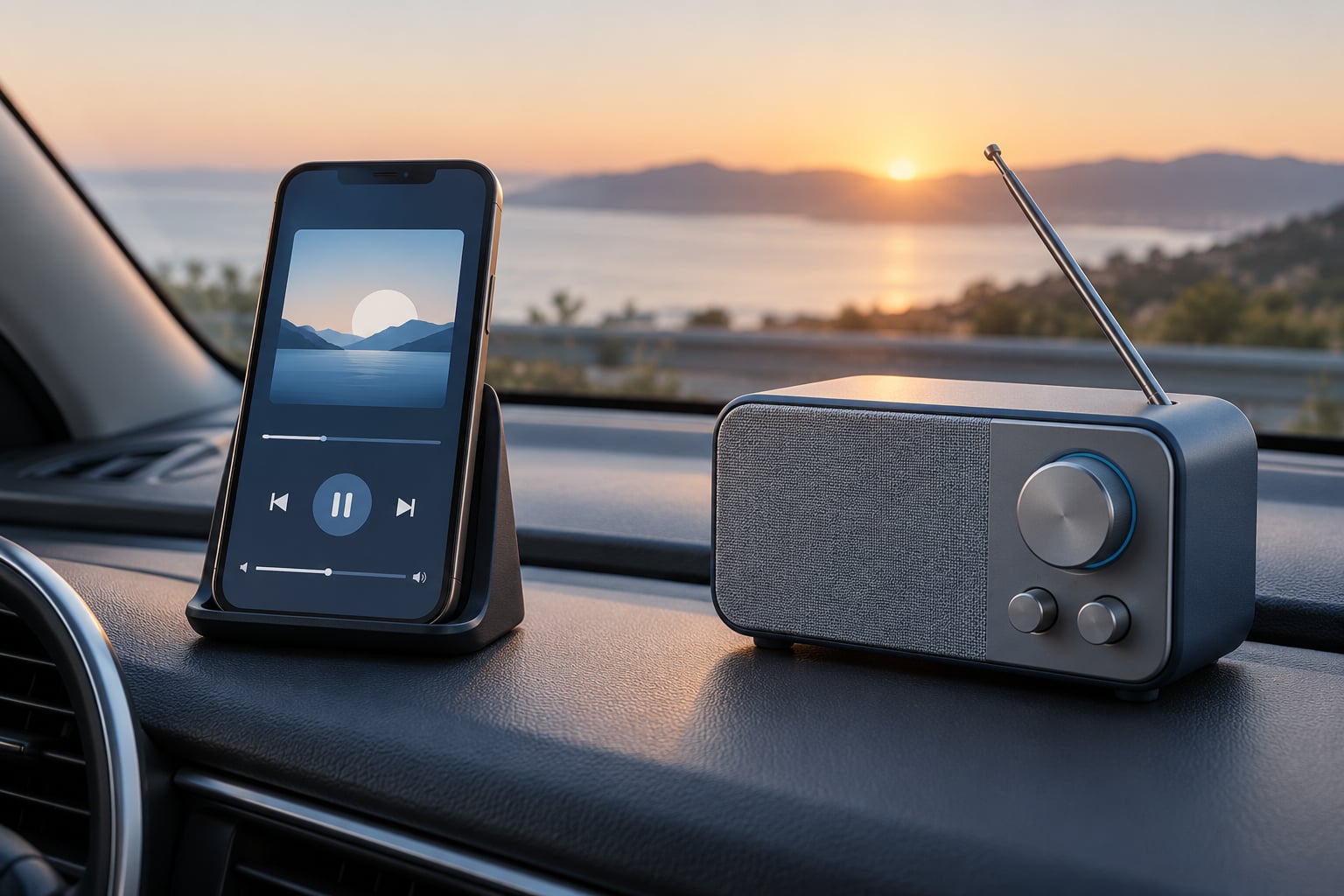
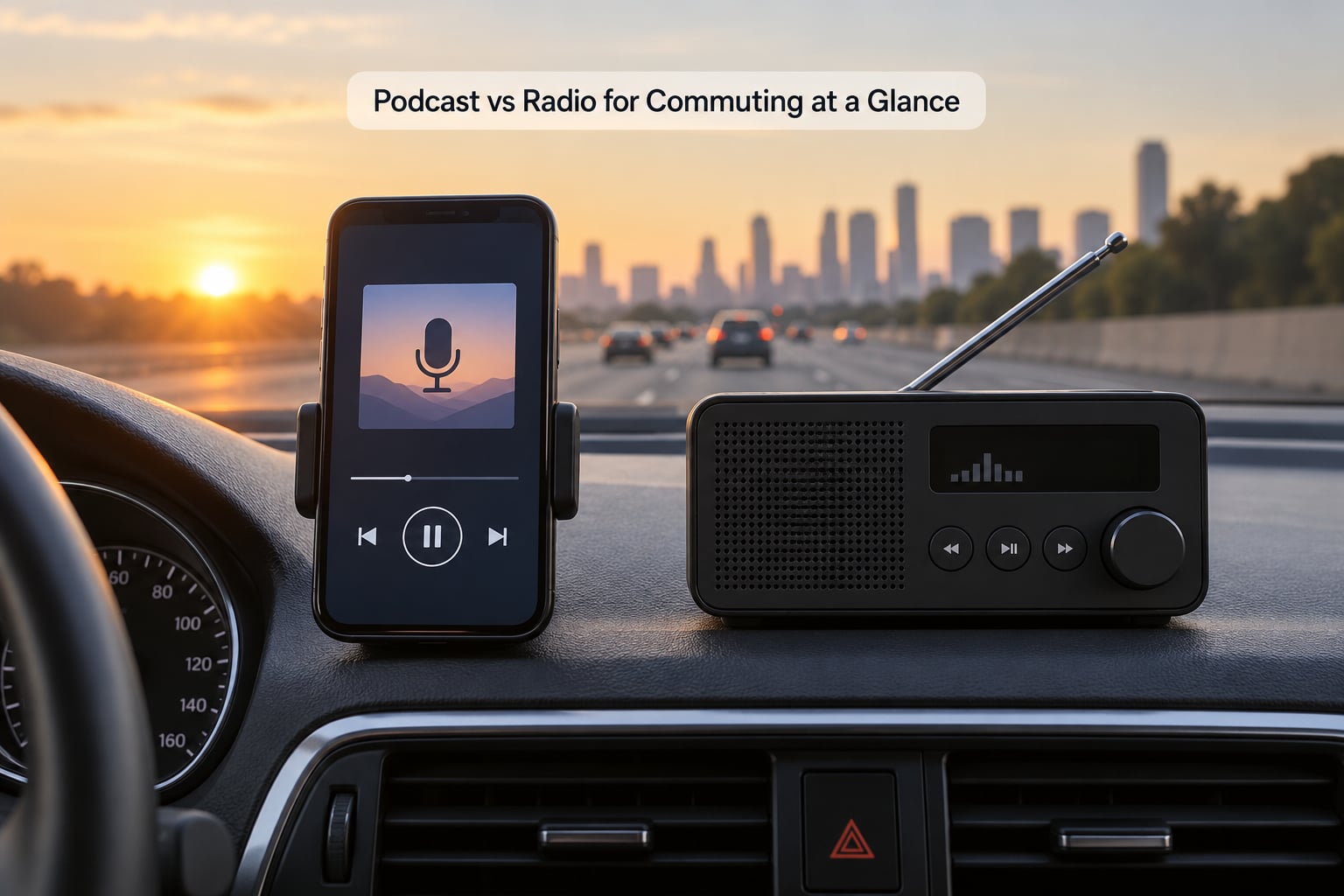
Podcast vs radio for commuting comes down to one question: do you want control or do you want company? Podcasts give you an on-demand queue you can pause, skip and download, which suits a long predictable drive. Live radio costs no data, needs no signal and always has something on, which suits short or patchy-coverage journeys.
Updated for October 2026. I drive the same 34-mile motorway run most weekdays, so this is a comparison built around what actually happens in a car: dead zones, adverts every few minutes, a queue that runs out halfway, and whether talk content or music is easier to sit through.
Table of Contents
- Podcast vs Radio for Commuting at a Glance
- How to Choose Between a Podcast and Radio While Commuting
- Programming Control and Flexibility
- Data Use and Battery Life
- Signal Reliability and Coverage
- News, Music, and Talk Content
- Safety and Driving Convenience
- Which Should You Choose?
- Frequently Asked Questions
- Is a podcast better than radio for a short commute?
- Do podcasts use more mobile data than internet radio?
- Can I listen to podcasts without a mobile connection?
- Which is easier and safer to control while driving?
- Is radio better for local traffic and news updates?
- What should I choose for a long or rural commute?
- The Short Answer
Podcast vs Radio for Commuting at a Glance
| Factor | Podcasts | Live radio |
|---|---|---|
| Control over what plays | Total. Choose the show, the episode and the order. | None. You take what is on at that moment. |
| Pausing, skipping and rewinding | All supported, plus speed control on most apps. | Not available. A missed interview is gone. |
| Mobile data used | Streaming uses data. Downloaded episodes use none. | Broadcast uses none. Online radio streams and does. |
| Signal reliability | Depends on downloads or connection. Weak spots cause silence. | Strong on FM and DAB, which reach far beyond mobile coverage. |
| Advert breaks | Pre-roll and mid-roll ads unless you subscribe. | Regular ad pods on commercial stations. |
| Episode or programme length | Runs 10 minutes to two hours. You pick the fit. | Fixed schedule, often 30 or 60 minute blocks. |
| Discovery | Recommendations and back catalogue, but no surprise music. | A station plays something you have never heard before. |
| Live and local content | Rare. Occasionally delayed or simulated. | Traffic reports, local news, live sport and phone-ins. |
| Phone battery | Drains steadily, especially on weak signal. | No battery use if the car stereo is driving it. |
| Attention cost | Higher. Talk needs more mental work than music. | Lower when music is playing. Higher for talk radio. |
If you read one row, read the data and signal rows. They are the two that decide the answer for most people, because they are the two that go wrong at the worst possible moment: halfway through a tunnel, or halfway through a month of mobile data.
How to Choose Between a Podcast and Radio While Commuting
Four questions settle it, and you only need honest answers to each one.
How long is the drive, and is it the same every day?
A repeatable journey gives you the chance to build a routine. A podcast works because you can queue several episodes and know roughly where you are by Friday. If your commute changes daily, radio’s live schedule becomes an advantage rather than a limitation, because there is nothing to keep track of.
How good is your mobile signal along the route?
Walk the route in your head and think about where coverage fails. Valleys, tunnels, rural stretches and thick urban canyons all break a stream. If your route crosses any of those, downloaded podcasts and broadcast radio both survive them, and streamed audio does not.
Do you want to think, or do you want background noise?
This is the question people skip and then wonder why they feel drained on arrival. Music and familiar talk radio need almost no attention. A podcast that asks you to follow an argument needs a fair bit, and a tense interview at 7am in traffic is a genuinely tiring way to start a day.
How much do you mind adverts?
Commercial radio runs fixed ad pods, so you get them whether or not you want them, and a podcast ad pod lands in the middle of the most interesting part of an episode. Both are solvable with a subscription, which we get to later. Podcast advertising is the easier of the two to skip because most apps include a skip button.
Programming Control and Flexibility
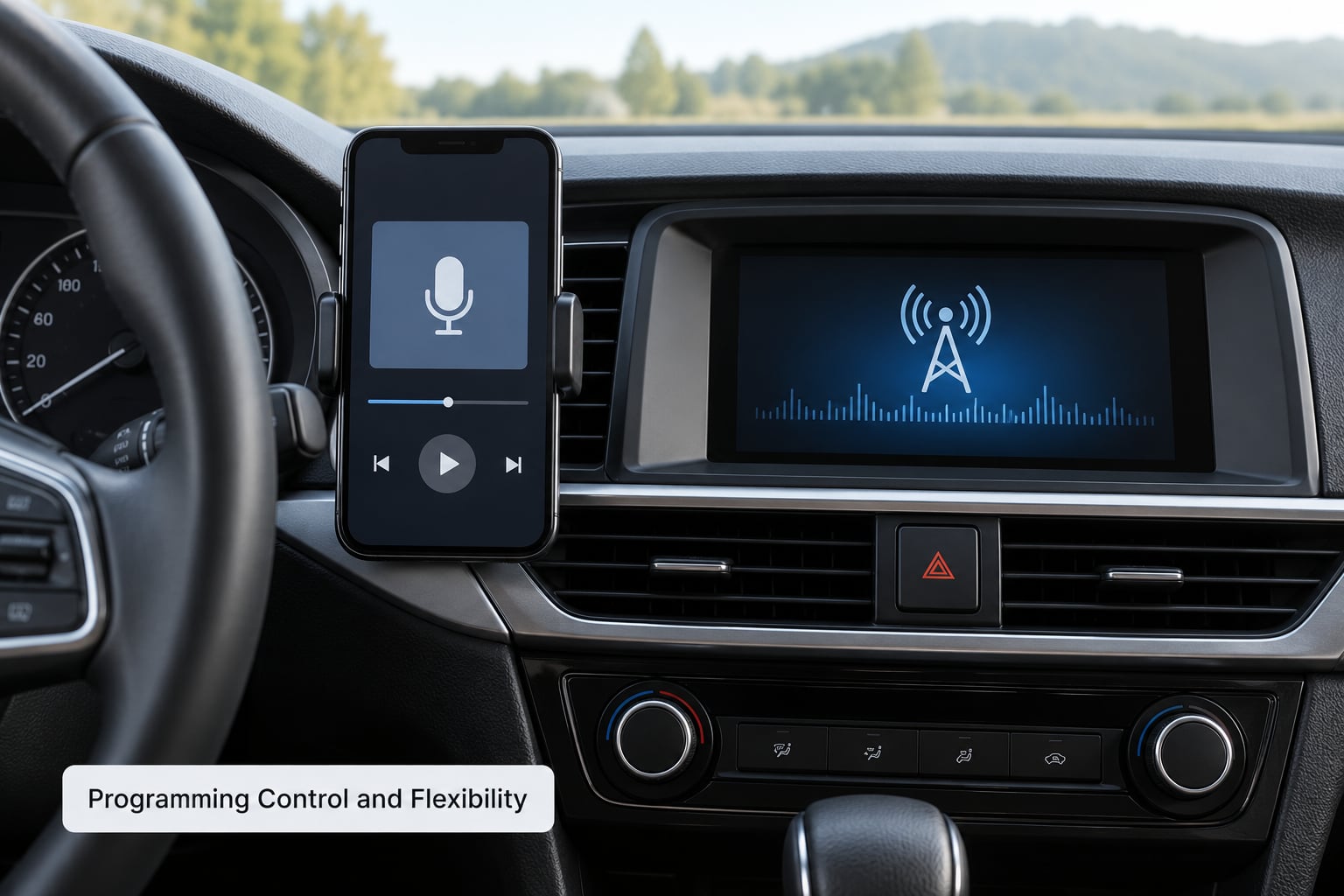
This is where podcasts pull ahead decisively. A podcast is a library you own for the duration of the drive: any episode, any order, at your own pace.
With a podcast you can pause mid-sentence at a red light and pick up on the next one, skip the fifteen seconds of sponsor read, rewind the bit you missed, and push playback to 1.5x when an episode runs long. Radio offers none of that. What is on at 7:04 is on at 7:04, and if you leave, it is gone.
The back catalogue matters more than people expect. A 45-minute commute twice a day is roughly 60 hours of listening a month. New episodes from a handful of daily shows fill a fraction of that, which is exactly why the running-out-of-episodes problem comes up so often on commuting forums. One commuter with a two-hour round trip described running a rotation of around 30 shows, alternating days rather than working through everything newest-first. Another noted that hybrid shows sitting near the 45-minute mark happen to match a typical commute almost exactly, which removes the need for trimming.
Radio’s version of flexibility is different, and it is not nothing. You are not choosing, so there is zero setup, zero queue management and zero decision fatigue at 6am. For light listening that low-effort quality is a genuine advantage. For anything requiring attention, the lack of control is a straight loss.
Setting up whichever one you pick
Do this once, parked, before the first drive.
- Podcasts: install your chosen app, sign in, download three or four episodes while you are on wifi at home, and check that your car connection works. Bluetooth is simpler than cable, but aux gives you the audio without touching the phone.
- Radio: find your local stations in DAB or FM, store the four or five you actually use in the steering wheel or dashboard presets, then do the same for online stations if the stereo supports them. Preset buttons mean no looking at a screen.
- Both: set your phone to charge in the car and check the cable actually charges while audio plays, because a phone that runs flat mid-journey is the one failure mode both options share.
Data Use and Battery Life
Downloaded podcasts use no mobile data at all. Streamed podcasts do, and a talk episode is roughly 60 to 100MB an hour depending on quality, so a daily streamed commute adds up fast on a limited plan. Internet radio is also streaming, with a similar per-hour cost, and many stations offer lower-bitrate streams that are lighter still.
Broadcast radio on FM or DAB is the only option here that costs nothing in data and nothing in battery, because the car stereo does the work rather than the phone. If your phone stays flat in a mount with the screen off, it is barely involved at all.
Battery is where streaming punishes you twice over. A phone hunting for signal in a weak area draws more power than one with a clean connection, so the stretches where audio cuts out are also the stretches where your charge drains fastest. Over a 60-minute drive with the screen on for navigation, a phone can lose a meaningful slice of its battery. A car charger fixes that, and it costs far less attention than swapping between stations and streaming apps when the audio drops.
Background playback deserves a mention because it is a genuine podcast advantage. A downloaded episode keeps talking with the phone locked and the screen off, so you can pair podcast audio with navigation without the two apps fighting for the connection. Broadcast radio does that natively, which is part of why it never needed to think about it.
For a rural commute, the practical answer is straightforward. Download on wifi, listen offline, and keep radio as the fallback for the parts of the route where even a downloaded queue runs dry.
Signal Reliability and Coverage
Radio wins the reliability argument in almost every situation, and it wins it for a structural reason: FM and DAB broadcast from tall masts and reach far beyond what a mobile network covers at street level.
Tunnels are the clearest case. FM fades, DAB holds on for longer, and streamed audio often drops to nothing unless the tunnel has coverage added. In a long valley or on a rural single-track road, a phone can sit on one bar for miles. That is fine for downloaded episodes and fatal for streaming.
Urban congestion is the opposite problem and radio handles it too. Thousands of commuters in a jam share the same small number of towers, so mobile data speeds collapse at exactly the times you want a podcast to keep flowing. Broadcast signal does not degrade with the number of listeners around it.
One caveat worth being honest about: coverage varies by area, station and provider, and none of this depends on a single provider staying reliable everywhere. The general pattern holds: broadcast is more forgiving than streaming, and downloaded files are as reliable as files can be.
News, Music, and Talk Content
The two formats do not really overlap much. Radio is built around continuous music with breaks; podcasts are built around one subject held in depth for an hour or more.
For music, radio is not merely the equal of podcasts, it is better. A music service can only offer you what its algorithm thinks you like, which narrows over time. A station plays new releases, local artists and genre deep cuts you would never have searched for. If discovery is part of what you want from the drive, that discovery function has not migrated to on-demand audio in any convincing way.
For news, radio is faster and more local. A traffic jam, a road closure or a local story can be broadcast within minutes, and regional stations cover the roads you actually drive. Daily podcast news shows are more thorough and less repetitive, but they are published on their own schedule rather than when something happens.
For talk and learning, podcasts win. A 40-minute interview on a topic you care about, in a series you can follow, is something radio rarely makes space for outside of specialist shows.
Are podcasts replacing radio?
Partly, and only on on-demand listening. Podcasts have taken over the parts of audio where listeners want a chosen subject held in depth, and radio has kept live sport, local traffic and news, and continuous new music. Both sit side by side in most cars, and plenty of listeners simply switch between them depending on the drive.
Formats that suit drive time
- Daily news shows, 10 to 20 minutes: built for exactly this, one episode each weekday, finished before the lights change.
- Narrative non-fiction, 30 to 45 minutes: close to the average commute, so one episode maps onto one journey.
- Serialised fiction and interview series: best for long runs, because stopping mid-story is not an option you will want.
- Language learning and pronunciation drills: short, repetitive and easy to restart.
- Live sport and traffic on radio: the categories that genuinely cannot be downloaded in advance.
Safety and Driving Convenience
Whichever you choose, set it up before the engine starts, keep your attention on the road, and follow local law on what you do while driving.
Radio is easier to control in the car. Preset buttons and volume dials are physical, they work with gloves on, and they do not require you to look at anything. A podcast app needs voice control or a wheel-mounted button to play, pause and skip without touching the screen.
Talk content also costs more attention than music. Most drivers report that long interview or argument-heavy shows leave them more tired at the other end, which matters on a motorway run. Music, comedy panels and light panel shows ask much less of you, and radio is full of them.
A few habits help both formats. Choose audio that matches how much attention you have left, not how interesting it is. Keep the phone mounted and the screen off if you use an app. And if you are the passenger, not the driver, your tolerance for dense talk audio will roughly double.
Which Should You Choose?
Choose the format that matches your route and your attention, not the one with the bigger library. On a repeatable long drive with decent coverage, podcasts win. On a short or unpredictable trip through poor signal, radio wins.
Podcast vs radio for commuting, matched to journey length
- Under 20 minutes: radio. A short hop does not repay queue management, and live audio needs no decisions before you set off.
- 20 to 45 minutes: either. One daily news podcast fits neatly, and so does a long music block with a traffic report at the end of it.
- 45 minutes and over: podcasts, on downloaded episodes. Long journeys reward depth, back catalogue and speed control.
- Rural route with patchy signal: downloaded podcasts and broadcast radio. Avoid streaming in both cases.
Choose podcasts if
You want a specific subject on the way to work, your drive is long and repeated, you would rather not sit through adverts, or your route crosses places where your phone loses signal but a downloaded episode will not. Add a subscription if adverts genuinely irritate you; the money comes out of one monthly payment and the ad pods disappear from nearly every show.
Choose radio if
You want live music, local traffic and news, an effortless start to the journey, or a drive that changes day to day. Radio also wins if you would rather your phone stayed flat and charged than run hot in a mount for an hour.
Frequently Asked Questions
Is a podcast better than radio for a short commute?
For most short hops, no. A journey under 20 minutes rarely justifies choosing and queuing an episode, and a half-finished podcast is mildly annoying in a way a song is not. Radio needs no setup and no decisions, which suits a quick run. Podcasts pull ahead once the drive is long enough to get properly into something.
Do podcasts use more mobile data than internet radio?
A streamed podcast usually uses more per hour than an online radio stream, because speech shows are often published at higher bitrates than the lower-quality streams many stations offer. Roughly 60 to 100MB an hour is typical for a streamed episode, though it varies with the app and quality setting. Downloaded episodes use no data at all, and broadcast FM or DAB uses none either.
Can I listen to podcasts without a mobile connection?
Yes. Every major podcast app supports downloading episodes for offline listening, and once an episode is on the phone it plays with no connection, in a tunnel or in a valley. This is the practical answer for rural commutes and long drives. Download on wifi before you leave, keep a few spare episodes ready, and treat live radio as the fallback when the queue empties.
Which is easier and safer to control while driving?
Radio, without much argument. Preset buttons and volume dials are physical, work with gloves on, and need no screen interaction. Podcast apps rely on voice commands or a steering wheel button to play, pause and skip. Whichever you use, set it up before moving, keep your eyes on the road, and follow the law where you drive.
Is radio better for local traffic and news updates?
Usually, yes. Regional stations broadcast road closures, incidents and local stories within minutes of them happening, and they cover the roads you actually drive rather than national news at a general level. Daily podcast news shows are more thorough and less repetitive, but they publish on their own schedule. If your route has a specific pinch point, keep a local station in the presets.
What should I choose for a long or rural commute?
Downloaded podcasts, with broadcast radio as backup. A long drive rewards depth and speed control, and downloaded episodes keep playing where a stream would cut out. On a rural route, avoid streaming entirely and download a few episodes on wifi before you leave. If the drive is shorter and full of varying traffic, live radio is less fuss.
The Short Answer
Start with one change: download tomorrow’s episodes on wifi before you leave, and leave one local station in the presets for the traffic report. If your drive is under 20 minutes or crosses patchy signal, keep the radio. If it is longer, repeatable and you want depth, podcasts win the podcast vs radio for commuting argument every time.