If you only want the short answer to how lossless audio differs from MP3, it comes down to one decision. Lossless keeps every bit of the original recording and rebuilds it exactly on playback. MP3 throws some of that data away permanently, which is how an album file shrinks to a fraction of its size. That single difference explains the file sizes, the storage maths, the streaming quality settings and whether you will actually hear a gap.
I have moved between these formats for years, mostly for radio work where a file has to survive being copied, archived and played on whatever gear turns up in the studio. The honest summary is that lossless wins on preservation and archiving, while the audible gap on ordinary earbuds is small enough that most listeners will never notice it.
Table of Contents
- How Lossless Audio Differs from MP3 at a Glance
- How Lossless Audio Differs from MP3 in Sound Quality
- How MP3 Compression Removes Audio Data
- File Size and Storage Requirements
- Streaming, Downloads, and Data Use
- Device and Software Compatibility
- When the Quality Difference Is Easy to Hear
- Which Should You Choose?
- Frequently Asked Questions
- Conclusion
How Lossless Audio Differs from MP3 at a Glance
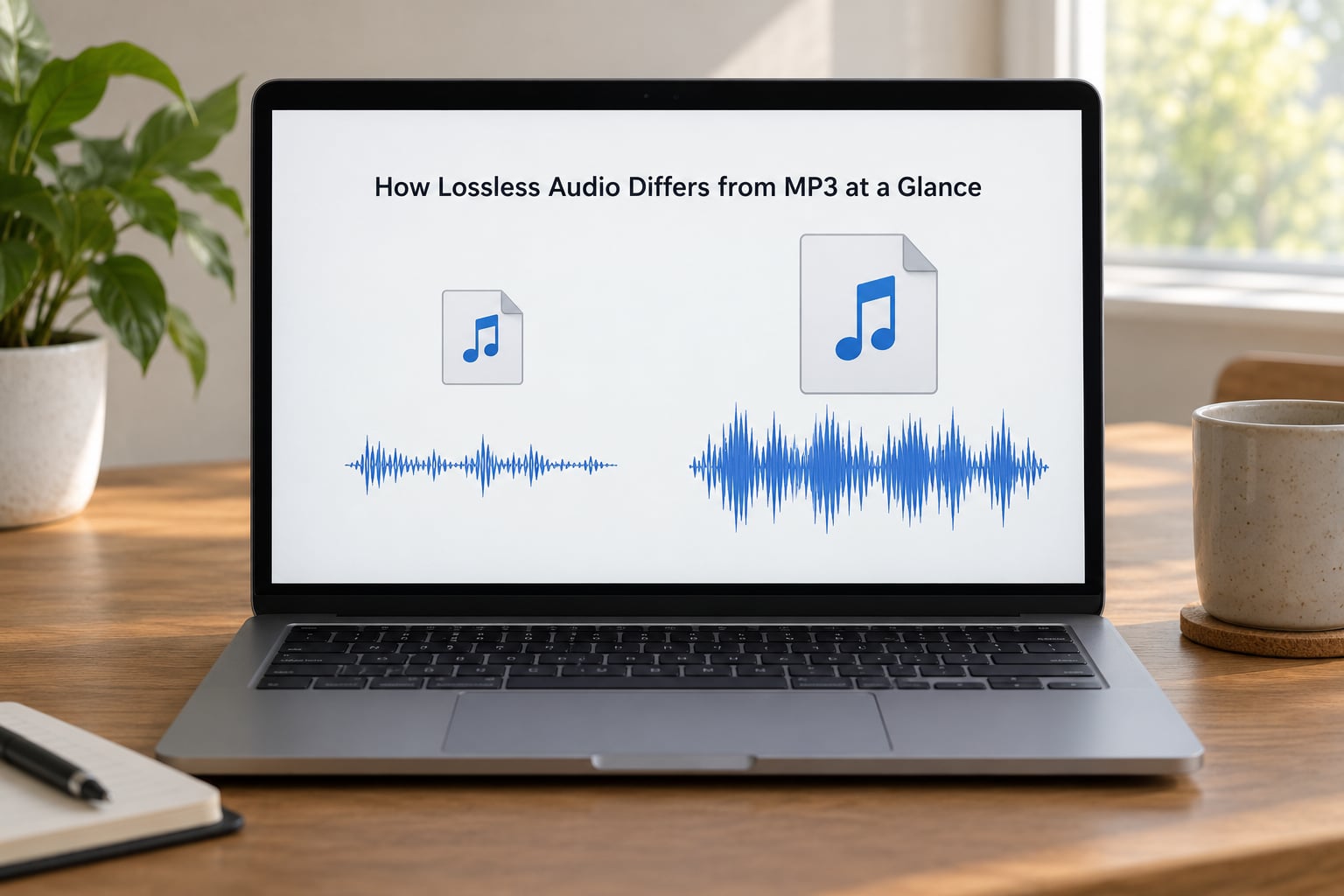
| Criterion | Lossless audio | MP3 |
|---|---|---|
| Compression method | Repacks redundancy, fully reversible | Discards audio it judges inaudible |
| Data lost | None, bit-identical to the source | Permanent, on the very first encode |
| Sound quality | Matches the source recording | Close at high bitrates, degraded at low ones |
| Typical file size | Roughly 180-200 MB for a CD album in FLAC | About 85 MB for the same album at 320 kbps |
| Streaming bandwidth | Often 700 kbps to 2.3 Mbps | Usually 96-320 kbps |
| Editing headroom | Extra headroom to work with | Already reduced, artefacts become audible when boosted |
| Compatibility | Good on modern phones, cars and PCs, patchy on older gear | Plays almost everywhere |
| Best for | Archiving, editing, hi-quality home playback | Everyday listening, small devices, tiny data budgets |
Read that table as a set of trade-offs rather than a scoreboard. Lossless gives you the original recording and asks you to pay for it in gigabytes and in whether your equipment can play it. MP3 gives you a small, universally playable file that has already given up some detail.
How Lossless Audio Differs from MP3 in Sound Quality
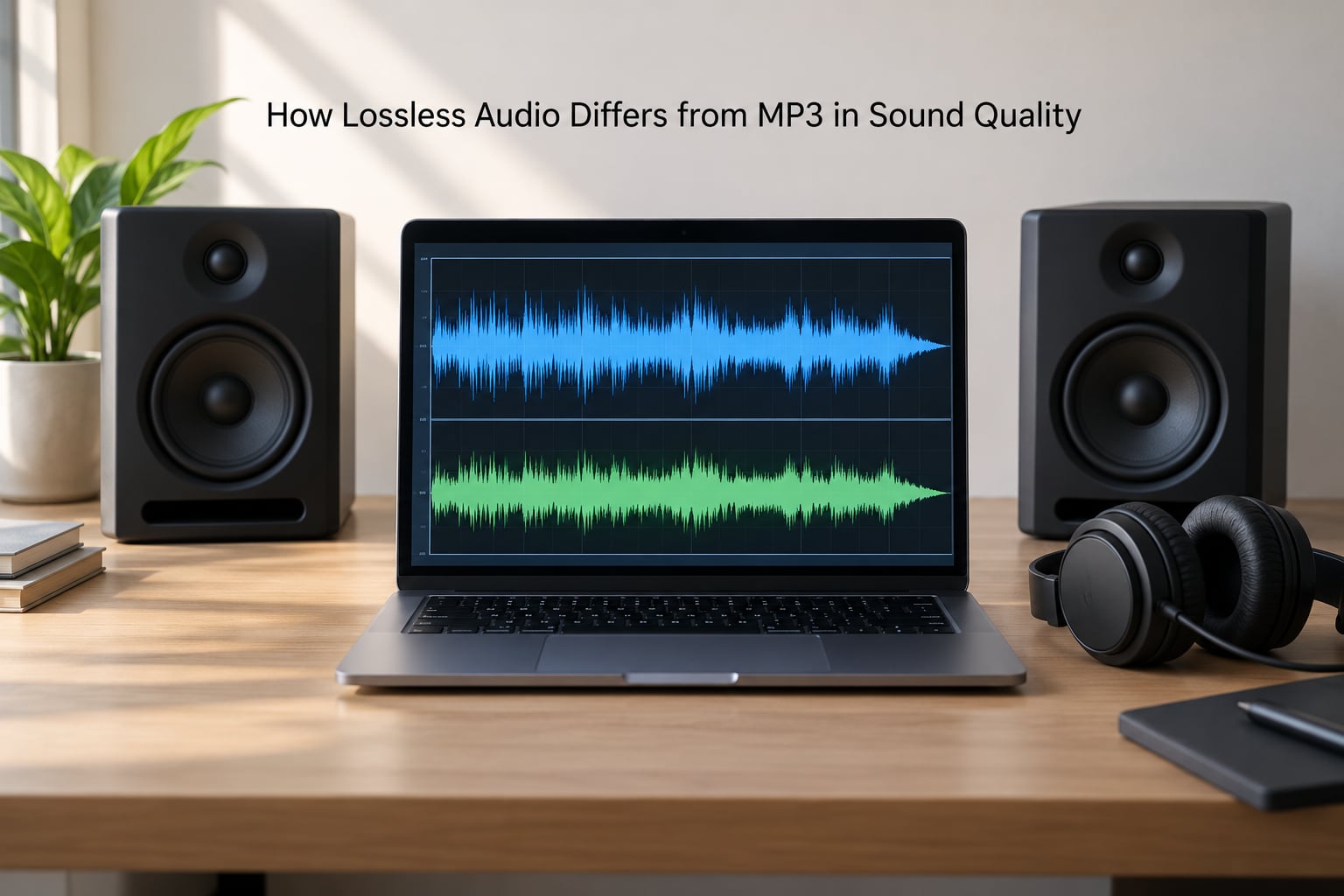
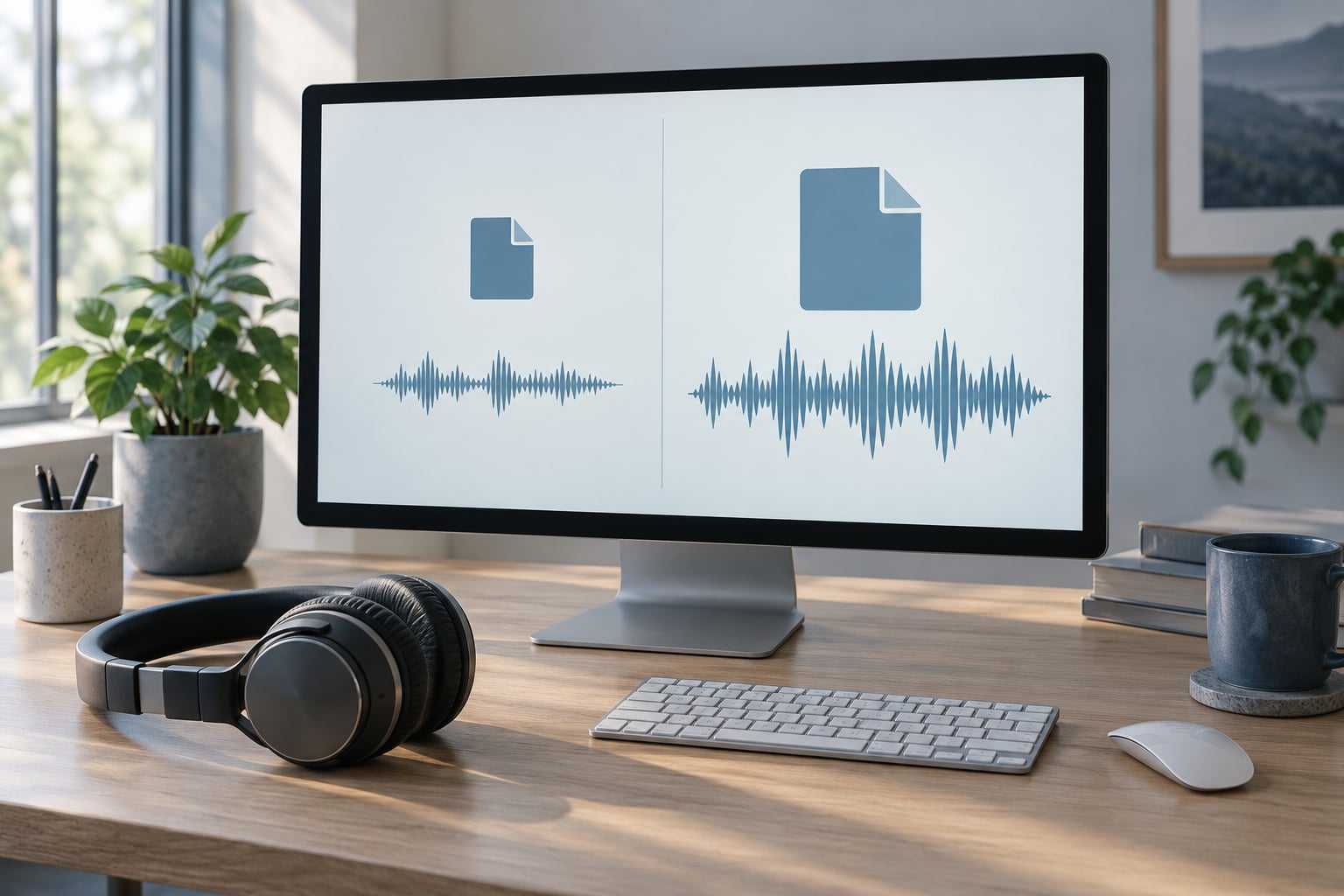
Lossless audio is compressed the way a ZIP file is compressed. A finished recording contains a lot of predictable repetition and a predictable noise floor, and lossless compression stores that information once and rebuilds it on the way out. Play a FLAC file and you get back the exact bits that went in.
MP3 compression is a different job entirely. It runs a psychoacoustic model that assumes most listeners will not notice the quietest parts of a track, and it spends its bits where it thinks you will hear them. That is why an MP3 of an album lands around 85 MB rather than the 180 to 200 MB the same album takes as FLAC.
The catch is that the discarded information is gone for good. Nothing restores it later, and every copy made from that MP3 inherits exactly the same gaps.
Why the audible difference depends on three things
Whether you hear anything depends mostly on your source, then on your playback chain, then on the music itself. Get all three in your favour and the difference can be obvious; get none of them in your favour and the two files are effectively the same experience.
Your source matters most. Streaming a FLAC file from a service that compressed the original at 256 kbps before handing it over means the lossless label describes the delivery, not the music. Comparing a 128 kbps rip with a good hi-res master will always end badly for the MP3, and that comparison tells you nothing about the formats themselves.
How MP3 Compression Removes Audio Data
Bitrate is how many kilobits of data each second of audio is allowed. A 128 kbps MP3 gets roughly 40 percent of what a 320 kbps MP3 gets, so the encoder has to throw away a great deal more. Streaming tiers sit somewhere between those two numbers, which is why a poor connection sounds thin rather than quiet.
Raising the bitrate reduces the damage but never removes it. Going from 128 to 320 kbps helps a lot. Going from 320 kbps to FLAC helps, but far less, and the point where the improvement stops being reliable is roughly where 320 kbps sits.
Bitrate tiers in plain terms
These are the numbers you will meet in download stores, rippers and streaming apps.
- 128 kbps is the old FM-radio era setting. Audible in cymbals, reverb tails and quiet passages.
- 192 kbps is a fair compromise for speech and background listening.
- 256 kbps is where most modern streaming tiers land and where artefacts stop being obvious on normal kit.
- 320 kbps is the practical ceiling for MP3. Beyond it you are adding bits, not adding music.
One more term worth knowing is transcoding. Re-encoding an MP3 to FLAC gives you a bigger file containing the same damaged audio. The extra kilobytes hold nothing new, and anyone who has tried it tends to be blunt about that. Some AI upscaling tools claim to reconstruct lost detail; treat that as an experiment, not an upgrade.
File Size and Storage Requirements
Storage is where lossless costs you something concrete. A CD-quality album runs about 35 minutes, and the numbers scale predictably from there. The last column assumes 1,000 tracks averaging four minutes, or roughly 58 hours of audio.
| Format | Per minute | Typical album | 1,000 tracks |
|---|---|---|---|
| MP3 at 128 kbps | About 1 MB | About 35 MB | About 3.5 GB |
| MP3 at 320 kbps | About 2.4 MB | About 85 MB | About 8 GB |
| AAC at 256 kbps | About 1.9 MB | About 68 MB | About 6.5 GB |
| FLAC at 16-bit/44.1kHz | About 5 MB | About 180 MB | About 17 GB |
| FLAC at 24-bit/96kHz | About 14 MB | About 490 MB | About 49 GB |
| WAV at 16-bit/44.1kHz | About 10 MB | About 350 MB | About 35 GB |
So FLAC typically lands between 50 and 70 percent smaller than WAV, and a FLAC library of any size needs a real drive or a generous cloud plan. MP3 at 320 kbps is roughly half the size of CD-quality FLAC, which is why phones and budget storage fill up so quickly with lossless files.
Sample rate and bit depth decide how big the master is before any compression happens. CD quality is 16-bit/44.1kHz. Hi-res goes to 24-bit/96kHz or 24-bit/192kHz, capturing quieter detail and smoother fades at the cost of much bigger files.
Streaming, Downloads, and Data Use
Lossless streaming moves three to ten times more data than a compressed stream. A lossless track on mobile data can cost several times what the same track did before you switched, and on a weak connection it will buffer where a compressed file would have played straight through.
Some services now label the stream directly, and a few players expose the bitrate in their settings or now-playing panel. Checking the label first is faster than inferring quality from the volume control.
Downloads behave differently. An MP3 you download is a finished file that works forever with no account, no subscription and no streaming licence. That ownership point is the strongest practical argument for keeping files rather than renting a catalogue, and it matters most for anyone archiving a collection they care about.
For spoken-word content such as podcasts and talk radio, the picture is different again. Speech sits in a narrow band of frequencies, so most encoders spend very few bits on it. Very high bitrates buy a listener almost nothing there.
Device and Software Compatibility
MP3 is the safest bet by a wide margin. Any phone, any laptop, any car stereo, any smart speaker and most TVs from the last two decades will open an MP3 without a second thought. If a file has to work anywhere, MP3 works anywhere.
FLAC has become a default in desktop players, music servers, car stereos and download stores, and most current phones play it through their stock apps or through a third-party player. ALAC, Apple Lossless, is the same idea inside an MP4 container, so the files come out as M4A, which is what Apple devices produce by default.
The gaps are mostly older and more specialised equipment: budget Bluetooth speakers, some smart speakers, a few in-car systems and older Windows software that quietly refuses FLAC. Converting to MP3 for those devices takes seconds and costs you nothing on the master.
Bluetooth is the other limit worth naming. Wireless playback re-encodes your audio before it reaches your headphones, using AAC, SBC or LDAC, so a FLAC file is normally converted on the way out. The file you play is lossless; the signal that arrives usually is not.
When the Quality Difference Is Easy to Hear
The difference shows up most reliably in three situations: quiet classical or acoustic recordings with wide dynamics, decent open-back headphones or proper speakers on a wired connection, and a source that was never compressed badly in the first place. Listeners who report hearing a difference most often describe it as more air around vocals and cleaner cymbal shimmer rather than as instruments magically appearing.
Genre does matter here. Classical, jazz and acoustic recordings have wide dynamics and small details in quiet passages, which is exactly what encoders trim first. Heavily compressed modern pop and rock survive lossy encoding far better, because the mastering process has already limited the range an encoder could discard.
For everyone else, a 256 kbps stream is fine. Earbuds, laptop speakers, a kitchen radio and a car system on Bluetooth will not reveal anything the file was missing, because the gear at the end of the chain is the limiting factor.
What lossless will not fix
A poor recording stays poor, a cheap DAC stays cheap, and a bright room stays bright. Buying FLAC files and playing them on a phone speaker changes nothing you would notice. Plenty of people have paid for hi-res subscriptions and then admitted they heard no difference at all, usually because Bluetooth was in the chain.
The rigorous way to settle the question is blind testing. In an ABX test you get three files, one is A, one is B and one is X, and you say which one matches X. Results from those tests are genuinely mixed at 320 kbps, which tells you something honest that no brochure does.
The strongest case for lossless is not the listening moment. It is the archive: store the master in lossless, then transcode down to whatever each device supports, and you keep the option open forever. The rule of thumb is simple: archive in lossless, transcode to a lossy format when you need one.
Which Should You Choose?
Pick the format that matches your weakest link rather than your ambition.
- MP3 or AAC at 256 kbps if you listen on earbuds, phone speakers or Bluetooth, share files with other people, or have limited storage and a metered data plan.
- FLAC if you are archiving CDs, want one master for every device, edit audio, or listen at home through wired headphones or speakers.
- ALAC if your devices are Apple-based and you want the same guarantees with broader compatibility on everything else.
- WAV or AIFF for recording sessions, editing and moving files between machines. They are uncompressed and heavy, so they are a working format rather than a library format.
MP3 is not outdated so much as finished. It still does its job on small files and old hardware, and nothing about the format has changed in decades because nothing needed to. AAC replaced it on streaming services simply because it sounds better at the same bitrate.
Frequently Asked Questions
Is lossless audio always better than MP3?
No. Lossless preserves the original recording exactly, so it is always technically superior to a lossy copy of the same master. Whether you hear it depends on the source, the equipment and the listening environment. On earbuds, phone speakers or Bluetooth, a 256 kbps MP3 is usually indistinguishable from lossless.
What is the best lossless audio format for listening at home?
FLAC is the usual answer. It is open source, royalty free, plays on almost every modern player and stores CD-quality audio in roughly 50 to 70 percent less space than WAV. ALAC gives identical results and fits better in the Apple ecosystem. WAV and AIFF remain uncompressed, which is useful during editing but wasteful as a library.
Can Bluetooth headphones play lossless audio without quality loss?
Rarely. Bluetooth re-encodes audio before it reaches your headphones, usually with AAC, SBC or LDAC, so the lossless file is compressed on the way out. Lossless Bluetooth does exist on a small number of newer devices, but on ordinary setups the file is lossless and the signal is not. Wired connections are the only reliable way to keep it intact.
How much storage does a one-hour lossless album use?
A one-hour album takes about 300 MB as FLAC at CD quality, roughly half the 600 MB an uncompressed WAV would use and about twice the size of a 320 kbps MP3. At 24-bit/96kHz the same hour climbs to around 850 MB as FLAC. A library of 1,000 CD-quality tracks lands near 17 GB, so plan the drive before you start.
Should I convert my existing MP3 files to lossless audio?
No. Converting an MP3 to FLAC or WAV only produces a larger file containing the same damaged audio, because the discarded information was deleted at the first encode. If you want real lossless copies you need the original source, which means re-ripping your CDs or buying the tracks again as lossless downloads.
Conclusion
How lossless audio differs from MP3 comes down to one thing everything else follows from: it keeps the original data, and MP3 does not. That makes lossless larger, heavier on data, less compatible with old gear and much better suited to archiving and editing.
Start by matching the format to your setup. Match the format to your source quality, your playback equipment, your storage and what you actually enjoy listening to, and the choice becomes easy. If you are unsure, keep your library as FLAC and convert down to 256 kbps MP3 or AAC for the devices you carry.