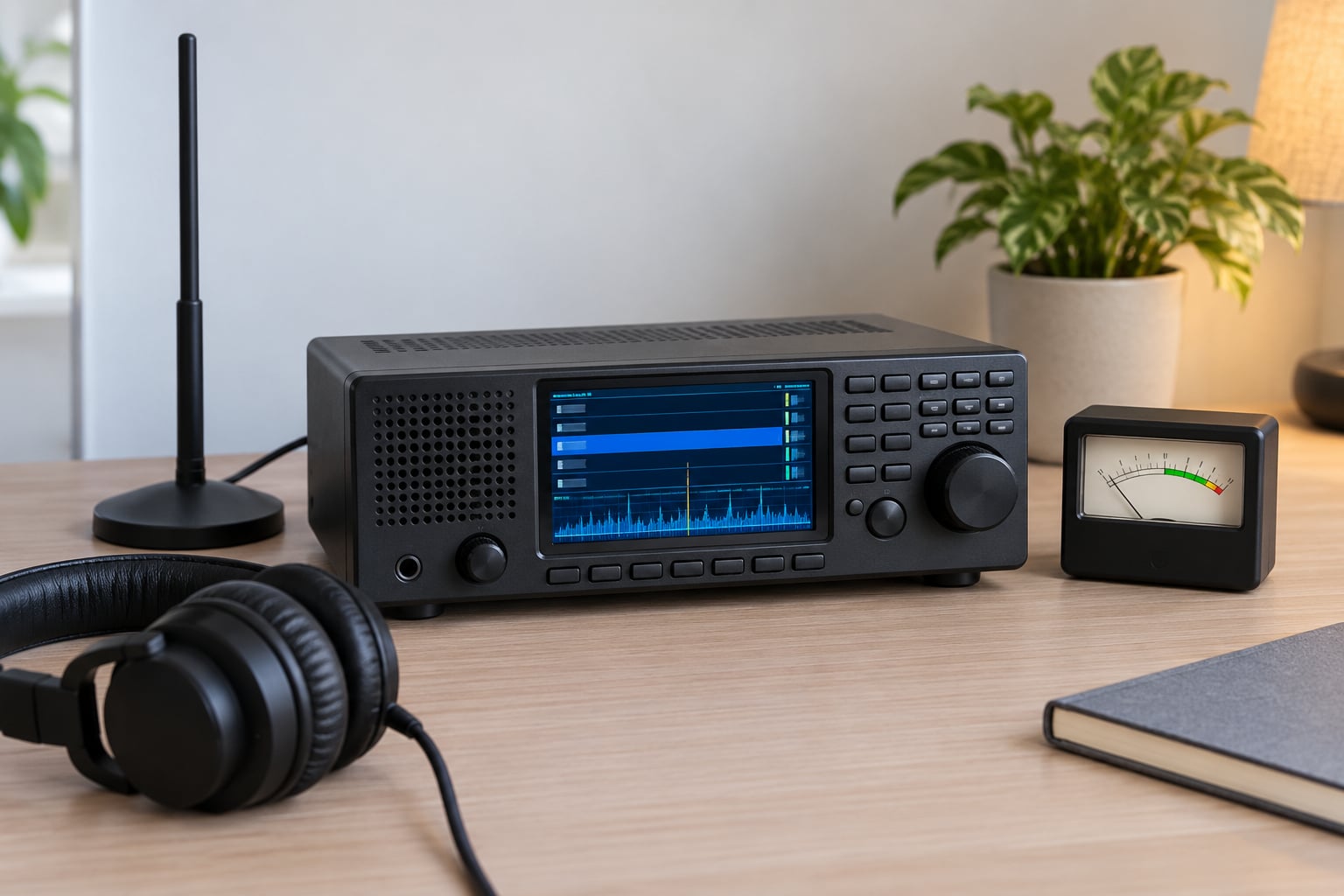
A scanner radio picks up frequencies by listening to many channels at once and stopping on the ones that are active. An antenna catches radio waves, electronics tune to each channel in a stored list, and a squelch circuit detects a live signal. The scan pauses, plays the transmission, then carries on hunting for the next one.
That is the whole trick, and it is genuinely simple once you see it as two loops: a tuning loop that checks channels, and a stop-and-play loop that listens when something is found. Everything else — trunked systems, digital voice, range, encryption — sits on top of those two loops. This guide walks through the mechanism first, then the settings and the faults that make a scanner go quiet.
One thing worth saying up front: if you are about to buy anything, find out what radio system your local service actually runs before you spend a pound. Forum regulars say this constantly, and they are right. A county on an encrypted digital trunked system sounds completely different from one on plain analogue, and no antenna will fix a mismatch between gear and system.
Table of Contents
- What Does It Mean When a Scanner Radio Picks Up Frequencies?
- How Does a Scanner Radio Receive a Radio Signal?
- Why Do Different Scanner Frequencies Sound Different?
- What Determines How Far a Scanner Can Hear?
- How Do Antenna, Bandwidth, and Squelch Affect Reception?
- Why Does a Scanner Skip or Lose a Frequency?
- Frequently Asked Questions
- Conclusion
What Does It Mean When a Scanner Radio Picks Up Frequencies?
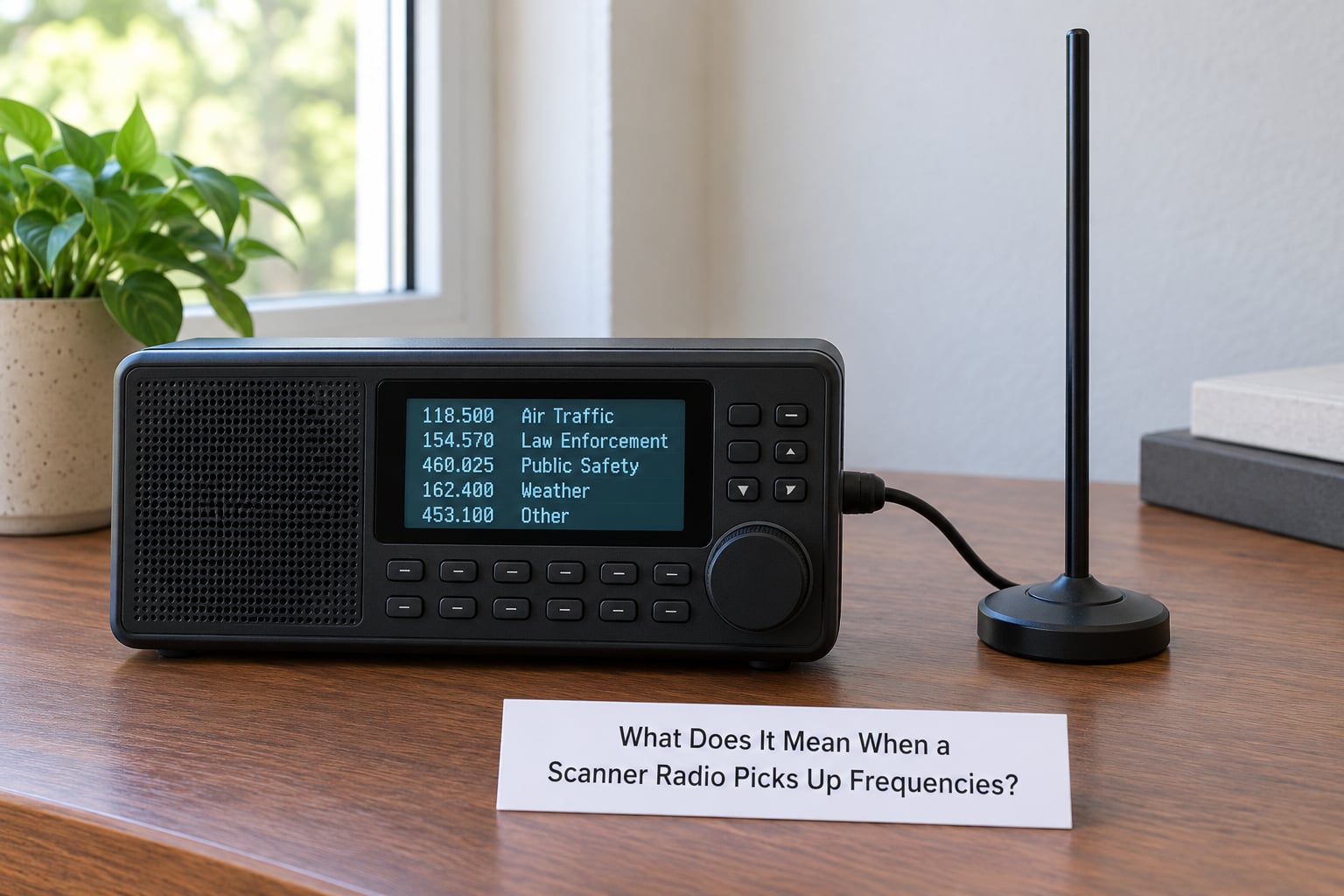
Picking up frequencies means the receiver has detected an RF signal strong enough on one of the channels in its list to open the audio path. Nothing is being requested or unlocked. The scanner is passive — it listens to whatever is radiating in the band and refuses to play a channel that is only carrying noise.
Scanning and tuning are different jobs. Tuning is sitting on one frequency and staying there, exactly like an ordinary radio. Scanning is cycling through a programmed list, checking each entry for a carrier, stopping when it finds one, then resuming the cycle once the transmission ends.
Most scanners also have a search function, which sweeps the whole band in steps rather than checking a fixed list. Search is how you find new activity or confirm a frequency is dead. Scan is what you leave running day to day.
So when someone says a scanner stopped picking up frequencies, they usually mean the stop-and-play loop is no longer triggering. The tuning loop may well still be running perfectly.
How Does a Scanner Radio Receive a Radio Signal?
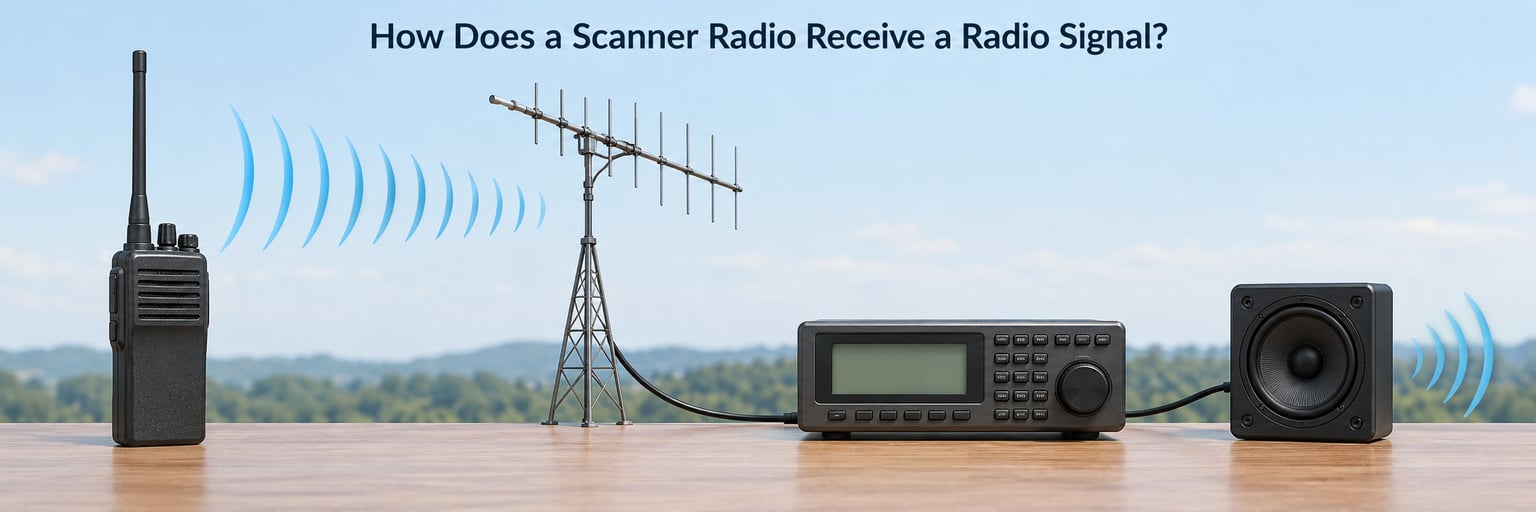
Every signal follows the same five-stage path, whether it comes from a police station, an aircraft or a hobby transmitter. Understanding how a scanner radio picks up frequencies is really just understanding these stages and what each one can fail at.
1. The antenna converts a wave into an electrical signal
The transmitter pushes current into its own antenna, which radiates an electromagnetic wave. Your receiving antenna does the reverse: the arriving wave induces a tiny voltage across it. In a handheld that antenna might be 8 centimetres of wire; on a rooftop it might be a 3-metre fibreglass whip mounted 20 metres up. Same physics, very different signal strength at the receiver.
2. The RF front end amplifies the weakest part of the signal
The induced voltage is measured in microvolts, so it cannot simply be listened to. A low-noise amplifier boosts it, and usually a bandpass filter follows to reject signals outside the band you are working in. This stage sets a limit called the noise floor, which is the amount of electrical hiss you hear on an empty channel.
3. The channel selector tunes to the next entry in the list
A synthesised oscillator and mixer convert the incoming signal down to a fixed intermediate frequency, where filtering is easier and cheaper. The channel selector then steps this oscillator to the next frequency in your list. On a decent handheld this happens tens of times a second, which is why you never notice it happening.
4. The demodulator turns the wave back into sound
This is the stage that differs most between signal types. An FM demodulator recovers the audio from the carrier’s frequency variations. A digital demodulator recovers a bitstream and hands it to a vocoder, which reconstructs speech. Same antenna, same filters, completely different decoder.
5. Squelch decides whether the scan loop stops
Squelch measures signal strength and compares it to a threshold you set. Above the threshold, the audio path opens and the scanner stops scanning. Below it, the channel is treated as empty and the loop moves on. Set the threshold too low and the scanner stalls on every hiss; too high and it walks straight past a real, weak transmission. This is why squelch is the single control beginners get wrong most often.
Two kinds of system use that path differently, and the difference decides what hardware you need.
| What differs | Conventional system | Trunked system |
|---|---|---|
| How the scanner finds a call | Holds a fixed list of frequencies and checks each one | Listens to a control channel that announces which frequency the next call will use |
| Frequency use | One radio per channel, often idle half the time | Many radios share a small pool of frequencies on demand |
| Grouping of people | A frequency usually equals one team | Talkgroups, so 30 channels can hold hundreds of teams |
| What the scanner must do | Detect a carrier and stop | Track the control channel and follow each channel grant |
| What you hear with no trunk tracking | Whole conversations, minus encryption | Fragments of unrelated calls, because the scanner misses most grants |
That last row matches what beginners describe on forums: fragments of unrelated voices, then silence, then another fragment. The scanner is working, it just has no idea which channel the traffic moved to.
Why Do Different Scanner Frequencies Sound Different?
Because the wave arriving at your antenna may be amplitude modulated, frequency modulated, or a digital stream wearing a frequency-modulated carrier. The receiver has to match the format, and a mismatch sounds distinctive rather than merely quiet.
Amplitude modulation, still used on parts of the long and medium wave bands, varies the carrier’s strength to carry audio. It is the most vulnerable to interference, which is why AM stations fade and hiss first. Frequency modulation holds the carrier at a constant strength and varies its frequency instead, which makes it far more resistant to noise and is why almost all local public safety and broadcast traffic is FM.
Digital voice is different again. The audio is compressed by a vocoder into a few thousand bits per second, scrambled into packets, and sent as a continuous data stream. A scanner with no digital decoder will not play speech — it produces a harsh, rhythmic warble that sounds like a broken robot. That sound is not a fault. It means the scanner detected a digital signal and cannot decode it.
Digital formats differ in how they divide the channel and how you get access. P25 Phase I uses FDMA, giving each user its own narrow slice. P25 Phase II uses TDMA, splitting each channel into two time slots and doubling capacity. DMR is also TDMA and commonly uses two slots. NXDN runs narrower channels still, which suits agencies with a lot of groups to fit in.
| Format | Channel access | What you need |
|---|---|---|
| Analogue FM | One user per channel | Any conventional scanner |
| P25 Phase I | FDMA, one user per channel | Scanner with P25 decode, or SDR software |
| P25 Phase II | TDMA, two users per channel | Phase II capable decoder |
| DMR | TDMA, two users per channel | DMR decode support |
| NXDN | Very narrow FDMA | NXDN decode support |
| Any of the above, simulcast | Several towers transmit the same channel | Receiver with good phase noise handling, or SDR with software equalisation |
Channel spacing is the other reason old scanners go quiet without warning. Agencies across Europe and North America have been moving from 25 kHz spacing to 12.5 kHz, or narrower, so two channels now sit where one used to. A receiver with wide filters hears both as one garbled mess, and a scanner programmed with old spacing misses the narrow signals sitting between its entries.
Simulcast causes its own symptom. When several towers transmit the same channel at once, the receiver picks up a different tower depending on the moment. The result is a digital transmission that breaks up mid-sentence or sounds like it is underwater, even when signal strength reads strong on the meter.
What Determines How Far a Scanner Can Hear?
Range comes down to how much signal survives the trip, and almost every limit people blame on their radio is actually a limit on the signal.
Transmitter power is the obvious one, and public safety sites are usually powerful — often tens of kilowatts. That is the part you cannot change.
Antenna height is the part you can. Raising a receiving antenna by 6 metres can do more than any amplifier, because radio waves travel and the horizon moves with you. Height on your own roof beats height on a desk indoors, every time.
Terrain sets the practical horizon. In flat country a VHF site might be audible 50 to 80 kilometres away; behind hills or across a city centre, the same site might not reach past the next borough.
Buildings and obstructions matter far more on UHF than on VHF. Concrete and metal block 400 to 800 MHz signals that a VHF signal would shrug off, which is why handheld scanners work poorly inside city centre offices.
The band itself changes the rules. VHF travels further and bends around obstacles better. UHF fits more channels into the same slice of spectrum and is used more for mobile traffic, but it is more easily blocked.
Cable loss is the quiet one nobody checks. Coax and adapters waste signal as heat, and at UHF several metres of thin cable plus a stack of connectors can cost you more than doubling the distance to your receiver. Shorter, better cable and fewer adapters beat any amplifier.
Receiver sensitivity is the last piece, and it is the one you are least likely to control. A cheap set has a higher noise floor and will not hear a marginal transmission that a good receiver pulls out of the noise cleanly.
How Do Antenna, Bandwidth, and Squelch Affect Reception?
Antenna choice should follow the band, not fashion. A rubber duck on a handheld is a compromise for convenience. On a desktop scanner, a proper VHF/UHF whip with real gain and a decent mount beats almost everything else you could spend money on. Keep it away from computers, monitors, switch-mode power supplies and LED lamps, all of which radiate noise that raises your noise floor.
Bandwidth is the filter width your receiver applies, and it is a straight trade. A narrow filter rejects neighbouring channels and cleans up a crowded band, but it also chops off the edges of a wide signal and weakens sensitivity to weak transmissions. A wide filter hears more but lets more noise in. For normal public safety FM, a standard narrow setting is the sensible default; widen it only when you are chasing short transmissions that sound clipped.
Squelch has a setting procedure rather than a magic number. Tune to a channel you know is silent and hold the button down, or find the squelch menu, then raise the threshold until the hiss just disappears. Back it off slightly so weak signals still open it. If your scanner stops on every empty channel, the threshold is too low. If it seems to walk past traffic you can hear on another set, the threshold is too high.
A search function is worth running whenever a channel stops appearing. Sweeping the band confirms whether the frequency is still in use, whether the agency has simply moved, and whether you are hearing interference from something that has nothing to do with radio.
Why Does a Scanner Skip or Lose a Frequency?
Work down this list in order, because the causes go from most common to least, and each one rules out the next.
The agency moved to a different system. This is the most reported cause by a distance and the least explained. A frequency list that worked last year may now be a trunked system your scanner cannot follow, or an encrypted one it cannot decode. Check the system type for your area before anything else.
Encryption. If a talkgroup shows activity, the scanner stops, and you get silence, the signal is encrypted. This is not a fault and nothing will decode it on legal equipment. More agencies use encryption each year, which is the main reason listening feels less rewarding than it used to.
The wrong modulation is selected. A scanner set to analogue on a digital channel gives you the warble. A scanner on the wrong bandwidth gives you noise or fragments.
The squelch threshold is wrong. Too low and it stops on noise constantly; too high and it ignores weak but usable signals.
Programming errors. A transposed digit, a wrong offset, or a frequency entered in kHz when the radio wanted MHz. Beginners cannot reliably tell trunked from conventional from a bare frequency list, so use a maintained frequency database and check the system type.
Antenna faults. A loose SMA connector, a damaged coax end or a badly seated telescopic whip will cost you more reception than almost any setting inside the radio.
Local interference. LED lighting, cheap chargers, PC monitors and poorly installed wireless microphone kit all radiate on scanner frequencies. A noise-clipping recording in the earpiece is the giveaway.
Bandwidth refarming. If an agency moved to 12.5 kHz spacing, a scanner with wide filters may simply not resolve the channel any more.
On legality, keep it simple and check your own country’s rules. In the UK, Ofcom governs reception and you may not intercept messages without lawful authority, and there are further restrictions on recording and rebroadcast. Elsewhere the position differs. Listening to amateur and PMR446 traffic is generally straightforward; mobile phone traffic is not. Do not assume legality from the fact that a signal reaches your antenna.
Frequently Asked Questions
How does a radio frequency work?
A transmitter sends current into an antenna, which radiates an electromagnetic wave carrying voice, music or data. Your receiving antenna picks that wave up and turns it into a tiny electrical signal, which amplifiers strengthen. A tuner selects the frequency you want, filters out everything either side of it, and a demodulator turns the wave back into sound. Distance, obstacles, interference and frequency all change how strong and clear the result is.
Do police scanners still work?
They still work, but not the way they once did. Digital voice means older scanners produce a warble instead of speech unless they can decode the format, and encryption means an active channel can produce pure silence. Plenty of conventional, unencrypted and amateur traffic is still out there to monitor. Look up your local system type before buying anything.
What are 10 uses of a scanner?
Monitoring local police, fire and EMS dispatch; listening to airband transmissions between aircraft and towers; following marine VHF traffic; tracking motorsport pit and team radio; keeping an eye on rail and tram radio; monitoring amateur repeaters; receiving weather and satellite transmissions; following business and industrial two-way systems; watching out for pagers and legacy alerting systems; and locating RF interference that is disrupting wireless microphones or PA equipment.
What are the common problems with RF scanners?
The usual problems are a mismatched receiver for the signal format, squelch set too high or too low, weak or damaged antenna and coax, interference from electronics in the same room, and a frequency list that has gone out of date. Trunked systems need trunk tracking to be followed at all, and encrypted channels will never produce audio on lawful equipment.
Can you explain how trunked radio works?
A trunked system shares a small pool of frequencies across many teams instead of dedicating one frequency to each. A permanently transmitting control channel carries data telling radios which frequency a given talkgroup’s next call will use. A scanner follows that control channel, reads the channel grant, tunes to the assigned frequency in time to catch the transmission, then returns to the control channel.
What is the key difference between conventional radio and trunked radio?
A conventional system puts each team on its own frequency, so a scanner simply steps through a fixed list and stops when it hears a carrier. A trunked system shares frequencies on demand, so there is no fixed list to step through. The scanner must listen to a control channel for instructions telling it which frequency to listen to next, which is why a scanner without trunk tracking only catches fragments.
Conclusion
A scanner radio picks up frequencies by stepping through a list, letting squelch decide which channels carry something worth hearing, then stopping and playing those transmissions before returning to the search. The tuning loop, the stop-and-play loop and the demodulator are the whole mechanism, whatever the system type.
If something is not working, do these four things first: check what radio system your local service runs, confirm your scanner can decode that format, set squelch on a known silent channel, and then move the antenna up and away from your electronics. Nine times out of ten, the hardware was never the problem.