To listen to live sports commentary online, open the broadcaster’s official website or its mobile app, find the station page, tap the live play button and start the audio — signing in only if that station asks you to. Most national sports stations stream free, while lower-league and local matches often sit behind a subscription or a regional login.
Table of Contents
What You Need
You need three things: a device with a speaker, a steady internet connection, and access to a station that actually carries your sport. A phone and a set of headphones cover most of it. A laptop or tablet works just as well, and a smart speaker or car system is handy when your hands are busy.
Connection quality matters more than people expect. Audio streams are small, so a normal broadband or 4G connection is plenty. Public Wi-Fi in a stadium or a café can be the weak link — if the sound stutters there but not at home, the Wi-Fi is the problem, not the station.
Next, the account. BBC Sounds, talkSPORT and the big US sports networks let anyone press play on most live commentary without an account. Some fixtures are rights-restricted, which means you need a broadcaster subscription or a TV-provider login before the stream will start.
Last thing, know what your local rights allow. Regional restrictions decide which commentary you hear, so a stream that works from your kitchen may refuse to play an hour away. Check the station’s own site rather than guessing, because rights change from season to season.
Step-by-Step: Listening to Live Sports Commentary Online
Find an official live stream
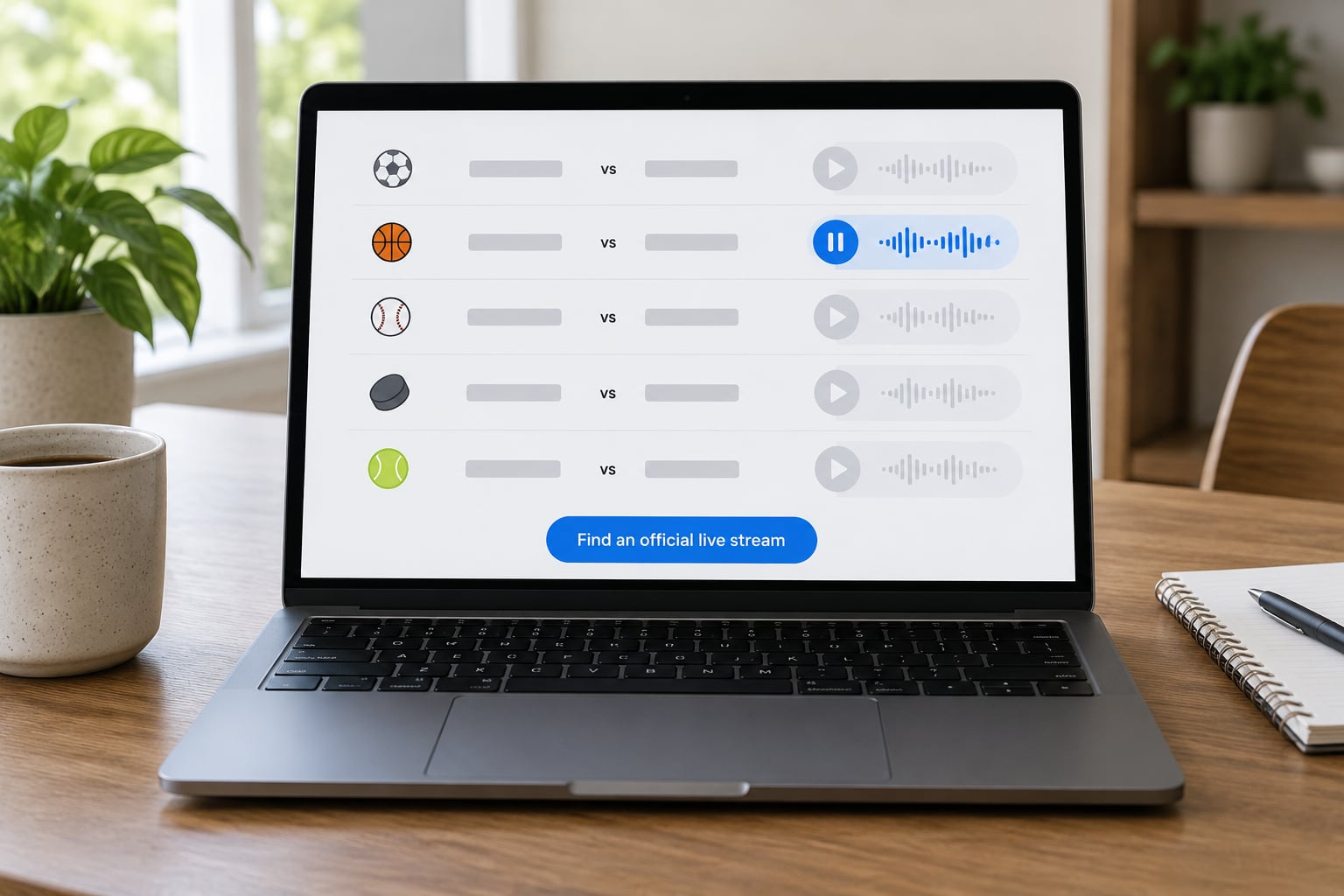
The fastest route to live sports commentary online is the event page, not a search for “radio”. Start with the league or competition site, or with the broadcaster that holds the rights in your country. Most publish a schedule where each fixture links straight to its audio stream. If you follow one club only, the club’s official site usually carries the same link.
Station directory apps are the fallback when you do not know which broadcaster holds the rights. Search the team name inside the app and it will show every station carrying that club, usually with the local frequency listed alongside the stream.
Choose the correct commentary feed
Not every audio player on a page is live. Match coverage sits alongside highlights packages, post-match replays, phone-in shows and full video streams, and they look similar until you read the label. Live commentary is marked “live”, “on air” or with a broadcast start time that matches your kick-off or first pitch.
A replay published hours later will play from the start with no delay. If you want the action as it happens and it sounds like a finished broadcast, you picked the wrong one.
Sign in and start the audio
Press the live button. If a sign-in prompt appears, create a free account with an email address — that is all most stations need. If the player shows a padlock, a subscribe message or asks for your TV provider, the fixture is rights-restricted and a paid subscription is required.
Set the volume on the device rather than in the player, and pick a lower audio quality setting if you are on mobile data. Low quality sounds nearly identical for speech and uses a fraction of the bandwidth.
Check the live audio and commentary timing
Play a minute before kick-off and confirm you hear the warm-up talk, the team sheet and the crowd rather than silence or an archive recording. Compare what you hear with the official score updates: if the commentator describes a goal ten seconds after the score feed publishes it, the audio is running slightly behind, which is normal.
If a stream begins badly out of sync, pause and restart it. A fresh connection usually resynchronises it in seconds.
Use the stream on another device
Moving a stream between devices is usually a matter of opening the same station in the broadcaster’s app on your phone, casting it to a smart TV, or asking a smart speaker to play it by station name. In the car, most listening apps appear in Apple CarPlay or Android Auto, and Bluetooth streaming from your phone works as a fallback with no setup at all.
One catch worth knowing: many broadcasters allow a single stream per account at a time. Starting the audio on a second device often cuts off the first, which is annoying if the match is playing in the kitchen while you set up in the car.
Troubleshoot access and playback
Work down this list in order, because it goes from likely to unlikely:
- Silence or a spinning icon: reload the page, close and reopen the app, then try the other one. A stuck player usually fixes itself.
- Buffering every few seconds: switch to a lower audio quality, or move closer to the router.
- “Not available in your location”: the rights are regional. Look for another station carrying the fixture, or wait until the event is carried inside your territory.
- Login loops: sign out completely, clear the app’s cache or site data, then sign back in.
- Works at home, fails on mobile data: check that your plan does not block streaming audio, and turn off any data-saving restriction on the app.
- Old content in the player: a cached page is showing yesterday’s broadcast. Hard-refresh the page to clear it.
Common Mistakes When Listening to Live Sports Commentary Online
Playing a highlights package instead of the match. The audio is on, but it is twenty minutes of clips. Check the timestamp and the label on the player, and look for the live indicator.
Sitting through a post-match phone-in show. Replays and analysis often follow the commentary slot. If you want the match itself, check the programme schedule rather than assuming the first audio player on the page is live.
Assuming a subscription is always needed. Plenty of live commentary, including most national football, cricket and motorsport coverage, plays free with no account at all. If a page demands payment, check the broadcaster’s free web player first — the same audio is often available elsewhere without a login.
Using unofficial links and file-sharing sites. They buffer, carry malware and disappear mid-match. Stick to the broadcaster’s site, its app, or a directory app that links straight to the station.
Forgetting the audio delay. A stream can run 5 to 30 seconds behind the pitch or the official feed. That is normal for internet audio, and it matters most if you are also watching the score on a second screen.
Ignoring whether the stream is actually legal in your region. Local station streams are frequently limited to the team’s home territory, which disappoints anyone following a club from abroad. If a stream refuses to start, regional rights are the usual reason.
Expecting the visuals. Audio carries the build-up, the tactics and the reaction, but not the goals themselves. That trade-off is the deal for following a local, college or lower-league team that no TV channel covers — worth knowing before you settle in.
Frequently Asked Questions
Where can I listen to sports radio for free?
BBC Sounds, talkSPORT, 5 Sports Extra and most US sports networks carry live commentary free with no account. For local stations, directory apps such as iHeartRadio, radio.net, TuneIn and Radio.co let you search a team and play the carrying station without paying. Some fixtures are rights-restricted and need a subscription.
How do I listen to BBC Radio 5 Live?
Download the BBC Sounds app or open the BBC’s web player on bbc.co.uk, search for BBC Radio 5 Live, and press play. A free BBC account unlocks most of the live commentary and lets you resume across devices. Some programmes are geo-restricted, so the stream can be blocked while you are outside the UK.
Why does a sports stream say not available online?
It almost always means regional rights. A broadcaster only carries certain matches in certain territories, and local station streams are usually locked to the team’s home region. Check the broadcaster’s terms, and look for another station holding the rights where you are. A VPN is not a reliable fix and may breach the service’s terms.
How much data does streaming live radio use?
Live audio uses far less than video. A standard-quality stereo stream runs roughly 90 to 140 megabytes an hour, and the low-quality setting drops that to around 20 megabytes. A 90-minute match is therefore a few hundred megabytes, which most mobile plans handle comfortably.
Conclusion
The quickest path to live sports commentary online is the broadcaster’s own site or app: find the event, tap the live player, and press play. Free accounts cover most mainstream matches, and directory apps like iHeartRadio or radio.net help when you need a smaller club or a local station. Start there, then use the troubleshooting list above if the audio refuses to run.