To listen to baseball games on radio, you tune in to your team’s flagship AM/FM station on a traditional receiver, or stream that same station feed through a radio app on your phone, tablet, or smart speaker. For most fans the free route is a station app, and the whole setup takes about five minutes before first pitch.
Radio is still the fastest way to hear a game live. A local station broadcast is often seconds ahead of the television feed, so when a manager makes a mound visit, you hear it before the crowd noise changes on TV. It also costs nothing to listen, works in a car without a data plan, and keeps working when the broadband at home is having a bad afternoon.
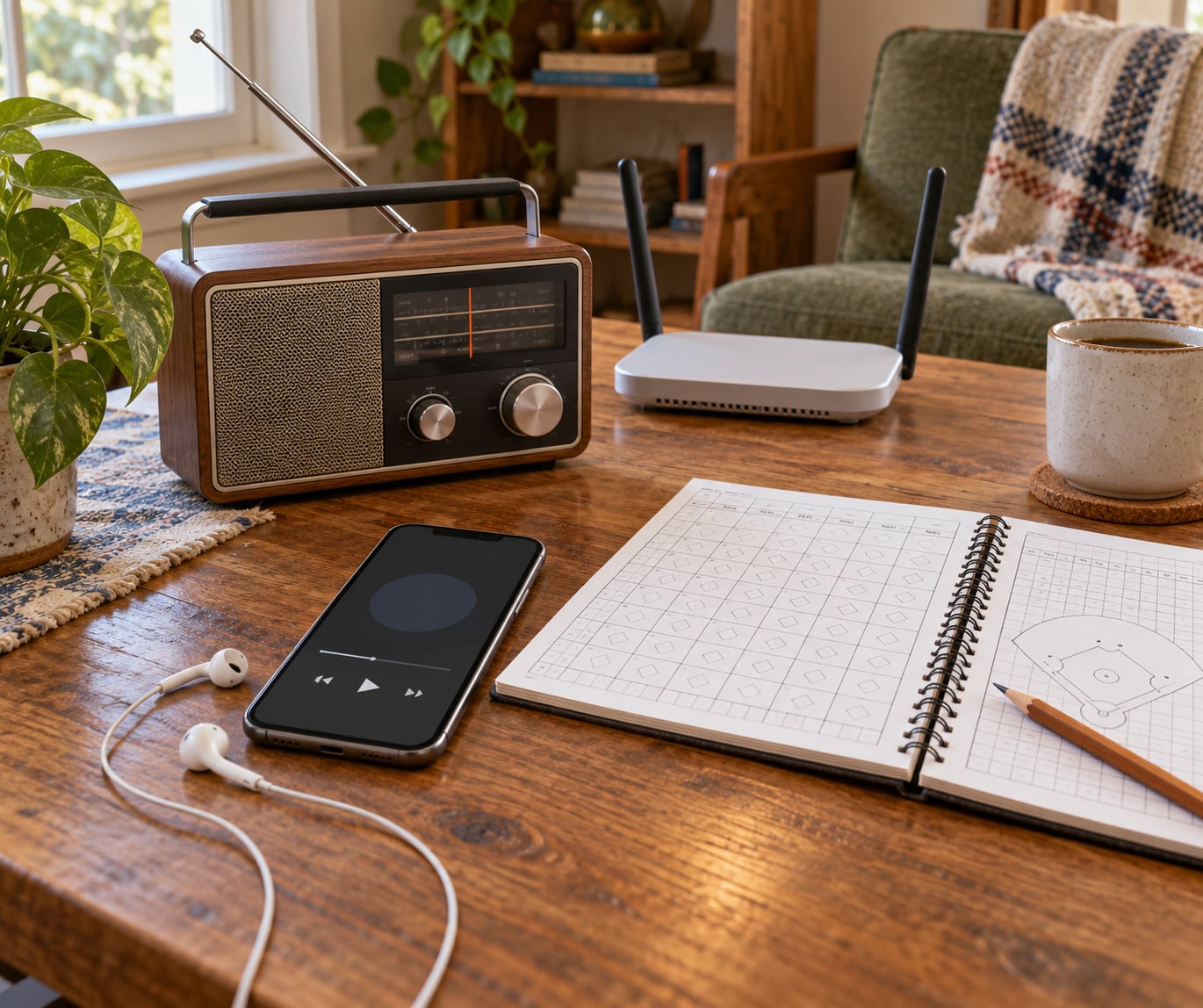
There are three routes, and they overlap. Traditional AM/FM radio gives you the flagship station free anywhere its signal reaches. Official apps and streaming — MLB’s own app, plus directory services like radio.net, free-sportsradio.com, iHeartRadio, Audacy, and TuneIn — carry many of those same station feeds over the internet, usually free with an account. Satellite radio on SiriusXM carries a national MLB channel plus out-of-market game channels, on a paid subscription.
Table of Contents
What You Need
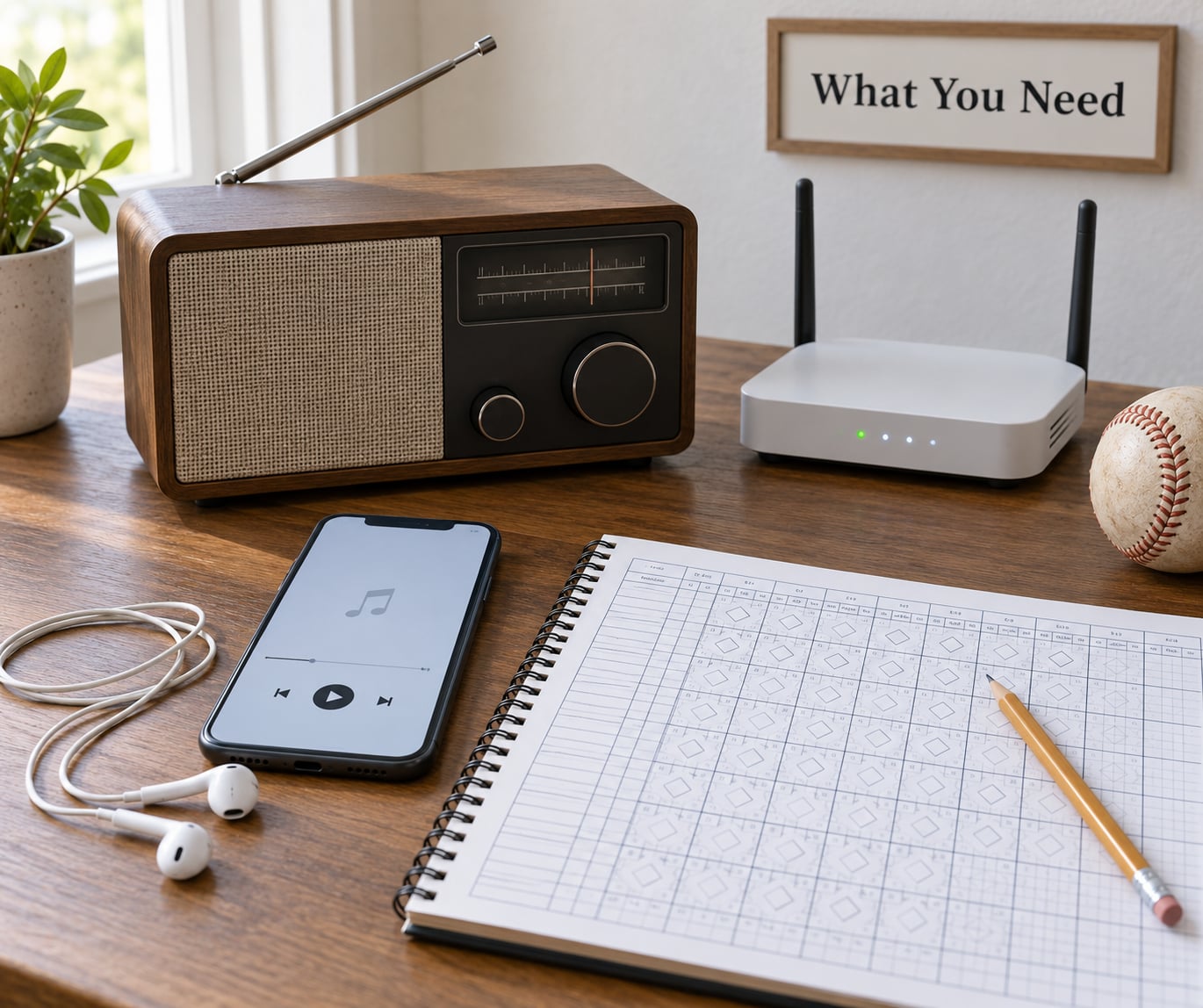
Pick the equipment that matches where you actually listen. Most people end up using two of the options below rather than just one.
- A traditional AM/FM receiver. A tabletop radio, an alarm clock radio, or the dashboard radio in your car. This is the simplest option and it needs no account, no phone and no internet connection.
- A phone, tablet or computer. Any device from the last few years runs the radio apps named in this guide. This is how you listen when you are away from your team’s radio market.
- A streaming radio service. The MLB app, the official team app, or a general station directory such as radio.net or free-sportsradio.com. Many are free with an account; a few out-of-market options need a paid subscription.
- An audio device. Phone speakers are fine for a shower, but earbuds, a Bluetooth speaker, car speakers or a smart speaker make a nine-inning broadcast much easier to sit through.
- A steady internet connection when streaming. Home Wi-Fi or a solid mobile signal. A weak connection is the most common reason a stream stalls or drops out mid-inning.
You do not need all five. If you only ever listen in your car, the dashboard radio is the whole setup. If you travel for work and want the Rockies or the Rangers from the East Coast, you need the phone and a streaming service.
Step-by-Step: How to Listen to Baseball Games on the Radio
1. Find Your Team’s Radio Network
Start on the team’s official website, where the broadcast section lists the flagship station, the regional network, and the play-by-play and color announcers. MLB’s broadcast listings page also rolls up the flagship stations across the league.
You want three details: the flagship call sign, the regional network that carries games the home station does not, and whether the club has a Spanish-language flagship or a separate Spanish feed. Write the call sign down — it is the one piece of information every other method needs.
Broadcast partners change. Clubs switch stations and networks between seasons, and postseason coverage shifts again because the national broadcast deals are different from the regular-season ones. Anything you read early in the year can be stale by July, so check the team’s current broadcast page rather than an old article or a saved tab.
2. Choose a Terrestrial or Streaming Option
Choose terrestrial radio when you are inside the team’s home market or driving through it. It is free, it works with no data plan, and the signal is not affected by stadium attendance. Its limit is geography — a Detroit station fades out somewhere around Gary, Indiana.
Choose streaming when you are outside that market, when you want to listen back to a game later, or when your car does not have a working radio. The limit is that local flagship feeds are restricted by MLB digital media rights: many will play for a listener inside the team territory and refuse to play for the same account from another state or from Canada.
| Option | Typical cost | Works where? | Main limitation |
|---|---|---|---|
| AM/FM radio | Free | Home market only | Signal drops off outside the broadcast territory |
| Station app (radio.net, iHeart, Audacy, free-sportsradio.com) | Free with an account | Many markets | Some local feeds are geo-restricted |
| Team app or MLB app | Free for local games | Home market | Out-of-market audio needs a paid subscription |
| SiriusXM | Paid subscription | Anywhere in the coverage area | Requires a compatible radio or connected vehicle |
The decision really comes down to location. Home and car in your own market means the free terrestrial option. Away from the market, or following a team you no longer live near, means streaming first and a paid out-of-market subscription second.
3. Set Up a Streaming Radio Service
Download the service you chose from your app store and create an account with an email address. The free directory services — radio.net, free-sportsradio.com, iHeartRadio, Audacy and TuneIn — all follow the same pattern: sign in, then search for the call sign or the city.
Type the flagship call sign into the search bar. If it does not appear, search the city instead, or browse the league or team pages that directory sites group the stations under. Once the station shows up, open it and press play; most of these services will play the live game feed the moment the station goes on air.
Add the station to your favorites so it is one tap away on game day. On a phone, also add it to your lock screen or a home screen shortcut, because finding a station by searching while the first pitch is being thrown is a waste of a good mood.
4. Connect Your Audio Device
With earbuds plugged in, the audio route is usually automatic. The harder cases are Bluetooth and car connections, where the sound can go somewhere you are not expecting.
- Wired earbuds or a cable. Plug them in before pressing play and confirm the app is set to output to headphones rather than the built-in speaker.
- Bluetooth headphones or a speaker. Turn the headset on first, pair it, then start the stream. If a different speaker is already connected to your phone, the stream audio follows the wrong device.
- A car. Start the car, pair the phone over Bluetooth, and choose the audio source on the dash. Many cars also accept a USB cable, which usually sounds better and charges the phone at the same time.
- A smart speaker. Ask the assistant to play the station by name and city, then request the team rather than a station. “Play WEEI” works; “play the Red Sox game” often lands you on a recorded program instead of the live broadcast.
To check which output is active, play a few seconds of audio and then lower the volume on the device you think you are using. If the sound does not change, that is the wrong output.
5. Check the Schedule and Start the Broadcast
Confirm the game date and first-pitch time before you settle in. Day games are often on different stations than night games in some markets, and a doubleheader may split between two crews, with the second game on the flagship rather than the regional network.
Check whether you are in the broadcast territory. If the app says the game is unavailable, that is a rights restriction rather than a broken setup, and the same account will usually play the same game on a terrestrial radio in the team’s home market.
Start the stream a few minutes before first pitch. Pregame coverage often runs the lineup, the last few games and the matchup, and getting in early means you hear the first inning commentary rather than catching up mid-at-bat.
6. Confirm That the Audio Is Working
A working broadcast has three signs: a live indicator on the app or a green LIVE tag on the directory listing, moving audio that responds to your volume control, and continuity that does not jump when you switch apps.
Test it in layers. Play the stream and confirm you hear it. Lower and raise the volume. Plug in earbuds and see whether the sound follows. Then switch briefly to another station or another app and back — if the second station plays fine, the problem is the station, not your device.
That last step matters because broadcasters do have outages. If no device in your house can reach the feed and the station’s own website or social account is quiet, the failure is upstream. Waiting is the fix.
Common Mistakes
Searching for the wrong station. A team has a flagship and a regional network, and not every game sits on the flagship. Look at the team’s current broadcast listing instead of guessing from an old schedule.
Missing the local flagship entirely. The home station in the team’s market is often the one broadcast that is free, while the regional network feed is the one that costs money. Forgetting the flagship is the most common reason fans end up paying for something they did not need to buy.
Using a team app when you want a radio broadcast. A team’s official app usually carries the TV stream, and the video feed is restricted far more tightly than the audio. For a pure radio broadcast, use the station in a radio directory or the station’s own app.
Trusting an out-of-date schedule. Networks change between seasons, spring training has its own crew, and postseason calls differ from the regular season. A page that was right in April can be wrong in October.
Ignoring territory restrictions. When a local flagship feed stops working from a new state or from Canada, that is the digital media rights rule, not a password problem. The same account plays the game on the local station within the broadcast territory.
Weak Wi-Fi or mobile signal. A stream that buffers every few minutes, especially in the second half of a game, is usually signal strength. Move closer to the router, or use the terrestrial option for the second half.
Muted audio or the wrong Bluetooth device. The stream is playing and the phone is muted, or the sound is coming from a speaker in another room. Check the volume on the device you are actually holding, and check which Bluetooth output is active before changing anything else.
One more worth knowing: the MLB app is widely disliked, mostly for playback bugs and buffering on out-of-market audio. If it frustrates you, the station directory apps and the team’s flagship station feed do the same job more reliably, and often for free.
Frequently Asked Questions
What radio station can I listen to the baseball game on?
Your team’s flagship AM or FM station, listed on the club’s official broadcast page. Games the flagship does not carry go to the regional network instead. Enter either call sign into a station directory such as radio.net, free-sportsradio.com, iHeartRadio or Audacy to stream it, or tune it in on any traditional radio. Local flagship feeds are usually free inside the team’s broadcast territory.
How can I listen to the Yankee game on my iPhone?
Open a station directory app such as radio.net or iHeartRadio, sign in, and search the flagship call sign listed on the team’s broadcast page. Tap the station and press play, then connect earbuds or a Bluetooth headset. For out-of-market games, the Yankees feed is often geo-restricted, so the app may refuse to play away from the broadcast territory.
How to listen to MLB radio for free?
Free options include traditional AM and FM radio, station directory apps such as radio.net, free-sportsradio.com, iHeartRadio, Audacy and TuneIn, plus the MLB app for games inside your team territory. Some directories work with no account at all, though creating a free account usually removes ads and saves your favorite stations.
Is there a free TuneIn radio app?
Yes. TuneIn has a free tier that plays many station streams, including a set of sports stations, and a paid premium tier with a wider selection. Coverage changes often, so search your team’s call sign inside the app and see whether the live game feed appears before you rely on it. Directory sites such as radio.net and Audacy are useful backups.
How to listen to out-of-market MLB games on radio?
Out-of-market games are the hard case. Local flagship feeds are restricted by MLB digital media rights and will not play outside the team’s broadcast territory, and the MLB app only unlocks out-of-market audio with a paid subscription. SiriusXM carries a national MLB channel plus out-of-market game channels, and some flagship streams work from anywhere through a directory app, though it varies by club.
Why can’t I get audio on the MLB app?
Three causes account for most failures: you are outside the broadcast territory and the game is restricted, you need a paid subscription for out-of-market audio, or the app itself is buffering. Check the territory first, since no amount of reinstalling fixes a rights restriction. If you are inside the territory, try the station’s own feed in a directory app as a comparison.
Conclusion
Start with your team’s official broadcast listing and get the flagship call sign. If you listen at home or in your car inside your own market, tune it in on a traditional radio and you are done. If you follow a team from another city, sign up for one station directory app, save the flagship and the regional network, and test both before the next home stand.
Run the test a few days ahead of a game, not on opening day. Most problems show up in the first ninety seconds, and a working setup in 2026 is one you stop thinking about for the rest of the season.