Voice and music clash when both occupy the same frequency range at the same moment, so your ear hears one thick, muddy sound instead of a voice and a track behind it. To mix voice and music without clashing, clean and compress the voice, cut notches out of the music around 400 Hz, 1 kHz and 6-8 kHz, then duck the music 3-6 dB under the words. You can do all of it with the EQ and compressor already in your DAW.
One note before we start. Searching this phrase pulls up a lot of DJ advice about transitioning between two vocal tracks. That is a different job. This guide is about layering one recorded voice over one piece of music, whether that voice is a sung vocal, a podcast narration or a radio announcement.
Everything below works in Logic Pro, Pro Tools, Ableton Live or Reaper, and costs nothing beyond the software you are already using. Budget about an hour for a first pass on a short piece.
Table of Contents
- What You Need
- How to Mix Voice and Music Without Clashing: Step-by-Step
- Frequently Asked Questions
- Why do my vocals sound muffled when I mix them with music?
- Should I boost the vocal or cut the music to make it fit?
- How much should I duck the music under my voice?
- Is volume automation or sidechain compression better for ducking?
- How do I mix a voice over a beat I cannot get stems for?
- What loudness should I export a podcast or radio mix at?
- Conclusion
What You Need
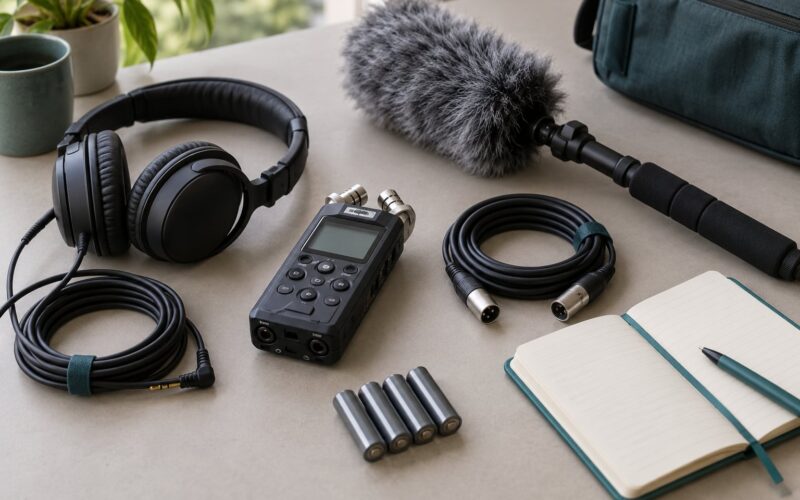
The minimum setup is small. You need a DAW, the recorded voice file, the music file, and a way to listen to both together.
- A DAW. Any of the four big ones will do. The names of buttons change; the job does not.
- Your voice file as a single continuous track, ideally exported at 24-bit.
- Your music file. A stereo bounce is fine, even a mastered one.
- Headphones for judging detail and checking low frequencies.
- Speakers or a monitor for the final translation check. Not required to start.
- An EQ and a compressor, both included with every DAW listed above.
Helpful but not essential: a second reference track you trust, and a phone with earbuds for playback checks. If you have a plug-in such as a high-quality dynamic EQ or a multiband compressor, great. Nothing below requires one.
How to Mix Voice and Music Without Clashing: Step-by-Step
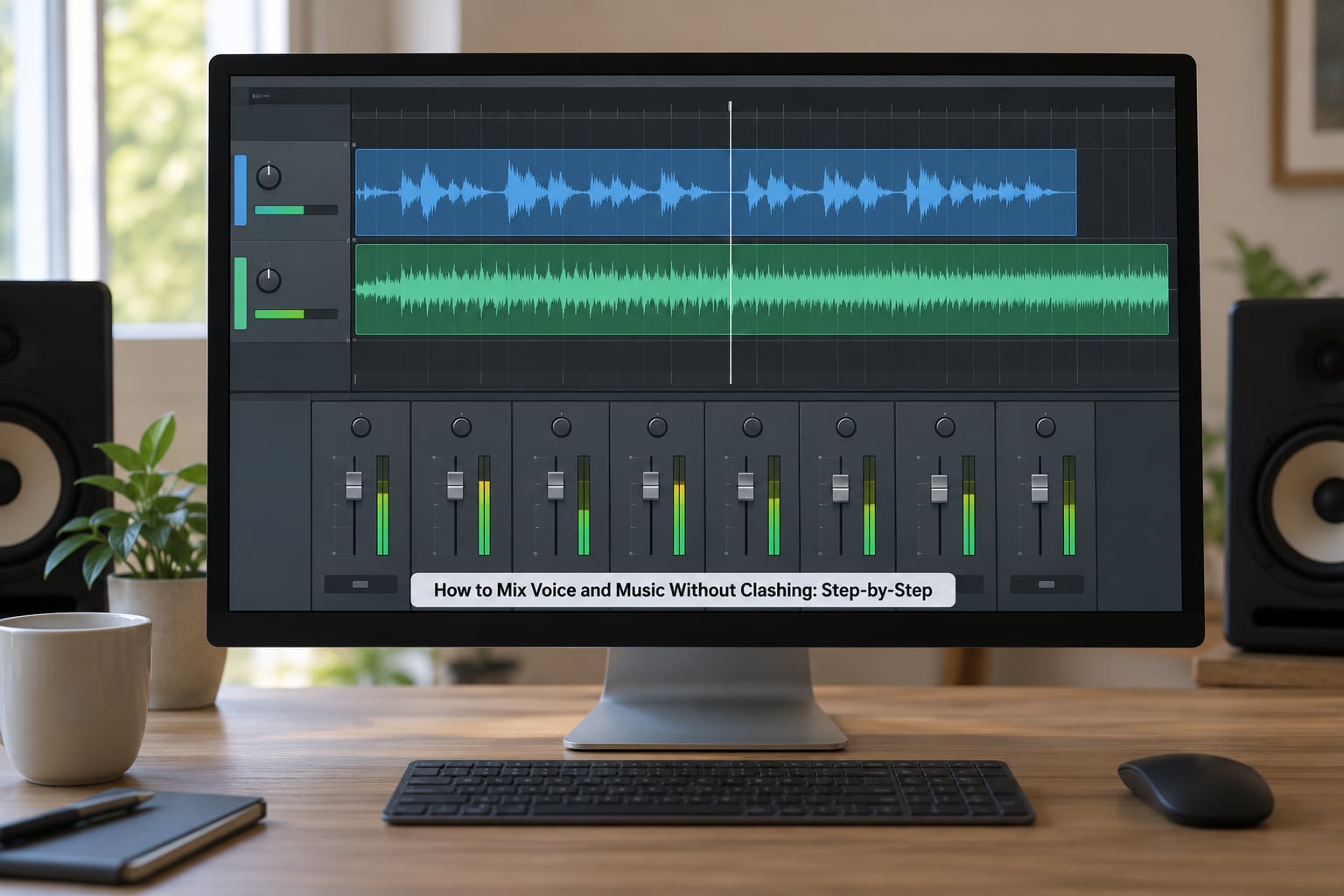
Start With a Clean Voice Recording
No EQ in the world rescues a voice recorded badly. Room echo, a microphone two feet away and a mouth full of plosives will all survive every clever move you make later.
Get within about 15-20 cm of the microphone, use a pop filter if the voice is spoken, and record in the quietest spot you have. Hang a blanket over the desk if you must. Noise that sits under the voice becomes permanent masking once music is added.
Leave headroom too. Aim for peaks around -12 dBFS on the voice recording so there is room for compression and EQ to work without clipping. Record hotter than that and every plugin you add afterwards will make the peaks worse.
Set Voice and Music Levels
Build the static mix first: faders and pan only, no processing at all. This is where most people learn how to mix voice and music without clashing, and it costs nothing.
Set the voice so it peaks around -12 to -6 dBFS and the music so it sits roughly 6-9 dB below that for spoken narration. For a sung lead over a beat, 4-6 dB usually feels closer at the start. The point is that the voice has to stay forward for the entire piece.
Do not match waveform sizes. Two waveforms can look identical on screen and differ by 15 dB. Watch the meters, and check the balance on earbuds and a phone speaker as well, because those are where most of your listeners will hear it.
Remove Masking With EQ
Masking happens when the voice and the music occupy the same frequencies. Cut the music, and the clash goes away without touching the voice.
First find the exact spot. Put a wide bell boost of about 4-6 dB on the music and sweep it slowly from 200 Hz up to 8 kHz while the voice plays. Where the voice disappears, that is your masking frequency. Cut 3-4 dB there and take the boost out. This reverse-EQ method takes two minutes and beats guessing.
Then clean the voice: a high-pass filter at 80-120 Hz with a gentle slope, a small cut of 2-3 dB around 250-400 Hz if it is boxy, and a de-esser working around 6-10 kHz if the sibilance is spiky. Cut gently. Thin, harsh vocals almost always come from too much high-pass filtering or too many cuts, not too few.
| Band | What it causes | What to do |
|---|---|---|
| 80-120 Hz | Rumble, proximity thump, room noise | High-pass the voice, gentle slope |
| 250-400 Hz | Muddiness, boxy tone, words disappearing | Cut 2-3 dB on the voice, 3-4 dB on the music |
| 700-1200 Hz | Nasal, honky competition with music | Small cut on the music after boost-and-sweep |
| 2-3 kHz | Presence, the range that carries intelligibility | Leave the voice alone, cut only the music |
| 6-10 kHz | Sibilance and spiky consonants | De-esser on the voice, cut on the music |
Keep a copy before you start cutting. If the mix turns hollow, you have taken too much out of the middle, and putting it back takes one drag of an undo.
Control Dynamics With Compression
An uneven voice forces you to ride the fader, and a fader that moves during speech leaves gaps in the music. Compressing the voice evens it out so the static balance holds.
Start with a ratio of 4:1, an attack around 10 ms and a release of 50-100 ms. Watch the gain reduction meter and aim for 3-6 dB. More than that and you will hear it as flattened and lifeless, which is the over-compression complaint that shows up on almost every forum thread about this.
Compress the music gently too, not to its face. If the bed is jumping around between loud and quiet sections, a slow compressor at low ratio will steady it. Leave most of the level work to the ducking in the next step.
Duck the Music Under Speech
Ducking means the music drops while the voice is present and comes back up in the gaps. It is the single change that makes a mix sound finished.
Draw it in by hand first. Put a clip on the music volume fader and pull it down 3-6 dB across every phrase, letting it rise back between sentences. Automation takes longer than sidechain but it is precise, and you can adjust any single word without touching the rest.
When the automation becomes tedious, use the sidechain compressor built into your DAW. Put the music in a compressor, set the voice track as the key input, and use a soft-knee ratio of 3:1 to 4:1 with a release of 100-250 ms. Too fast a release and you get pumping; too slow and the music never recovers before the next line.
Ducking only a narrow band around 1-4 kHz keeps the bass and the drums steady under the voice, which sounds more natural than ducking the entire track.
Automate Transitions and Check the Mix
Fade the music in and out rather than cutting it. Half a second at the start and a second or two at the end is enough. Then automate the music up during instrumental breaks so the track breathes, and back down when the voice returns.
Check the mix in mono. A wide stereo bed can hide a vocal that sits on one side of an instrument, and mono is the honest test. Then check the headroom on the master: keep the peaks off 0 dBFS, because mastering will push them harder.
Listen on four systems: your monitors, headphones, a phone speaker and a car system if you have access. The phone speaker has no bass, so it exposes masking around 1-4 kHz that your monitors hide. Every mix that survives that check survives streaming compression.
One last thing. Delay and reverb on the voice help it glue, but keep the sends low and short, and duck the sends along with the music. Heavy reverb pushes the voice backwards and the clash comes straight back. And mix the glue lighter than feels right, because mastering lifts it.
Common Mistakes
Almost every clash traces back to one of seven habits. Here is what each one sounds like and the specific correction.
- Over-compressing the voice. It sounds squashed and still does not sit right. Back the ratio down and hold gain reduction at 3-6 dB.
- Boosting the voice instead of cutting the music. The voice gets louder and the clash gets louder with it. Cut the music at the masking frequency.
- Too much reverb. The voice sits behind the music. Pull the reverb send down and shorten the decay.
- Ducking too hard. Obvious pumping on every word. Use 3-6 dB of reduction and slow the release.
- Cutting the same frequencies everywhere. The whole mix goes hollow. Give each element its own pocket instead of subtracting from all of them.
- Too much high-pass filtering. The vocal sounds thin and lifeless, often blamed on the microphone. Lower the filter and add a little 150-250 Hz body.
- Checking only on studio monitors. The mix falls apart on earbuds. Check the small speaker and the earbuds before you call it finished.
| Symptom | Likely cause | Fix |
|---|---|---|
| Muffled or buried words | Masking between 250 Hz and 1 kHz | Boost-and-sweep the music, cut 3-4 dB at the clash |
| Harsh or painful voice | De-esser too aggressive, sibilance at 6-10 kHz | Reduce de-esser range, raise the threshold |
| Thin vocal | High-pass set too high, low mids cut too far | Drop the filter to 80-100 Hz, restore 150-250 Hz |
| Echoey or distant voice | Reverb and delay sends too high | Halve the send level, shorten the decay |
| Pumping | Sidechain release too fast, reduction too deep | Release 150-250 ms, reduction under 6 dB |
| Music fades during quiet words | Automation dip placed across a whole phrase | Redraw the dip to follow the actual syllables |
Frequently Asked Questions
Why do my vocals sound muffled when I mix them with music?
Muffled vocals usually mean frequency masking, not a bad recording. The voice and the music are both carrying energy between roughly 250 Hz and 1 kHz, so they blur into one sound. Boost a wide bell on the music, sweep it from 200 Hz to 8 kHz until the voice disappears, then cut 3-4 dB at that exact frequency. Leave the voice itself alone and it comes forward instantly.
Should I boost the vocal or cut the music to make it fit?
Cut the music. Raising the voice only makes both sources louder, so the clash gets louder with it and the mix turns harsh. Taking 3-4 dB out of the music at the masking frequency solves the problem without touching the vocal tone, which keeps the recording sounding natural. Boosting the voice a dB or two at the very end is fine, but do it after the carve, not instead of it.
How much should I duck the music under my voice?
Three to six decibels of reduction is the working range. Less than that and the words lose their forward position; more and you hear the ducking rather than the music, especially on fast lines. For spoken narration, draw the dips in by hand so you control each phrase. For sung vocals, a sidechain compressor with a soft knee and a 100-250 ms release keeps the movement natural.
Is volume automation or sidechain compression better for ducking?
Start with automation, because it is precise and you can fix a single word without touching anything else. Sidechain is faster once the pattern repeats and it reacts to what you did not anticipate, but it is harder to undo and easy to over-duck. If you do use sidechain, keep the compressor’s band narrow around 1-4 kHz so the bass and drums under the voice stay steady.
How do I mix a voice over a beat I cannot get stems for?
Work with what you have. Set the static mix with the voice 6-9 dB above the mastered beat, run the boost-and-sweep on the stereo file to find the masking frequencies, and cut 3-4 dB there with a parametric EQ. Duck the whole track with the built-in sidechain compressor rather than trying to rebalance parts. Add your own short delay and reverb to the voice so both sides share a sense of space.
What loudness should I export a podcast or radio mix at?
For spoken content, aim for peaks around -3 dBFS and an average around -16 LUFS for stereo or -19 LUFS for mono, which is the common target for spoken-word podcast delivery. Leave the master unclipped so the streaming platform can apply its own processing without pumping. Listen once on a phone speaker before you export, because that is where masking and buried words show up first.
Conclusion
The order matters more than the gear. Record the voice clean with headroom to spare, set a static mix with the voice 6-9 dB above the bed, find the clash with a boost-and-sweep and cut 3-4 dB out of the music, compress the voice gently at 4:1, then duck the music 3-6 dB under every line. Fade the transitions, check it in mono and on a phone speaker, and leave room for mastering to lift it all.
Start with the static mix today. It takes ten minutes, it needs no plug-ins, and it tells you honestly whether the clash is a level problem or a frequency problem before you touch a single EQ band.