To make a radio jingle you need four things: a short written script with the brand name in it, a legal music bed, a clean voice recording, and about an hour of editing to glue them together. A beginner can do the whole process on a laptop with free software, and a station ID short enough to fit between two songs takes under 15 seconds.
A jingle is a short piece of audio, usually 10 to 30 seconds, that pairs a memorable melody with a station, show, or product name. It plays at predictable moments so listeners link the sound with the name automatically. Because radio has no visual logo, that sound does the branding work a logo would do on a billboard.
I’ve watched beginners stall on the software choice, buying hardware before writing a single word. Reverse that. Write first, record second, mix last.
Table of Contents
What You Need to Make a Radio Jingle
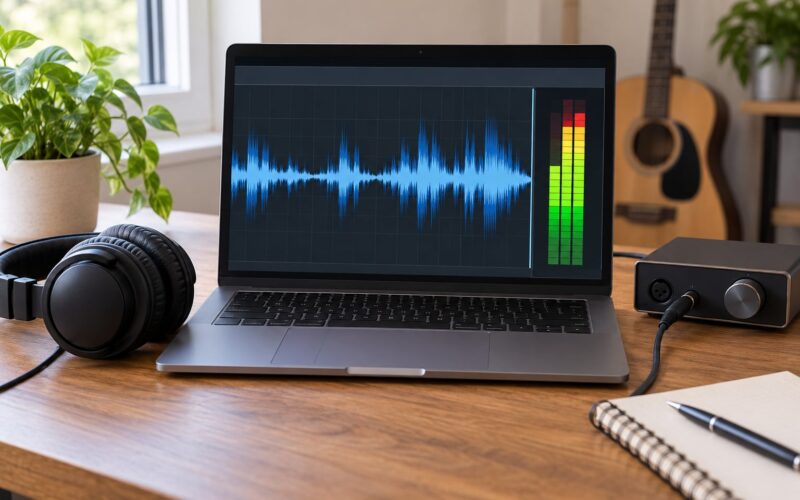
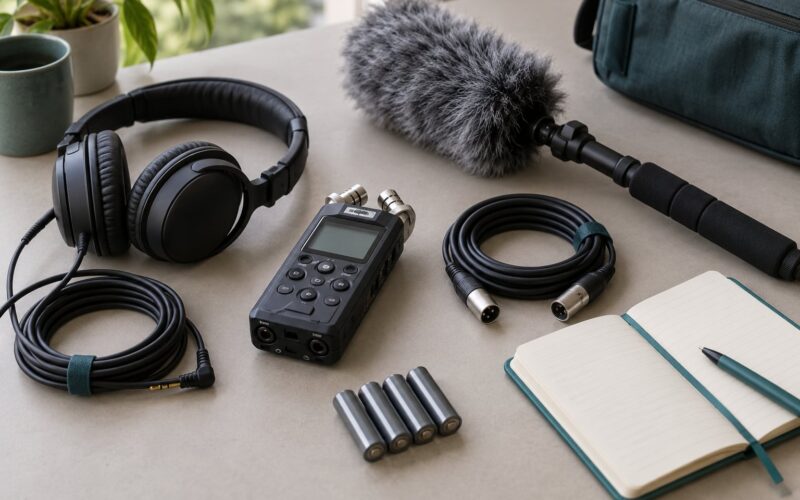
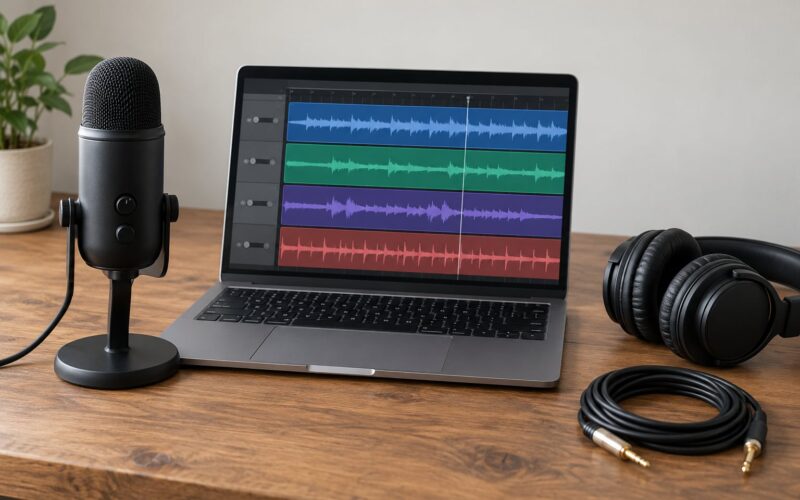
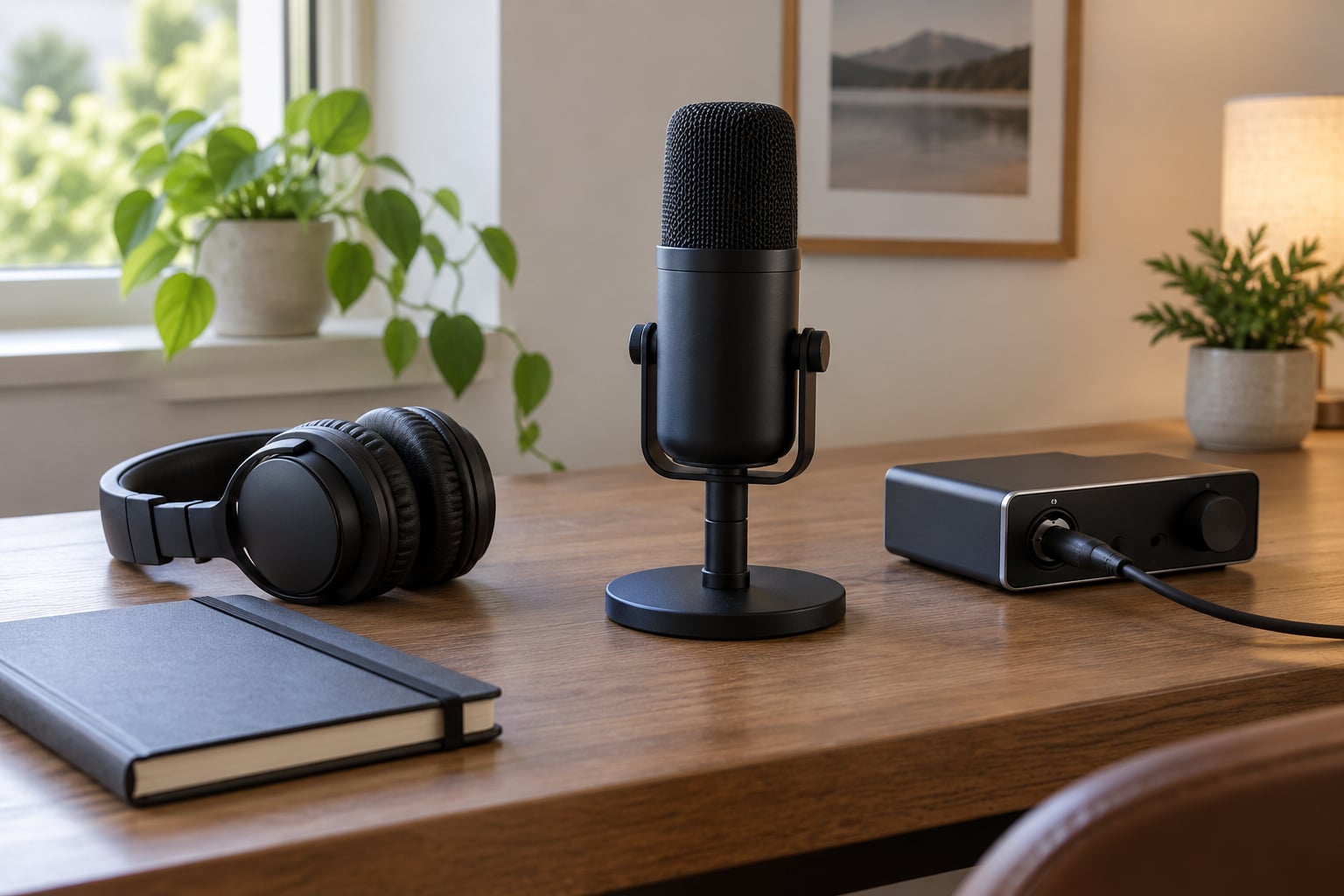
A basic beginner setup is four items: a computer, a microphone, headphones, and free editing software. Everything else is optional polish you can add once the first jingle sounds right.
- A computer. Any machine from the last decade will do. Editing a 20-second jingle is light work compared to a full song.
- A microphone. A USB condenser mic plugs straight in and needs no separate box. A dynamic mic needs an audio interface, which is one more thing to buy and one more thing to troubleshoot.
- Headphones. Closed-back headphones let you record the voice while the music plays without the mic picking the music back up. You also need them for editing.
- Audio software (a DAW). Audacity is free and handles a jingle start to finish. Adobe Audition is the industry standard for station imaging. Pro Tools and Logic Pro are overkill unless you already use them.
- A music bed. A royalty-free production track, or one you commission.
- Sound effects (optional). A swoosh under the vocal or a stinger on the end lifts a plain mix.
The advanced version of this setup adds an audio interface, a condenser mic in a treated corner, a pop filter, and a compressor plugin. That matters when you produce daily. For one jingle a month, the basic setup is enough.
Room treatment counts more than most people expect. Record in a bedroom with soft furnishings rather than a bare room with hard walls, and put a duvet over a clothes rail behind the mic. The goal is fewer reflections, not a foam booth.
Step-by-Step
Define the Jingle’s Purpose and Audience
Write down one sentence naming what the jingle is for and who hears it: a station ID played hourly, a show intro before a weekly music segment, a 30-second local ad, or a podcast bumper. The purpose decides the job of the audio.
An ident exists to be recognised. An advert exists to persuade, so the call to action matters more than the melody. An event promo needs a date, a place, and a short hook rather than a full song.
You will know the purpose is right when you can name the one thing a listener should remember ten minutes later. If the answer is a list of three things, cut it to one.
Write a Short, Singable Script
Keep it to two or three short lines, with the brand name landing on a stressed syllable where the melody peaks. Long scripts cannot be sung, and listeners only retain the tail end of a spot anyway.

Four formats cover most work:
Station ID template: “You’re listening to [Station Name], [region or format]. [Frequency or stream line]. [Station Name].”
Show intro template: “[Show Name] with [Host], every [day] at [time]. Only on [Station Name].”
Advert template: “[Brand] — [problem in a few words]. [Fix in a few words]. [Call to action]. [Brand] again.”
Event promo template: “[Event Name], [date], [place]. [One line of why it matters]. [Short URL or call to action].”
For spoken adverts, radio trade guidance puts a 30-second spot at roughly 75 to 85 words and a 60-second spot at 150 to 170. Singing takes far fewer words, usually 12 to 20. Say every brand name out loud three times; names that sound fine on the page can be unpronounceable in one breath.
Choose or Create the Musical Bed
Pick a bed that fits the format: bright and major for a community station, a minor key for a late-night show, driving percussion for a DJ segment. Most station IDs sit in a 90 to 120 BPM range, fast enough to feel forward, slow enough to sing over.
Three routes work. Royalty-free libraries give you a track instantly and let you buy a commercial licence, sometimes free with attribution. Commissioning a composer gives you a custom melody and clear ownership, at the cost of weeks of turnaround. Composing it yourself in a DAW takes the longest but means nobody else owns it.
Check the licence before you commit. Some free downloads cover personal and student use only, and plenty restrict use to one station or one advertiser. Keep the licence email or PDF with the session file; finding it again six months later is miserable.
Record the Voice Part
Set the mic roughly a hand’s width away, slightly off-axis, and record a ten-second test to set your input level. Peaks should reach around -12 dB on the meter so you have headroom before compression.
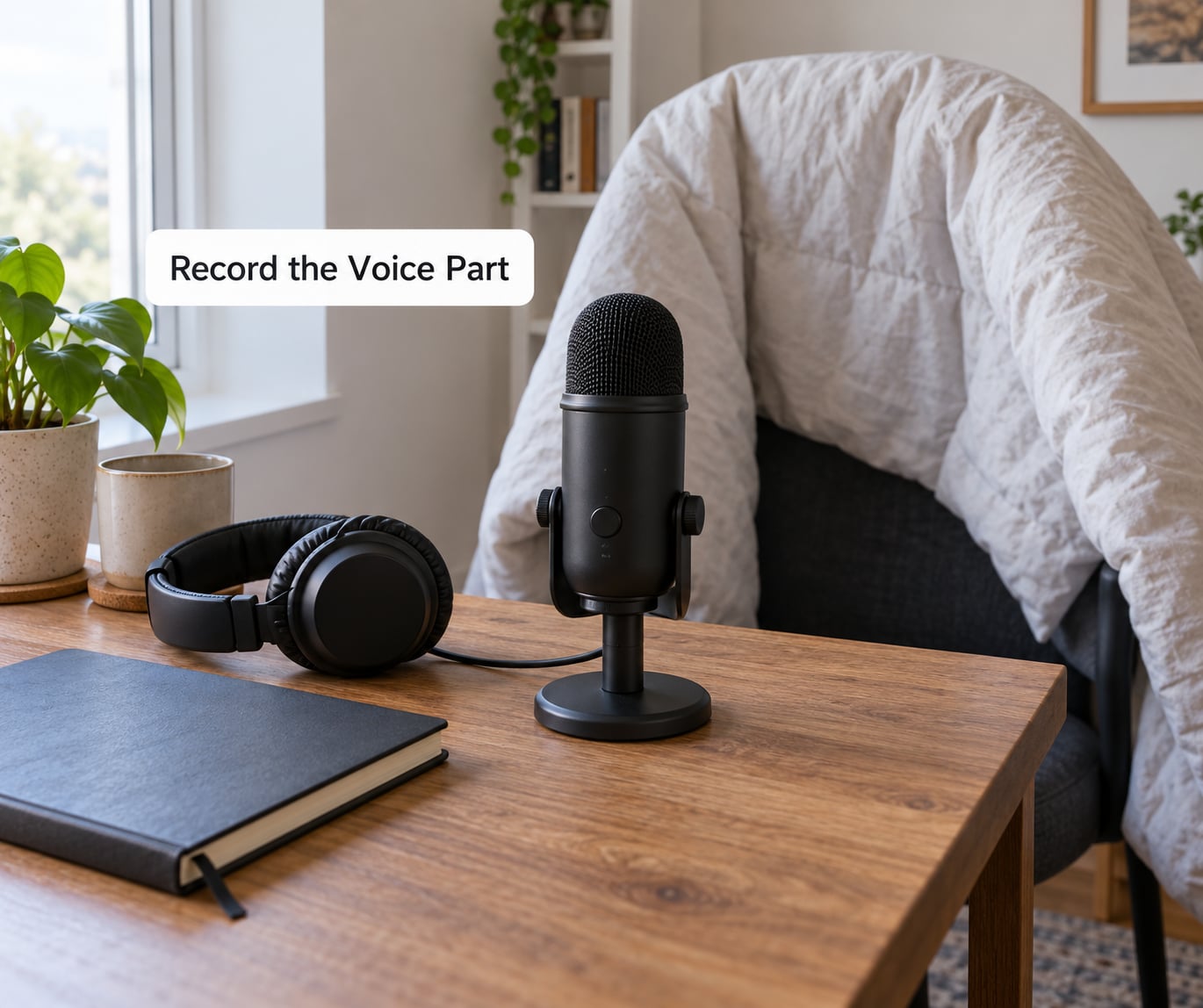
Record three or four takes, not one. Performers on r/audio consistently say a second take lands better than the first once the nerves settle, and the cost is thirty seconds.
Stand or sit up, keep the same distance from the mic, and read at the pace you want the finished jingle, not faster. Radio imaging engineers generally advise light processing: a gentle compression pass and a small amount of high-shelf lift, then stop. Over-processed voices sound compressed and thin when played through a car speaker.
Do a quick voice check before moving on: play the take back at normal volume and ask whether you can hear room echo, mouth clicks, or a level that jumps between lines. Fix those now rather than in the mix.
Edit, Mix, and Master the Jingle
Trim silence from the head and tail of the voice, then cut it to fit the bed. Lay the music first, place the vocal on top, and set levels so the voice sits about 6 dB above the music during the vocal and the music rises to match at the start and end.
Add a light effect, not a pile. A short reverb under the vocal or a single swoosh at the entrance is plenty; the mix needs space, and the professional advice that repeats across imaging forums is to leave some of that space alone.
Watch your meters. If the master bus is regularly hitting the red, back it down; stations normalise audio and a hot master will sound thin. Export one version at a consistent level for broadcast, then a second louder version for streaming platforms and social posts, where the same audio competes with louder neighbours.
Test and Export the Final Jingle
Play the mix on three things: your phone speaker, cheap earbuds, and the car system you drive with. If the words disappear anywhere, the music is too loud or the vocal needs more presence in the 2 to 5 kHz range.
Then test whether it sticks. Play the voice track alone, then the music alone, and check that the brand name still comes to mind. That is the whole test for a jingle, and it is the one step beginners skip.
Export a 44.1 kHz, 16-bit WAV master for the station or client, and keep an MP3 for previews and social. Save a copy of the session, the licence documentation, and the final files in one folder so the jingle can be re-edited or re-licensed later.
Common Mistakes
Nearly every weak first jingle comes down to one of these:
- A script that’s too long. If the voice needs to hurry, the jingle is too long. Cut words, not tempo.
- A hook with no shape. A melody needs a rise and a landing. If the whole line sits on one note, listeners have nothing to hold on to.
- A name that lands in the wrong place. Move the brand name a syllable or two so it sits on the strongest beat instead of running past the music’s climax.
- Unclear pronunciation. Spell brand names phonetically for the voice performer, or the second version in air will have a different name from the first.
- Inconsistent levels. Voice too quiet in places, then buried music, then a hot master. Set the vocal level once and leave it.
- Music you do not have rights to. A track from a streaming playlist, a favourite track, or an unlicensed sample can take a station off the air and a campaign off the schedule.
- Too many effects. Three reverbs, a delay on the vocal, and a stinger on top of a stinger buries the words. Use one effect and let the rest go.
A free-to-start path is worth knowing: stations and podcasters often begin with a free download library, then replace it once the same jingle starts running regularly, since repetition is what makes an ident work.
Frequently Asked Questions
How long should a radio jingle be?
Most station IDs and show intros run 10 to 20 seconds, and adverts usually cap at 30 seconds for a single spot. A sung jingle needs only 12 to 20 words, because melody and repetition eat time fast. If you are over 30 seconds, you are usually writing two pieces, and splitting them into a short ident plus a longer advert gives you more airtime for the same production effort.
Can I make a radio jingle with Audacity?
Yes. Audacity is free, records a voice, imports a music bed, and has effects and noise reduction built in, which covers everything a beginner jingle needs. You can trim silence, apply compression, adjust levels, and export WAV or MP3 without touching a paid subscription. Move to Adobe Audition or a professional DAW only once you want multitrack editing and faster workflow on repeat production.
What music can I legally use in a radio jingle?
Use music with a licence that explicitly covers your use, whether that is a broadcaster, an advertiser, or a monetised podcast. Many free downloads are licensed for personal or student projects only, and some restrict you to one station or one brand. Commercial-use licences from production music libraries are the usual route. Save the licence confirmation with your session files so you can prove the right to air the spot later.
What is the difference between a jingle, a sweeper, and a DJ drop?
A jingle is a short piece of music and voice that names a station, show, or product. A sweeper is usually a music-only or effects-led transition used to move between songs, often with a voice tag. A DJ drop is the spoken or produced intro a presenter uses to open a live set or show. Jingles brand, sweepers move, drops introduce a person.
How do I test whether my jingle is memorable?
Play the voice track on its own and ask someone to name the brand afterwards, then repeat with the music bed alone. If the name only comes back when both play together, the two parts are competing rather than reinforcing each other. Test on a phone speaker and in a car, not only on good headphones, and give listeners a couple of hours of other audio before asking.
How many words fit in a 30-second radio advert?
Radio trade guidance puts a 30-second spot at roughly 75 to 85 words, and a 60-second spot at 150 to 170 words. Singing needs far fewer, usually 12 to 20 words for the same length. Count your draft at a natural pace, not a fast read, because presenters speed up under time pressure and the spot ends up rushed.
Conclusion
To make a radio jingle that works, start with the message and the one thing a listener must remember, then write two or three short lines with the name on the musical peak. Choose a bed you are licensed to air, record the voice close to the mic in a soft room for three or four takes, and mix it light with one effect at most. Test the result on a phone and in a car before it goes anywhere near an automation system.
Publish it, then let it repeat. A jingle works because people hear the same few seconds again and again, and that takes a few weeks of actual airtime rather than another hour of editing. As of 2026, the tools for doing this at home are the same ones studios use, just with smaller versions of them.