Learning how to find underground hip hop radio comes down to three things: search genre-tagged internet radio directories, check that a station has a real person behind it, then test the stream before you commit. Set aside about 30 minutes for the first pass. After that, keeping a rotation of good stations takes two minutes a week.
The hard part is not finding stations. There are hundreds. The hard part is telling a DJ-run stream from a dead server or a playlist wearing a station’s logo, which is why most of this guide is about checking rather than searching.
Updated for 2026.
Table of Contents
What You Need
You need very little. A smartphone or laptop, a modern browser, and headphones or decent speakers will get you through the whole process.
Useful to have, not required:
- A directory site or radio app — something that lists stations by genre tag and plays them in a web player. A generic media player also works if the station page gives you a direct stream link.
- A second device — a laptop plus a phone is the cheapest way to test whether a stream is genuinely live or just a cached file.
- Headphones — a lot of these stations run at a low bitrate, and compression artefacts are obvious on earbuds but easy to miss on laptop speakers.
- Somewhere to write things down — a notes app or a playlist. You will want a list by the end of the first session.
One more thing worth doing: check whether you are on Wi-Fi or mobile data before you start, because it changes how you read a buffering stream later. More on that in step three.
How to Find Underground Hip Hop Radio: Step by Step
Six steps, in the order that saves you the most frustration. Skip ahead to the step you need.
How to Find Underground Hip Hop Radio in Directories
Start with an internet radio directory. Sites like rcast.net index thousands of SHOUTcast and Icecast servers and let you filter by genre tag, so you are searching a catalogue rather than guessing names.
The search terms worth typing are broader than the exact phrase. Try underground hip hop, independent rap, alternative hip hop, local rap and underground mixtape radio. A station that only tagged itself “hip hop” will still surface under the looser terms, and the broader tags are where the small operators actually file themselves.
Each row in a directory usually gives you four things to read: station name, bitrate, current track, and genre tags. Bitrate tells you the ceiling on quality. Anything at 128kbps is fine for background listening. Below 64kbps, expect thin, dull audio. The now-playing field is the useful one, because it tells you whether the stream is running and what the host is actually playing right now.
Watch for duplicate entries. The same station often appears several times with slightly different names because several people added mirrors of the same server. It is not a quality signal, and it is not worth your time. What to look for instead is a consistent name, a plausible bitrate and tags that are specific — “underground” and “oldschool” tell you far more than a generic “hip hop”.
Check the Station’s Online Presence
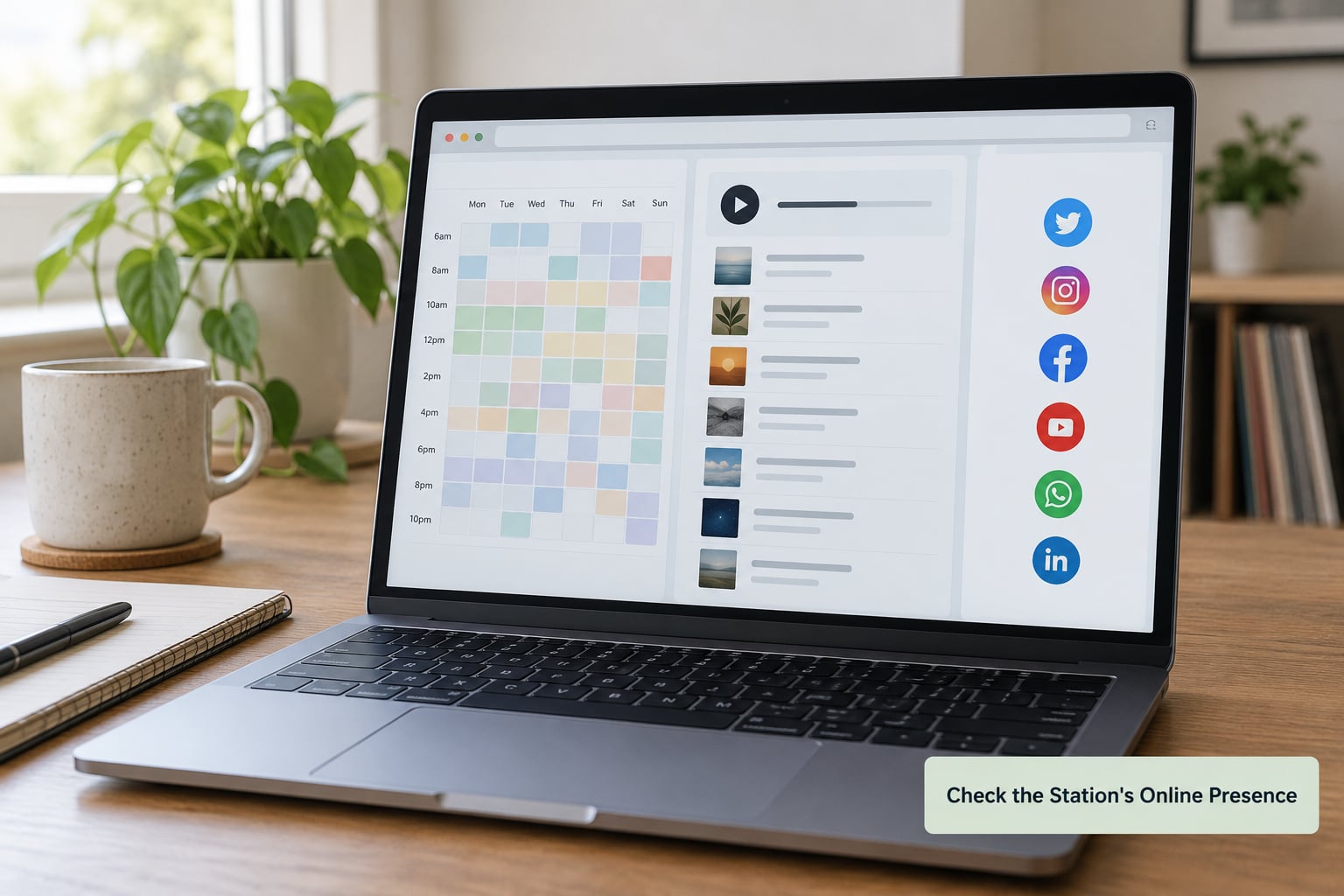
A real station has a web presence that extends past the stream link. Look for a weekly schedule, active social accounts, a page naming the DJ or host, and consistent branding between all of them. Independent stations often post show times, guest lists and session photos.
Conversely, treat a station with a bare player, a dead Facebook page and no host name as a probable automated playlist. It is not necessarily bad, but it is not going to surprise you, and the whole reason you are here is surprise.
Forum listeners treat these details as trust signals for a reason. A visible local personality, a free submission route and a named city or scene are the things that separate a community-run station from a syndicated major-market simulcast — and research on station directories shows plenty of both filed under the same tag.
Test the Live Stream and Audio Quality
Now press play, and give it more time than feels normal. Web players buffer the first few seconds, sometimes far longer on a slow connection. If audio never arrives after 15 or 20 seconds, the stream is probably down rather than slow.
Test it on a second device on a different kind of connection. Your home Wi-Fi might be masking a station that dies on mobile data, or the reverse. Knowing which connection a station needs matters when you want it in the car.
Listen for level consistency. A live broadcast has a host talking over tracks, a request line, occasional talk breaks, the small hum of a microphone. An automated loop will not. That difference is the whole tell, and it takes about a minute to spot.
Evaluate the Programming and Community
Give anything promising a solid 10 to 15 minutes. That is long enough to get past a bad hour and short enough that you will not waste an evening on a station that never finds its footing.
In that window, look for curated new music, local artists from a scene you recognise, DJ commentary, interviews, premieres, request segments, and evidence of an audience that actually talks back. Request shows tend to draw the strongest loyalty, because they play what the neighbourhood is genuinely listening to rather than what a chart predicted.
Judge the mix, too. Some stations drift into trap or gangsta rap that you did not ask for, and that is a programming choice rather than a quality problem — but it is still a reason to move on. If you want pre-album and local scene rap, say so in your search terms, because the tags are what the directory sorts on.
Save Your Best Stations and Set Alerts
The step people skip, and the one that turns a lucky find into a habit. As soon as a station earns a place, do three things: bookmark the page, favourite it inside your player app, and note the show schedule.
Bookmarks keep the page one tap away. Favourites inside the player matter more, because the app saves the stream URL too, which saves you from tracking down a broken link later. In the car, add favourites to the library your phone actually shows on the screen — on iOS that means a playlist in the Music app, not a buried favourites list.
For schedules, set a recurring reminder for the shows worth catching live rather than on replay. A weekly three-show rotation is plenty. More than that and you stop listening.
Common Mistakes to Avoid
Trusting old directory listings. Directory entries outlive the stations behind them. Most people who give up on how to find underground hip hop radio quit at exactly this point, treating a stale row as proof that nothing is there. The fix is the now-playing field: if it is not updating, the listing is stale, whatever the last updated date says.
Assuming every stream is live. Plenty of stations on these directories are unattended playlist loops running a static library. Fine for background work, but do not mistake one for a DJ set.
Searching with one label. “Underground hip hop” alone gets you one slice of the catalogue. Rotate the terms — independent rap, alternative hip hop, local rap, old school — and you will find stations that never tagged themselves with your original phrase.
Ignoring your connection. A stream that stutters on mobile data is fine at home and unusable in the car. Test both before you commit, and note which one works.
Reading a small audience as low quality. A station with 200 listeners can be more selective than one with 20,000, because someone chose the music on purpose. Listener counts on directory pages reflect discovery luck as much as programming quality.
Confusing underground with trap radio. These get filed together constantly. Searching for the broader mainstream rap format is the single most common reason listeners end up where they did not want to be.
Frequently Asked Questions
Can I listen to underground hip hop radio for free?
Yes. The overwhelming majority of independent and community-run underground hip hop streams are free, and most need no account at all. You open the station page in a browser or tap it in a radio app and it plays. The stations that charge, or that push subscriptions, are usually the large commercial networks rather than the independent ones. A free streaming radio directory will show you plenty of no-login options in a single search.
How do I know if an underground hip hop radio stream is actually live?
Listen for a host. A live broadcast has someone talking over the tracks, taking requests, introducing a guest or reacting to something. An automated playlist just cycles audio with no voices and no variation in level. On a directory page, the now-playing field is a quick first check: if the artist and title are not changing over several minutes, nobody is selecting anything. Schedule times and show archives on the station’s own site are the second confirmation.
Why did my favorite underground radio stream stop working?
It is usually one of four things. The station’s host took the server offline, the broadcaster software needs restarting, the stream moved to a new URL, or the page you bookmarked was a temporary directory link. Check whether the station’s social accounts have posted about a new link first, since independent operators announce moves there. If everything looks normal and the stream is still silent, open it in a second app before assuming the station is gone.
What is the best way to discover independent hip hop DJs?
Follow the people, not the platform. r/undergroundhiphop is where independent stations post looking for music, so it is the fastest route to hosts who are actively adding new artists. r/makinghiphop is better for production feedback and collaboration. College radio archives are the other reliable source, since student shows document who their guests were. Once you find two or three hosts you like, their show schedules become a standing calendar you can plan around.
Are underground hip hop radio stations legal to stream?
The ones worth listening to are legal. Stations that operate as community or low-power FM, college radio, or properly licensed internet radio are all broadcasting within the rules, and listening to any of them is fine. Separately, some directories also list unlicensed pirate streams, where legality for the broadcaster is a different and more serious question. Stick to stations with a real schedule, a named host and a public site, and you will not land on any of those.
Conclusion
Run one broad directory search with several genre terms, not one. Verify each hit for a schedule, a named host and a working stream, then listen a full 10 to 15 minutes before you judge the programming. Save whatever holds up, in your browser and in your player app.
Everyone who has worked out how to find underground hip hop radio on their own settles into the same habit: broad search first, one station checked properly, then saved. Repeat it once a week and your rotation stays fresh without searching from scratch.