Most FM static comes down to one of three things: a weak signal, an antenna that is not doing its job, or electrical noise leaking into the receiver. Work through those in that order and most of the noise disappears without you buying anything.
That is genuinely all it usually takes. A surprising number of “broken” radios are just a car wash antenna that never got pushed back up, or a connector that worked loose, or a USB charger sitting in the socket right next to the head unit.
The trick is knowing which of the three you have before you start pulling things apart. Each step below tells you what to check, what to change, and how to tell whether it worked.
Table of Contents
- What You Need to Fix Static on FM Radio
- How to Fix Static on FM Radio: Step by Step
- 1. Check the volume, input and listening source
- 2. Rescan stations and inspect the antenna connection
- 3. Improve antenna placement and signal reception
- 4. Look for electrical noise and ground problems
- 5. Reduce nearby interference
- 6. Check equalizer, mono and bandwidth settings
- 7. Test another radio or replace a damaged component
- Common Mistakes When Fixing Radio Static
- Frequently Asked Questions
- Conclusion
What You Need to Fix Static on FM Radio
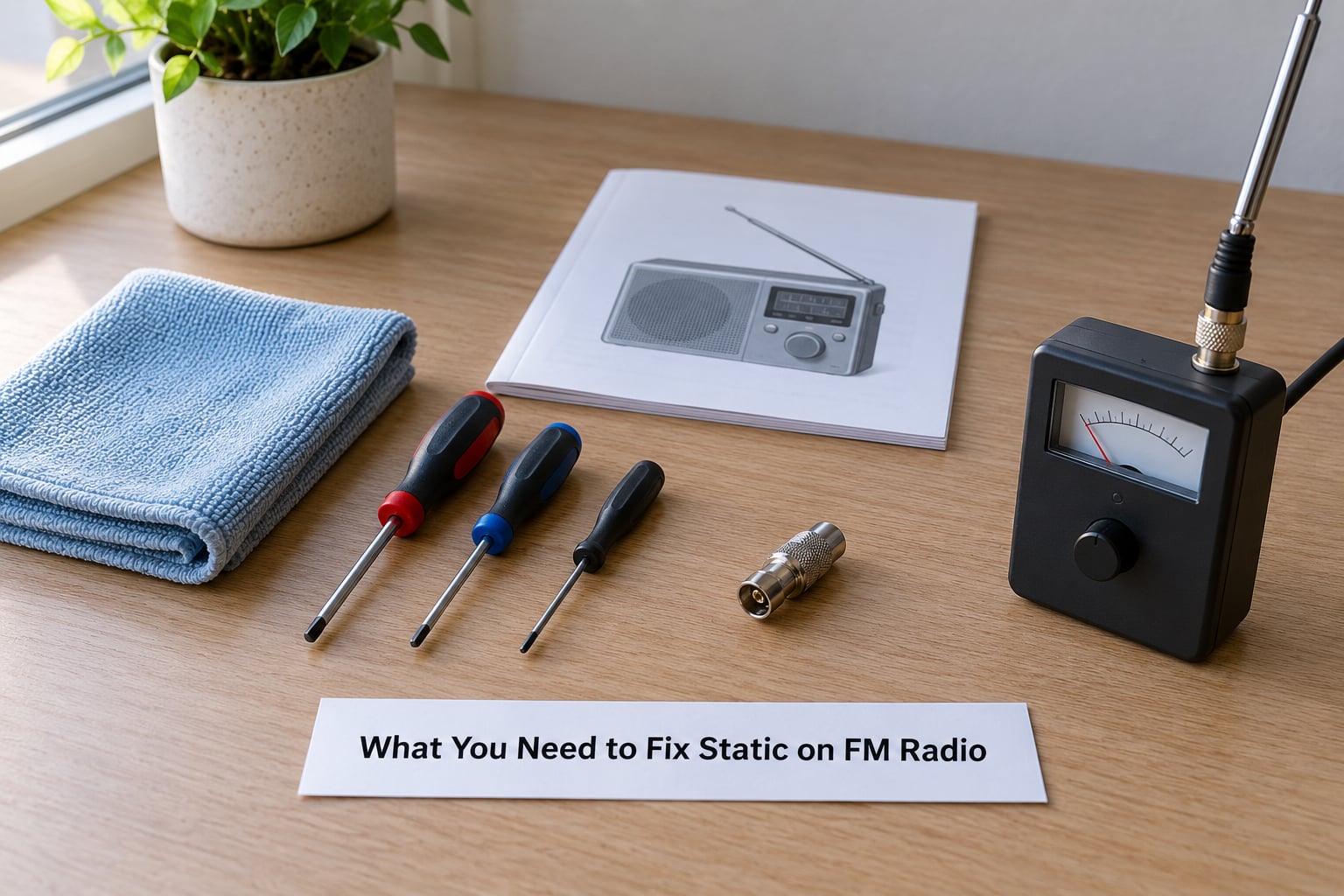
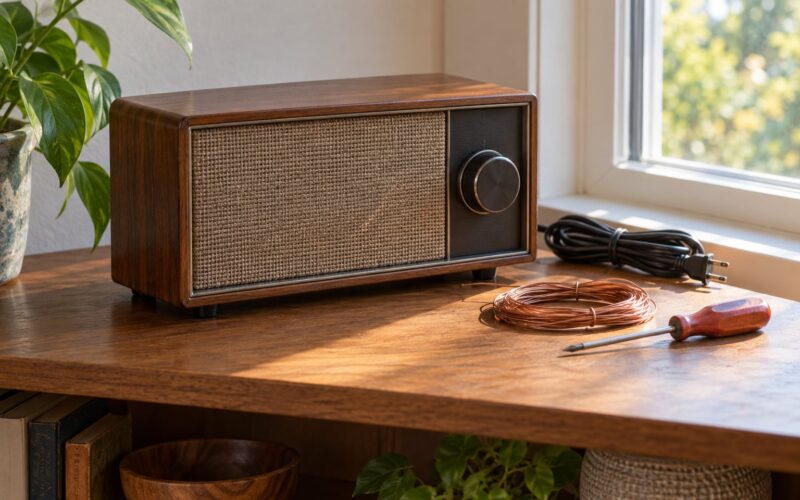
You do not need a multimeter or any specialist kit. The list is short, and most of it you already own.
- The owner’s manual for your radio or head unit. Menu names for mono mode, filters and antenna settings differ between makers, and guessing at them wastes an evening.
- A clean cloth or brush for the connector and the case vents.
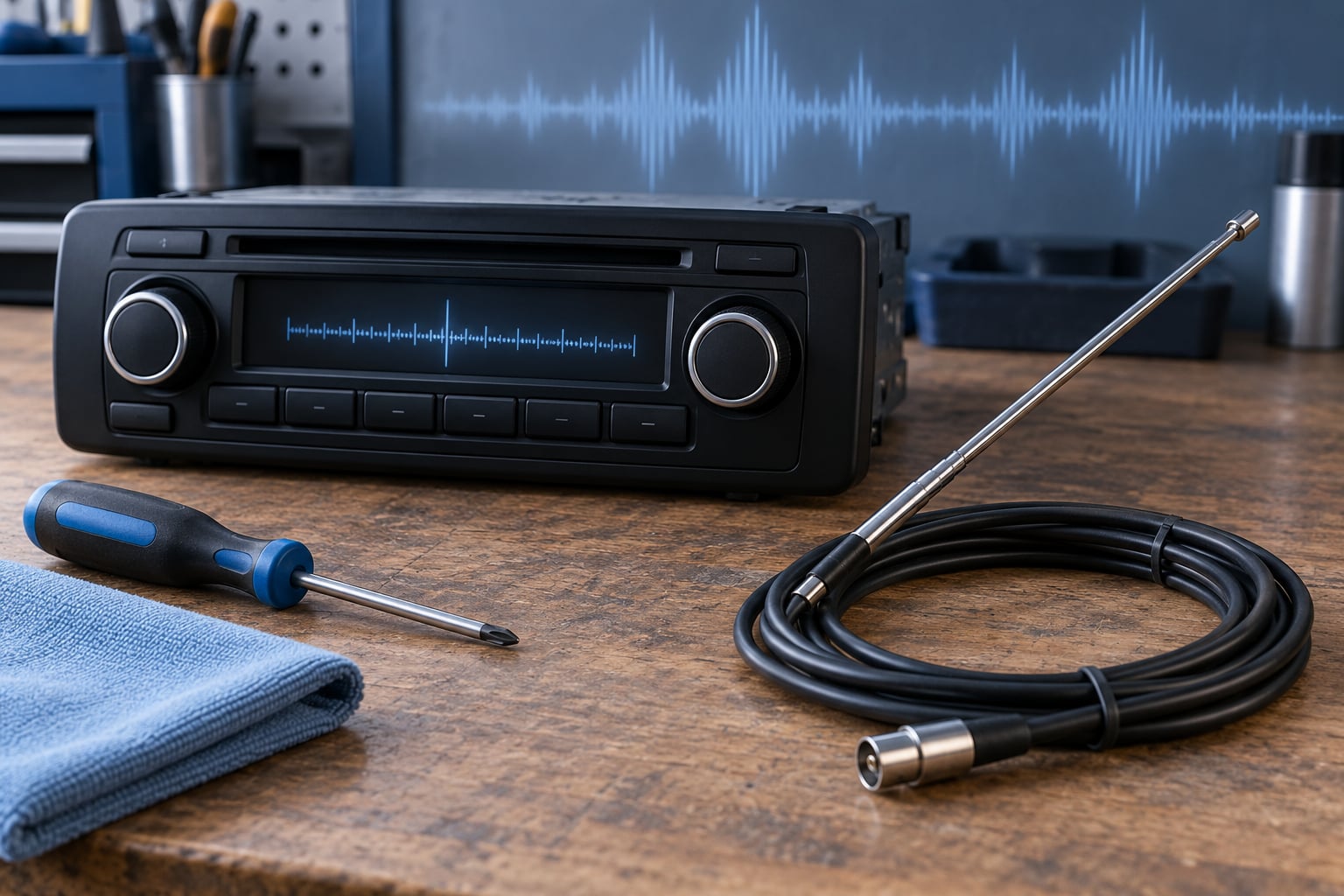
- A small flat-blade screwdriver, for nothing more than checking that a car antenna plug is properly seated. Do not force anything.
- Your phone, or a second radio. A phone with an SDR app or a radio-locator style site can show you how strong a station is where you are standing, which turns guesswork into a measurement.
- A pen. Write down which stations are clear and which are not, before you start moving things. It is the only way to know you have improved.
For car work, add a torch and the vehicle handbook. If anything involves removing trim, the handbook tells you where the fuse boxes and aerial feeds are, and that is where you stop and call a technician.
How to Fix Static on FM Radio: Step by Step
1. Check the volume, input and listening source
Start here because it costs nothing and it is right more often than you would expect. Make sure the head unit is actually on FM and not AM, and that the input is set correctly rather than sitting on an unused auxiliary or Bluetooth source. A friend of mine chased a bad antenna for weeks when the head unit had simply been left on the previous phone’s Bluetooth source.
If your car has a preset list that has gone stale, clear it and let the radio do a full auto-scan from scratch. A reset is usually in the settings menu, under something like system reset or scan.
How to tell it worked: if the noise disappears once you switch input, the radio was never the problem.
2. Rescan stations and inspect the antenna connection
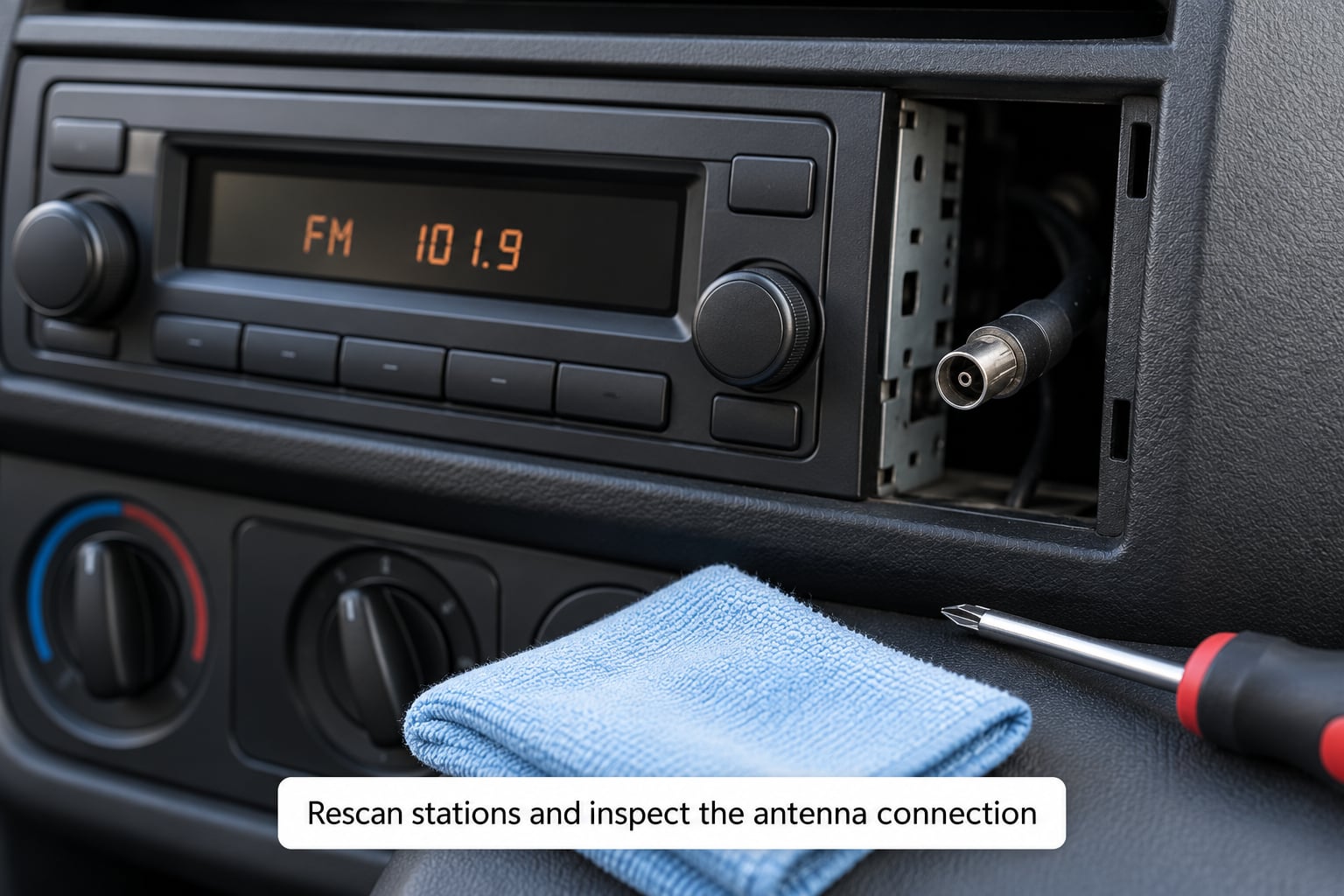
Run a fresh scan and note what comes back clean. A station that appears and disappears, or one that only locks on when you are stationary, is telling you the signal is marginal rather than that the radio is faulty.
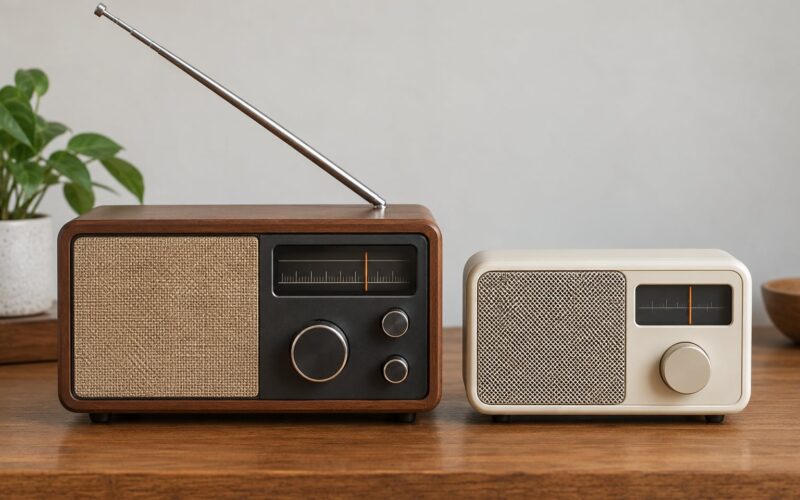
Then look at the antenna itself. On a car, the mast is a mast: if it retracted in the car wash and stayed down, push it back up by hand. On a home radio, check the telescoping antenna or rabbit ears are fully out, and that an external aerial plug is not hanging half out of its socket.
A loose connector is worth knowing about, because owners describe the same symptom repeatedly: static that comes and goes as you touch the dial. A screwdriver tip touched to the antenna centre pin while the radio plays settles the question.
How to tell it worked: a station that was marginal now holds for a few minutes of driving without dropping.
3. Improve antenna placement and signal reception
FM is line of sight. Hills, buildings, bridges, tunnels and even tinted glass sit between your antenna and the transmitter, and the signal fades as you drive away from it.
- In a car, keep the mast fully up and as high as it will go, and keep a phone off the roof and metal out of the boot.
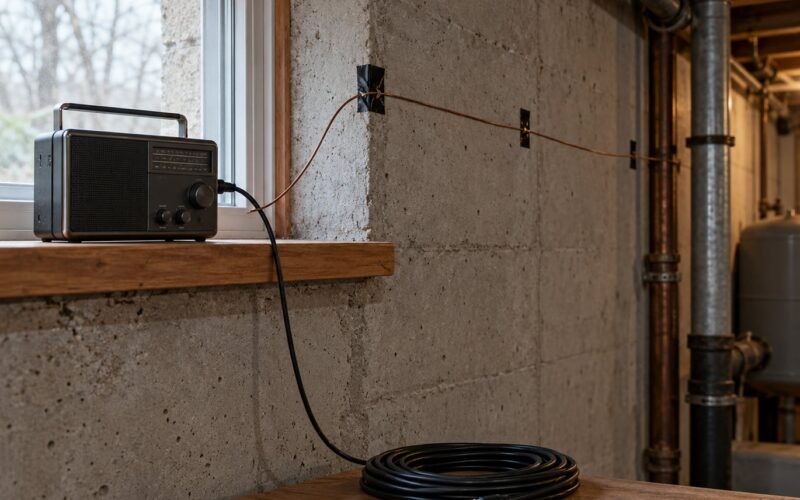
- At home, move the radio away from the wall, the back of a television and any metal. Many sets pick up best near a window, high up.
- For a portable radio, the mains lead doubles as an antenna on many sets. Drape it loosely rather than bunching it, and try the set on the windowsill.
- For a proper fix, an old rooftop TV aerial works on FM, because television and FM sit next to each other in the spectrum.
In the UK, coverage is shaped by the national multiplexes and the local relay transmitters that fill in valleys. If the station you want is a local one, its transmitter may be several miles away, and no amount of fiddling matches a strong regional signal.
4. Look for electrical noise and ground problems
This is the car chapter. Static that appears the moment the engine starts, or the moment the headlights come on, is not a reception problem. It is the vehicle’s electrical system talking to the speaker.
Common culprits, in the order they are worth checking:
- LED bulbs and light bars. Cheap LED conversions pulse the current to dim, and that pulse lands in the audio as a buzz. The signature is that running lights are fine but headlights are not.
- USB chargers and accessories in the cigarette lighter or 12V socket, particularly switch-mode ones.
- Dashcams, phone mounts, roof pods with a cable running near the head unit loom.
- Dirty or corroded earth points and aging wiring. A radio earthed to a loose or painted surface makes noise nobody can explain.
The fixes are cheap and reversible. Clip a ferrite choke onto each end of a USB cable, and add a second if it helps but does not clear it. Clean an earth point down to bare metal and re-tighten it.
How to tell it worked: the noise is gone with the engine running.
If a whine rises and falls in step with engine revs, that is alternator noise and it belongs with a technician, along with any antenna cable shorting to power or ground.
5. Reduce nearby interference
At home the same problem arrives by a different route. Switched-mode power supplies, fluorescent and LED lighting, computers, dimmer switches, smart-home hubs and even a cheap USB hub can put noise into a nearby receiver.
Find the source by unplugging one thing at a time and listening. Unplug the phone charger first, then the lamp, then the PC. The radio gets noticeably better the moment the guilty device goes, and that is your answer.
Keep powered equipment off the same extension lead as the radio, and leave a hand’s width of air between the set and a monitor. If you own an FM or Bluetooth car transmitter, check whether it sits on a frequency near one of your local stations, because it is often the cause of the static rather than the victim of it.
How to tell it worked: a full scan comes back with more stations locked.
6. Check equalizer, mono and bandwidth settings
Weak FM stations are noisy because FM stereo is a demanding system. Switching the radio to mono often rescues a marginal station outright, since it halves the information the receiver is trying to decode. Look for mono or FM mono in the audio settings.
Set the equaliser to flat while you diagnose. A lifted high end makes hiss sound worse than it is, which sends people hunting for faults that are not there.
Some head units also carry a high-cut or low-cut noise filter, plus a traffic setting that gates quiet passages. If a feature is muting or filtering the station, the manual lists it under radio settings, and turning it off fixes the “the station cuts out” complaint in one move.
How to tell it worked: the station that was buried in noise now holds with a normal amount of hiss between songs.
7. Test another radio or replace a damaged component
Now the isolation test, which tells you whether you are chasing a signal problem or a dead radio. Tune the same station on a second receiver, or take a portable radio to the same spot. If the second radio sounds fine and the first one hisses, the fault is in your equipment, not the air.
Next, move the radio to the far side of the building or outdoors. Better reception at the window is a location and antenna problem, not a radio problem. The same test works in a car: a friend’s car parked alongside yours, on the same station, tells you in thirty seconds which half of the system is at fault.
Only then replace something, and only the part the test pointed at: an antenna mast, a connector, a fuse, or a run of cable you can reach without removing trim. If a second radio is also hissy everywhere and a good antenna changes nothing, the receiver itself has probably failed, and that is a workshop job rather than a weekend project.
How to tell it worked: the sound stays clean at the spot where it was hissy before.
Common Mistakes When Fixing Radio Static
Almost every failed attempt traces back to one of these.
- Assuming every hiss means a broken radio. A radio is designed to hiss when there is no station. Silence is the abnormal behaviour, not noise.
- Forcing the antenna. Bent masts and cracked bases snap, and a snapped base is a bigger job than the static ever was.
- Scanning again and again without touching a connection. A rescan tells you what you have, it does not change what you have.
- Ignoring the noise in one specific spot. If it only happens at a barrier, under a bridge or in one room, you have found a dead zone or an interference source. That location is the diagnosis.
- Parking against metal. Roof racks, steel doors, garage walls and window tint all block FM. Test with the barrier down before blaming the radio.
- Buying a booster first. Many amplified antennas amplify the noise along with the signal, and a radio that already has a preamp can sound worse with one fitted. Improve the location or the antenna before adding gain.
- Wrapping foil around an aerial. It can help a marginal signal a little, but it corrodes, it shorts against the mast, and it fixes nothing a clean connection would not.
One last tip from my own rule: make the changes one at a time and listen between each. The most common wasted evening is a car owner who moved the radio, fitted a booster and added chokes all at once, then had no idea which one mattered.
Frequently Asked Questions
Does my FM radio need repairing, or is it just a signal problem?
Test the same station on a second radio in the same spot. If the second receiver sounds clean, your radio and signal are fine and the problem is your antenna, connector or interference. If both radios hiss, move outdoors or to the far side of the building. Better reception there means location or signal. If nothing changes it is likely a failing receiver, and that is a repair or replacement job.
Why do I only get static in the car?
Cars collect noise from the electrical system, and it is usually tied to something switched. Static that starts with the engine points at the alternator or a poor earth. Buzz when the headlights come on usually means LED bulbs or dimmable lighting. Unplug phone chargers, dashcams and 12V accessories one at a time and the culprit will announce itself.
Will an indoor antenna help my home radio?
Often, yes, but only if the set has an antenna input. A telescoping antenna or rabbit ears should be fully extended and the radio moved away from metal, a television or a wall. Wired headphones can also work as a crude aerial. Be careful with powered indoor antennas: some radios already have a preamplifier, and adding another can make reception worse rather than better.
Why does changing station not remove the noise?
Because the noise is arriving at the antenna or the power supply, not coming from the station you were on. Interference from chargers, LED lighting, computers and vehicle electrics enters the receiver regardless of frequency. The same applies to a loose antenna connection or a dirty earth. Changing station proves nothing, so stop trying new frequencies and trace the noise instead.
When should I replace the radio or the antenna?
Replace the antenna first if it is bent, snapped, retracted or the base is cracked, and if a clean, seated connection does not fix the noise. Replace the radio only when a good antenna and a second radio test point to the receiver, when the noise appears with the volume turned fully down, or when the display or audio cuts out entirely. Those are signs of hardware failure.
Conclusion
Start at the beginning and do not skip ahead to buying parts. Confirm the input and tuning, run a fresh scan, look at the antenna and its connection, then unplug nearby electronics one by one. In that order, most FM radio static is gone before you reach for a screwdriver.
If it is a car, the static that appears with the engine, headlights or an accessory is an electrical noise problem, and ferrite chokes and clean earths cost very little. Make one change at a time, and reach for a second radio only when the easy checks come back clean. Last reviewed October 2026.