If you want to know how to turn a radio show into a podcast, the short version is this: capture your broadcast as an audio file, edit it into a standalone episode, upload it to a podcast host, and let that host generate an RSS feed you submit to the directories. Most stations get stuck at step two — deciding what to cut — so that gets the most attention below. The whole workflow takes an hour of setup and about 30 minutes per episode once it is running.
Radio is a scheduling business. A listener has to be in the right place at the right time. A podcast removes that condition entirely, and the people searching for it right now mostly cannot find you. On Reddit, in r/podcasts, there is a thread titled “Are there ways to convert radio stations into podcasts that listeners can subscribe to via RSS?” — it has sat there since 2019 without a proper answer.
So here is one. This is the workflow a station production team actually runs, in the order they run it, with the settings they use.
Table of Contents
- What You Need
- Step-by-Step: How to Turn a Radio Show Into a Podcast
- Step 1: Confirm Rights and Define the Podcast
- Step 2: Prepare a Clean Source Recording
- Step 3: Edit the Episode for Podcast Listening
- Step 4: Create Show Artwork and Episode Metadata
- Step 5: Set Up the Podcast Host and RSS Feed
- Step 6: Publish and Test the Episode
- Step 7: Build a Repeatable Publishing Routine
- Common Mistakes
- Frequently Asked Questions
- Can I turn a radio show into a podcast by downloading the broadcast?
- Do I need permission to podcast a radio show?
- What is the best software for editing a radio show into a podcast?
- Can I use copyrighted music in my podcast episode?
- Should a radio podcast include video or only audio?
- How long should a podcast version of a radio show be?
- Start With One Clean, Authorized Episode
What You Need
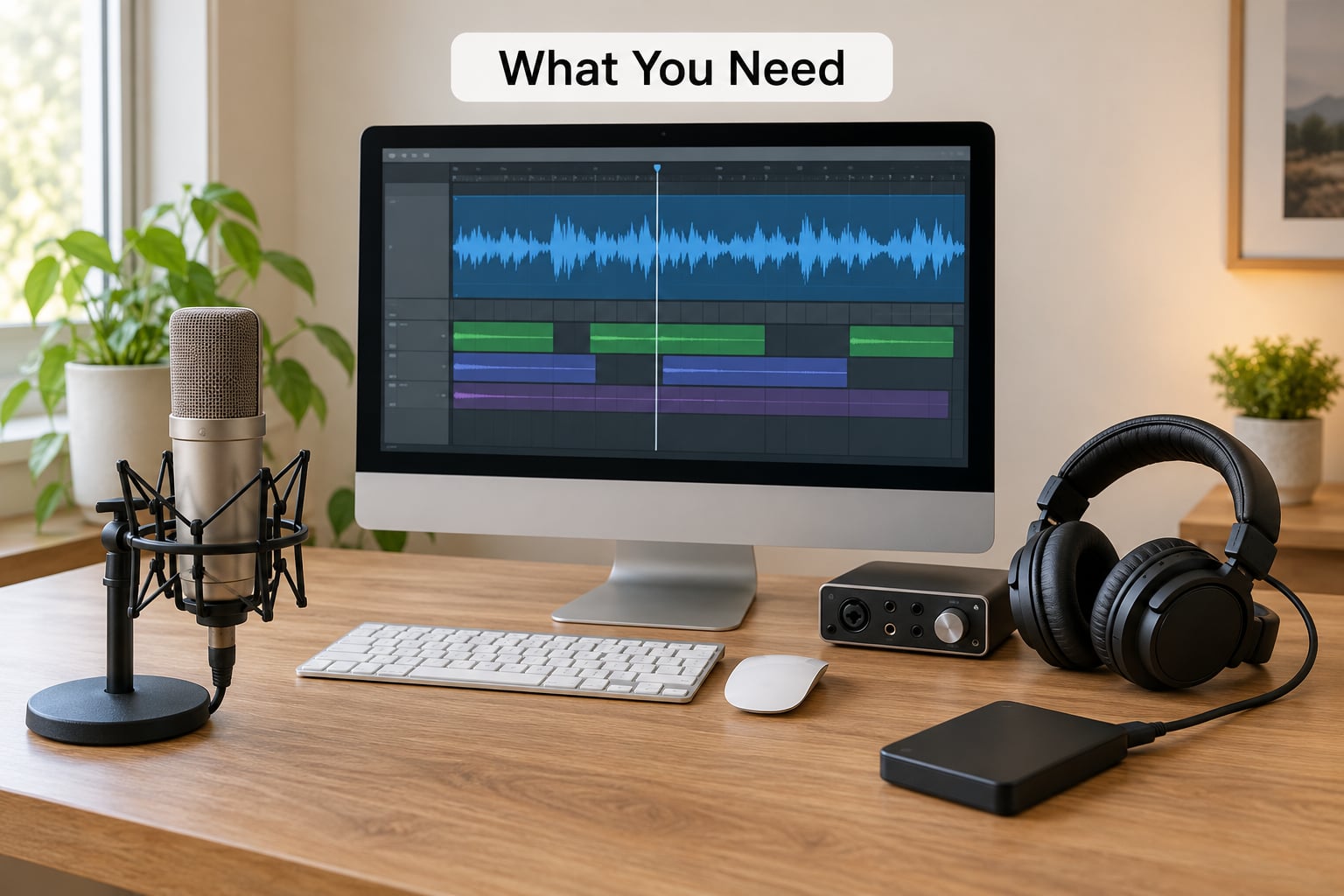
Six things, and you can borrow or skip some of them depending on how your station is set up.
The station master file. Most broadcast systems already write a WAV of everything that goes to air. Ask your engineer for that file before you build any capture hardware — it is free, it is the cleanest signal you will ever get, and it needs no new equipment.
A capture route for shows recorded remotely. Options run from a USB audio interface tapped off the mixer output to dedicated automated capture software that records, splits and uploads while you are live. Direct injection, where the audio goes straight into the computer as a digital signal, gives you the least noise.
Editing software. Audacity is free and does everything in this guide. Reaper, Adobe Audition and Descript are the paid or subscription alternatives people move to once the workflow is stable.
Episode metadata and artwork. Title, description, episode number, guest list, artwork. Write these once per episode in a template so you are not composing show notes from scratch at midnight.
Music clearances. Anything you did not license specifically for on-demand redistribution is a problem, and it is the step stations forget.
A podcast host that stores your files and gives you an RSS feed. Spotify for Podcasters, Apple Podcasts Connect hosting and the usual commercial hosts all do this. Add two separate hard drives for backups — one archive drive that never gets touched, plus cloud backup.
Step-by-Step: How to Turn a Radio Show Into a Podcast
Step 1: Confirm Rights and Define the Podcast
Get this in writing before you edit a single second of audio. You need permission from the station or the rights holder, from every host and performer on the show, from any producer with a contractual stake, and from anyone whose music, image or voice appears in the episode.
Broadcast rights and on-demand download rights are different permissions. A station may hold blanket sync and rebroadcast licences for the stream while holding nothing at all for a file someone can download and keep. If your station has blanket digital licences covering podcasts, you are fine. If you have no idea, that is a conversation with whoever signs contracts, not something to guess at.
Recording the broadcast off the air without authorisation is copyright infringement regardless of how many listeners it gets. Do not do it.
Then write the show definition in one paragraph: title, format, who it is for, target episode length, and release schedule. You will make dozens of decisions faster once that paragraph exists.
How to verify this stage worked: you can name the person who signed off, and you have the licence or written confirmation filed next to the show.
Step 2: Prepare a Clean Source Recording
Use the original master wherever one exists. A WAV straight from the station’s automation system, before compression and before any streaming bitrate hits it, is the best starting point you will ever get.
Where you do get an unedited, unwatermarked file matters too. A monitoring feed that includes talkback, a beep, or the DJ’s mic open during a break gives you hours of noise reduction work later. Ask for the pre-on-air mix, not the talent booth feed.
Never edit the master. Duplicate it, rename the copy with a convention like SHOWNAME_YYYY-MM-DD_EP###.wav, and keep the original untouched on the archive drive. When someone asks for the uncut version six months later, that file is the only thing that has it.
How to verify: play the working copy from top to bottom once, on headphones, and note the timestamps of anything that needs cutting.
Step 3: Edit the Episode for Podcast Listening
This is the labour that every generic how-to skips. A live broadcast is not a podcast episode. It carries station IDs every twenty minutes, sweepers between songs, mid-show advert breaks, tuning-in banter and a running order from a studio that nobody at home knows about.
Cut in this order:
- Tuning-in banter, the mic check, and the first ninety seconds of throat-clearing.
- Station IDs and sweeper jingles — every one of them.
- Advertising breaks, unless you hold a separate podcast ad deal. Old broadcast ad reads often reference on-air only promotions listeners cannot act on.
- News, weather and traffic bulletins you do not want to archive. Decide once whether you cut them from the beginning of every episode or leave them and accept that they date the show.
- Dead air and long pauses, tightened with room tone rather than hard cuts so the edit does not sound robotic.
In Audacity: use Effect > Noise Reduction on a couple of seconds of room noise first, then Effect > Compressor lightly, then Effect > Normalize with loudness normalisation enabled and the target set to −16 LUFS for stereo, −19 LUFS for mono.
That number is the trap. Radio is mastered to broadcast loudness, typically around −23 LUFS under EBU R128 with true peaks capped near −1 dBTP. Community station volunteers often normalise to −2.9 dB, which is fine for broadcast and far too hot for phones. Podcast targets are set lower and measured with a rolling loudness window, so a show mastered for air will sound aggressive and fatiguing in an earbud. Master to −16 LUFS, keep peaks under −1 dBTP, and export as 128 kbps or 192 kbps stereo MP3 at 44.1 kHz.
How to verify: play the finished episode on your phone at half volume. Anything that makes you reach for the volume knob is too loud; anything that makes you reach to turn it up is too quiet.
Step 4: Create Show Artwork and Episode Metadata
Square cover art, 3000 by 3000 pixels, saved as JPG or PNG, between 1 MB and 10 MB. That is the directory requirement, and it is the same for every platform — get it right once.
For the episode itself, write a title a listener can search for. “Episode 47 — Why local radio still matters, with the Harbour Road panel” beats “Show 47” every time. Descriptions of two or three sentences work best: what happened, who was in it, and why someone should spend 40 minutes on it.
Keep metadata in one place. If you type the guest’s name into the title, the description and the show notes separately you will get three spellings by episode twelve. A template with fixed fields — episode number, date, title, description, guests, links, credits — solves it.
Chapters and transcripts are worth adding from day one. A transcript makes the episode findable by search engines and by AI assistants, and it is what lets a listener skip to the bit they care about.
How to verify: paste your title into your phone’s search bar. If it does not sound like something a person would look for, rewrite it.
Step 5: Set Up the Podcast Host and RSS Feed
Create the show on your host, upload the artwork, fill in the show-level fields once, and the host generates an RSS feed. That feed URL is the entire distribution mechanism — every directory you submit to reads from it, so nothing is uploaded twice.
Submit in this order: Apple Podcasts through Podcasts Connect, Spotify for Podcasters, Amazon Music, YouTube Music, Pocket Casts, Overcast and Castbox. Apple and Spotify take the longest and are where most listening happens, so start them first and submit the others while you wait.
Your station website should carry the same feed through an embedded player, ideally on the show’s own page with the live stream player next to it. That pairing is the loop that turns a live listener into a subscriber.
How to verify: paste your feed URL into a validator, then open it on a second device that is not signed in anywhere. The episode should appear and play.
Step 6: Publish and Test the Episode
Upload the mastered MP3 with the artwork attached, fill in the metadata from your template, and hit publish. Most hosts let you set a future release date, which is worth using — load the week’s episodes on Friday for a Monday drop instead of staying up Sunday night.
Then test properly before you tell anyone. Play it from the public feed on a phone. Download the file rather than streaming it, because that is how a lot of listeners actually use an episode. Check that the artwork displays in the directory listing and that your links in the show notes go where you intended. Read the first fifteen seconds out loud — that is where people decide to stay or leave.
How to verify: send the episode to yourself on a second phone, listen to the first ten minutes end to end, and confirm the transcript lines up with what was said.
Step 7: Build a Repeatable Publishing Routine
Once two or three episodes are live, write the routine down so the next person on the rota can follow it without asking you. A folder structure like SHOWNAME / 2026-10-03_Ep203 / audio / artwork / notes / published, with the final exported file copied to an archive drive, keeps everything findable.
Promotion matters more here than on a typical podcast, because your audience already exists in a different place. Push the new episode in the live show, on the station website, and on the social channels your presenters already use. Cut two or three short clips from the episode for those channels — the best-performing part of a radio show on social is usually a single exchange, not the whole hour.
Watch the numbers your host gives you. Downloads and unique listeners per episode tell you what on-demand actually sounds like, and comparing them against your broadcast ratings shows you whether listeners are catching up or listening live. Most stations find the podcast audience is smaller than the live audience but grows steadily and never goes to zero between programmes.
How to verify: after four weeks, look at the top episode and the median episode. If the median is under 50 downloads, the promotion routine is the problem, not the show.
Common Mistakes
Recording off the air without permission. The single worst thing you can do, and it is easy to fix by asking first. Fix: written rights confirmation before the first episode goes out.
Leaving station IDs and sweepers in. Every seven minutes of “you’re listening to [station]” breaks the pacing of an on-demand episode. Fix: mark every ID during your first playback pass, then batch-delete them with saved selections.
Keeping the broadcast adverts. Ad reads written for on-air often promote contests and events with no digital entry route. Fix: cut them unless you have a separate podcast advertising arrangement.
Missing crossfades. A hard cut in the middle of a sentence is instantly audible in headphones. Fix: leave 100 ms of room tone around every edit and use short crossfades rather than butt edits.
Mastering to broadcast loudness. Your audio is already radio-loud and pushing it further just clips. Fix: normalise to −16 LUFS stereo with true peaks under −1 dBTP.
Using music you have not cleared for downloads. A synchronisation licence covers use inside a broadcast programme, not necessarily a file people keep. Fix: check your blanket licence wording, and use licensed royalty-free beds explicitly marked for podcast use if you are unsure.
Vague episode titles. “Show 203” tells a search engine and a new listener nothing. Fix: name the topic and the guest in every title.
A broken or unverified feed. A mistyped feed URL means Apple shows an empty grey listing for weeks. Fix: validate the feed, then check the show’s status page until it says approved.
Changing artwork dimensions between episodes. Directory requirements are 3000 by 3000 pixels. Fix: resize once and reuse the template for the whole series.
Publishing untested. A wrong episode number or an episode uploaded to the wrong show is annoying to fix after you have promoted it. Fix: listen on a second device before you post anything.
One quality-control habit covers most of the above: make a 30-second sample of the finished master, then the first 30 seconds, and listen to both back to back. If the edit sounds obvious in the sample, listeners will hear it in the full episode.
Frequently Asked Questions
Can I turn a radio show into a podcast by downloading the broadcast?
Not without permission. Recording audio off the air and publishing it as a downloadable episode is copying a copyrighted broadcast, and stations that do it get complaints or takedown requests. The safe route is to request the station master file directly, or to tap the output of your own mixer, since you are copying your own programme.
Do I need permission to podcast a radio show?
Yes, and get it in writing. You need clearance from the station or rights holder, from hosts and performers, and from anyone whose music or voice appears. Broadcast rebroadcast rights and on-demand download rights are usually separate. If your station holds blanket digital licences covering podcast distribution, you are covered, so confirm that in writing before your first release.
What is the best software for editing a radio show into a podcast?
Audacity handles the whole job for free: noise reduction, cutting station IDs and adverts, compression, normalisation to −16 LUFS and MP3 export. Reaper and Adobe Audition suit stations that already run a broadcast automation system and want a more capable DAW. Descript is worth trying if you want automatic transcripts. Pick one and stay with it, because consistency matters more than features here.
Can I use copyrighted music in my podcast episode?
Only if your licence covers it. A synchronisation licence obtained for broadcast does not automatically extend to files people download and keep. Check the blanket digital wording in your station agreement, and where it is unclear, swap to beds that are explicitly licensed for podcasts. Unlicensed music in an on-demand file is the most common complaint stations receive.
Should a radio podcast include video or only audio?
Start with audio only. Directories rank and play audio, a video file multiplies the storage and editing work, and most listeners on a phone want the conversation. A hybrid model works well for music shows: the full show on a platform like Mixcloud, audio-only episodes on podcast directories, and short vertical clips cut for social. Add video later if you have someone to edit it consistently.
How long should a podcast version of a radio show be?
Cut it down to roughly 30 to 45 minutes, even when the live show runs two hours. On-demand listeners choose episodes while commuting or walking, and long episodes lose completion rates fast. The common shape is a curated highlights version at 30 to 45 minutes plus a separate full-length unedited episode for the dedicated audience. Publish both from the same feed and let listeners pick.
Start With One Clean, Authorized Episode
The whole job fits into a single afternoon. Get the rights confirmed in writing, pull the original master from the station’s automation system, and produce one properly named test episode that runs end to end: edit, master to −16 LUFS, upload, publish, submit the feed, listen to it on a second phone.
One clean episode teaches you more than a month of planning, and it tells you exactly where the real work sits for your station. Once that episode is live and approved in Apple Podcasts, converting a radio show becomes routine rather than a project.
This guide was checked for 2026, and the directory requirements and loudness standards above are current as of October 2026.