To listen to the radio without internet, you tune a receiver to a live broadcast signal sent straight from a transmitter to your device — no Wi-Fi, no mobile data, no subscription feed. An FM/AM radio does this best. Phones can do it too, but only if they have a tuner chip and wired headphones plugged in.
That is the whole trick. Most “radio apps” are just internet streaming in disguise, which is why they stall the moment your data drops. Broadcast radio is different: the signal arrives over the air, so it keeps working in a tunnel, on a plane, in a rural valley or during a power cut.
There are four practical routes, and this guide walks through each one in the order you should try them: a plain FM/AM receiver, satellite radio, an over-the-air digital tuner such as DAB+ or HD Radio, and audio you saved to play back later. Each needs different equipment, so it is worth checking what you already own before buying anything.
Table of Contents
- What You Need
- Step-by-Step: How to Listen to the Radio Without Internet
- Common Mistakes
- Weak signal and missing stations
- Wrong frequency or location set to the wrong country
- Dead batteries and weak power
- Blocked satellite view
- Digital stations you cannot receive
- Internet radio apps that need a connection anyway
- Saved shows you never downloaded
- Headphones that cannot carry the broadcast signal
- Tips for reliable offline listening
- What to do when a phone has no tuner chip
- How much data streaming radio actually uses
- A note on recording broadcasts
- Frequently Asked Questions
- Conclusion
What You Need
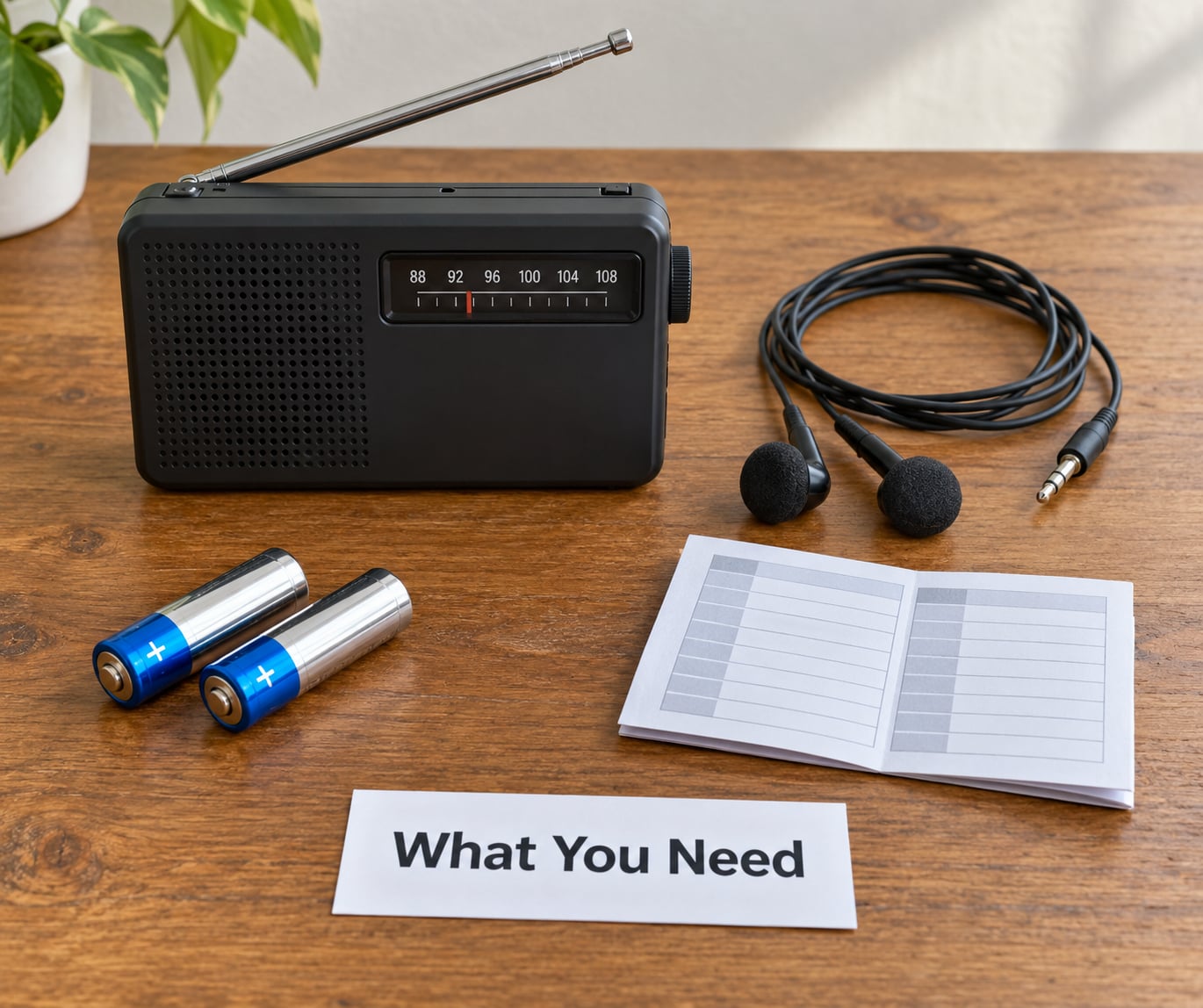
The cheapest and most reliable route needs very little: a receiver with an FM band, a pair of headphones or a speaker, and a source of power that does not depend on a wall socket. A battery-powered set ticked off that list works in a blackout, which a phone does not if the power has gone out too.
Here is what each method asks for.
For an FM or AM radio
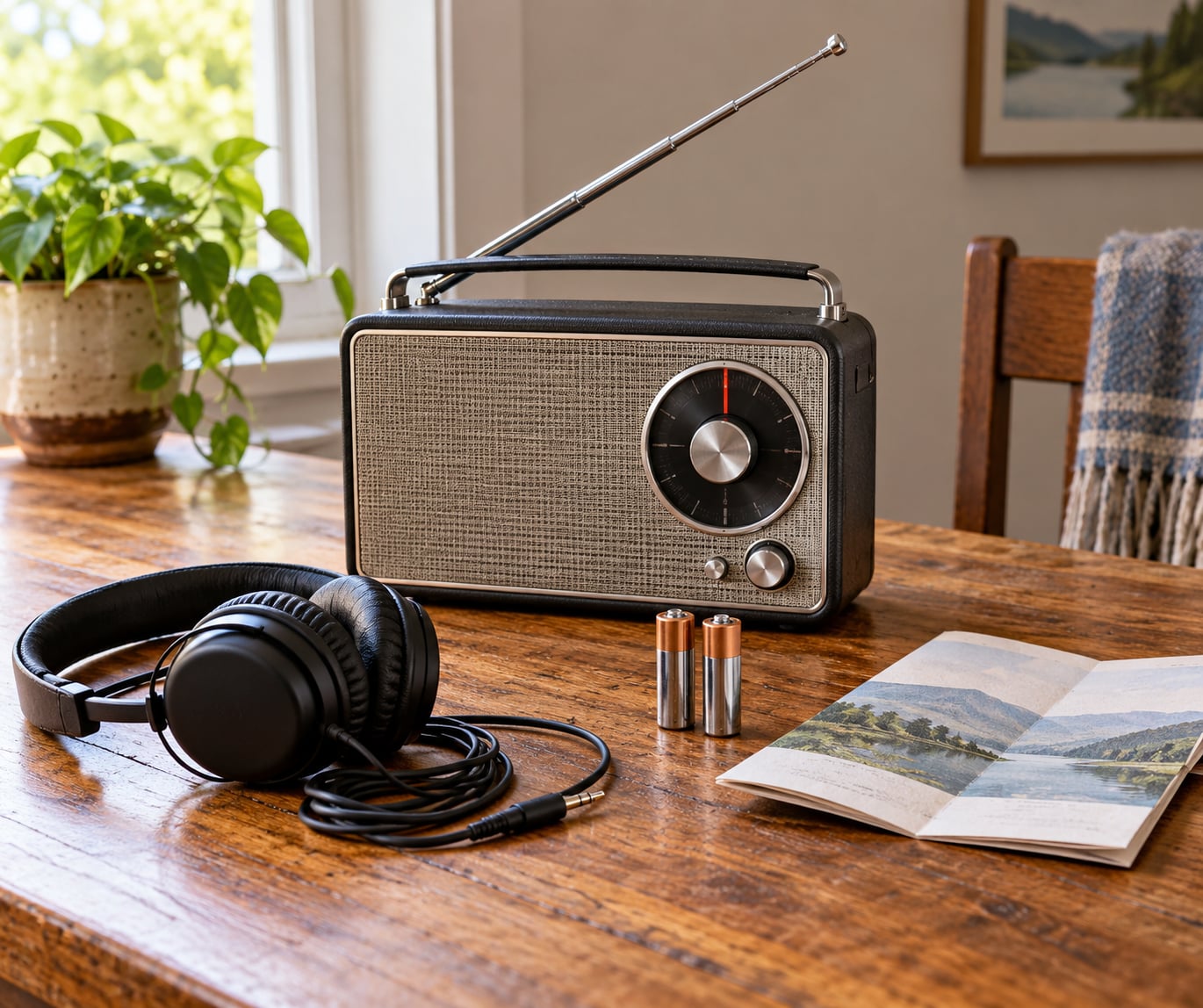
An FM and AM receiver, either a standalone set or a phone with an FM tuner chip. You also need headphones with a wired 3.5mm plug, a built-in speaker, or an auxiliary cable. Batteries matter more than people expect: alkaline cells lose power in cold weather, and a radio that dies in a storm is no use at all.
For satellite radio
A satellite-compatible receiver, an unobstructed view of the relevant sky, and an active service where your provider requires one. A vehicle-mounted antenna with a clear line of sight usually performs better than a small indoor unit. Satellite radio does not use internet data, but it is a subscription service rather than free broadcast.
For over-the-air digital radio
A DAB+ or HD Radio receiver working in a market where those stations actually broadcast. In the UK, DAB+ coverage is nationwide and growing, and nearly every new car and many portable sets support it. Elsewhere, HD Radio is the North American equivalent. Reception needs no data plan, just a compatible tuner and signal.
For saved and downloaded audio
Any device that plays local files: a phone, laptop, tablet or media player, plus recordings you saved earlier. Catch-up radio and podcast versions of live shows are the usual source. Set the device to airplane mode afterwards and the content plays exactly as it did when you downloaded it.
A folded station list or a station guide app that works offline is a nice extra. Searching a frequency range blind takes a few minutes longer than tapping a preset.
Why wired headphones matter so much
Here is the part that catches most people out. A phone has no real antenna for FM, so manufacturers route the signal through the headphone cable and treat the cable itself as the aerial. Extend it, keep it unplugged and dangling rather than bunched in a pocket, and reception improves noticeably.
Bluetooth earbuds, wireless headsets and car stereos that receive audio over Bluetooth all fail for the same reason. The audio path no longer physically touches the antenna, so you get silence or heavy static. A wired pair, the phone’s own speaker, or an auxiliary cable into a speaker solves it.
Radio listeners on the yorkshireradio.net guides hit this constantly, and the fix is nearly always the cable rather than the app.
Other receivers you may already own
A car stereo with a built-in tuner works with no phone involved at all, which makes it the most overlooked option on a long drive. Many car stereos built in the last decade also decode digital broadcast alongside analogue FM, so check the manual for DAB+ or HD Radio support.
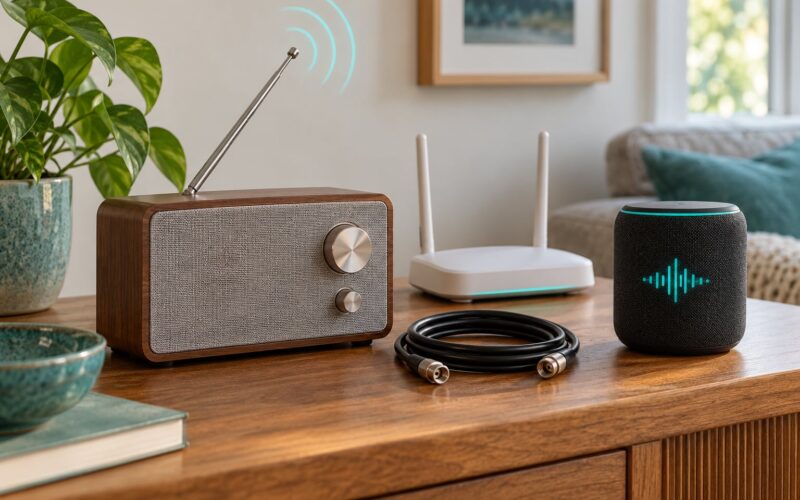
Smart speakers and TVs are the trap here. Most of them connect over Wi-Fi and stream, so they fail without a connection even though they look like radios. A few support an auxiliary input or a physical tuner; unless yours does, treat it as an internet device rather than an offline one.
Power and batteries
Alkaline cells drain faster in cold conditions, and cold mornings are exactly when you want the radio working. Rechargeable lithium cells lose less but need a charger, which defeats the point during a blackout. Many hand-crank models add a dynamo for emergencies, at the cost of volume.
Budget roughly one set of batteries per ten hours of listening as a rough guide. Test the set monthly so a flat battery shows up before it matters.
Step-by-Step: How to Listen to the Radio Without Internet
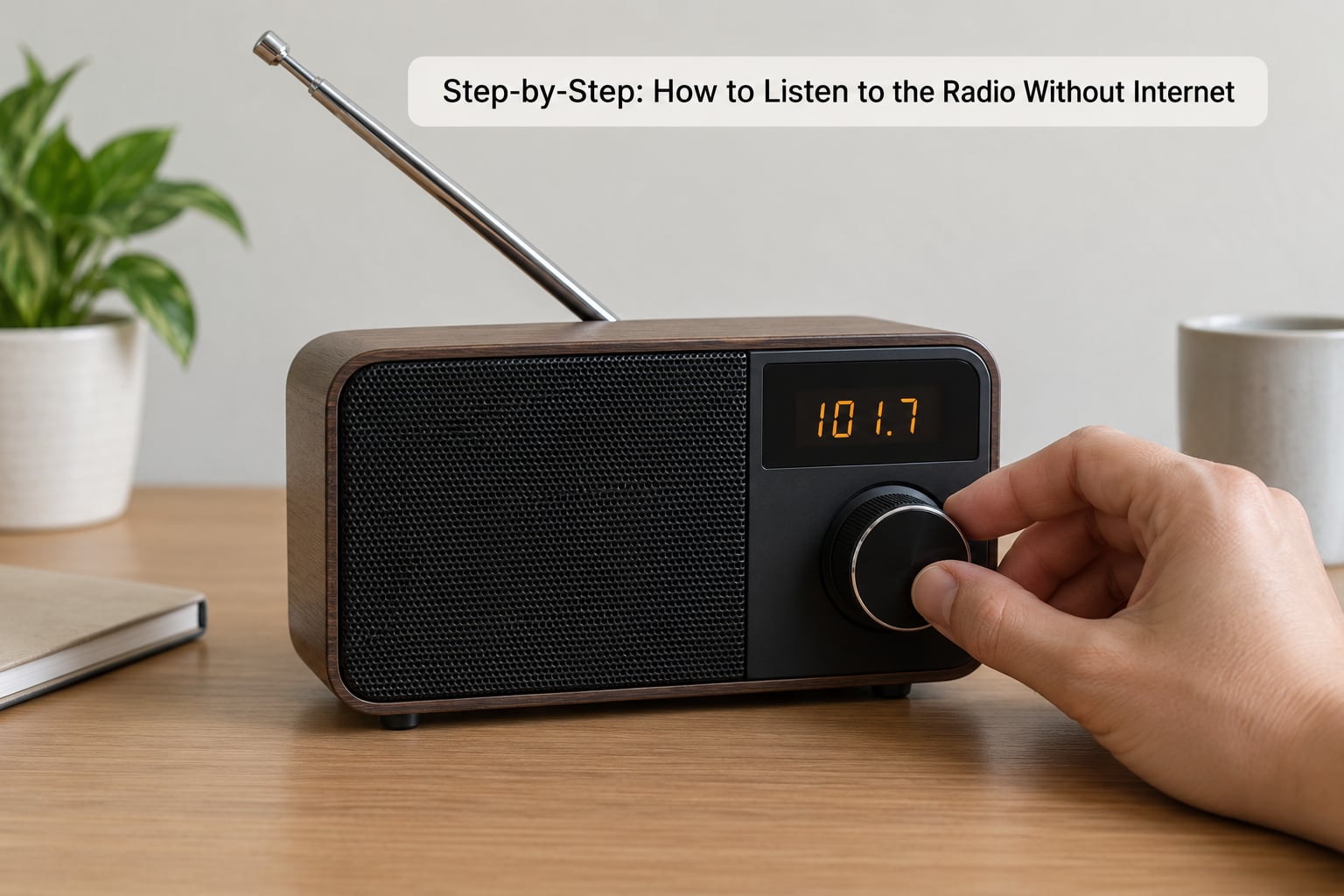
Work through these in order. Each method is fully independent of an internet connection, and the first one covers almost every situation people ask about.
The four options differ mostly in what they need from you, so match one to the equipment you already own before you spend time on setup.
- FM or AM radio. No internet needed, but it takes a receiver, headphones or a speaker, and batteries. Best for home, travel, power cuts and emergencies.
- Satellite radio. No internet, though it needs a paid service. It takes a satellite receiver and a clear view of the sky. Best for long car journeys through weak ground coverage.
- DAB+ or HD Radio. No internet at all, needing a digital tuner sold for your country’s standard. Best for UK and North American listeners who want clearer sound and more stations.
- Downloaded audio. No internet once the file is saved, needing a phone, laptop or media player holding stored files. Best for flights, dead zones and phones with no tuner chip.
One more point about signal types explains most of the confusion in this topic. FM and AM are analogue terrestrial broadcasts sent from a ground transmitter, clean enough over a typical room but prone to hiss between stations. Digital broadcast standards carry many stations as compressed data over the same idea of transmission, so the audio stays clear right up to the edge of coverage.
Satellite radio moves the transmitter into orbit, which gives it continent-wide reach but requires hardware built for it. Internet radio uses none of these signals at all — it fetches audio from a server over a connection, which is why it fails the moment your data runs out.
How to Listen to the Radio Without Internet on an FM or AM Receiver
Switch the set on, either with the power button or by turning the volume knob until the dial lights up. If it takes batteries, this is the moment to fit fresh ones rather than hope the old pair holds up.
Pull the telescopic antenna out fully, or uncoil the wire aerial on a hand-crank model. Length and angle both matter, and holding the set near a window usually beats holding it in a basement.
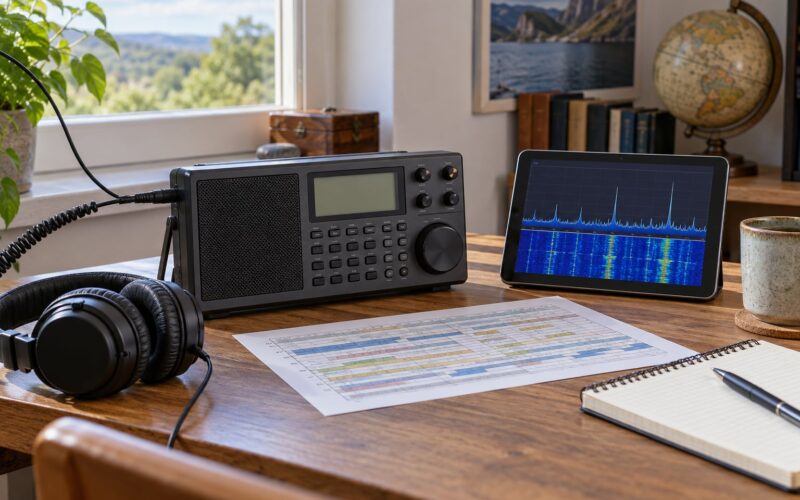
Tune slowly across the FM band, usually from 87.5MHz to 108MHz, stopping wherever a station voice appears. Watch the signal strength meter if the set has one — the needle sitting near the top means clean reception with no hiss between words.
Save the frequencies you like as presets. On a digital set the display will show the station name; on an analogue one you write the number on the case in pen. Step one to three is how most people learn to listen to the radio without internet on a phone too, because many Android models still ship with an FM tuner built in.
Adjust the volume on the device itself rather than reaching for your phone, then confirm audio by lowering the volume a notch and raising it again. A carrier hiss that appears between stations is normal. A loud squeal means the volume is too high or the tuning is slightly off.
AM sits below FM, around 530 to 1600kHz in most countries. Expect more static and narrower audio, but AM still carries local talk radio, weather updates and the emergency information that matters when everything else is down. FM is clearer for music.
Listen With Satellite Radio
Satellite radio receives a signal from a geostationary satellite rather than a ground transmitter, so it uses no mobile data and no Wi-Fi at all. You need a receiver built for it, a dish or antenna with a clear view toward the southern sky in the northern hemisphere, and an active subscription where the provider requires one.
Turn the unit on outdoors or near a window first. Give it a minute or two to lock onto the satellite, since the first acquisition takes longer than any later start.
Select a category such as news, talk or music using the dial or remote, then scroll through the channel lineup until a station starts playing. A clear lock and steady audio mean reception is good.
If you hear nothing, check the antenna connection and confirm the view is not blocked by a roof, a tree line or a building wall. Satellite audio can fade at the edges of the coverage area, and heavy rain attenuates the signal for short periods.
Receive Over-the-Air Digital Radio
Digital broadcast radio sends an audio stream from a terrestrial transmitter, which sounds like every other station in digital clarity and costs nothing to receive once you have the hardware. In the UK that standard is DAB+, widely used by the BBC and commercial multiplexes. In the US, Canada and Mexico, HD Radio does the same job behind a different name.
Power on the DAB+ receiver or the car radio and let it scan. Digital sets build a station list on first run, which usually takes a minute or two, then save your favourites to the preset buttons.
Watch the signal strength or bitrate indicator once you are on air. A multiplex carrying many stations shares one signal, so a single weak multiplex can drop every channel on it rather than just one.
The key difference from internet radio is that nothing is being fetched from a server. If you turn the Wi-Fi off and the audio keeps playing, you are listening to a broadcast. If it stops, you were streaming.
Not every country has digital terrestrial radio in service, and station lineups differ by region. Before travelling, check whether your device supports the standard used locally, because a DAB+ set will not decode HD Radio and the reverse is also true.
Play Downloaded or Locally Stored Radio Audio
This is the answer for anyone whose phone has no tuner chip, including every iPhone. Instead of a live broadcast, you play a recording you saved while you still had a connection: a downloaded show, a podcast version of a radio programme, or an audio file you copied onto the device.
Open the app you normally use for the show and look for a download or offline button rather than a play button. Most catch-up radio services and podcast apps label it clearly. Let the download finish before you travel.
Then switch on airplane mode, open the downloads section and press play. If the audio runs, you have proved the content is local and nothing is being streamed.
What this route cannot do is give you live radio. There is no live broadcast arriving, so there is nothing to tune and no emergency information from the moment the power cut. For preparation purposes, keep a working broadcast receiver alongside your downloaded library.
Two meanings people mix up
“Listening to radio offline” covers two different things. Live broadcast reception means a signal arrives now from a transmitter, so it needs a tuner and an antenna. Playback of saved files means audio was fetched earlier, so it needs storage and a player but no receiver at all.
Both are legitimate answers to how to listen to the radio without internet, and only the first is real-time. Apps marketed as offline radio usually mean the second unless they specifically drive a tuner chip.
Common Mistakes
Almost every failure with offline radio comes down to signal, power or the wrong expectation. These are the ones that come up repeatedly.
Weak signal and missing stations
Move the set. A window, a higher shelf or the top of a hill makes a bigger difference than any gadget. Extend the antenna rather than coiling it, and in a car fit an external aerial instead of relying on the screen.
Wrong frequency or location set to the wrong country
Stations are licensed on specific frequencies by territory. If a tuner or app finds nothing, check that the region setting matches where you physically are — a mismatch explains most empty scans.
Dead batteries and weak power
Replace the cells rather than nursing a fading set. Keep a spare pair in the same bag, and test the radio monthly so you find a dead battery before you need the radio.
Blocked satellite view
Solid roofs, metal walls and tall buildings all break reception. Move outdoors, raise the antenna, and allow a couple of minutes for the first lock. Once acquired, the unit remembers the position and starts faster next time.
Digital stations you cannot receive
Confirm the device supports the digital standard in your country and that stations broadcast in your area. A set bought for the wrong market will simply find nothing to decode.
Internet radio apps that need a connection anyway
Many apps labelled “offline” only play a local library. Read the description: if it mentions streaming, playlists or station directories, it wants data. Test it in airplane mode before you rely on it.
Saved shows you never downloaded
A saved listing is not a saved file. Download episodes over Wi-Fi before you leave, then confirm playback in airplane mode rather than trusting the bookmark.
Headphones that cannot carry the broadcast signal
On phones, the wired headphone cable usually doubles as the antenna, so Bluetooth earbuds and wireless headsets often produce silence or heavy static. Plug in a wired pair, or use the built-in speaker or an auxiliary cable.
Tips for reliable offline listening
Keep one battery-powered receiver at home and another in the car or a rucksack. Store presets and station frequencies on paper inside the lid. Charge the handset fully before a trip, and treat downloads as a backup rather than the main plan.
What to do when a phone has no tuner chip
Worth knowing before you buy anything: iPhones have never included an FM receiver, so no app can change that. Search the app store for offline FM apps and they will all fail, because the hardware simply is not there. The same applies to some budget Android models, so check the specifications for an FM receiver chip before buying.
When the hardware is missing, the realistic routes are a standalone radio, a car stereo tuner, or downloaded content. A USB or Bluetooth tuner dongle exists too, but you are adding hardware to reach hardware — buy a proper radio instead if reliability matters.
How much data streaming radio actually uses
Audio streaming runs at a modest bitrate, but it is a continuous connection rather than a burst. Left running in the background for a full day it adds up to more data than most people expect, which matters on a capped or prepaid plan and produces roaming charges when you travel abroad.
Radio broadcast uses none of that. The switch is immediate and the saving is total, which is why the method is worth learning rather than just knowing about.
A note on recording broadcasts
Recording a broadcast for personal listening at home is treated differently by law in most countries from re-sharing it. Personal copies for your own use are generally fine; publishing or redistributing a recording is usually restricted by the broadcaster’s terms. Check the station’s own guidance if you plan to do anything beyond listening.
Frequently Asked Questions
Can I listen to radio without internet?
Yes. Any FM or AM receiver picks up a live broadcast straight from a transmitter, with no Wi-Fi, mobile data or subscription involved. Satellite radio and DAB+ or HD Radio receivers work the same way. On a phone you need an FM tuner chip plus wired headphones, because the headphone cable usually acts as the antenna.
Can I listen to the radio on my phone without internet?
On Android, yes, if the handset has an FM tuner chip. Install a tuner app, plug in wired headphones, set your region correctly and scan. Bluetooth earbuds will not work because they cannot carry the antenna signal. iPhones have no FM tuner, so the only phone option is playing audio you downloaded earlier.
Is there a free offline FM radio app?
Free tuner apps exist for Android, including NextRadio and Simple Radio, which use the phone’s own receiver and work with no connection at all. Most other radio apps are streaming services that need data despite the offline label. Check whether an app references a tuner chip, not just an offline library, before you rely on it.
Does satellite radio need an internet connection?
No. Satellite radio receives a signal from a satellite rather than a data connection, so it works with no mobile signal and no Wi-Fi. You do need compatible hardware, a clear view toward the satellite and an active service subscription with most providers, since it is a paid service rather than free broadcast.
Can you use a DAB radio without internet?
Yes. DAB+ and HD Radio are terrestrial digital broadcasts, received from a ground transmitter with no data connection at all. Reception needs a compatible tuner and coverage where you are, which in the UK is close to nationwide. A set built for one digital standard will not decode the other, so check what your area broadcasts.
How do I listen to radio when there is no signal or connection?
Use hardware rather than an app. A battery-powered FM/AM radio, a DAB+ set or a satellite receiver keeps working when networks are overloaded, roaming abroad or switched off entirely. If you only have a phone, download shows ahead of time and play them in airplane mode, understanding that you will be hearing saved audio rather than a live broadcast.
Conclusion
Start with a battery-powered FM and AM receiver. It needs no internet, no data plan and no subscription, it keeps working through outages and blackouts, and it doubles as the last-resort source of local emergency information.
Add a digital tuner where your area broadcasts DAB+ or HD Radio for clearer sound and more stations, and treat satellite radio as the option for long drives in areas with patchy ground coverage. Save downloaded shows for flights and phones without a tuner chip. Whatever you choose, test it with the connection switched off before you need it.