If you have wondered how to record a radio show legally, the short answer is that it comes down to three permissions: the right to perform the music, the right to broadcast that performance, and documented consent from every voice you record. This guide walks through the whole process, from checking a broadcaster’s rules to storing files and sharing only what you are allowed to share.
The whole job takes an afternoon to set up properly and a few minutes per episode once you have a system. Most of the difficulty is not technical. It is deciding in advance what you intend to do with the recording, because the same audio file can be perfectly fine for your own ears and unlawful to upload.
Table of Contents
- What You Need
- Step-by-Step: How to Record a Radio Show Legally
- Common Mistakes
- Frequently Asked Questions
- Can I record a radio show for personal listening?
- Is it legal to record a radio show from a streaming website?
- Do I need permission to publish a recorded radio interview?
- Can I turn a radio show into a podcast without permission?
- Who owns the copyright in a radio broadcast?
- What should I do if a station removes my recording?
- Conclusion
What You Need
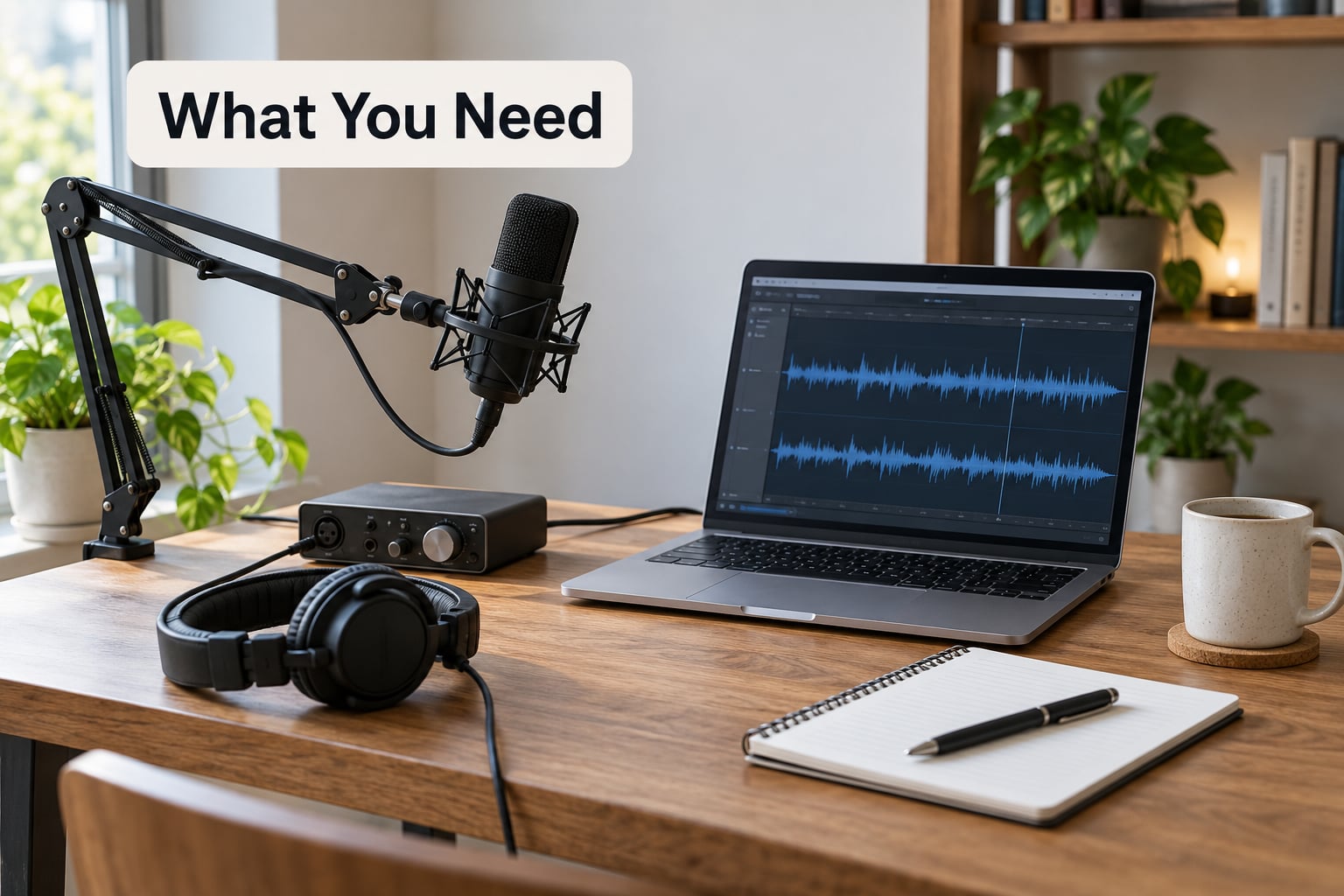
Start with the use, not the gear. Write one sentence describing what the recording is for: personal time-shifting, archiving, a class assignment, a podcast you publish, a station you syndicate, or a show you sell advertising against. Every later decision depends on that line, because the more listeners outside your household, the more rights you need.
Then line up four things.
- The broadcaster’s terms. If the show belongs to someone else, find its terms of use or catch-up page before you touch a record button. Personal listening is treated very differently from redistribution.
- Music permission for your own show. Playing recorded music publicly generally requires a licence from a performance rights organization such as ASCAP, BMI, SESAC or Global Music Rights. Some hosting platforms include one in the plan you already pay for.
- Written permission from voices. Guests, co-hosts, callers and anyone else who appears on air should sign a short release covering recording and publication.
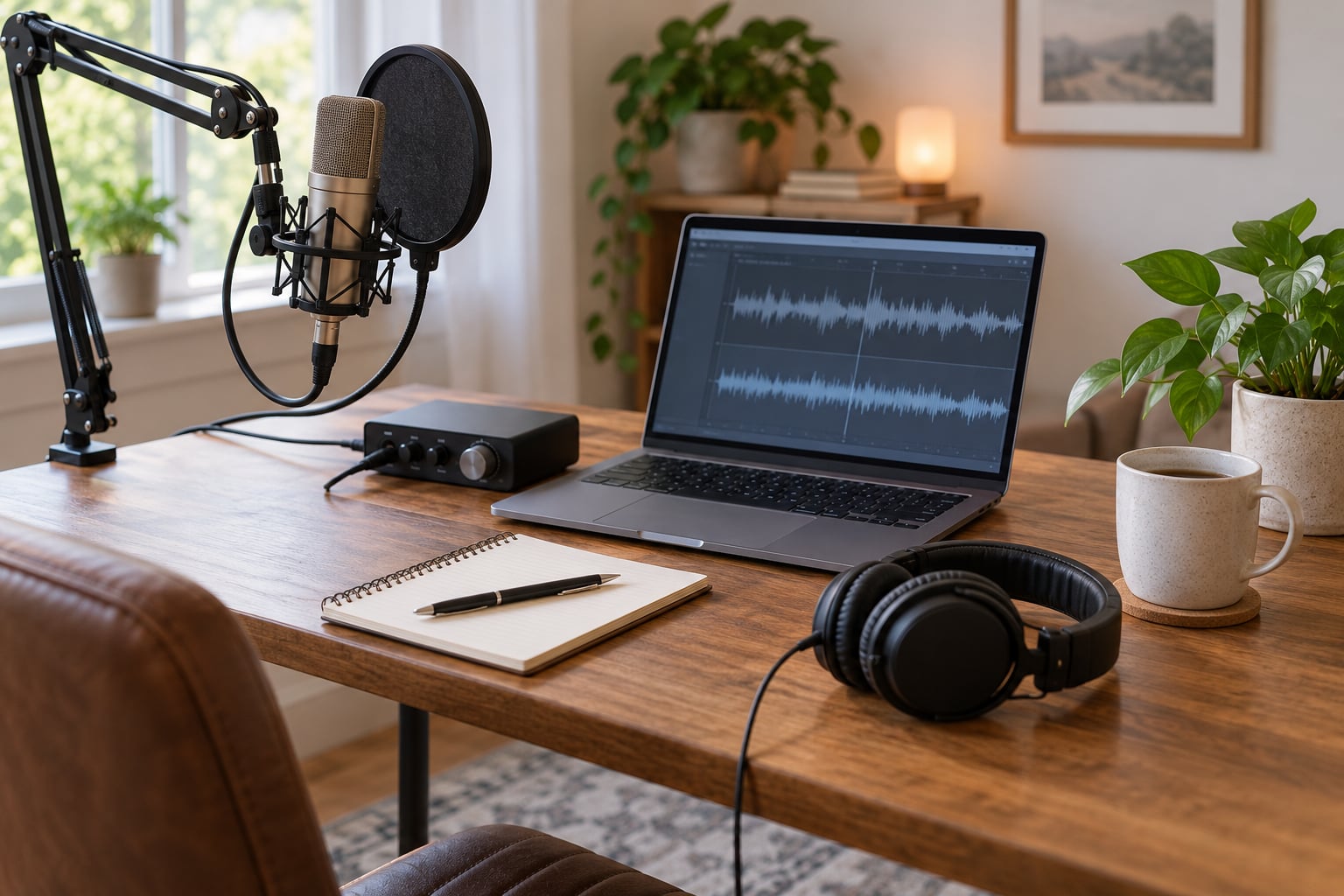
- A lawful recording setup. A computer with free editing software such as Audacity, a microphone, and enough drive space for every master file you keep.
Equipment does not determine legality, only quality. A laptop, a USB condenser microphone and free software are enough for a talk show. Quality matters for other reasons: poor audio is harder to edit and harder to defend if someone disputes what was said on a badly recorded call.
A note on jurisdiction. This guide covers the United States. If you broadcast from or serve listeners in the United Kingdom, the collecting bodies are different, with the Performing Right Society (PPL) covering recorded and live music played on radio and the Music Copyright Society UK (MCPS) covering the composition side. Ask the relevant bodies in your country rather than assuming U.S. answers travel.
Step-by-Step: How to Record a Radio Show Legally
Check the broadcaster’s rules and your intended use
The first question is not about law, it is about purpose. Personal time-shifting, meaning recording a show once to listen to later, is treated far more leniently than uploading that recording anywhere other than your own device. Public distribution, a podcast feed, a YouTube upload and a station carrying your show are all separate permissions on top of each other.
Record the broadcaster’s terms and date them. If the show has an official catch-up service, use it. Most stations publish a podcast feed or an archive precisely because those routes are licensed, and using them avoids the entire question.
How to tell it worked: you can name, in writing, who may listen to your file, where it may live, and for how long.
Get permission and confirm the rights to record a radio show legally
Permission to record and ownership of the recording are separate things. A guest can consent to being recorded without owning the music you play underneath. Equally, holding a licence for the music does not let you record someone else’s program.
So confirm two rights in writing: authorization from the rights holder of the broadcast, and, for your own show, a music performance licence that covers your distribution method. Contact the broadcaster’s legal or programming department for content permission. Contact ASCAP, BMI, SESAC or Global Music Rights for music. If you use a UK-based show, the PPL and MCPS handle that side instead.
What if the answer is no? Keep it personal, or drop the segment. A short written refusal is easy to act on, an unclear one is not.
Choose a compliant recording method
Work down this list from most to least protected, and stop at the first one that covers your intended use.
- The station’s official catch-up service or app, for shows you did not make.
- A streaming platform that includes a music licence in its terms, which is common among internet radio hosts.
- Direct recording of the broadcast for personal time-shifting, kept on your own device.
- Recording your own show, where you control the microphone and the session.
One line to be firm about: a paid subscription to a music or video streaming service is not a broadcast licence. Pulling audio out of one of those services and airing it leaves you with an unlicensed public performance, no matter what you pay each month. Circles of home broadcasters describe the same trap repeatedly, and the pattern holds every time.
Also, do not circumvent access controls. Recording behind a paywall, a geo-block or a DRM flag creates a separate problem on top of the licensing one.
Record and check the audio
Record ten minutes before you go live and listen to the whole thing back. You are checking three things: that voices sit at a healthy level without clipping, that there is no hum or hiss that will cost you an afternoon of repair later, and that your backup copy actually plays on another device.
Name files so that you can still read the log in two years. A workable pattern is station, show name, date and take, with the date in a sortable format. Keep the unmodified master, because edits made for one episode often need to be undone for a re-broadcast or a syndication deal.
How to tell it worked: every file plays end to end, the master is stored somewhere you are not likely to overwrite it, and the log matches what is actually in the folder.
Store, edit and share only what is permitted
Keep masters somewhere private and backed up, not in a folder you edit while working. Small trim edits to cut dead air are ordinary practice for personal listening. Redistribution is where the permission question reappears, and it does not care how small the edit was.
If you publish, attribute the station and name the broadcaster as the rights holder where appropriate. Publishing monetised content, running ads, or syndicating to another outlet usually needs an explicit agreement rather than the permission you already hold for your own site.
How to tell it worked: you can trace every published file to a permission, a licence, or an official service. If one of those three is missing, it is not ready to go out.
Common Mistakes
Most problems come from one assumption: that audio you can reach is audio you can use.
- Treating a stream as public domain. A live web stream carries the same copyright as a broadcast. If it is playable in a browser, that says nothing about who owns it. The fix is to identify the rights holder before you use a single second of it.
- Skipping the terms of service. Reposting a clip into a community group or a public playlist is redistribution, even without ads. Read the platform rules, and check whether the broadcaster’s terms cover reposting separately.
- Turning a show into a podcast without permission. Publishing an episode feed makes the show retrievable and permanently available in a way that a personal recording is not. Get the broadcaster’s agreement in writing, in email form is fine.
- Stripping disclaimers and credits. Removing an on-air credit or a mention of the rights holder is the kind of change that turns a sloppy edit into an argument about attribution.
- Uploading someone else’s broadcast. Archive feeds, community archives and clip channels are the places these uploads end up, and the rights holders monitor all three. Personal use and public upload are treated as different acts.
- Recording guests informally. A phone call with someone who has no idea it will be published is the most common consent problem home broadcasters run into. Send the release before recording, not after.
- Recording through a streaming service. Audio captured from a music or video app and used as part of your show is an unlicensed performance of both the recording and the underlying composition. Source music through a licensed route instead.
- Discarding the paperwork. A release, an email permission or a licence confirmation takes a minute to keep and is nearly impossible to reconstruct two years later. Date everything and store it next to the episode files.
Frequently Asked Questions
Can I record a radio show for personal listening?
Yes, in most cases. Recording a broadcast once so you can listen to it later is treated far more leniently than sharing it, and courts have generally treated personal time-shifting as fair use. The limits are that it stays on your own devices, you are not uploading it anywhere, and you are not removing any copy protection. If your station offers an official catch-up service, that is the safer route by far.
Is it legal to record a radio show from a streaming website?
It depends entirely on what you do with it. Capturing a stream for your own listening is usually treated as personal time-shifting. Uploading it, clipping it, reposting it or turning it into a podcast is redistribution and needs the broadcaster’s permission. Access controls matter too: recording past a paywall, geo-block or DRM flag is a separate problem from the copyright one, and it makes the position worse.
Do I need permission to publish a recorded radio interview?
Yes. If the interview appears in anything you publish, the guest should have signed a release that covers recording, editing and distribution before the conversation happened. A guest agreeing to be recorded is not automatically agreeing to be published online. If you recorded someone else’s program rather than your own interview, you also need permission from the broadcaster, because the programme itself is protected.
Can I turn a radio show into a podcast without permission?
Not safely. Publishing an episode feed takes a private recording and turns it into a public, permanently retrievable work, which is a different legal act from listening to a broadcast. Ask the broadcaster first, in writing. Some stations have an official feed and are happy for you to link it, and a few syndicate shows they already hold the rights to, which saves everyone the conversation.
Who owns the copyright in a radio broadcast?
There are usually two layers. The broadcaster owns copyright in the programme itself, as the producer and broadcaster. Separately, the master rights in the music sit with the record label and the composition rights with the songwriter or publisher, which is why a performance licence is required even when you play your own show. Performers also hold rights in their own performances, so a guest release matters even when the programme is yours.
What should I do if a station removes my recording?
Check the platform’s notice first. Most removals arrive as a copyright complaint from a rights holder or their agent, and the notice usually names the work and the claimant. If you believe the claim is mistaken, respond through the platform’s stated process with your licence, release or permission email attached. Do not re-upload the same file while the claim is live, because repeat claims tend to escalate.
Conclusion
The safest first step takes about five minutes: decide what the recording is for, then find the broadcaster’s own catch-up service or ask them in writing. For a show of your own, the equivalent move is checking whether your hosting platform already covers a music licence before you buy anything.
Keep the release, the permission email or the licence confirmation next to the episode files, and remember that how to record a radio show legally is mostly a matter of not doing more with a recording than you have permission to do. This is general information, not legal advice, so if you plan to monetise, syndicate or publish someone else’s material, talk to a media lawyer in your state.