To find radio stations by genre online, use a directory that lets you filter by genre tag — radio.net, myTuner Radio, Streamitter and Internet-Radio.com all do — preview a handful of stations, save the ones you like as favourites, then copy the stream URL into a player like VLC if you want them in the car or on a speaker.
Most streams are free to listen to in a browser with no account, so you can build a working shortlist in about ten minutes.
Table of Contents
- What You Need Before You Start Searching
- Step-by-Step: How to Find Radio Stations by Genre Online
- 1. Start With a Precise Genre and Subgenre
- 2. Use an Online Radio Directory to Find Radio Stations by Genre
- 3. Check the Station’s Own Website First
- 4. Search Inside Radio and Music Apps
- 5. Ask a Streaming or Music Platform
- 6. Follow Artists, DJs and Related Stations
- 7. Test and Save the Best Streams
- Common Mistakes to Avoid
- Quick Tips for Faster Discovery
- Frequently Asked Questions
What You Need Before You Start Searching
Internet radio is a station that sends its audio over the internet instead of, or alongside, an AM/FM or DAB+ frequency. That single difference is why you can reach a station in another country, on a phone data connection, at two in the morning.
You need three things and nothing else: an internet-connected phone, tablet or computer; a modern browser or a media player app; and headphones or a speaker if you want to share the sound. You do not need a radio tuner, a DAB+ dongle or any special receiver.
A stream URL is the address a station publishes that points at its streaming server, usually ending in a playlist extension such as .m3u or .pls. Any player that opens that address plays the live audio, which is why the same station can move between a browser, a phone app and a car stereo.
| Device | Best for | What you need |
|---|---|---|
| Desktop or laptop browser | Comparing many genres quickly | Nothing but a browser and speakers |
| Phone or tablet app | Listening on the move and saving favourites | The app plus a data connection |
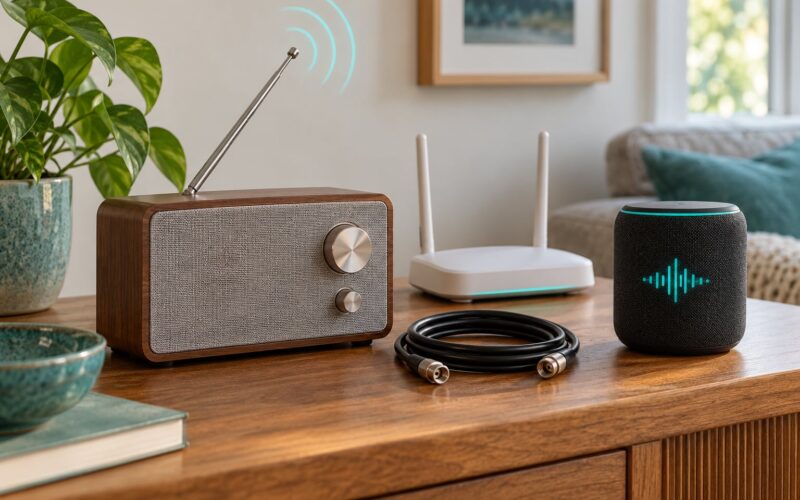
| Smart speaker | Hands-free listening while cooking or working | The station’s own skill or app support |
| Car stereo | Driving and long journeys | A Bluetooth or auxiliary input, or a compatible head unit |
| Media player such as VLC | Playing a stream URL directly, including .m3u and .pls files | The stream address from the station’s official page |
Step-by-Step: How to Find Radio Stations by Genre Online
1. Start With a Precise Genre and Subgenre
The fastest way to get useful results is to narrow the search before you open a directory. A station tagged “pop” tells you almost nothing, because most stations pick that tag.
Go one or two levels deeper instead. Jazz becomes smooth jazz, bebop, spiritual jazz or gypsy jazz. House becomes deep house, afro house or minimal. Classic rock becomes psych rock or southern rock. World music becomes afrobeat, desert blues or highlife.
Then layer on the other things that narrow a search: an era such as the 80s, 90s or oldies, a mood such as late night or morning, a country or city, and the words “online radio” or “internet radio station”. Searching “deep house radio + online” gives a completely different result set from “house radio”.
Write down three or four of these terms before you start clicking. Search engines and directory search boxes reward specificity, and so do the genre filters inside the directories themselves.
2. Use an Online Radio Directory to Find Radio Stations by Genre
A radio directory is a searchable index of stations. You pick a genre tag, narrow it by country or language, and the list refreshes. Most of them play in the browser with no account at all.
Filters differ between directories, so check what each one actually exposes before you rely on it:
- Genre and sub-genre filters — how many levels deep the tagging goes.
- Country, city and language filters — essential for local and international stations.
- Stream status — whether a station is currently broadcasting.
- Bitrate or audio quality — few directories show this, which is why it matters.
- Era tags — 00s, 80s, 90s and oldies appear on radio.net and Streamitter.
- Account requirement — radio.net, myTuner Radio and Streamitter browse without one.
| Directory | What it does well | Filters | Account needed | Watch out for |
|---|---|---|---|---|
| radio.net | Largest general index, 60,000+ stations, era and topic tags | Genre, topic, country, state, city | No, for browsing | Genre tags are chosen by the station, so overlap is common |
| myTuner Radio | Deep genre pages combined with country and city | Region, city, genre | No | Thousands of near-identical auto-generated pages |
| Streamitter | 25.8K+ live stations, most-listened and recently added lists | Genre, country, language | No | Sells featured placements, which sit at the top of lists |
| Internet-Radio.com | Simple A-to-Z genre browsing, minimal clutter | Genre, country, language | No | Smaller index and a dated interface |
| TuneIn Radio | Strong on local AM, FM and talk stations with dedicated apps | Genre, location, station type | No, for browsing | More talk and news than niche music |
| Radio Garden | Globe view for finding stations by place rather than by tag | Place, then browse what plays | No | No genre filter, so it is a discovery tool rather than a filter |
Radio Garden deserves its own mention because it works differently. Instead of a genre filter, it puts every live station on a globe, so you click a city and hear what is broadcasting there. It is the fastest way to find community and college stations in places you have never visited.
3. Check the Station’s Own Website First
Once a station looks promising, open its official site before you trust any listing. The official page tells you the real station name, the schedule, who is presenting, the coverage area and usually the bitrate the broadcaster publishes.
Look for a Listen, Tune In or Live Player link, or an app badge for iOS or Android. Official pages increasingly carry a direct stream link too, often tucked into a settings, FAQ or contact section.
Third-party players that re-host an old address are the main reason listeners report a station that used to work dying without warning. A stream address is occasionally updated by the broadcaster, and only the broadcaster’s own page is guaranteed to show the current one.
If the directory and the official page give the station different names or genres, trust the official page and move on.
4. Search Inside Radio and Music Apps
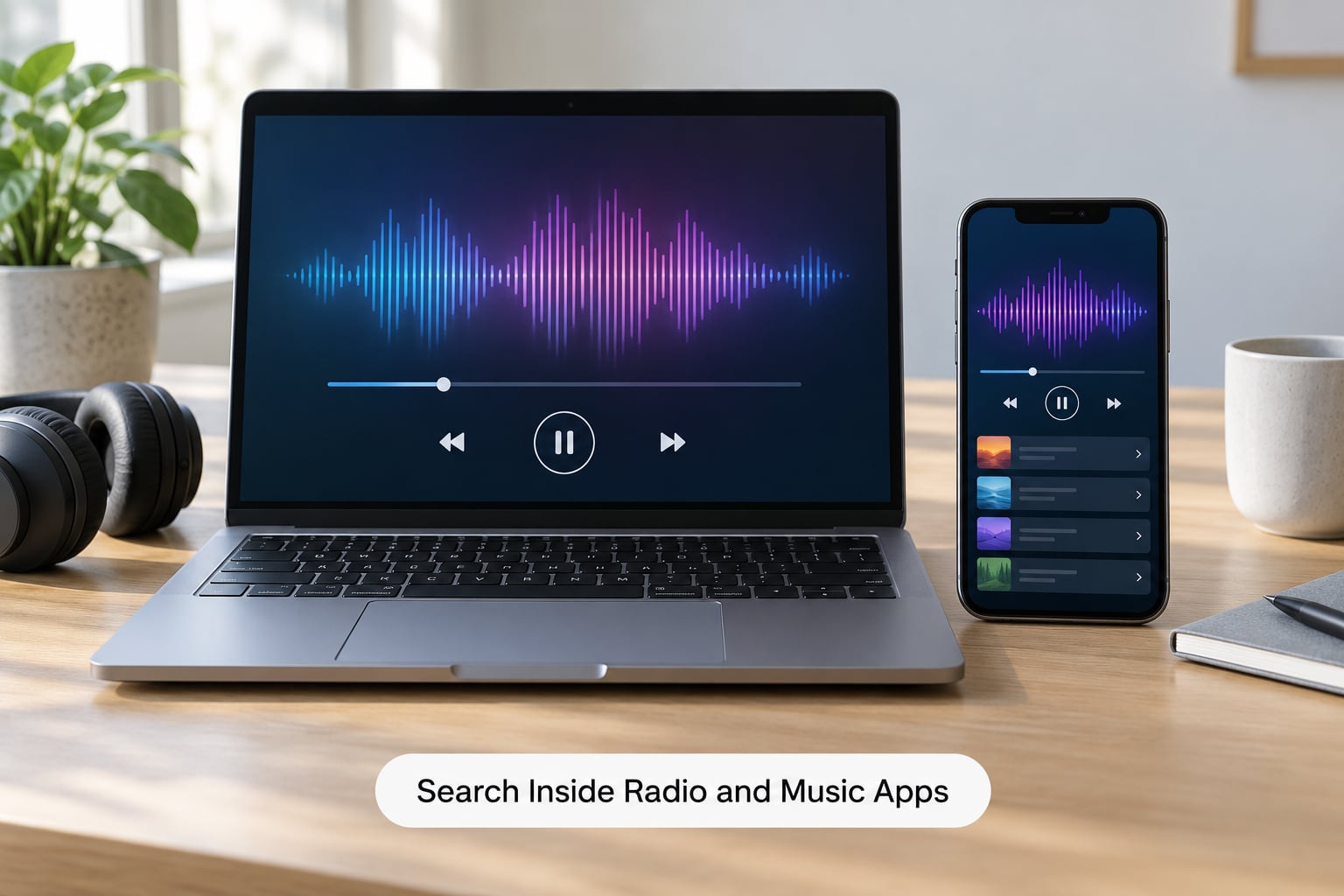
Apps add things a browser cannot: saved favourites, sleep timers, car integration and offline listening. They also add a catch: not every service is free, and some streaming platforms ask for a subscription before you can browse or listen.
TuneIn Radio is the practical choice for local and talk stations. Radio Garden is the choice for browsing by place. Apple’s Music app has station-based radio alongside its editorial playlists, though it sits inside a subscription service rather than standing alone.
Inside any of them, the routine is the same: use the genre search or the live-radio filter, add stations to favourites as you test them, and check that the app supports the device you care about before you commit to it.
Directory listings for the same app are rarely identical. Cross-check a station in two apps before you assume it is gone.
5. Ask a Streaming or Music Platform
Streaming platforms answer a different question. A directory answers “which live stations play this genre”; a playlist answers “give me this genre back to back without stopping”.
Curated playlists are chosen by editors and suit a mood. Algorithmically generated stations learn what you have skipped and are good when you want infinite music. Direct station streams are the same live feed you would get from a directory, with adverts, show segments and talk breaks intact.
For uninterrupted background music, a playlist wins. For local news, sport, live shows or discovering presenters you have never heard, a direct stream is the one you want.
6. Follow Artists, DJs and Related Stations
Stations advertise constantly, and the advertising is reliable. Follow the artist, DJ or show you already like on social media or on their artist page, and read the links in the bio.
Most artist pages and show archives link back to the station that plays them. A show page often names a guest slot or a sister channel with a similar sound, and a station’s own page may carry a similar-station or you-may-also-like row.
Concretely: if you like one late-night jazz show, open the presenter’s profile, check where they broadcast and whether they host anything else, then follow that second channel. One favourite show reliably turns into two or three stations, which is far more productive than scrolling directory lists.
Community and college radio is where this pays off best. Volunteer-run stations post their schedule publicly, and their presenters are the most active about sharing links.
7. Test and Save the Best Streams
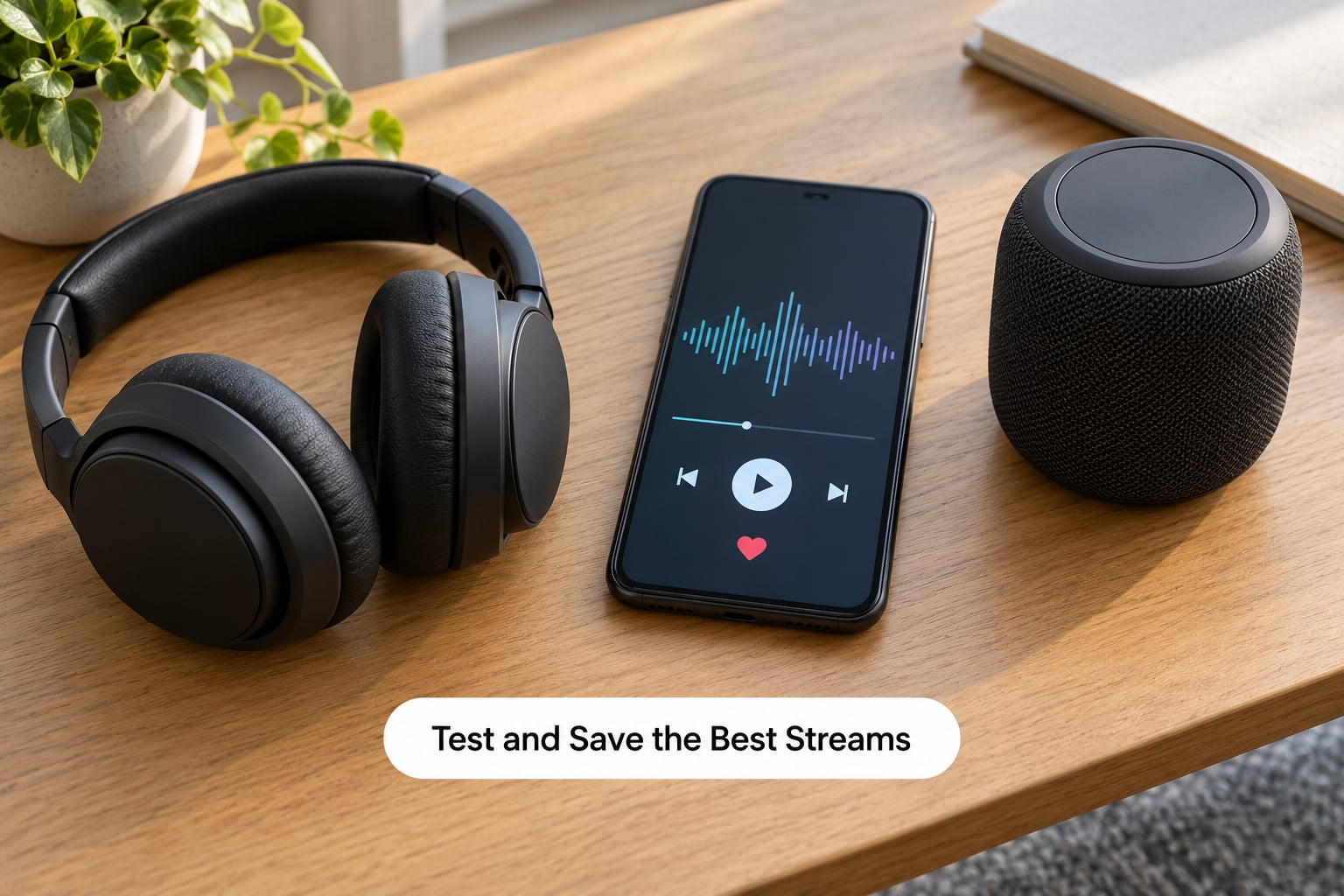
Give every station a proper test of at least three or four minutes before you save it. Long enough to get past the intro music, past the first advert break, and past any buffering.
Listen for four things: playback that starts cleanly, no repeating stutter, real speech and music rather than silence or a repeating ident, and a connection that holds when your own connection gets busy.
When a stream passes, save it. Name your favourites by genre and by country rather than by station name alone, so you can find the deep house from Lisbon and the 90s hip hop from Detroit in six months without redigging everything.
Store the station’s official page alongside the stream URL. If a favourite ever goes quiet, the official page is where the working address and any schedule change will be.
Common Mistakes to Avoid
Choosing Too Broad a Search Term
A search for “rock radio” returns stations that span stadium anthems, garage bands and tribute shows. Add a subgenre, an era, a region or a mood, and you get a list you would actually keep. The fix takes ten seconds and removes most of the noise.
Assuming Every Link Is Live
Directory entries rot. Stations close, change engine or move to a new streaming server, and the old listing keeps serving the old address. Go back to the official station page, retest several minutes of audio, and check the schedule is current before you rely on any link.
Treating a Playlist as a Single Radio Station
An automatically generated music playlist has no DJ, no schedule, no local news and no adverts, because it is not a broadcast. When you need a presenter, a phone-in show or local information, you need a direct station stream. When you just want background music, a playlist is the better tool.
Choosing a Stream That Is Too Data-Intensive
Higher bitrates sound better and use far more mobile data, and a 320 kbps stream burns through a phone plan in a couple of hours. Play on Wi-Fi where you can, drop the app’s quality setting to medium when you are out, and use downloaded audio for the one album you keep re-streaming.
Quick Tips for Faster Discovery
- Start with a shortlist of five stations per genre rather than a hundred, then expand only where the first batch disappoints.
- Keep genre notes in one place. A line of text per station saves a lot of hunting later.
- Set a reminder for the live shows you care about; live DJ sets rarely repeat on demand.
- Retest saved links every few months. Listings that worked last year frequently need replacing.
- Prefer listener-supported and volunteer-run stations when a genre is crowded with automated output.
Frequently Asked Questions
What is the best site to find radio stations by genre?
For browsing by genre tag, radio.net and myTuner Radio are the broadest, with filters for genre, country, city and era such as 80s and 90s. Streamitter is good for the most-listened and recently added lists. Radio Garden serves a different purpose, letting you browse live stations by place on a globe. Use two of them. A station missing from one index is often listed in another.
Are online radio streams free to listen to?
Almost always. radio.net, myTuner Radio, Streamitter, Internet-Radio.com and Radio Garden all play in a browser with no account and no charge. Some streaming services, such as Apple Music, place live radio inside a subscription, and a few directories sell paid featured placements that sit above the free listings. The audio itself is nearly always free; check the app before you assume.
Can I find local radio stations by genre?
Yes, and local stations are often the best discovery route. Filter a directory by city or country as well as genre, then open the station’s official site to confirm the format and the coverage area. TuneIn Radio is particularly strong on local AM, FM and talk stations. Community, college and volunteer-run stations carry the most unusual genre mixes, and Radio Garden is good for finding them by location.
Why does an online radio station link stop working?
Stations change streaming servers and publish a new address, and third-party players keep serving the old one. The station may also have closed, moved to a different platform, or restricted the stream to its home country, which often happens when you travel. Test the official station page rather than a saved link, check the schedule is current, and re-copy the stream address if a station worked last month and does not now.
Should I use a radio directory or a streaming app?
Use a directory to find stations and a streaming app to keep them. Directories win on breadth and genre filters, and they show you everything available. Apps win on convenience once a station is saved: favourites that sync across devices, sleep timers, car integration and offline modes. The common mistake is researching entirely inside one app, where a station missing from that index looks as though it does not exist.
Station lists rot, so everything above is checked against current directories for 2026. Start with one subgenre, search it on a station’s official website, test a directory result or an app result for four minutes, and save the first stream you would happily leave on while you work.