Radio stations fade in and out for a handful of repeatable reasons: the signal reaches your aerial by more than one path and the reflections cancel the direct wave, the transmitter is simply too far away for your location, your aerial connection is corroded or loose, electrical noise is swamping a weak signal, or — if you are streaming rather than broadcasting — the problem is your Wi-Fi and not the radio signal at all.
The frustrating part is that all five sound identical from the kitchen chair. That is why people swap aerials, buy boosters and blame the station, then wonder why nothing changed. A two-minute check usually tells you which one you have.
Table of Contents
- What Causes Radio Stations to Fade In and Out?
- How Receiver Problems Make Stations Fade
- Why Online Radio Stations Buffer or Drop Out
- How to Tell Which Problem You Have
- How to Fix Radio Fading and Dropouts
- Frequently Asked Questions
- Why do radio stations fade in and out only at home?
- Why does one radio station fade while other stations play normally?
- Can bad weather make radio stations fade in and out?
- Does radio fading mean the station is shutting down?
- Why does FM radio sound clearer than AM radio?
- Why does online radio keep buffering or losing the stream?
- Conclusion: Check the Signal Source First
What Causes Radio Stations to Fade In and Out?
Four things have to be working at once for clean radio audio: a station transmitting strong enough for your location, an aerial picking that signal up, a sound system delivering a noise floor high enough to keep the station audible, and a working connection between them. Any one of those four failing shows up as the same in-and-out pulsing.
FM Radio Fading and Signal Loss
FM broadcast signals travel about three metres per wavelength, which is short enough that they bounce off almost anything solid. Concrete, steel, brickwork, hills, bridges and even the metal trim on your car all send a copy of the signal back towards you.
Those copies arrive a few millionths of a second apart. When they land out of step with the direct wave they subtract from it instead of adding, and the station drops into hiss. Move the aerial a few centimetres and the timing changes, so the station comes back. That is multipath fading, and it explains why a portable radio held at one angle plays and at another angle does not.
Distance matters too, but not linearly. Field strength falls off with the square of distance, so doubling your range from a transmitter weakens the signal by a factor of four. Terrain and buildings take more out still: a single concrete wall in a north-facing room can cost more signal than several kilometres of open countryside.
Transmission power is measured as effective radiated power, or ERP. Cutting ERP by 6 dB halves the power reaching you, which on a marginal signal is the difference between a station you listen to daily and one you cannot hold.
AM Radio Skip, Fading, and Static
AM is a different beast entirely. Long and medium wave stations rely on a ground wave that travels along the surface, plus a sky wave that bounces off the ionosphere. At night the ionosphere reflects more strongly and distant stations arrive that would be impossible in daylight, which is the effect known as skip.
Skip has a downside: when the ionosphere shifts, the reflection point moves and a station that was clear at dusk is gone before midnight. On top of that, AM receivers pick up electrical noise easily, because the ionosphere and nearby wiring both add hiss and buzz to weak signals.
Most modern receivers handle AM poorly by design, since the long wavelengths involved need long aerials and good grounding to work well.
How Receiver Problems Make Stations Fade
Equipment faults look exactly like reception problems, and they are common in older cars and older houses.
A loose or corroded aerial connector is the first suspect. In cars the mast base is a threaded post in a metal roof panel, and moisture gets into the joint over years. Unscrewing the connector and refitting it often restores reception on its own, because the threads scrape the corrosion away as they mate. If the fault persists with a clean connector, the connector is innocent and you are looking elsewhere.
On home sets, the built-in telescopic aerial is frequently the weakest part of the whole chain. It is short, often poorly grounded against the chassis, and directional. Turning it ninety degrees or moving the set near a window can double a marginal signal. A metal-backed or foil-backed wall behind the set acts as a screen and kills the signal outright, which is common in some post-war houses and almost all modern kitchen extensions.
A cut or crushed coaxial lead is less obvious. Run the cable behind a skirting board, pinch it in a door frame or let a mouse chew it, and the fault looks like a dead zone rather than a break.
Desensitisation is the confusing one. A very strong nearby station, or a powerful transmitter on an adjacent channel, can overload a cheap tuner so badly that a weak distant station disappears entirely. People call it multipath when it is really the receiver giving up.
Then there is the software side. Car head units sometimes lose their tuning after a battery disconnect or a software update, and reception drops until the presets are rebuilt. On several car forums, owners whose stations had been fading in and out of stereo fixed it by re-running the automatic preset scan rather than touching any hardware.
Finally, a set that only started misbehaving this week deserves a suspicion. Somebody may have cleaned the aerial connector badly, added a sub-amplifier with new cable routing, or fitted a different antenna.
Why Online Radio Stations Buffer or Drop Out
Online radio fails in a completely different way from broadcast radio, because there is no radio signal involved anywhere. You are asking a web server to send audio to your device, and every step in that chain can fail independently.
Weak or congested Wi-Fi is the usual culprit. A router crowded with several devices streaming video will happily drop a low-bitrate audio stream, since audio is the first thing most systems sacrifice. Thick walls, a router in a hallway and a smart TV streaming 4K in the next room all make it worse.
Beyond your own network, the station’s own server can be overloaded at peak times, and streaming platforms occasionally expire the credentials a device was granted, which leaves the app silent until you sign in again. On a phone, a background app kill or a full memory state produces the same symptom.
The giveaway is simple. If broadcast stations play perfectly on the same device at the same spot, nothing is wrong with your aerial, your tuner or the transmitter. You have a network problem, and no amount of work on the aerial will touch it.
How to Tell Which Problem You Have
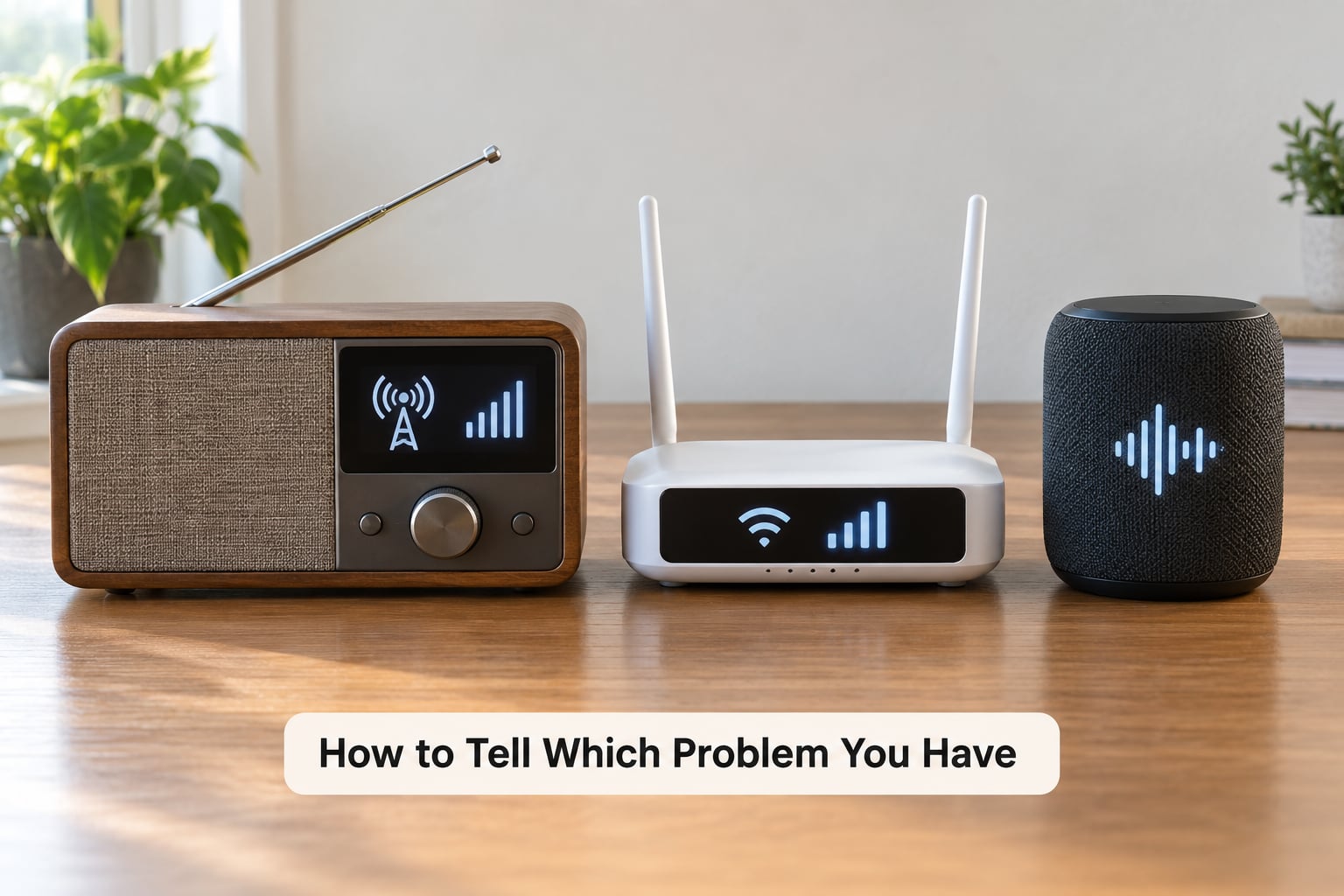
Work through these in order. Each question eliminates a whole group of causes in a few seconds.
First, does the problem affect one station or every station? One station points to multipath, a weak signal from that transmitter, or a frequency-specific overload. Every station points to your aerial, your wiring or your tuner.
Second, does it happen on broadcast radio, on streamed radio, or on both? A fault on both at once is almost always a shared device or power supply, not a transmission fault.
Third, move the aerial or the whole set about two feet, or in a car try a different stretch of road. If the station returns, you have multipath. If nothing changes, you have a weak signal or a hardware fault. This one test separates the two arguments that fill every car forum, and it takes about thirty seconds.
Fourth, does it get worse at speed or in the city centre than it does in open countryside? Reflections and close strong stations both multiply there, and both move with you.
Fifth, compare headphones with the built-in speaker. Interference and overload often show up more clearly on headphones.
Sixth, if it is streamed audio, switch from Wi-Fi to mobile data, or from mobile data to Wi-Fi. Whichever network works tells you where the fault lives.
| Symptom | Likely cause | Quick test |
|---|---|---|
| One station fades, others are fine | Multipath or a weak signal from that transmitter | Move the aerial two feet; retune by hand |
| Every station fades in one room | Internal aerial screened by wall or foil backing | Move the set near a window |
| Fades only in the car, worse at speed | Multipath from buildings and bridges | Try open road versus city streets |
| Buzzing or whistling noise | Electrical interference or a failing tuner | Unplug chargers and dimmers one at a time |
| Stereo indicator flapping | Multipath, or a marginal signal | Switch to mono and listen |
| Started after a battery change or update | Presets and tuning data lost | Run the automatic preset rescan |
| Only streamed stations drop out | Network congestion or an app fault | Switch networks; close and reopen the app |
How to Fix Radio Fading and Dropouts
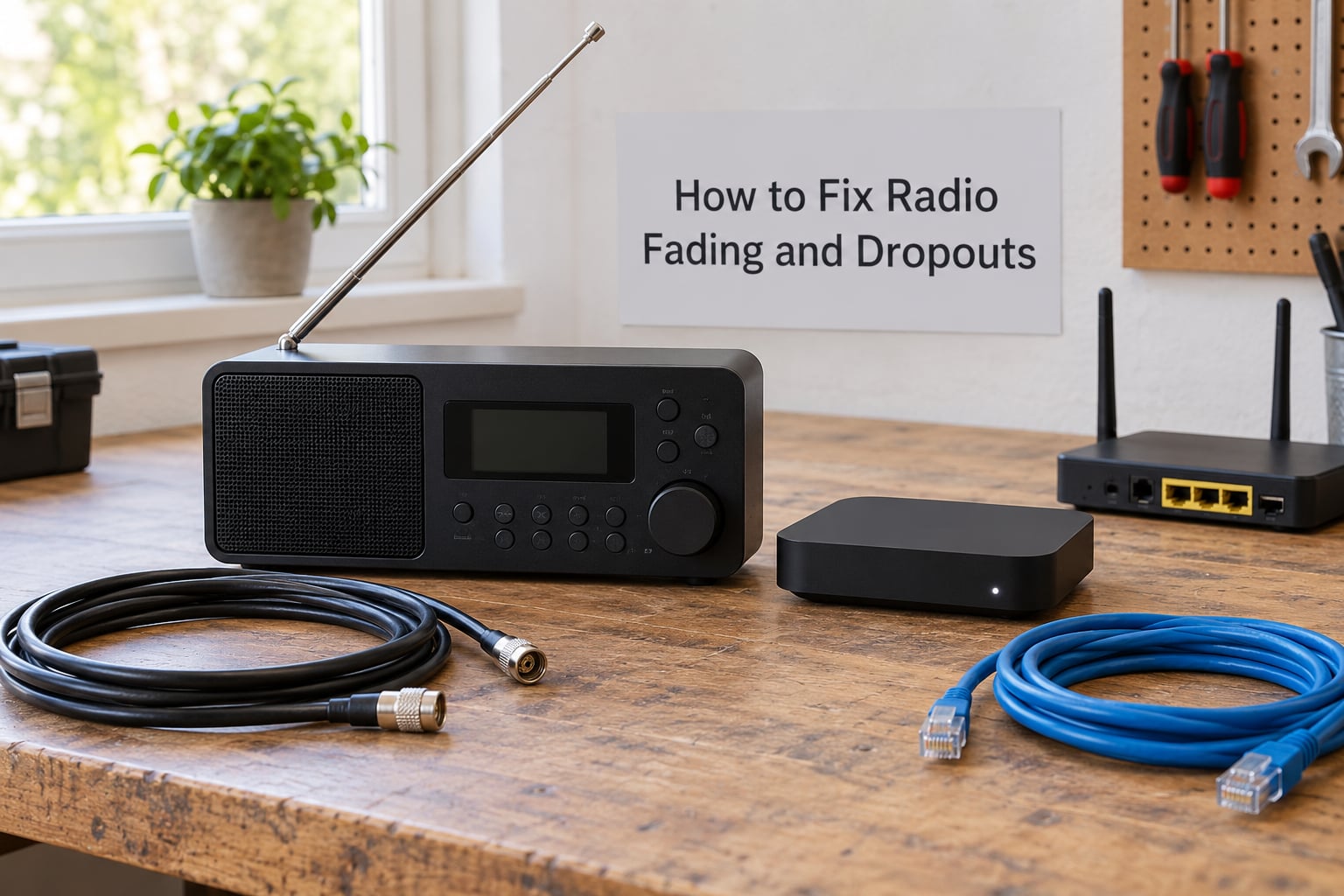
Start with the fixes that cost nothing, because most fading problems stop here.
Rescan and retune. Delete the auto presets, rescan them, and try the frequency manually to see whether the station is cleaner off its preset slot.
Refit the connections. Unscrew and re-screw the aerial connector, and do the same at any inline amplifier or coax join. Look for green or white corrosion on the pin or socket.
Move things deliberately. A different window, a higher shelf, a few feet across the room. Small moves that change nothing matter as much as moves that help, because they rule the room out.
Then filter the interference. Unplug phone chargers, LED lamps, dimmer switches and monitors one at a time while listening. Motorised fobs, electric blankets and old switch-mode power supplies are the usual offenders in a home.
If the aerial is the limit, move up the ladder: a longer or external aerial next, a directional outdoor one aimed at the transmitter, and only then an amplifier. Cheap broadband boosters amplify everything they receive, including several stations at once, and the mixing produces intermodulation products that land on other stations and make reception worse than before it was.
For streamed audio the fixes are simpler: use a wired connection where you can, move the router to a central spot, pick a lower-bitrate stream if the app offers one, sign in again to refresh credentials, and clear the app cache or reinstall it if it stalls on one station only.
Frequently Asked Questions
Why do radio stations fade in and out only at home?
Because the aerial inside your building is the problem. The short telescopic aerial on a home set is screened by walls, foil-backed plasterboard, metal window frames and foil-backed insulation in some post-war houses. Move the set to a different wall or a window and the fading usually calms down. A longer aerial on a stand, or an external one, fixes it permanently.
Why does one radio station fade while other stations play normally?
One station fading points at that station’s signal rather than your equipment. Weak coverage from that transmitter, reflections arriving out of phase at your aerial’s position, or an overload caused by a very strong station next door up the dial will all do it. Moving the aerial two feet and retuning by hand separates the three quickly.
Can bad weather make radio stations fade in and out?
Yes, though usually only for a few hours. Heavy rain attenuates a signal slightly, and temperature inversions trap radio waves so they travel much further than normal, which brings distant stations in and then drops them out again as the inversion collapses. Fog and snow on an outdoor aerial cause the same effect. Town and city FM reception barely notices.
Does radio fading mean the station is shutting down?
No. Fading is a reception condition, not a station status. A transmitter going off air affects every listener in its coverage area at the same moment and is reported publicly, and that industry phrase fade out is sometimes borrowed from a planned FM switch-off rather than a reception fault. If one station pulses in and out while others stay steady, it is a coverage or reflection problem.
Why does FM radio sound clearer than AM radio?
FM carries audio on a frequency that varies with the sound wave, and its capture effect means a stronger signal replaces a weaker one on the same frequency rather than blending with it. Noise then sits below the audio instead of on top of it. AM varies carrier amplitude instead, which leaves much less room for noise, so hiss and buzz are audible all the time.
Why does online radio keep buffering or losing the stream?
Because nothing about your aerial or tuner is involved. Weak Wi-Fi, a router handling several streams at once, or a congested local network will drop an audio stream before anything else gets sacrificed. If broadcast radio plays perfectly on the same device in the same spot, the radio side is fine and the fault sits in the network, the app, or the station’s own server.
Conclusion: Check the Signal Source First
Almost every case of fading in and out comes down to one of four things: reflections cancelling your signal, a transmitter too weak for your spot, a fault in your aerial or tuner, or interference from electrical sources. Streaming problems look similar but live in a completely different place.
So before you buy anything, find out whether broadcast stations fade, whether streamed stations fade, and whether one station or all of them are affected. Then move the aerial two feet and see what happens. That single test tells you most of what you need to know, and it costs nothing.