To start your own internet radio station you need four things: a clear format, a streaming host, some audio gear, and permission to play the music. Your computer mixes the audio and sends it to a host’s server, which passes it on to anyone with your stream link. Most beginners get on air in a weekend for less than the cost of a takeaway.
This guide walks through the whole route, from deciding what your station is, through the legal side, gear, software, scheduling and promotion. No broadcasting experience assumed.
Table of Contents
What You Need to Start Your Own Internet Radio Station
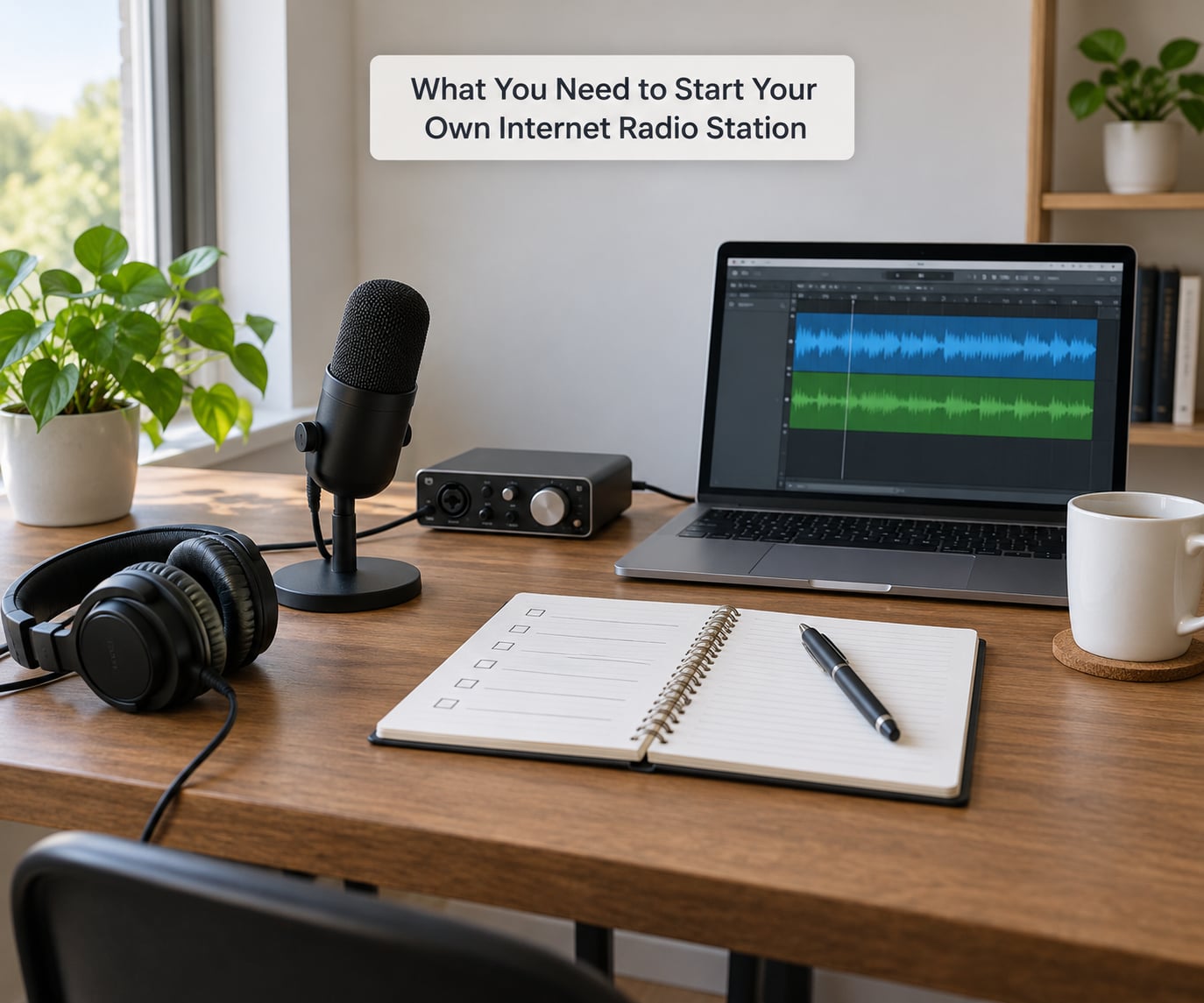
Here is the kit list, in the order you actually need it. Most people buy the microphone first, then discover the software side is where the real work is.
- A computer running Windows, macOS or Linux. A machine from the last five years handles playback and encoding comfortably.
- A broadband connection with a steady upload speed. A shaky upload is the most common cause of a stream that cuts out mid-show.
- Audio gear, which for talk radio is a microphone, and for music radio is a set of decks or an autom DJ setup. Headphones matter more than people expect.
- A streaming host, the server that receives your stream and distributes it to listeners.
- An encoder, the piece of software that turns audio into the stream the host accepts.
- Automation software so the station keeps broadcasting when you are asleep.
- Station metadata: name, genre, artwork, a description and a contact address.
- Music rights, covered in step 2.
The distinction beginners trip over most: the streaming host is the server, and the encoder is the software that feeds it. They are not the same thing, and you cannot broadcast without both.
On gear, think in tiers rather than model names. Everything below can be swapped later.
| Tier | Microphone | Interface | Headphones | Also useful |
|---|---|---|---|---|
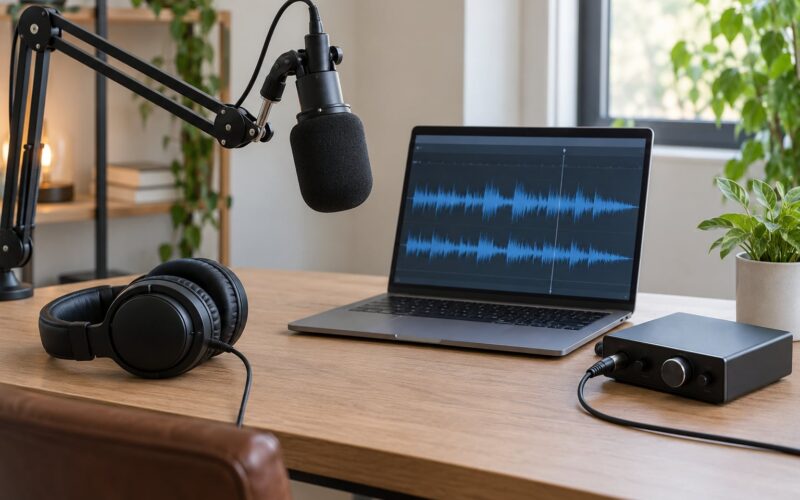
| Getting started | USB condenser mic plugged straight into the computer | Not needed | Any closed-back pair | Pop filter, desk stand |
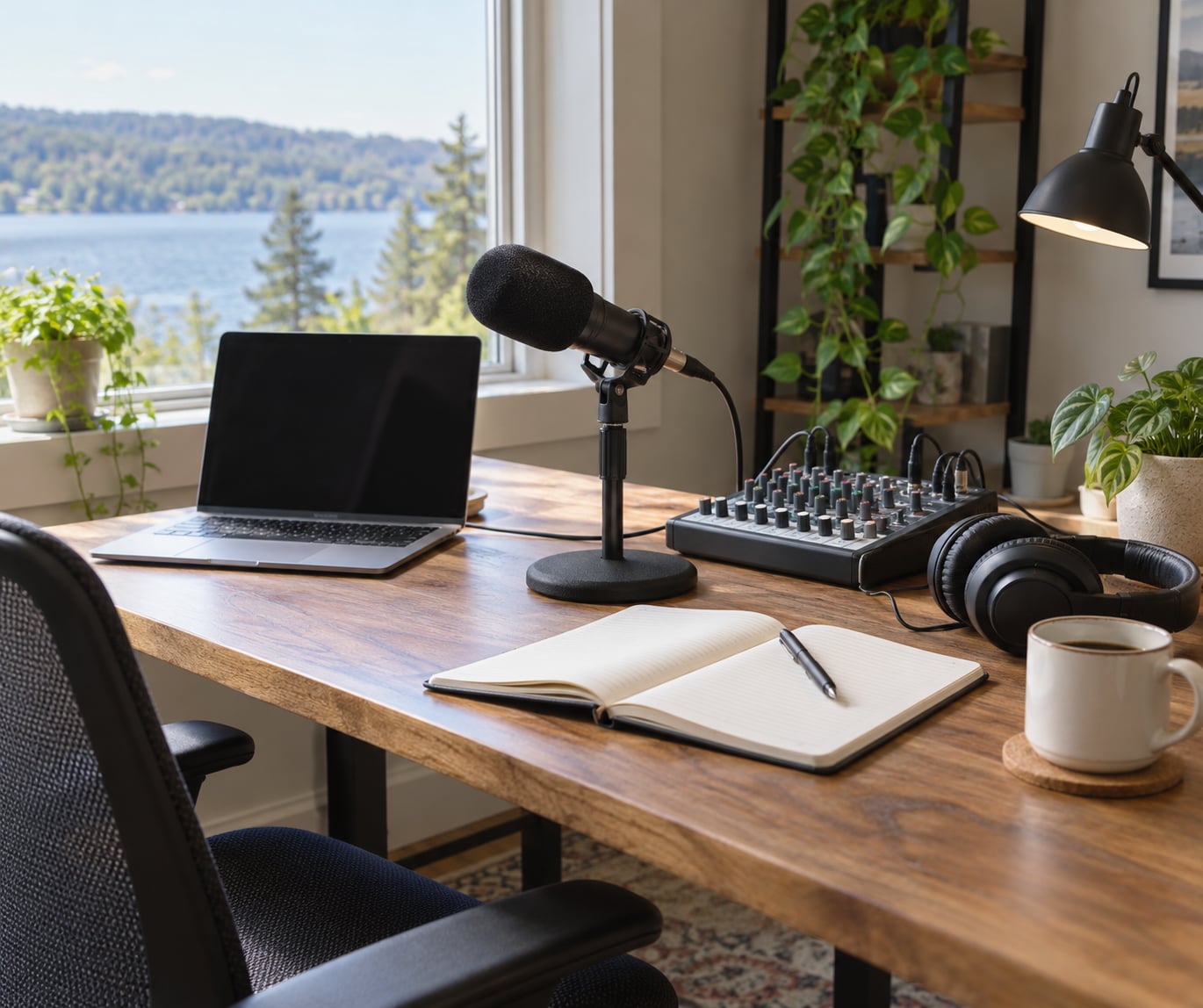
| Home studio | XLR dynamic or condenser microphone | Two-in-two-out USB interface | Closed-back monitoring headphones | Boom arm, shock mount, acoustic panel behind you |
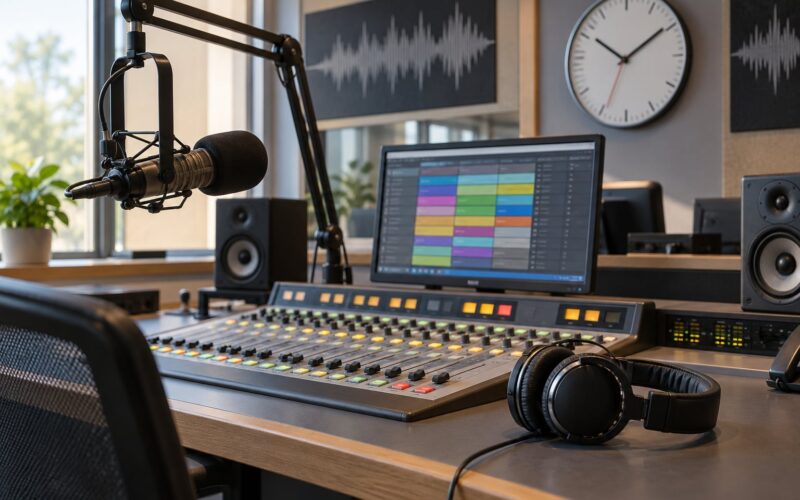
| Serious setup | Broadcast-style dynamic microphone on an arm | Larger interface with multiple mic inputs and live mixing | Open-back or closed-back pro pair | Mixing desk, second machine for automation, sound-treated room |
A USB microphone sounds fine for a first month and saves you a desk. A room with soft furnishings, curtains and a rug beats an expensive microphone in an untreated spare room every time.
Step-by-Step: How to Start Your Own Internet Radio Station
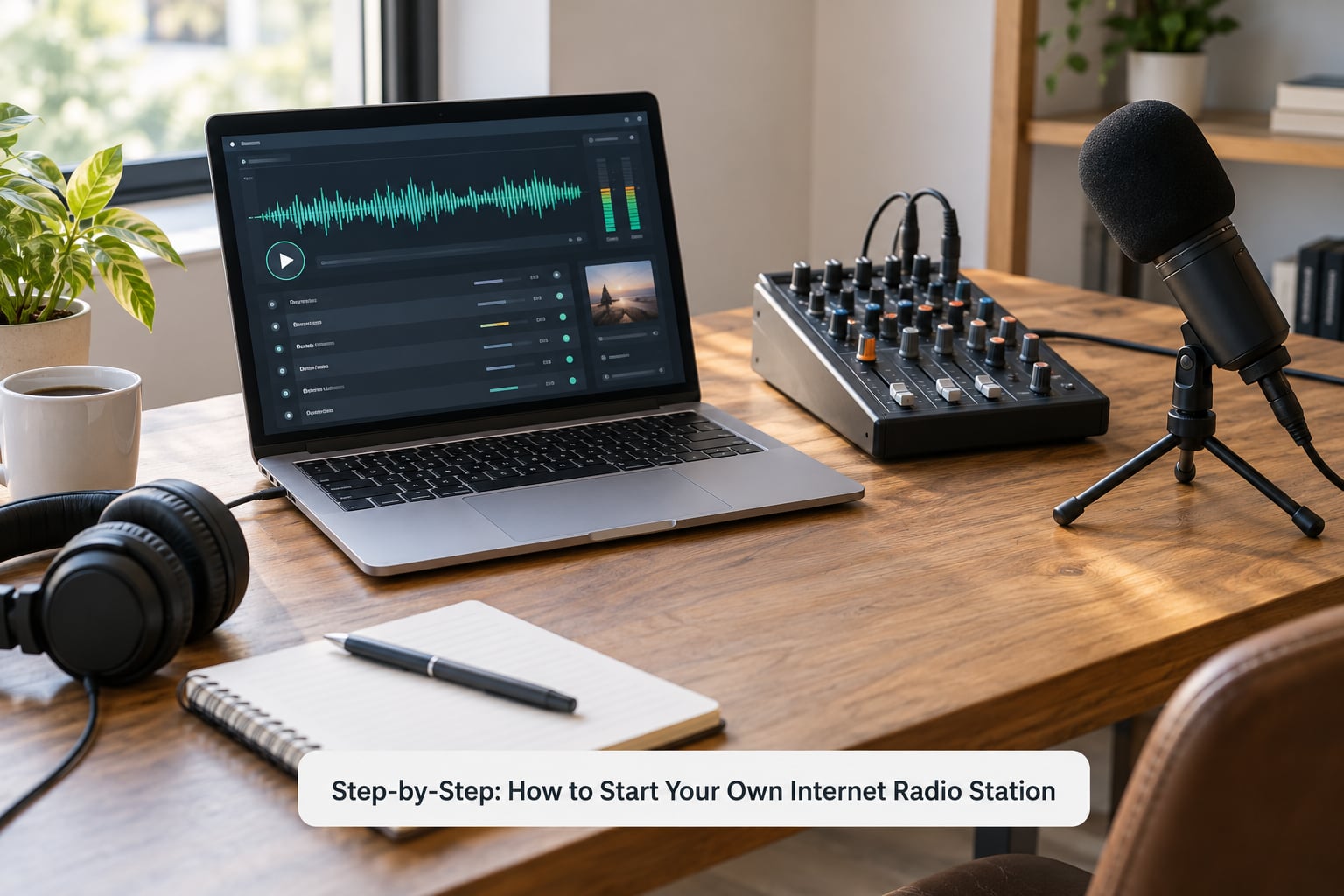
1. Define Your Station’s Format and Audience
Decide who listens and why, before you pick a name. “Music for people who like X” is a format. “Everything, all the time” is not.
Write down the music policy in one sentence: will you play only your own shows, curated tracks, listener-submitted material, or a mix? Note how much of it is voice. Decide whether you are running it as a hobby, a community project, a business or a school or church station, because that changes the licensing and advertising rules.
Check the name and the web domain are free before you fall in love with either. Two words that mean nothing in English tend to age well, and they survive being read out badly on a microphone at 7am.
How it worked: someone writes down “Saturday night northern soul and rare groove for the North of England, two hours live, then automation”. That sentence drives every later decision. If yours is vaguer than that, refine it first.
2. Check the Rights for Everything You Play
Playing music you have not paid for is the single most common way a new station gets muted or closed. The law is straightforward: you need permission to broadcast, and permission is bought from a music licensing body.
In the UK, stations broadcasting to the public normally need a PPL licence through MCPS, and many community stations also hold a community radio licence from Ofcom. In the US, the equivalent permissions come through performance rights organisations such as ASCAP, BMI or SOCAN, or through blanket licences covering internet radio. In other countries the collecting society handles it. Check your local society’s rules for internet streaming, because the fee often depends on your income and audience size rather than on a flat rate.
Public domain and Creative Commons material is another route. Much of it comes with conditions attached, so read the licence: some require credit, some forbid commercial use, and some allow only non-commercial stations.
Distinguish two things carefully. Listening to streams privately on your own computer is not broadcasting. Sending your stream out to an audience, even a small one, is. If you take donations or carry advertising, treat yourself as commercial and check the terms.
How it worked: your stream should include the licensing information your society requires, usually a licence number in the station metadata. Hosts that include it are the ones that survive a rights query.
3. Choose Streaming and Automation Software
Start with the host. It decides your stream URL, your player page and what your software must support. Free tiers usually work for a test stream but often restrict automation, hide listener statistics or cap simultaneous listeners.
| Host option | Good for | Automation | Listener stats | Music licensing |
|---|---|---|---|---|
| Mixcloud | Uploading finished shows, DJ mixes and talk shows on demand | Upload-based rather than live | Basic | Handled by the platform under its own model |
| Dedicated streaming hosts such as Live365, Radio.co, Streema or similar services | Live 24/7 stations with a schedule | Usually supported, varies by tier | Full dashboards and reports | Usually offered as a paid add-on |
| SHOUTcast or Icecast on a hosted VPS | Technical control at a modest cost | Full control with any software | Depends on your own setup | You handle it yourself |
| Self-hosted Icecast, SHOUTcast or a web panel such as AzuraCast | People who want to run the whole stack | Full control | You build or buy the reporting | You handle it yourself |
Then pick an encoder. These are the main ones beginners actually use:
| Software | Platforms | Curve | Free tier | Best use |
|---|---|---|---|---|
| BUTT | Windows, macOS, Linux | Low, built for one job | Yes | Getting on air quickly with a fixed show |
| iziCast | macOS | Low | Yes | Mac-only live shows |
| RadioDJ | Windows | Medium | Yes | Automated playlists and live mixing |
| Mixxx | Windows, macOS, Linux | Medium | Yes | DJ sets with a proper mixer |
| Virtual DJ | Windows, macOS | Medium to high | Limited | Live remixing and video alongside audio |
For editing, Audacity on Windows and Linux and GarageBand on Mac are the free defaults and cover trimming, level matching and producing jingles. A common recommendation in r/radio threads is to pick one and stay with it rather than collecting five tools.
4. Prepare and Test Your Audio
Normalise your audio before it goes to the encoder. Tracks from different sources sit at different volumes, and a quiet one after a loud one sounds like a fault even when nothing is broken.
Work in 44.1 kHz and export at 192 kbps or better. Leave headroom on the master output so the loudest moment is well below clipping, since the encoder adds its own level on the way out.
Test the microphone on a long recording rather than a ten-second one. Play it back and listen for room hum, a desk knock, a mouth click before every word and a hiss that only shows up when you are quiet. Most first-show problems come from the room, not the microphone.
How it worked: recording two minutes of silence at the start and end of a test session tells you the noise floor straight away. If you can hear the fridge, that is your station’s background level.
5. Create the Stream and Configure the Server
Your host gives you a mount point or stream URL and a username and password. Together those three form the address your encoder sends audio to, usually in the form of a server address, a port, a mount name and credentials.
Enter the station name and genre exactly as you want them displayed in directories, because players often read them once at connection time and cache them. Choose a bitrate that matches your upload: 128 kbps suits most listeners on mobile data, and 320 kbps suits broadband listeners with hosts that support it. Match the sample rate to what you are playing.
Hit connect and watch the host’s dashboard. A live signal shows rising bitrate, a listener count and incoming traffic. Then open your own stream URL in a second window or on your phone and confirm you hear the audio. If the dashboard stays at zero, the encoder is not reaching the server, and that is the first thing to check.
6. Build a Reliable Schedule
The schedule is what separates a station from a playlist. Even two or three live shows a week at fixed times gives people a reason to come back.
Fill the remaining hours with automation. Build playlists of similar length, use rotation rules so the same artist does not appear three times in an afternoon, and tag every file with artist, title and album metadata so directories display it correctly.
Here is the honest problem: a solo broadcaster has two or three hours of their own show and 21 hours of schedule. Regulars in r/radio describe this as the reason their stations stalled. The workable answer is a mix: a small number of live shows, long automated blocks between them, and invitations for other people to take over a slot. The 24-hour content problem is solved with other presenters, not with more software.
Write a contingency rule before you need it. If the host cannot make a show, automation takes over, the schedule page updates itself, and listeners hear a jingle rather than silence. A station that goes quiet for two hours loses the habit you spent months building.
7. Publish a Listener-Friendly Page and Test Everything
Your listener page needs a player, the show schedule, a short description of the station, contact details and your licensing information. Most hosts generate this automatically, and you can embed the same player on your own site.
Test the station the way listeners will. Check it on a phone on mobile data, on a laptop at home, on the office network and on a slow connection. Test your browser and one other. Test with headphones and speakers, and listen a few minutes past the boundary between two shows, where gaps usually hide.
How it worked: ask three people outside your own household to find the stream, start it and tell you where they got stuck. You will find the problem in ten minutes that you would have missed for a week.
Common Mistakes That Stall New Stations
Playing music without a licence is the mistake that ends a station. Rights societies monitor public streams, and a single complaint can lead to a mute and then a closure. Sort the licence before the first show, not after.
Picking unstable software wastes evenings. Free encoders are often abandoned or never updated. Pick something with recent releases and an active support forum, and check what other users in communities like r/radio and online radio Facebook groups are actually running.
Setting inconsistent audio levels makes a station sound amateur within seconds. Normalise your files and leave headroom on the master output.
Overcomplicating the format is common. A tight schedule of a few well-made shows beats a huge menu of half-finished ideas, and listeners need a reason to press play that they can explain to a friend.
Failing to monitor the stream means a dead broadcast goes unnoticed. Keep the host dashboard open on a second screen or a phone, and set up an alert so a dropout tells you rather than the listeners.
Promoting before testing wastes your first impression. Fix the stream on three devices first, then announce it everywhere at once.
Spending weeks on branding and software before anyone presses play is the most-reported frustration in hobbyist forums. Get a working stream up, then improve it in public.
Frequently Asked Questions
Are internet radio stations legal?
Yes, as long as you have permission for everything you broadcast. In the UK that usually means a PPL licence through MCPS, plus an Ofcom community radio licence for community stations in some cases. In the US it means a performance rights licence through ASCAP, BMI or SOCAN, or a blanket internet radio licence. Private listening is not broadcasting. Public streams are, even if they are small.
What equipment do I need for internet radio?
A computer, a steady broadband connection, a microphone for voice, headphones, and a streaming host with matching encoder software. For music you also want controller decks or an autom DJ setup. A USB microphone covers the first weeks without an interface. Move to an XLR microphone and a USB interface when you outgrow the desk space.
Where can I find a free Icecast server?
Icecast itself is open source and free, so you can install it on your own machine or a small VPS. The catch is that a home machine behind a router needs port forwarding, which is where Ngrok or a similar tunnel service comes in. The usual free DIY stack is an Icecast server plus the BUTT encoder plus Ngrok for connectivity. Expect support work rather than monthly fees.
How can I record radio online for free?
Use Audacity on Windows and Linux, or GarageBand if you are on a Mac. Both handle multi-track recording, editing, level normalisation and exporting for upload. For live switching rather than editing, free encoders such as BUTT and iziCast feed your host directly. Many presenters also record locally while broadcasting, so they have an archive for later.
How do I fill 24 hours of programming on my own?
You do not fill it alone, and stations that try stall quickly. Run two or three live shows at fixed times, fill the gaps with automated playlists built from properly tagged, similarly loud tracks, and invite other people to take over a slot. Share station login details with trusted presenters so a dropout is covered rather than left as silence.
Is an online radio station profitable?
For a small station, usually not at first. Advertising income depends on listener numbers and the inventory you can sell, and most new stations take months to reach a few hundred listeners. The realistic early routes are sponsorship, donations, memberships and affiliate links, with ad revenue as a later supplement. Treat money as a bonus, not the reason to start.
Conclusion
Five actions get you on air this week. Write the format in one sentence, sort the music licence for your country, pick a streaming host and one encoder, run a private test stream until it is stable, then publish a simple schedule of two live shows and automation between them.
Do those in that order and you will avoid the three things that stop most new stations: an unlicensed stream, a silent schedule and a launch nobody hears about. Grow from there in 2026, one presenter and one listener habit at a time.