Setting EQ for jazz and classical comes down to two curves and one rule: jazz wants a touch of low-end weight, lifted vocal presence around 2 kHz and sparkle on the ride cymbal, while classical wants a flatter middle with the string body at 250 to 500 Hz opened up and the hall left intact. Start every session flat, turn off loudness normalisation and any system sound-enhancement DSP, then move one band at a time by no more than 2 or 3 dB. Anything larger and you are tuning to your system rather than to the music.
There is no single correct equalizer setting, and anyone who tells you otherwise is selling a preset. Your speakers, the room and the master all push harder on the final sound than the EQ does. What follows is a repeatable method that gets you close in about twenty minutes, plus copy-paste band values you can type straight into a phone, TV, car head unit or hi-fi.
Table of Contents
- What You Need Before You Start
- Step-by-Step: How to Set EQ for Jazz and Classical Listening
- Set the baseline before you touch a single band
- Jazz EQ settings: band by band
- Classical EQ settings: band by band
- Which EQ controls to use: graphic, parametric or tone
- Make small changes, one band at a time
- Mapping the curve onto 3, 5, 7 or 10 bands
- Check the result on different playback devices
- Common EQ mistakes and how to undo them
- Frequently Asked Questions
- Can I use the same EQ setting for jazz and classical music?
- How should I adjust EQ for jazz vocals and instruments?
- What EQ settings work best for orchestral music?
- Should I use EQ before or after a streaming service?
- Why does my EQ sound different on headphones and speakers?
- How do I know whether my EQ adjustments are too strong?
What You Need Before You Start
You need four things, and the last one is the one people skip.
- Access to a real EQ. Phone and tablet EQs live in the music or audio app’s settings, or in the system sound menu. Desktop systems have one under Sound settings or in the audio app. TVs, streamers and car head units have one buried a couple of menus deep. If your gear has only Bass, Midrange and Treble, that still counts — section below explains how to fit the curve onto three sliders.
- A repeatable source. Save two albums you know by ear, one jazz record and one classical set. You need to compare today’s setting against the same music tomorrow, and streaming services shuffle playlists and change masters.
- A known reference. Not a measurement chart — a recording whose balance you already trust. A warm small-ensemble jazz trio record from the late 1950s and a string quartet or piano recording in a good hall both work. Familiarity is what lets you hear a 1.5 dB shift.
- Matched volume and disabled processing. Turn off loudness normalisation, ReplayGain or Spotify’s Normalize, plus any Dolby, DTS, “sound enhancement” or “smart” DSP on the device itself. Normalisation scales the signal after your EQ and will flatten your work or undo it entirely.
Set volume to a comfortable level where you can hear quiet detail without straining. Level-matching matters more than most guides admit: at high volume your ear compresses the low end and the whole curve sounds wrong.
Step-by-Step: How to Set EQ for Jazz and Classical Listening
Set the baseline before you touch a single band
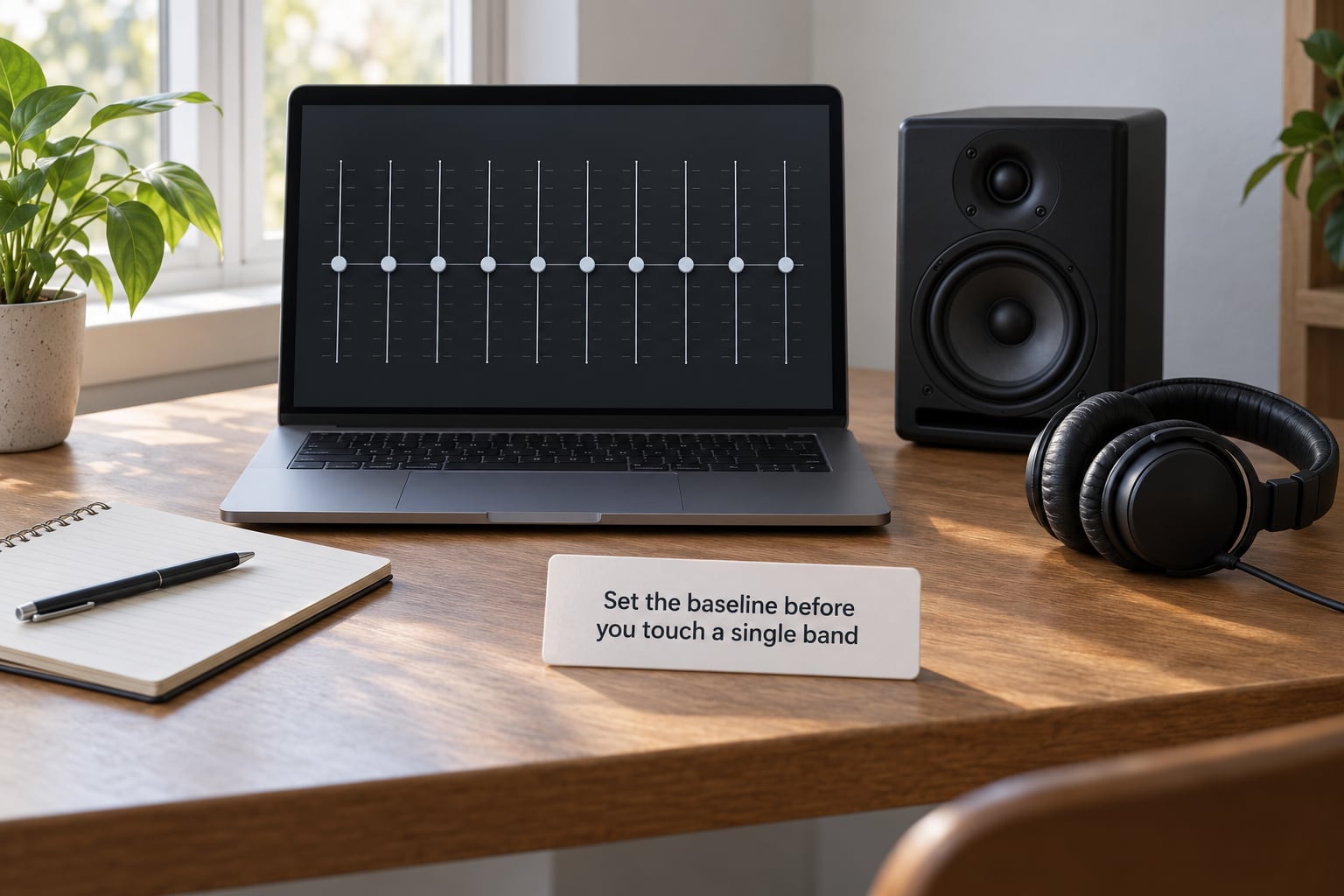
Reset every slider to the centre line and confirm the EQ is actually bypassed or flat before you start. Listen to your reference track for a full minute without adjusting anything.
Write down what you hear, because this baseline is what you are correcting. Three things to listen for. Whether voices sit clearly in front or get buried under the bass. Whether the low end is round and full or thin and papery. Whether cymbals and strings have sparkle or sound dull and covered.
If the low end is thin or the voices are buried, the issue is your speakers and room first, not your taste. Desk speakers with a driver 15 centimetres across cannot produce real bass, and a phone speaker cannot produce anything below a few hundred hertz. An EQ cannot fix that. It can only stop pushing and make the best available range clean.
Jazz EQ settings: band by band
Jazz records are close-mic’d, mixed with the instruments spread across the stereo field, and mastered at a lower level than pop. That leaves room in the spectrum that consumer speakers often smear. Start here, then adjust.
| Band | Hz range | Jazz | What it does for jazz |
|---|---|---|---|
| Sub-bass | 20–60 Hz | +1.5 dB | Adds weight to the upright bass and piano, but only on speakers that can move air |
| Bass | 60–250 Hz | +2.0 dB | The upright bass fundamental and the left hand of the piano live here |
| Low-mid | 250–500 Hz | -1.5 dB | Clears muddiness when bass, drums and a crowded arrangement stack up |
| Midrange | 500 Hz–1 kHz | -1.0 dB | Stops trumpets and sax bodies sounding boxy or hollow |
| Upper midrange | 1–3 kHz | +2.0 dB | Vocal presence, the attack on a saxophone, the pick attack on guitar |
| Presence | 3–5 kHz | +1.0 dB | Sibilance lives here too, so keep it small |
| Brilliance | 5–10 kHz | +2.0 dB | The wash of the ride cymbal and the decay on piano strings |
| Air | 10–16 kHz | +1.0 dB | Room ambience and the top of the cymbal wash, more felt than heard |
Two instruments decide whether jazz EQ works. The upright or double bass gives you the low-mid and bass bands its size, and getting 250 to 500 Hz right is what lets you follow the walking line rather than just hear a rumble. The ride cymbal lives above 5 kHz, and that is the band most listeners have never touched.
If the vocals sit behind the band, take the 1 to 3 kHz band up another dB. If they start to spit, give half of it back.
Classical EQ settings: band by band
Classical is the opposite problem. The music is wide, quiet, dynamically alive and dominated by acoustic instruments with wide, uneven frequency signatures. The danger is over-correcting a bright modern remaster into something shrill, and cutting so much low-mid that you lose the body of the string section.
| Band | Hz range | Classical | What it does for classical |
|---|---|---|---|
| Sub-bass | 20–60 Hz | 0.0 dB | Leave alone unless your room is boomy, in which case cut |
| Bass | 60–250 Hz | +1.0 dB | Cello, double bass and piano fundamentals |
| Low-mid | 250–500 Hz | +1.5 dB | The resonant body of the string section, the most important band for orchestral music |
| Midrange | 500 Hz–1 kHz | -1.0 dB | Takes the edge off brass and woodwind sections in dense passages |
| Upper midrange | 1–3 kHz | 0.0 dB | Holds detail without pushing brass forward |
| Presence | 3–5 kHz | +0.5 dB | Keeps inner voices audible in a thick chord |
| Brilliance | 5–10 kHz | +1.5 dB | Bowed string articulation, flute attack, harpsichord and celesta |
| Air | 10–16 kHz | +1.0 dB | Hall reverb decay, which is most of what makes a recording sound live |
Classical is the genre where you should do less. A little lift at 250 to 500 Hz and 5 to 10 kHz is usually enough; anything beyond that and the hall turns into a bright, forward-sounding space that no concert hall has ever been.
Watch the low end carefully on quiet passages. Orchestral dynamics are large, and a 2 dB low-end boost that suits a fortissimo tutti will swamp a solo flute line.
Which EQ controls to use: graphic, parametric or tone
These three controls do different jobs, and mixing them up is why people conclude EQ does nothing.
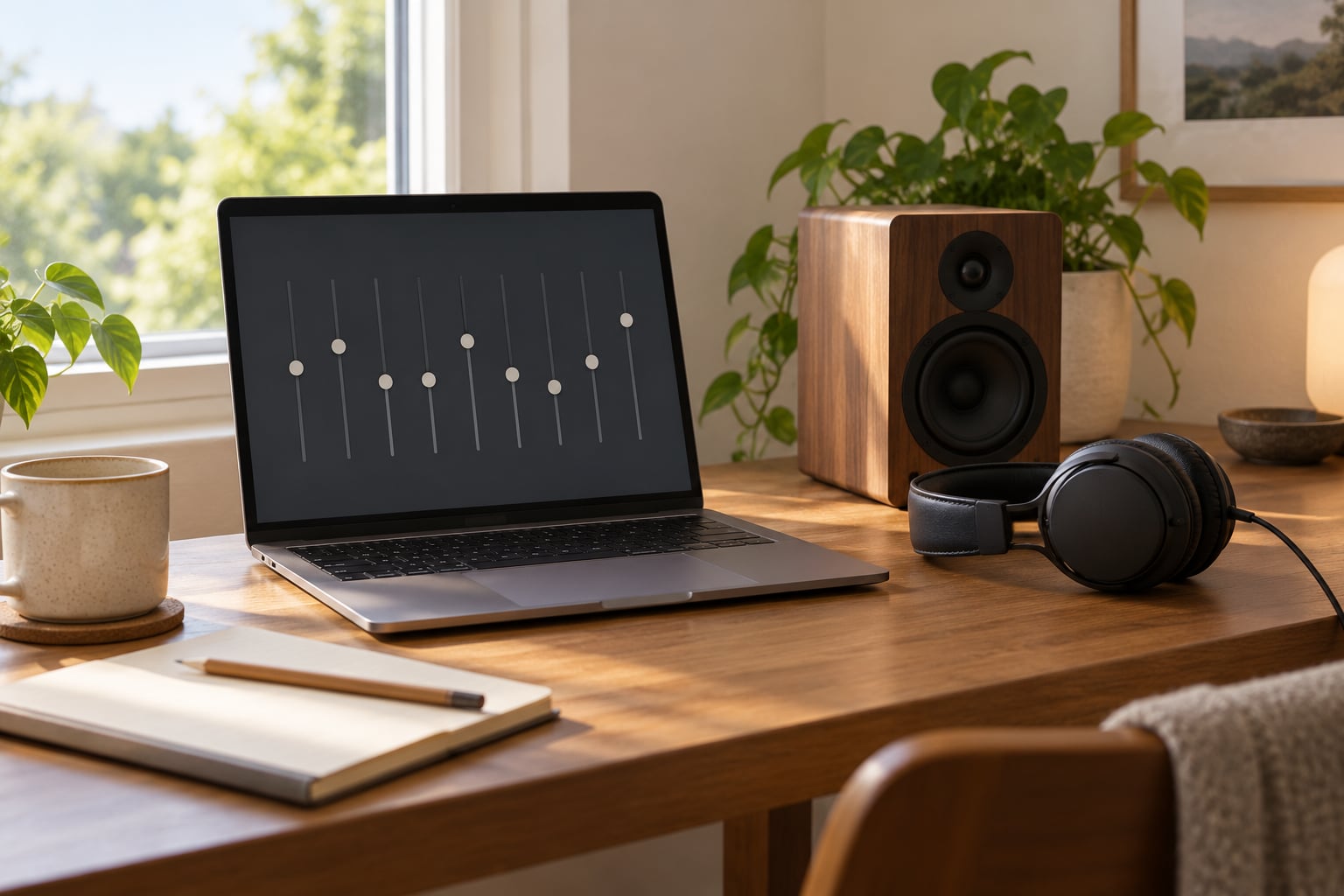
Graphic EQ gives you fixed bands, usually five to thirty-one, each covering a slice of the spectrum. It is honest about what it does and it works on almost every device. Use it for broad tonal shaping, which is all a genre preset needs.
Parametric EQ gives you fewer bands but lets you choose the exact centre frequency and the width of each band. Narrow cuts are for problems: a 60 Hz resonance from your speakers or a narrow peak around 3 kHz that makes everything spit. A narrow band at 320 Hz with a width of 20 Hz will fix one frequency without touching the neighbouring music.
Bass, midrange and treble knobs are fixed-shape tone controls. They cannot select a frequency; they tilt a broad region. This is the limiting case, and it can carry a workable version of either curve if you know what to ask for.
Make small changes, one band at a time
Here is the working method. Reset to flat. Set the whole target curve before auditioning so you are not surprised mid-track. Then move one band only, by 1 dB, and sit with the track for thirty seconds.
Most listeners cannot reliably hear a 1 dB change on first hearing but hear 3 dB instantly. That gap is where your usable range lives. Keep every adjustment inside plus or minus 3 dB and you will stay inside what the mastering engineer decided, which is the line you do not want to cross.
Save each finished curve under a genre name rather than adjusting live. You want the same setting tomorrow, and you want to be able to undo it in one tap.
Mapping the curve onto 3, 5, 7 or 10 bands
Most phone, TV and car equalizers give you three sliders and nothing more. Here is how the same target curve collapses onto them.
| Your EQ | Set this | Skip or set flat |
|---|---|---|
| 3 bands (bass, mid, treble) | Bass +2, Mid -1, Treble +2 | Nothing to skip |
| 5 bands (60 Hz to 10 kHz) | +2, +1, -1, +1, +2 | Nothing to skip |
| 7 bands (60 Hz to 16 kHz) | +2, +1, 0, -1, +1, +2, +1 | Nothing to skip |
| 10 bands (31 Hz to 16 kHz) | Use the full jazz or classical table | Nothing to skip |
| Tone controls only | Bass +1, Treble +1, leave mid alone | The midrange cut. Losing it costs you some mud, nothing more |
If your device shows band numbers rather than frequencies, band 1 is nearly always the lowest and the highest band is nearly always 16 kHz. The spacing is logarithmic, so the middle bands bunch up in the 500 Hz to 2 kHz region where jazz and classical both live.
Check the result on different playback devices
The same curve does not transfer between headphones and speakers, and pretending otherwise wastes an afternoon. Headphones have no room boundary and no reflections, so a low-mid cut that cleans up a speaker in a furnished room does nothing for a headphone. Speakers near a wall get a bass bump that headphones never see. Earbuds add their own bass shelf and typically need the low bands pulled back hard.
Bluetooth adds a second problem: its own encoding can smear the top end, and no EQ fully undoes that. Wired is worth switching on when you are tuning.
Keep a separate preset per device if you move between them. Most apps support several, and a Jazz preset for your hi-fi should never be the one driving your earbuds.
Common EQ mistakes and how to undo them
Boosting sub-bass on speakers that cannot produce it. Under about 40 Hz, small drivers do not move more air, they just distort. That distortion lands in the low mids and smears everything. If you hear rattle or the midrange turning to mush, pull the bottom two bands back to zero immediately.
Over-boosting 2 to 5 kHz for vocals. This is the band that produces sibilance. Push it and the singer starts spitting while the rest of the band gets no clearer. Go back half a dB.
The honky-box trap at 400 to 800 Hz. A cut there should be narrow and shallow, 1 to 2 dB across a band roughly an octave wide. Widen it and you take the saxophone and cello bodies with it.
Ten narrow cuts instead of two broad ones. Every narrow cut fights the next one, and the result drifts. Two or three deliberate adjustments beat a zigzag of ten.
Judging at a high level. Your ear compresses bass and treble at volume, so a bright curve sounds fine loud and painful quietly. Check at a level you can listen to for an hour.
Trusting the built-in Jazz and Classical presets. On most devices they are within a decibel or two of each other, which is why they seem to do nothing. They are placeholder shapes, not measurements.
Frequently Asked Questions
Can I use the same EQ setting for jazz and classical music?
Yes, and for most listeners that is the better starting point. Start from a flat, neutral curve that works on your system, then add roughly 2 dB of low-mid cut around 500 Hz and 2 dB of lift at 2 kHz and 6 kHz as genre flavour. The two genres genuinely conflict in the low mids: jazz wants them clear for the upright bass, classical wants them present for the string body. A compromise curve handles both for about ninety percent of listeners. Keep two saved presets if you want each genre at its best.
How should I adjust EQ for jazz vocals and instruments?
Vocal presence sits mostly between 1 kHz and 3 kHz, so add 1 to 2 dB there in small steps. Clear space for the band with a shallow cut of about 1.5 dB in the 250 to 500 Hz range, where bass, drums and keyboards pile up. Give the upright bass 2 dB around 60 to 250 Hz rather than any boost below 60 Hz. If the singer starts to spit, you have pushed 2 to 5 kHz too far, so give half a dB back.
What EQ settings work best for orchestral music?
Classical wants less change than almost any other genre. Lift 250 to 500 Hz by about 1.5 dB for the body of the string section, cut around 500 Hz to 1 kHz by roughly 1 dB to take the edge off brass and woodwinds, and add 1 to 1.5 dB between 5 kHz and 16 kHz for string articulation and hall decay. Leave the lowest band flat. Keep every change within 3 dB, because orchestral dynamics are large and any fixed boost becomes a problem in quiet passages.
Should I use EQ before or after a streaming service?
Always before, which means your app, device or DAC. Streaming services apply loudness normalisation after your EQ, and some also run their own audio processing. Normalisation is the bigger problem: it changes the level between tracks, so a curve tuned on one album may not behave on the next. Switch off Normalize in Spotify or the equivalent setting elsewhere before you start tuning, and re-check your curve after any app update, since processing defaults do change.
Why does my EQ sound different on headphones and speakers?
Speakers interact with a room boundary and with reflections from walls, furniture and the floor. Headphones have neither, so they need no low-end correction for placement and no low-mid cut for room reflections. Earbuds usually add their own bass shelf and need the bottom bands pulled back. Bluetooth encoding also smears the top end in ways no EQ fully corrects, so tune wired and keep a separate saved preset per device rather than trying to make one curve fit everything.
How do I know whether my EQ adjustments are too strong?
Three reliable signals. If the change is only obvious when you flip between settings, it is too subtle to be worth keeping. If music starts sounding harsh, hollow or scooped after twenty minutes rather than immediately, the correction is fighting the mix. And if a boost on one track seems to vanish on the next, normalisation or a system DSP is overriding you. Keep every band inside plus or minus 3 dB, change one band at a time, and audition for a full minute before deciding.
Start tomorrow by doing the unglamorous part: flat EQ, normalisation off, system DSP off, one reference album per genre. Listen for a full track and note what is wrong before you touch anything. Jazz usually needs a dB or two around 2 kHz for vocals and 6 kHz for the cymbal wash, while classical mostly wants a small lift at 250 to 500 Hz and almost nothing else. Change one band at a time, stay inside 3 dB, and save the result so you can get back to it.
If the bass stays thin or the middle stays muddy after that, the problem is the speakers and the room, not the sliders. That is worth knowing too.