How to submit music to internet radio stations comes down to four things: a properly tagged track, a list of stations that genuinely fit your sound, the submission route each one publishes, and a short personalised pitch followed up exactly once. There are three main routes — emailing a station’s submission inbox or music director directly, going through a music submission platform, or paying a radio plugger or PR company to pitch for you.
None of them guarantee airplay. Most inboxes are silent most of the time, and the whole process takes a few hours of prep plus a few minutes per station. The difference between artists who get played and artists who don’t usually comes down to preparation, targeting and follow-up, not connections.
Table of Contents
- What You Need
- Step-by-Step: How to Submit Music to Internet Radio Stations
- Frequently Asked Questions
- Do internet radio stations pay artists when they play a song?
- Do radio stations need permission to play my music?
- How long should I wait before following up with an internet radio station?
- Can I submit my music directly to Spotify Radio, Apple Music Radio or Pandora?
- Do I need a music distributor to submit to internet radio stations?
- What audio format should I send an internet radio station?
- What to Do First
What You Need
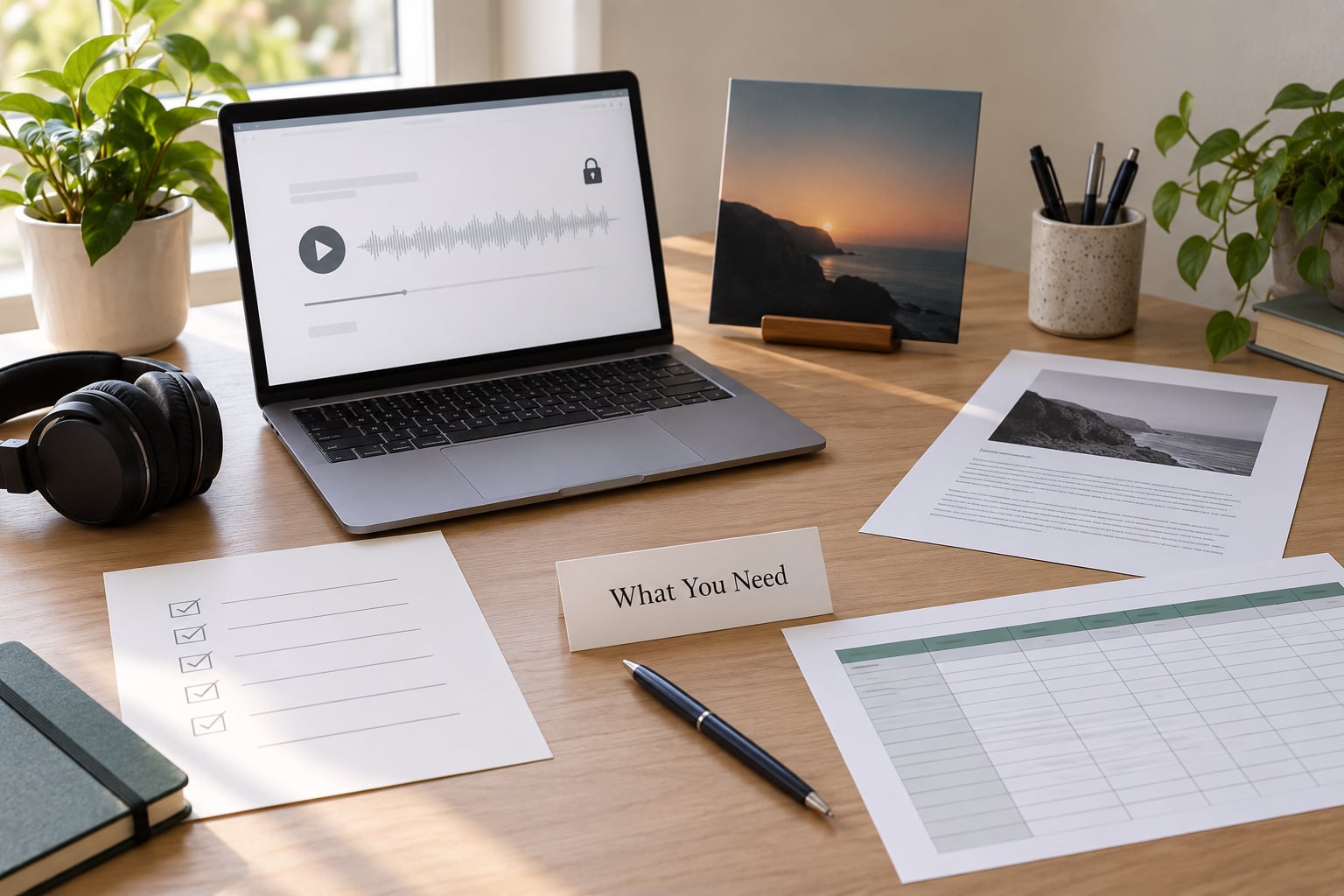
Before you contact a single station, get these in place. Most rejections happen because something here is missing, not because the music isn’t good enough.
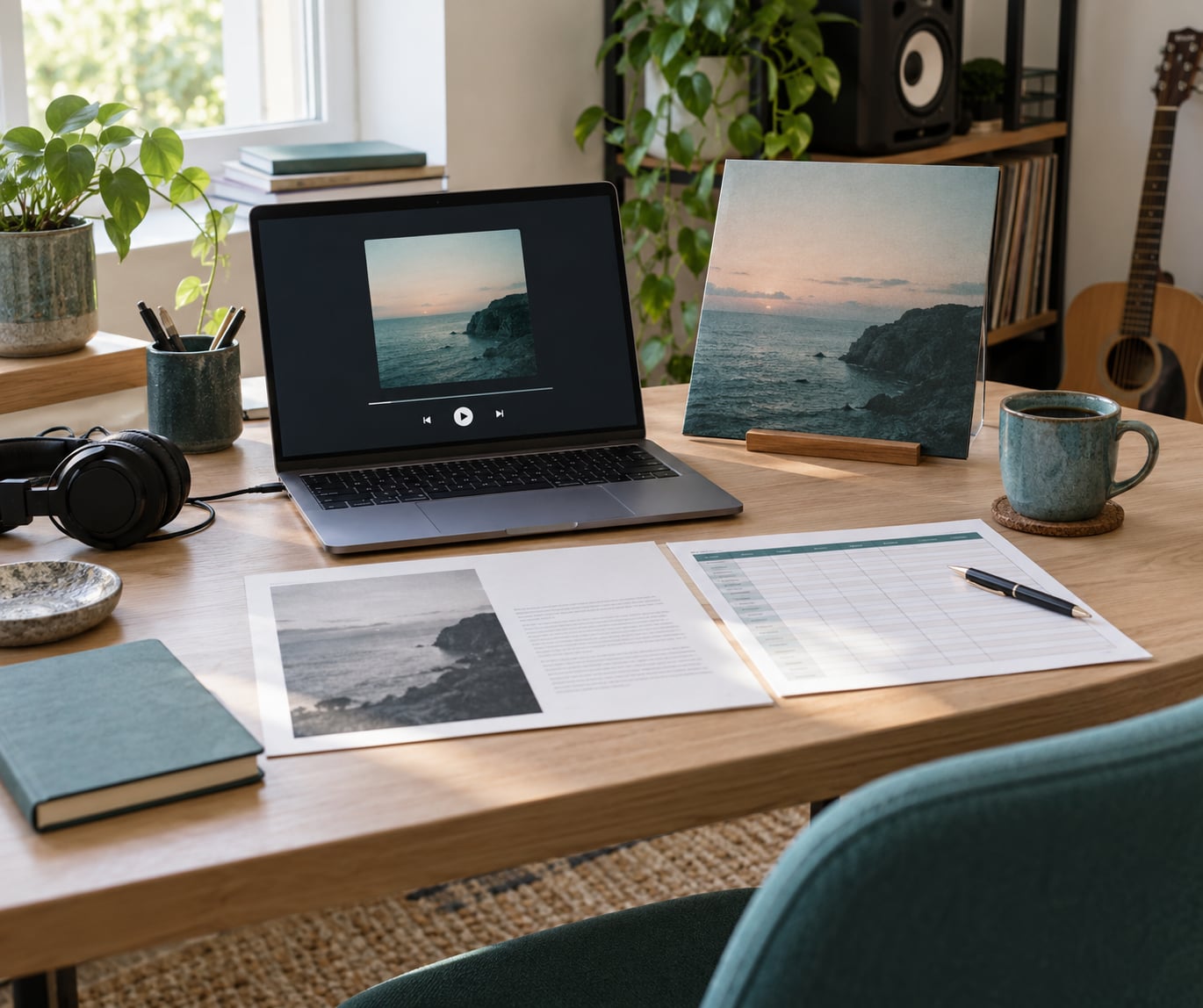
- A private streaming link. An unlisted SoundCloud, Bandcamp or Dropbox link that plays without a login. Never send a link to a public release page where the track is buried under other tracks.
- A radio-ready master. WAV, 44.1kHz, 16-bit, with a clean version alongside the main master. Stations that want broadcast-ready audio will not chase you for a better file.
- Release artwork as a square JPG or PNG, at least 1000 by 1000 pixels.
- A short artist biography, 80 to 120 words. Not your press release — a plain paragraph a stranger can read in fifteen seconds.
- Accurate metadata: artist name exactly as you want it spelled, track title, album, release date, songwriter credits and your PRO registration details if you have them.
- Credits and split sheets. Producers, co-writers and featured artists spelled the way they spell them.
- Lyrics as plain text, if you release explicit material.
- A tracking sheet. A spreadsheet with a column per station. More on this later.
The tracking sheet is the piece people skip and then regret. Once you have sent thirty pitches, you will not remember which stations you already emailed.
Step-by-Step: How to Submit Music to Internet Radio Stations
Choose the Right Stations and Playlists
Target stations that already play music like yours. That sounds obvious, yet it is where most campaigns fall apart — someone builds a list of 200 stations by searching “internet radio” and works through all of them.
Use the directories first. Radio Garden and Radio Browser both let you browse live stations by country and genre, and Radio Garden’s map view makes it easy to spot regional stations that play local artists. Radioline, Online Radio Box, RadioGuide.FM and RadioDex cover similar ground. None of them is a submission list; they are maps of who exists.
Once a station looks right, spend two minutes on its site or social accounts. What have they played in the last two weeks? Is the track in heavy rotation or dropped in once between songs? Do they mention unsigned artists? Do they publish submission guidelines at all?
A station with no submission page usually has a submission inbox buried in its contact page instead. That is normal. A station that says it does not accept unsolicited music is also normal — move on rather than trying to argue.
College and community stations are worth starting with. A 2009 TalkBass thread made the case clearly: student-run stations often let DJs program what they like, which makes them far more flexible than commercial outlets. The same thread carries a useful warning from a former music director — some stations branded as “college” are really commercial operations with limited freedom, so check who actually runs the show before you pitch.
Prepare a Submission-Ready Release
“Radio-ready” is a real specification, not a compliment. Broadcast audio is normally delivered as an uncompressed WAV at 44.1kHz and 16-bit, mastered louder than a streaming master rather than quieter — roughly minus 9 to minus 12 LUFS integrated for broadcast, against about minus 14 LUFS for streaming services. A track mastered to streaming loudness will sound soft and lifeless in a station’s monitor chain, and programmers notice.
Keep the runtime sensible. Three to three and a half minutes covers most formats, and a nine-minute ambient piece needs a reason attached to it.
Always send a clean version. Explicit vocal content cannot be played in many markets and slots, and a station that gets burned once with an unclean master usually does not come back.
Tag the file properly before exporting. The artist name, track title and album fields inside the WAV are read by playback software and by monitoring systems, and a track that arrives as “01 final final v3 mixdown” tells a programmer you are new to this.
Small community stations work differently. On r/udiomusic, community radio submission rules are informal to the point of being one track per person with an audio link and a Dropbox link, and a curator checks that the link matches the description. That is a hobbyist channel, not a professional one, and there is no point sending it a broadcast master.
Write a Short, Specific Pitch
Under 150 words. The link goes near the top, because plenty of programmers never open anything else.
Say who you are in one line, name the track and the release, and give one genuine reason your music fits that station. “Your Thursday night show has been running a lot of slow, warm electronic stuff and this is the same lane” beats any sentence about ambition.
Then stop. No claims about chart positions you have not earned, no “waiting to be heard”, no mass-email greeting. If you have a real connection — you saw the station mention a show, a local angle, a shared scene — one sentence is enough.
A structure that works: greeting, the one-line reason, what you’re sending and where the link is, who wrote and produced it, and a short sign-off. Nothing else.
Submit Music to Internet Radio Stations the Way They Ask For It
Every station publishes rules somewhere, and submitting to internet radio stations means following those rules exactly, not the rules you used at the last one.
- Official forms first. If a station has a submission form, use it. Forms sort material for the person who reads it.
- Submission platforms. Services that send one submission to many stations exist and work at volume. They vary in what they charge and how they report back, so read the terms before you send anything.
- Playlist-specific email. Some stations run separate inboxes per show or per genre slot.
- Direct contact pages. A general inbox is a last resort rather than a bad one — a former music director on that same TalkBass thread described receiving MP3s sent straight to the program director as the normal case.
- Social DMs. Artists ask about this constantly. It works occasionally and badly in general. A DM to a DJ who posts a weekly call for demos is reasonable; a mass DM is not.
Follow the instruction literally. If the guidelines say private link, send a private link. If they say no attachments, do not attach the WAV anyway as a courtesy. Stations that publish rules are usually small teams, and following them is the cheapest way to stay on their list.
Follow Up Once Without Spamming
Wait ten to fourteen days. If nothing comes back, send one short follow-up that references the original message and the station name. Then stop.
Two attempts is the limit. After that, the silence is information, and pushing harder damages nothing except your standing.
A workable follow-up:
Hi [name] — I sent “Track Title” through your submissions page on [date] and wanted to check it landed. No rush either way, and happy to send anything else you need. Thanks for listening.
That is the whole thing. No apology, no second paragraph about how much you admire the station, no “just bumping this”.
Track Responses and Improve the Next Submission
Set up a sheet with these columns: station name, show or slot, genre fit, contact name, email or form, date sent, method, follow-up date, response, result, and next action. Date the follow-up column when you send the pitch, so it reminds you rather than haunting you.
After twenty or thirty sends the sheet tells you things the inbox cannot. No response at all usually means the format or the fit was wrong, not that the music is bad. Responses that say “not right for us” but name a genre point you at something specific. Stations that reply warmly and add nothing are your best targets for the next single.
On the “submit to thousands of stations at once” question — you can, and it is a spreadsheet problem rather than a secret shortcut. Build a list of 100 genuinely matching stations, add the contact, the angle and the link to each row, then work through it in batches of ten. Batching keeps your attention on the pitch itself. Blasting a generic message to a hundred inboxes is how artists convince themselves submission does not work.
One more forum detail worth knowing: community stations running lightweight link-based rules, like the setup described on r/udiomusic, will check that the link matches what you described. A dead link is the quiet killer.
Common Mistakes
- Mass emailing generic inboxes. Fix: personalise one line per station and send in batches of ten.
- Ignoring published guidelines. Fix: read the submission page twice, save a copy, follow it exactly.
- Sending a public or broken link. Fix: test the private link in a logged-out browser before every send.
- Sending unfinished or streaming-loud masters. Fix: get a broadcast-loud master made if you can, and always include a clean version.
- Missing or wrong metadata. Fix: tag the WAV and double-check your artist name spelling against how your other releases look.
- Sending several follow-ups. Fix: one follow-up after ten to fourteen days, then stop.
- Chasing only the biggest audience. Fix: mix in small stations where a real music director actually reads the inbox.
A few habits that pay off. Pitch one song at a time unless asked otherwise. Note the date you first heard a station so you can pitch something new months later without looking desperate. Register with your performance rights organisation before you start — it is free, it takes an afternoon, and it makes your metadata complete. In the US that is ASCAP, BMI or SESAC; in the UK it is PRS.
Frequently Asked Questions
Do internet radio stations pay artists when they play a song?
Almost never. Internet radio stations generally run on advertising or subscription revenue and do not pay per play, so treat any service promising performance fees for airplay on an online station with suspicion. What you get instead is exposure, listener follows, and in some territories a performance royalty collected through your PRO. Register your work so that money is traceable when it does arrive.
Do radio stations need permission to play my music?
Stations are responsible for clearing what they play, not you, so you are not being asked to sign a permission form. On the rights side, register your compositions and recordings with your performance rights organisation (ASCAP, BMI or SESAC in the US, PRS in the UK) so royalties can be traced when your song is played. Unregistered work is the one that quietly earns nothing.
How long should I wait before following up with an internet radio station?
Ten to fourteen days is the sensible window. Programmers are often part-time, sometimes volunteer, and a large share of submissions never get opened at all, so an early follow-up rarely helps. Send one short message that references the original submission date, then stop after that. Two attempts is the accepted limit; more reads as spam and can get your address filtered.
Can I submit my music directly to Spotify Radio, Apple Music Radio or Pandora?
Not in the way you submit to a station. Those services run algorithmic and editorial playlists fed by licensed providers and distributors, so you reach them by getting your music onto streaming services through a distributor such as DistroKid, TuneCore or CD Baby. Radio Garden and Radio Browser remain useful for finding independent stations that do accept direct submissions from artists.
Do I need a music distributor to submit to internet radio stations?
No. A distributor solves distribution to streaming services, not direct submissions to stations. Plenty of independent stations accept a private streaming link and a pitch from an artist with no label and no distributor. A distributor does help if your goal is algorithmic radio and playlists, because those services draw from a catalogue that arrives through one.
What audio format should I send an internet radio station?
Send an uncompressed WAV at 44.1kHz and 16-bit for stations asking for broadcast-ready audio, mastered louder than a streaming master, plus a clean version with no explicit content. Many small community stations are happy with a private streaming link instead, and some professional stations use broadcast delivery systems such as Play MPE or IODA. Always check the station’s own guidelines before choosing.
What to Do First
Pick ten stations that genuinely play your genre, prepare one broadcast-ready WAV with a clean version and full metadata, and send ten individual pitches over two days. Log each one, follow up once on any that went quiet, and read the pattern in your sheet before you build the next batch of fifty.
The work is unglamorous and it compounds. A lot of independent radio still plays whoever is closest, so keep local and community stations on your list alongside the national ones.