A call-in show is a live radio format where listeners phone the studio during a broadcast and are put on air to talk with you, usually inside a fixed slot such as a Q&A, a request show or an open-line debate. Learning how to run a call in show comes down to three things: a repeatable plan, a clean audio path, and enough discipline to move every caller along. A new host can be ready after one afternoon of prep, and the workflow is the same every week once you have it in your hands.
Below is the process I work to, from choosing the number to reviewing the recording afterwards. The equipment list is deliberately modest, because the biggest mistakes new presenters make are about running the conversation, not about the gear.
Last updated: October 2026
Table of Contents
What You Need
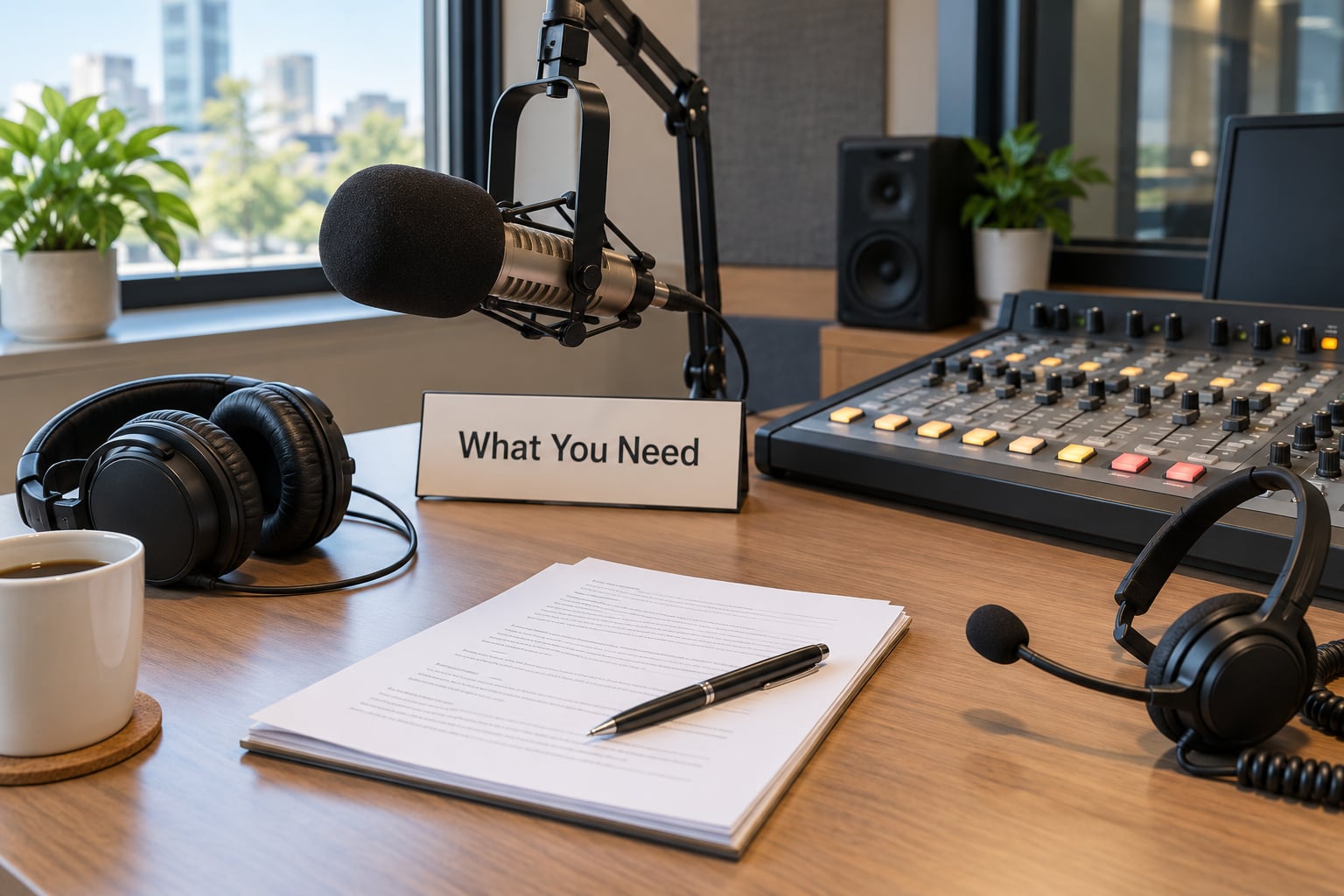
Six groups of things, and only one of them is expensive. Work through them in this order and the technical side stops being stressful.
Planning materials. A single-page show sheet with the topic, the timings, the phone number and the caller rules written where you can see them. A caller log with names, numbers and a note of what each person wants to say. A short list of filler topics for when nobody calls. If you have a co-host, a separate copy of the sheet for them.
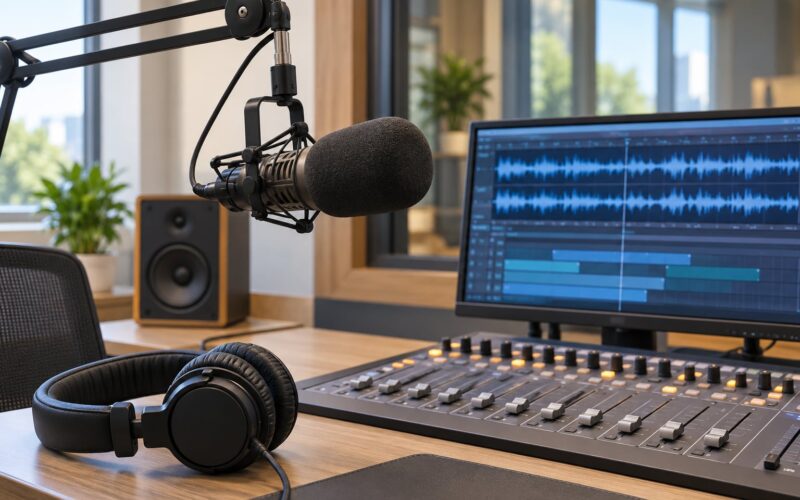
Broadcast equipment. A studio microphone, a pair of closed-back headphones for monitoring, a mixing desk or audio interface with at least two input channels, and your stream encoder plus a recorder. Closed-back headphones matter more than most people expect: open-back cups leak your presenter’s voice into the microphone and listeners hear the show twice.
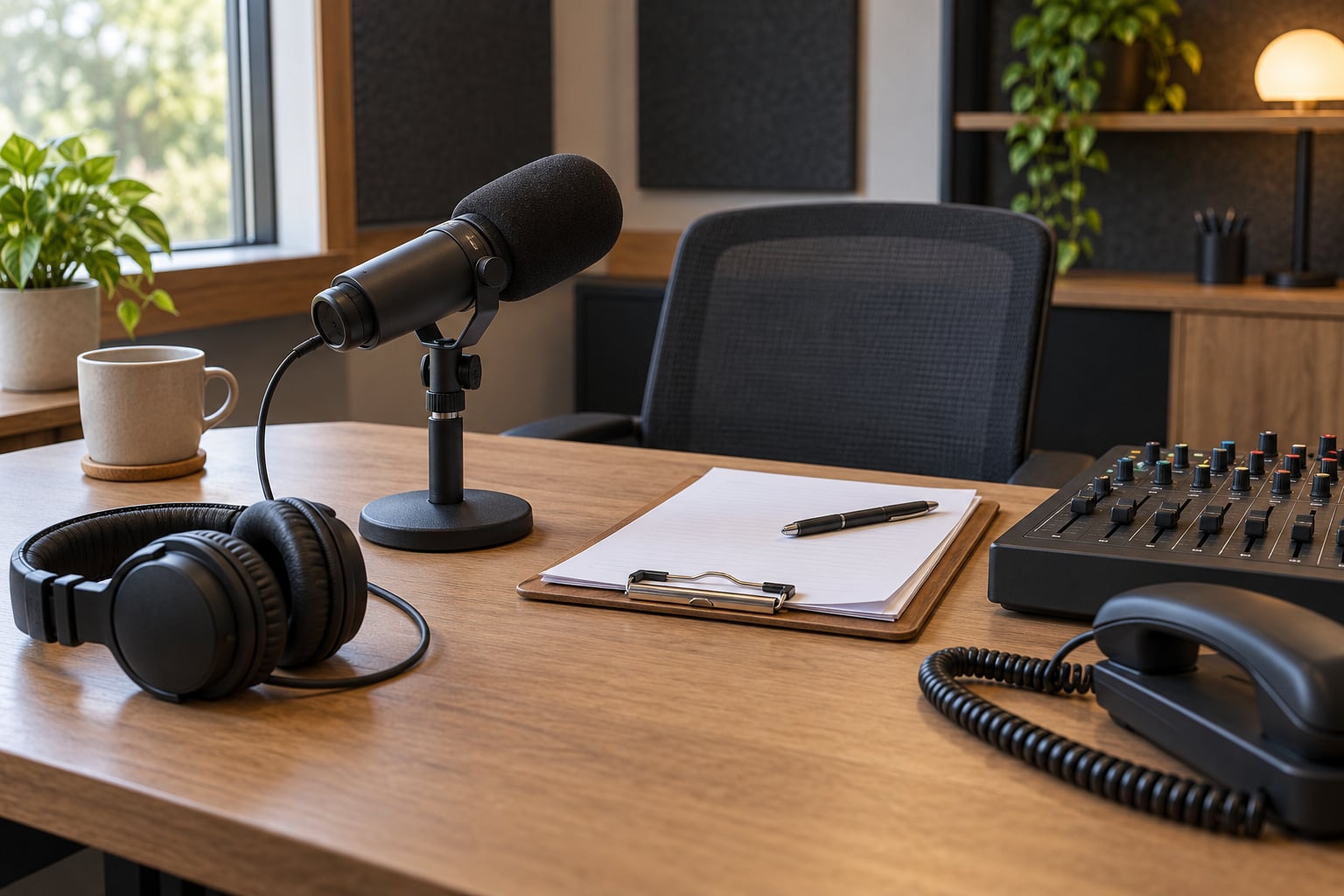
A phone line. Use a dedicated studio number rather than your personal mobile. A VoIP desk phone or a softphone app on a spare handset gives you a number of your own, an audio input and output, and freedom from calls interrupting you mid-sentence. Keep a charged mobile as a backup, off the desk and out of silent mode.
Moderation tools. A second phone or a laptop for taking messages, and someone whose job is to answer it. Pre-screening by a producer is treated as standard rather than optional at established stations, because the producer is what turns a phone line into a usable segment rather than a queue of unanswered noise.
Legal safeguards. Tell callers the line is recorded and that they are going on air before you touch a fader. Have a written policy for offensive language, personal data and repeat callers. If you broadcast recorded music, you need the right licence for your service, which in the UK means a PRS for Music agreement on top of your broadcast licence. If you run a competition, write the rules and publish them. Ofcom’s expectations on fairness and offence apply to local radio just as they apply to the networks, and a caller who is treated unfairly is a complaint waiting to happen.
Show materials. The etiquette script you read out on air word for word, so listeners know what is about to happen. Music beds and a running order. A pen, or a phone on a clipboard, for logging what each caller said while it is still fresh.
Gear to run a call-in show at any budget
Three honest tiers. Nothing in the top tier is required to go on air with a listener.
| Item | What it does | Simple version | Standard version |
|---|---|---|---|
| Microphone | Picks up your voice for the broadcast | USB condenser mic plugged straight into the computer | Condenser or dynamic mic on a boom arm with an XLR interface |
| Headphones | Let you hear the mix, the caller and the encoder feed | Closed-back wired headphones | Closed-back headphones plus a second pair for the producer |
| Mixer | Gives the mic and the caller separate channels and levels | Two-channel audio interface with physical volume controls | Small mixing desk with at least four channels and proper gain control |
| Phone line | Brings the caller into the feed | Spare mobile with a headset cable into the mixer | VoIP desk phone or softphone on a dedicated studio number |
| Encoder and recorder | Puts the show on air and captures it | Platform that handles both in one dashboard | Standalone encoder such as B.U.T.T. or Icecast, with separate recording in Audacity |
| Cue and notes | Stops the presenter losing the running order | Printed sheet on the desk | Second screen with a script and a live caller list |
Three ways to connect a caller
| Method | Audio quality | Watch out for |
|---|---|---|
| Handset into a mixer channel with a 3.5mm to RCA or TRS cable | Fine for speech | The jack can cut out when the phone moves, and most handset microphones are quiet, so expect to push gain |
| Handset into the mixer through a TRRS headset cable | Good, and hands-free | Confirm the cable carries both directions before the show, not during it |
| VoIP desk phone or softphone on a dedicated number | Consistent, and easy to level | Test the hold music and the codec settings so a mid-show glitch does not reach air |
| Dial-in from a video call or streaming platform | Good, and guests can join from anywhere | Turn off the platform’s own notifications, and expect a second or two of delay |
Step-by-Step: How to Run a Call-In Show End to End
1. Define the show format and caller rules
Write the format on one page before you do anything else. Decide the topic, how long the segment runs inside your show, how many callers you can properly handle in that time, and how long each caller gets. Two minutes per caller, worked into a five-minute warning, is a workable default for a one-hour show.
Then set the rules that protect the segment: one question per caller, no personal attacks, no callers who have already had a turn unless the format calls for a debate, and no medical, legal or financial advice given on air. Put the rules in writing and read them out at the top of every show. Callers who know the rules behave differently from callers who are guessing.
You also decide here whether calls are taken live or pre-recorded. Recording them first is the safer option when you are new, when the topic is sensitive, or when you have nobody beside you to screen. It costs five minutes and it takes the pressure off.
How you know it worked: the show sheet fits on one page and you could hand it to a guest host and they would know what to do.
2. Create a simple moderation plan
Moderation is deciding what goes on air, and it happens before the microphone goes live. Decide in advance how you separate a personal comment from a question you can answer, who prepares responses, and which topics you will not open at all.
Write short answers to the five questions you expect most. Not scripts to read out, because scripted exchanges sound like adverts, but the substance so you are not thinking while the caller is mid-sentence. Set a hard rule for yourself: you never say yes to something in the first ten seconds of a call. Everything goes to a list, and you come back to it.
How you know it worked: you get through the first show without once saying “hold on, let me think” into an open microphone.
3. Test the telephone or streaming setup
Rehearse with the actual signal path, which is microphone into the mixer, mixer master out to the encoder, and the master out to your headphones. Nothing goes live until you have heard the whole chain in headphones, including yourself.
Run through the checks that catch real problems. Confirm the caller can hear you before the show, not after the first caller has said hello. Confirm the mute control works, because a tap on an open desk mic will go straight to air. Check the level on the caller channel with somebody talking at normal volume. Confirm the recording is rolling before you bring anyone in. Have a fallback ready: a second line, a mobile number, or a five-minute conversation with listeners while you fix things.
How you know it worked: a ten-minute rehearsal with a colleague passes with no level riding needed and no dropouts.
4. Open the show and welcome callers
The opening of a call-in segment does three jobs in about forty seconds: tell listeners what the subject is, tell them how to take part, and tell them what you will and will not put on air. Say the number slowly, twice, and say it again at the end of the hour.
Read your etiquette script. Something close to this: “This segment is recorded, so please don’t say anything you’d rather not hear back. If we take your call we may put you on air, we’ll say your first name and town if you want us to, and we’ll leave the number off the air entirely. Please keep it civil, and we’ll take as many people as we can.”
People ask how to get listeners to phone in at all, and the answer is repetition plus a reason. Announce the number at the top, halfway through and at the end. Give them a subject worth answering. Run the first ten minutes with music and talking so nobody hears a dead line and switches off, then take the first caller early enough that the segment has momentum. The classic beginner failure is a silent phone all show, and the fix is announcing more often rather than buying better kit.
How you know it worked: at least one caller gets through before the halfway mark.
5. Move each caller through the conversation
Every call follows the same five beats, and the beats are what let you handle how to run a call-in show with twelve callers in an hour without the show falling apart.
Identify the caller: name and town, and confirm the spelling for anything you will read back. Frame the question: say back what you understood in one sentence, so they can correct you before you build on it. Ask one or two follow-ups, never five, because the follow-up is the only part listeners find genuinely interesting. Confirm the useful detail, such as a track request or a local event. Then close it cleanly: thank them, say what happens next, and hand back to music or the next caller.
Never leave a caller hanging at the end. A long silence on an open line is the moment people tune out. If you need to think, say so out loud: “Give me ten seconds on that one.”
How you know it worked: you can look at the recording and the pacing feels like a conversation rather than an interview queue.
6. Handle interruptions and difficult callers
Noise is easy and needs one line: “We can hear the road, hold on for a moment.” Then actually hold, and let them settle.
Personal attacks get a redirect rather than an argument. Say once, calmly, that you want to keep the segment welcoming, then move the conversation to the subject. If it continues, thank the caller and end the call, which is a completely normal thing to do and needs no apology to anybody else listening.
Repeat callers get the repeat-caller policy you wrote down, applied without discussion. For anything genuinely offensive or a caller in distress, drop the caller off the line and move straight to music. You are not obliged to keep the line open, and you are not obliged to let listeners hear abuse in order to prove you will not censor anything.
How you know it worked: nobody in the audience has to ask you afterwards why you let that happen.
7. Close the show and review the recording
Close the way you opened. Summarise what the segment was about, say the number one more time and when the next call-in show is, thank the callers by first name, and end on a clean edit rather than trailing off.
Then spend twenty minutes on the recording with a pen. Note the points where you talked over a caller, the transitions that felt awkward, any audio problem worth fixing before next week, and how long the calls actually ran against your two-minute plan. If you have a producer or co-host, do it together, because you hear the content and they hear the running order.
How you know it worked: you arrive at the next show with a list of three specific things to change, rather than a general feeling that it went fine.
Common Mistakes
Most of these are audio faults, and all of them are fixable in a rehearsal rather than on air.
| Symptom | Likely cause | Fix |
|---|---|---|
| The caller cannot hear me | The handset is on speaker near an open microphone, or the phone channel is muted | Mute the handset, send audio through the mixer on the caller channel, and test both directions during the rehearsal |
| The caller hears an echo or their own voice | An open microphone is picking up the handset speaker | Move the phone away from the mic, or use a headset cable so the handset never sits near a live mic |
| Doubled or lagging audio on air | The system is capturing the microphone and the phone output as two separate sources | Route one input only, or use a virtual audio device to merge them into a single feed |
| Volume drops when a caller joins | Two sources at similar level are pushing the master into clipping | Bring the caller channel down, and set levels so a caller sits below you rather than beside you |
| The line drops mid-show | Mobile handover, weak signal, or a VoIP hiccup | Use a wired or VoIP line as the main path, keep a mobile as backup, and rehearse the recovery so you do not talk over the silence |
| The caller sounds quiet or thin | Handset microphone level, or a line input with not enough gain | Raise the channel fader, then raise the input gain until the peaks sit below clipping |
| No caller audio on air at all | The encoder or recorder is set to capture the microphone only | Check the encoder source after any change to the mixer, and record thirty seconds with a caller on the line |
Hosting mistakes are quieter and they matter just as much. Answering the phone before the recording is running loses the intro you cannot get back. Letting calls run without a time limit means the segment eats the rest of the show. Reading your answers out word for word makes the whole thing sound like an advert. Promising a caller something on air that you cannot deliver is the fastest way to a complaint. Skipping the rules because they feel formal is how an open line turns into a bad afternoon.
A few habits that make it easier. Keep the show sheet in your eyeline and treat it as a running order, not a script. Learn the ten phrases you need on a difficult call so you are not improvising while a caller is being unfair. Use a producer if you can, even a volunteer one who writes down names and numbers. And record everything: a call-in segment you never review is a segment that never improves, however many people ring in.
Frequently Asked Questions
Do I need permission to broadcast a phone call?
You need the caller’s consent, and the practical way to get it is to say so before they speak. Tell people the line is recorded and that you may put them on air, then confirm on the call itself. Keep the number off air unless they agree to it, and tell them before you take a name. If you are using recorded calls later, confirm that too on the recording. In the UK, you also need the right music licence and to stay within your Ofcom obligations on fairness and offence.
What number should I give listeners to call in on?
A dedicated number, not your personal mobile. A VoIP desk phone or a softphone on a spare handset gives you a number you control, plus audio in and out for the mixer, and nothing personal rings during the show. Give it out at the top, halfway through and at the end of the segment. Keep a charged mobile nearby as a fallback, and turn the studio phone’s ring volume down so it cannot reach your open microphone.
How do I stop echo on a call-in radio show?
Echo almost always means an open microphone is picking up the handset speaker, or the caller’s own voice is being sent back to them. Mute the handset, move it well away from the mic, or use a TRRS headset cable so audio goes through the mixer instead of the phone’s own speaker. If the echo only appears on air and not on the call, two separate audio sources are being captured, so route the mic and the phone into a single feed.
Should I take calls live or pre-record them?
Pre-record when you are new, when the topic is sensitive, or when you have nobody beside you to screen. Recording first means you hear the call before listeners do, so you can drop a rambling answer or a caller in distress without an awkward on-air apology. Live calls feel warmer and keep the show moving, and pre-screening by a producer is normal practice on professional stations. Many presenters do both: questions recorded, guest calls live.
How do I get listeners to actually phone in?
Announce the number three times in the hour, at the top, in the middle and at the end, and give a subject worth answering. Run the first ten minutes so nobody hears a dead phone line and drifts off. Introduce the segment as a conversation rather than a queue, thank each caller by name, and let listeners hear how short and friendly the calls are. Dead lines are almost always a promotion problem rather than a technical one.
What To Do First
Write the show sheet and get a dedicated number before you worry about the mixer. Format, rules and a number that listeners hear three times will fill that phone line, and a modest setup with a mic, a two-channel interface and closed-back headphones is enough to go on air with a caller today.
Then rehearse the whole chain in headphones before anyone is on it, record the show, and listen back afterwards. That habit is what turns a first decent hour into a show people actually want to ring in about.