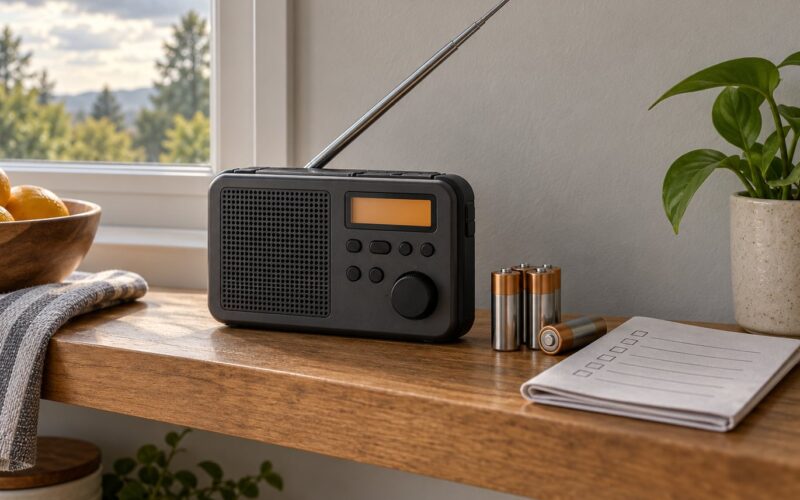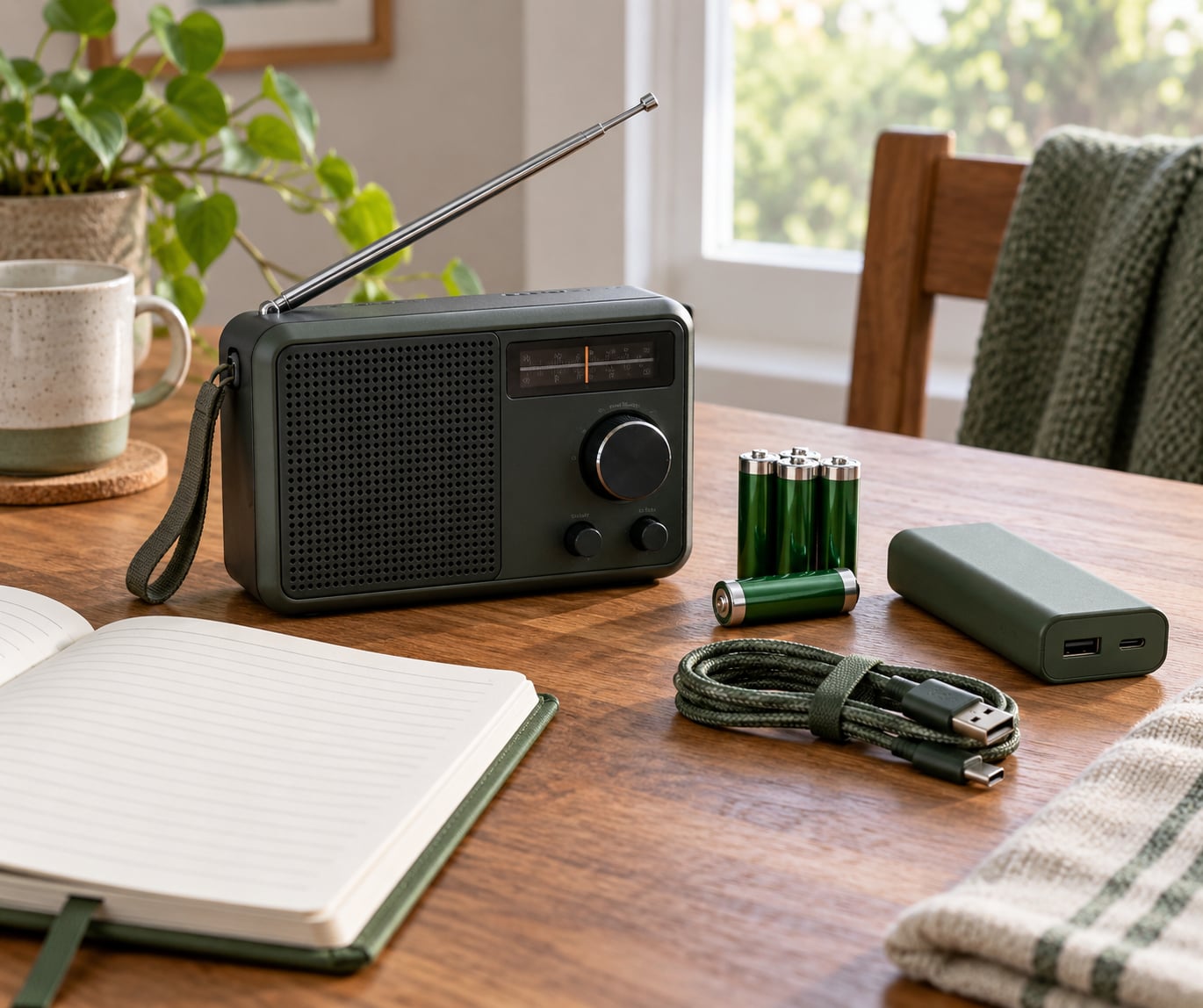
Learning how to prepare a radio for a power outage takes about thirty minutes and costs very little, because most of the work is done before anything happens. Broadcast transmitters run on their own backup power, so the signal keeps coming. The receiver at your end is the weak link, and that is what you control: confirm it receives your local stations, give it more than one way to get power, and keep spare cells with the correct voltage.
Here is the whole routine in short form. Add more detail to each line as you go through the steps below.
- Identify what kind of radio you own and what it takes to power it.
- Test it now, on a known-good battery, and check the speaker and tuner.
- Stock spare batteries of the correct type and voltage, plus a power bank if the radio supports USB.
- Charge any internal rechargeable cell and any solar panel fully.
- Write down your local AM, FM and digital station frequencies on paper.
- Find and preset the official warning service for your area.
- Run the test once a month and store the radio where you can reach it quickly.
Phones go quiet early in a grid failure. Mobile masts lose power, broadband drops, and a laptop or tablet becomes a dead weight. A small battery-powered radio keeps working on the same AA cells you could buy in a corner shop.
Table of Contents
- What You Need
- Step-by-Step Guide: How to Prepare a Radio for a Power Outage
- Common Mistakes
- Frequently Asked Questions
- What kind of batteries should I use for a radio during a power outage?
- How long can a portable radio run on batteries during an outage?
- Can I use a power bank to charge or power a battery radio?
- Are hand-crank radios reliable enough for emergency listening?
- How do I find local emergency weather stations on a radio?
- How often should I test and replace backup radio batteries?
- Conclusion
What You Need
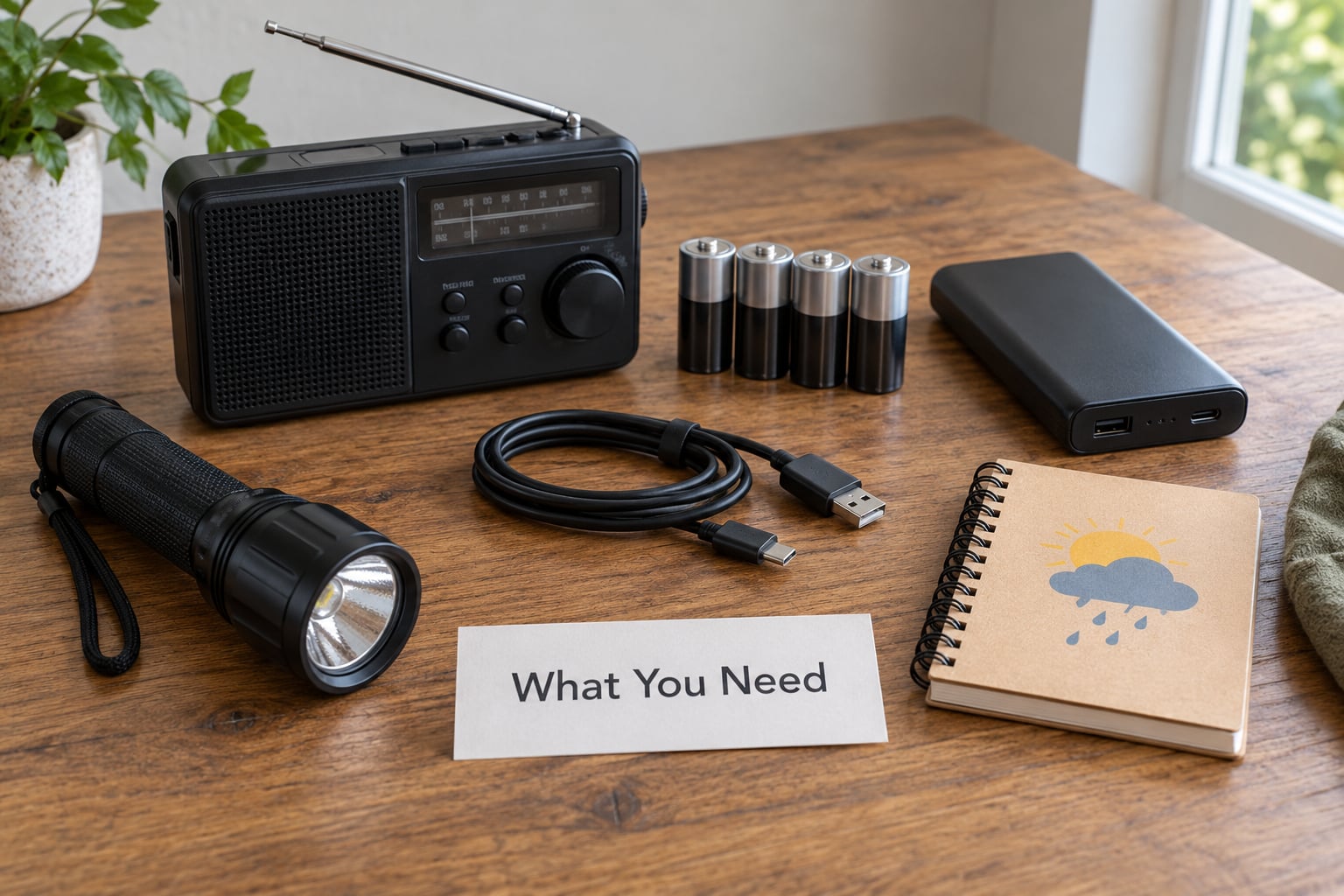
Start with the radio itself and the things that keep it running. Most households need only a handful of items, and the list changes depending on whether your radio is mains-powered, battery-powered or multi-power.
- A battery-powered radio. A small AM/FM handheld with a telescopic whip antenna is the workhorse. Anything that takes AA or AAA cells will keep going for days on a fresh set.
- A weather-alert receiver or a radio with a warning band. In the United States that is NOAA Weather Radio on 162.400 to 162.550 MHz. In the UK and Ireland, the equivalent job is done by local radio alongside Met Office and local authority warnings broadcast over FM and medium wave.
- Spare cells, matched. Two complete sets, all the same chemistry, kept in the same place as the radio. Avoid mixing alkaline with rechargeable NiMH.
- A charging cable and a power bank. Only useful if your radio has a USB input or accepts a USB power source. Many pure battery radios do not, which surprises people.
- A head torch or flashlight. You will be tuning a dial in the dark otherwise.
- A pencil and a small notebook. For frequencies, station names and any warnings you need to pass on later.
If you own a hand-crank or solar radio, treat it as the backup rather than the main set. Its internal rechargeable cell holds a modest charge, and the crank and panel are there to top it up slowly. A second, purely battery-powered unit in a different room is cheap redundancy.
Prepping communities often talk about the 3-3-3 rule: three days of water, three days of food, three sets of batteries for each device. It is a preparation convention rather than an official standard, but the battery part of it is sound advice for a radio.
Step-by-Step Guide: How to Prepare a Radio for a Power Outage
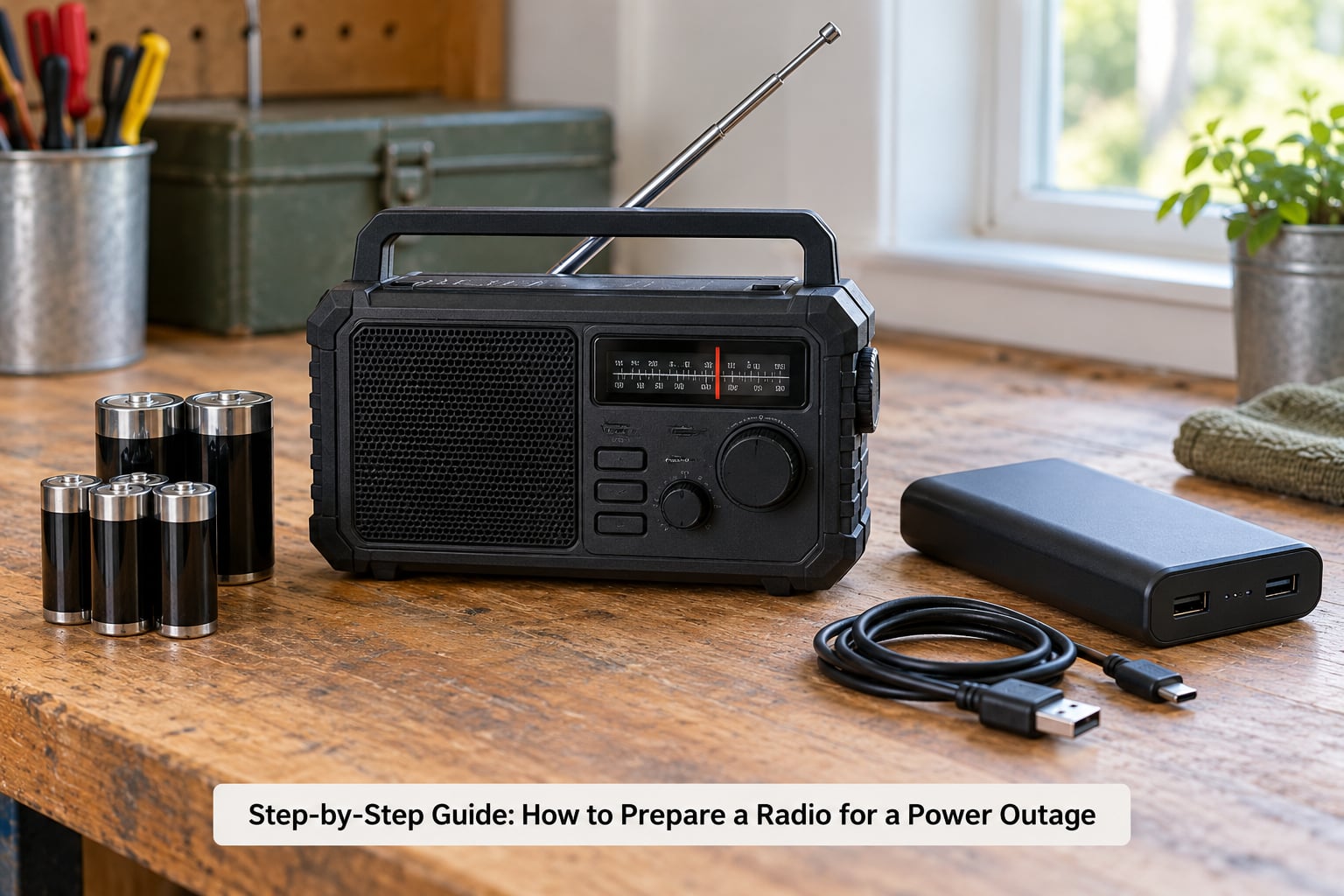
1. Identify Your Radio and Its Power Needs
Find out exactly what your radio takes before you buy anything for it. Look at the battery compartment, the markings near it, or the manual. A handheld might want four AA cells, a larger set might take a built-in lithium-ion pack, and a desktop unit will simply need mains power plus a battery backup.
Write down three things on a card and keep it with the radio: the battery type and count, whether it accepts a charging cable, and whether the antenna is removable. A telescopic whip that unscrews is worth knowing about, because a broken antenna can take a radio out of service entirely.
If the radio has been sitting in a cupboard for years, check for corrosion in the battery compartment before fitting anything. A faint white or green crust around the contacts means the old cells have leaked, and cleaning it matters more than the batteries you buy.
2. Test the Radio Before an Emergency
Put in a fresh set of cells, switch it on and confirm you get sound. Check the speaker at low and high volume, then sweep the band slowly. If the sound is thin or crackly at every position, the speaker or the aerial is the problem, and now is the time to find out rather than during a storm.
Run the scan function if the radio has one, and note how many stations it finds. Zero stations usually means a weak internal antenna, and moving the radio near a window or higher up in the room often fixes it. That test is also how you learn what reception looks like in your own house.
Finally, note the exact position of the volume, tuning and band switches and take a photograph of them. In a dark room at three in the morning, a labelled photo saves real time.
3. Prepare Backup Power Options
Redundancy beats capacity, so aim for at least two independent ways to power the radio. Spare cells are the baseline. A USB power bank is the second option, but only where the radio accepts one; many battery compartments are wired straight to the cells and will not charge from USB at all.
A hand-crank unit adds a third path with no consumables. Be realistic about the physics: a minute or two of cranking typically returns enough charge for five to fifteen minutes of listening. The crank is for keeping the radio alive, not for recharging a phone, and any unit advertising phone charging will disappoint you in real conditions.
Solar panels work, slowly. A folding panel is a genuine top-up over a long outage but does nothing useful in a two-hour darkness, so treat it as a bonus rather than a plan.
Vehicle power is the underrated option. A 12V socket charger with a USB output means your car can run your radio, your power bank and your phone lights for as long as there is fuel, which is a strong argument for keeping one in the boot.
4. Charge and Maintain the Equipment: How to Prepare a Radio Between Outages
Give the radio a five-minute check once a month. Fit the cells, switch it on, find one station, switch it off and remove them. That short cycle keeps the cells from sitting flat, confirms the contacts are clean and tells you straight away if something has gone wrong.
Charge the power bank fully and top it up again if it drops below half. Check that any USB cables in the kit still fit; a cable frayed from being coiled too tightly is a common and easily missed failure.
Turn your radio cells over on the expiry date printed on them. Alkalines lose roughly ten percent of their capacity a year in storage, so a spare set bought five years ago may be disappointing when you need it. Rechargeable packs should be topped up every few months and the whole pack replaced if it will not hold a sensible charge.
5. Tune Stations and Save the Information You Need
Write your stations down on paper, by frequency, along with the station name. Presets disappear from memory when a battery goes flat, and a page of numbers works in any weather and needs no power of its own.
For UK and Ireland, note your local BBC and commercial FM stations in the 95 to 108 MHz band, any medium wave services you receive, and BBC Radio 4 on longwave at 198 kHz, which is built for long-distance reception in poor conditions. Digital radios run on DAB, and the same tuning approach applies even though the reception behaves differently from FM.
In the United States, note your local stations on AM and FM, the National Weather Service continuous broadcast on 162.400 MHz, and the frequencies of any local public alert stations covering your county.
Then find the official warning service for your area and listen to a full bulletin. In the UK and Ireland, Met Office weather warnings and local authority emergency messages reach people through local radio bulletins, so it is worth knowing which station carries them and at what time of day. Make sure the radio has its alert or siren function switched on if it has one.
6. Keep the Radio Ready for the Next Outage
Store the radio somewhere dry, at room temperature, in the same place as its spare cells and the charging cable. Somewhere you can find it without hunting in the dark beats a tidy drawer. A kitchen counter or a hall cupboard works better than a high shelf, and a second set in the garage or the car covers the case where the power is out upstairs.
Keep it away from damp, dust, direct heat and direct sun. A bathroom shelf and a airing cupboard are both poor choices.
If reception indoors is marginal, work on it rather than writing the radio off. Extend the whip fully, move it away from metal objects, try a different wall, and if the set has a ferrite or external aerial lead, move it. Thick brick, foil-backed insulation and tree cover are the usual reasons people wrongly conclude that radio will not work at home.
Then set a recurring reminder for a twice-yearly drill. Turn the lights off, run the radio on batteries only, and see whether everyone in the house can find it and hear a station within a couple of minutes.
Common Mistakes
Mixing battery types. An alkaline cell and a rechargeable cell in the same radio behave badly, and the weaker cell drains first. Fix: one chemistry per radio, and keep spares in the same pack.
Trusting old spares. A five-year-old alkaline has lost a lot of capacity. Fix: buy replacements on a schedule and write the date on the pack when you swap them.
Assuming every radio charges from a power bank. Many only take cells. Fix: check the manual for a USB input or DC socket before buying backup power, and assume you need spare cells either way.
Expecting the crank to charge a phone. A hand-crank dynamo puts out a few watts, which is far below what a phone needs. Fix: crank for the radio, and keep a charged power bank for the phone.
Charging gear somewhere warm. Leaving a radio or a power bank on a windowsill, next to a heater or in a parked car accelerates deterioration. Fix: charge at room temperature, on a hard surface, and follow the maker’s guidance.
Leaving the presets behind. Memory settings are gone once the cells die. Fix: frequencies on paper, in the same pocket as the spare cells.
Owning exactly one radio. Prepping forums regularly suggest one unit per vehicle and per outbuilding rather than one expensive set, because a single point of failure defeats the purpose.
Confusing a receiver with a walkie-talkie. A broadcast radio tells you what is happening; a licence-free two-way set such as PMR or FRS lets you talk to people nearby. Many households assume one device does both and it does not. And without a repeater, handheld range is effectively line-of-sight, so treat the printed range claims sceptically.
Frequently Asked Questions
What kind of batteries should I use for a radio during a power outage?
Use alkaline AA or AAA cells for the bulk of your spares, and never mix chemistries in one radio. Alkaline holds a shelf for years, costs little and is easy to find. Keep two complete matched sets, buy them on the expiry date rather than in a panic, and write the date on the pack when you swap them. Rechargeable NiMH works fine if you can charge it in advance.
How long can a portable radio run on batteries during an outage?
A small handheld radio at moderate volume will often run 40 to 80 hours on a set of AA cells, though loud volume, backlight use and weak signals all shorten that considerably. This is why the practical advice is to treat spare cells as the main fuel and the USB, crank and solar options as backups. If you expect more than a day or two, plan on two full sets and a top-up from a power bank or vehicle socket.
Can I use a power bank to charge or power a battery radio?
Only if the radio is designed for it. Many handhelds wire the battery compartment straight to the cells and have no USB input at all, so a power bank does nothing. Check for a USB socket or a DC input on the case or in the manual. Even radios that accept USB usually charge slowly, so a power bank is best treated as top-up power for a radio with an internal rechargeable cell, not as a replacement for spare batteries.
Are hand-crank radios reliable enough for emergency listening?
Yes, as a backup rather than a primary device. A minute or two of cranking usually returns enough charge for five to fifteen minutes of listening, which is enough for a bulletin but not for an evening of news. They are worth owning because they need no batteries at all, yet they do not replace a battery-powered set. Ignore claims about phone charging; a hand-crank dynamo produces only a few watts.
How do I find local emergency weather stations on a radio?
Scan the AM and FM bands slowly and listen for a repeating tone followed by an announcement of station name and location. In the United States, tune to the National Weather Service continuous broadcast on 162.400 MHz and programme your county so only your area’s alerts sound. In the UK and Ireland, listen for Met Office and local authority warning bulletins carried by local radio, and note the station and broadcast time on paper.
How often should I test and replace backup radio batteries?
Give the radio a five-minute function check every month: fit the cells, find one station, then remove them. Run a full blackout drill twice a year with the mains off so the whole household can find and operate it. Replace alkaline spares on their printed expiry date, top up power banks every few months, and replace a rechargeable pack that no longer holds a sensible charge. Preparation for a radio is mostly replacing batteries on time.
Conclusion
Start with the radio you already own. Put in fresh cells, confirm it receives a station, write the frequencies on paper and note where you keep it. Then add two matched sets of spare batteries, and a power bank or vehicle charger only if the set takes one.
Knowing how to prepare a radio for a power outage is mostly about doing that thirty-minute job now rather than during a storm. Broadcast transmitters stay on the air through outages, so the whole difference between silence and useful information sits on your side of the antenna.