Finding celtic and folk radio stations takes about five minutes once you know which directory to open and how to narrow it down. Most of the music you want airs on small streams that never appear in a car radio dial, so the work is in searching a radio directory by genre, country and language, then testing what comes back.
That is exactly what this guide walks through. I built it after one too many evenings of searching for the Scottish station I already knew was good and finding it twice. It covers the tools you need, a repeatable search path, the mistakes that waste an evening, and how to keep the stations you like. Updated for October 2026.
Table of Contents
What You Need
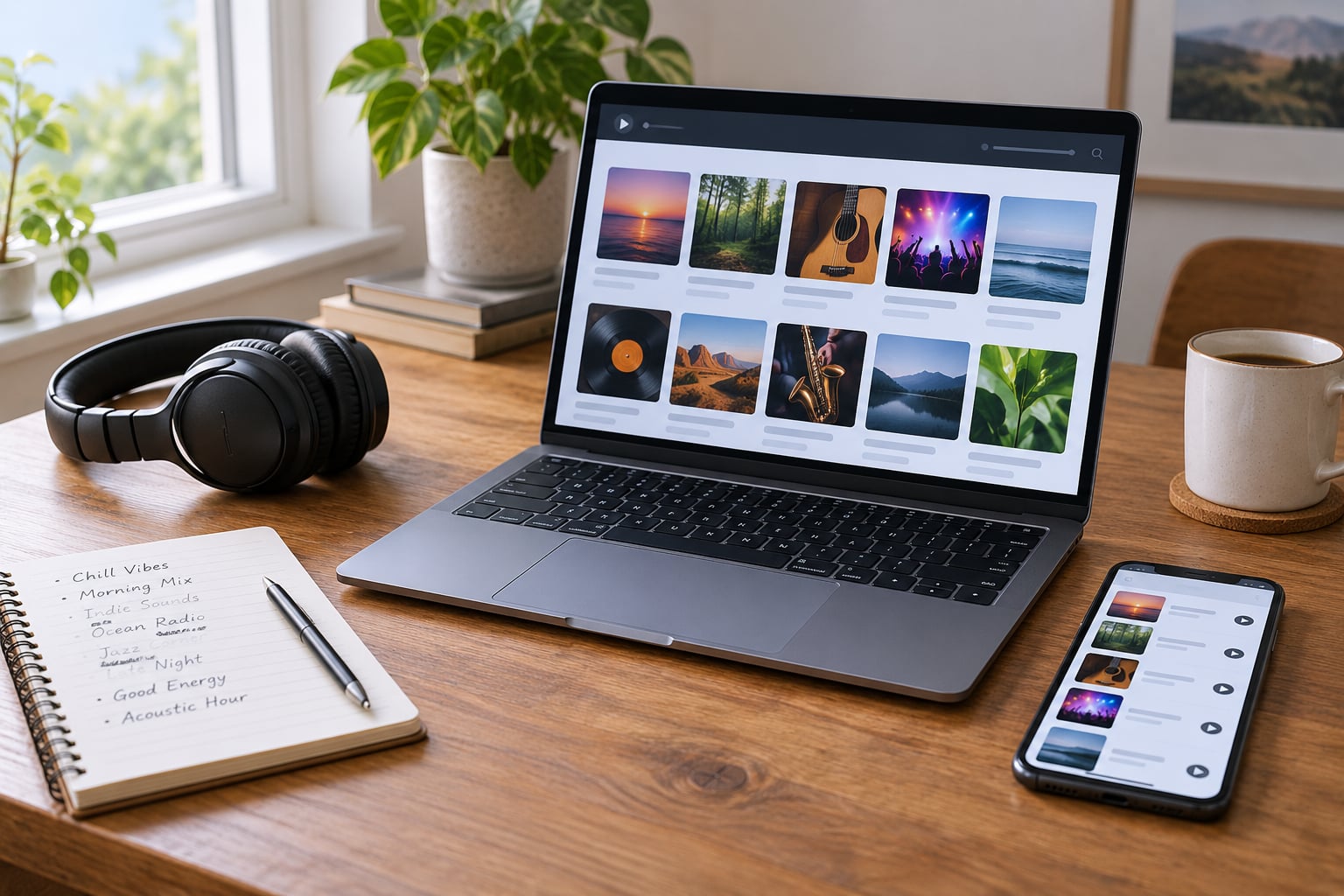
You need very little. A phone, tablet or computer with a browser will do the searching and most of the listening. Beyond that, the useful items are a way to take notes and, if you want to listen off the internet, headphones or a speaker.
Here is the short list:
- A smartphone, tablet or computer. A phone covers searching, testing and listening on the move.
- An internet connection for online stations. A broadband connection at home or mobile data when you are out.
- An FM, AM or DAB+ radio if you want the over-the-air route and you do not always have Wi-Fi.
- A browser or radio app. Whatever is already on your device is enough to start.
- A notes app or a playlist you can add stations to. This is the step people skip, and it is the reason they end up searching for the same good station twice.
- Optional: headphones, if the station plays a host talking over quiet acoustic music.
For each station you find, note five things: the station name, the country or region it comes from, whether it plays traditional or contemporary material, how you listened to it, and where its schedule lives. Those five details are what turn a random search result into something you can find again.
Step-by-Step: How to Find Celtic and Folk Radio Stations
The path below works whether you want one 24/7 stream or a shortlist of ten. Follow it in order and you will end up with saved, tested stations rather than a browser full of tabs you never revisit.
Choose the Right Starting Point
Decide which tradition you actually want before you type anything, because directory genre labels are used loosely and you will wade through stations that have nothing to do with it.
Celtic music in the radio sense usually means Irish traditional, Scottish traditional, Welsh, Breton and the Cajun and Cape Breton traditions that came out of the same root. Folk is far wider. It can mean Appalachian old-time and bluegrass, English folk revival, Americana and country, or contemporary indie folk, and those sound nothing alike.
A listener in r/Irishmusic who asked where to find new Irish music was pointed to Radio Siamsa, a Dublin-based online station that plays only Irish traditional music, 24 hours a day. That specificity is the point. A station that says “Celtic” on its profile might spend half its day in Breton cabaret and the other half in film scores.
So write down one of these before searching: Irish traditional, Scottish traditional, Welsh, Breton, Appalachian old-time, bluegrass, Americana, or a mix. Mixes work, but you will get a far better first result with a single tradition.
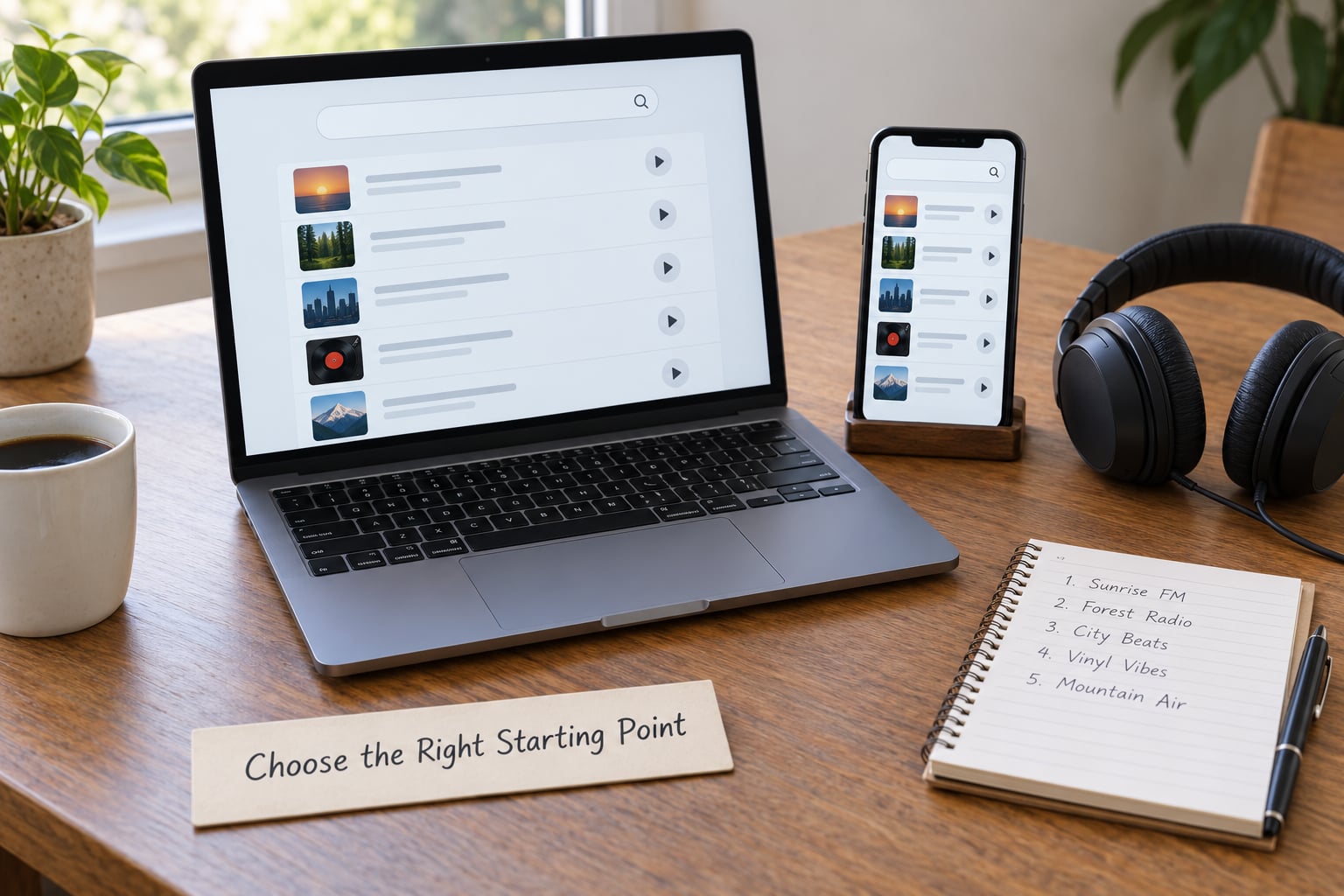
Write the tradition down before you open a directory, then note the country or region too. Irish, Scottish and Welsh music come from different countries with different languages, and searching by language alone pulls back stations you did not ask for.
Search Online Radio Directories
Radio directories index thousands of live streams and let you filter them by genre, country and language, which is the fastest way to find celtic and folk radio stations without knowing any station names in advance.
These are the ones worth using:
| Directory | What it is best at | How to use it for Celtic and folk |
|---|---|---|
| AccuRadio | Curated genre channels | Open the Celtic channel for a broad mix, then check each station’s own page for language and region. |
| TuneIn | Large catalogue with country and language filters | Filter by country, then search within it for Celtic, folk or traditional. |
| Radio Garden | Visual map of live stations | Find a city or region you like the music from and see what is broadcasting there right now. |
| OnlineRadioBox | Very broad international index | Good for smaller stations that other directories miss, and for filtering by language. |
| AllOnlineRadio | Genre browse pages | Browse Irish folk and neighbouring genres, then follow the station links out. |
| Ceolas worldwide listing | Community-maintained list of Celtic programmes and over-the-air shows | The oldest useful reference for syndicated shows and local FM slots. Check dates, because older pages carry dead links. |
Two habits make this faster. First, always open the station’s own page from the directory result rather than playing inside the directory, because the station page tells you the language, the schedule and whether the stream is still running.
Second, run the same search in two directories. A station that looks alive in one may have a dead link in the other, and the overlap between directories is much smaller than people expect.
Check Streaming Apps and Browser Players
Once you have a station name, you can listen almost anywhere. The route differs by device, and the failures are usually autoplay restrictions rather than anything to do with Celtic music.
On an iPhone or iPad, open the station’s website in Safari and tap play, or search the station name inside a general radio app. Background playback works fine once audio starts.
On Android, the same applies through Chrome. Both stores carry bundles of Celtic streams, but listeners complain that many of these apps push adverts or push you toward a paid tier, and the quality of the descriptions is often thin.
On a desktop, a plain browser tab is usually the cleanest option, since it plays the station’s own player with no sign-up.
On a smart speaker, ask for the station by name. If the speaker cannot find it, look for the station inside the speaker’s radio service. The Hands Up for Trad newsletter points Scottish listeners toward the Celtic Radio Network app on Google Play and the Apple App Store as a route in.
If a stream will not start, check first that you tapped the play control rather than a volume button, and check whether the page is served over HTTPS. Browsers block autoplay on pages that are not secure, and some older station players are still served without it.
Use Broadcast and DAB Guides
Some Celtic and folk programming still airs over the air on local FM, AM and DAB+, and finding it is a different search entirely. You are looking for a programme name inside a station’s schedule, not for a station on a genre list.
Two syndicated programmes come up constantly. Thistle & Shamrock has been carried on public radio stations across North America for decades. Celtic Connections airs in the UK and Ireland and is also streamed online. Both have their own pages listing which stations carry them and at what time, so start there rather than guessing at local schedules.
To find them on a station you already receive, open that station’s programme schedule and search for the show name. Schedules are usually organised by day, and syndicated shows almost always sit in the weekend morning or early afternoon block.
On DAB+, the guidance pages published by broadcasters such as the BBC list which multiplex carries which station in your area. Check whether the station you want is on that list before buying a DAB receiver for it.
One thing to keep in mind: a show carried on FM in Boston has nothing to do with the station’s online stream unless the station chooses to simulcast. That is where most people give up, thinking the show is unavailable. It usually is available, just on the radio rather than the internet.
Test and Save the Best Stations
Test each station for about two minutes before you commit. Check that the stream is genuinely live, that it does not buffer every few seconds, and that the host and schedule make sense for the station’s format.
Here is the checklist:
- The audio starts within a few seconds and keeps going. A dead stream often loads a player with silence behind it.
- The track title and artist update. Listeners treat a station that names tunes as worth keeping, and one that does not as wallpaper.
- Shows run in whole sets without requests and adverts cutting in. Listener-funded stations are valued precisely for this.
- Advertisements are limited to short breaks, or absent altogether.
- There is a visible schedule somewhere, even a weekly one.
- The station is somewhere you can reach again. A directory listing with no station website behind it is a dead end.
Then check the data use if you listen on mobile. Bitrate is the main driver:
| Stream quality | Approximate data per hour | Best for |
|---|---|---|
| 64 kbps | About 29 MB | Patchy mobile signal, saving data |
| 128 kbps | About 58 MB | Daily listening on mobile data |
| 256 kbps | About 115 MB | Home Wi-Fi, where the detail matters |
Once a station passes, save it. In a browser, bookmark the player page. In a radio app, add it to favourites. On a phone, ask Siri or Google Assistant to play it next time. Ten minutes of organising now saves you the same search next month.
Common Mistakes
Almost every wasted evening comes down to one of these five things.
Confusing Celtic with country. A directory search for “folk” returns plenty of Nashville country. Narrow it to traditional, Celtic, bluegrass or old-time instead, and add the country you want.
Searching by one country only. Scottish listeners who search only “Scottish” miss Welsh, Breton and Irish stations with a similar feel. Search the genre, then filter by region.
Trusting an old list. The best-known worldwide Celtic listings were last updated in the early 2000s and contain call signs and URLs that no longer work. Treat any list without a visible update date as a starting point, not a source.
Using unofficial stream links. Copy-pasted stream addresses from forums and wikis break often and sometimes carry injected advertising. Go through the station’s own page every time.
Forgetting time zones. A syndicated show at midday in Dublin is early morning where you are. Check the schedule against your local clock before you decide a programme is not running.
Two more worth knowing: assume nothing that streams online is also on the air, and expect live radio to repeat. If you missed a set, it will come round again, or it will turn up in the station’s podcast archive.
Tips for Expanding Your Listening
Once the basics work, a few habits take you further than any directory will.
Follow presenters, not just stations. Listeners in forums consistently describe following named hosts across stations, and it is the fastest route into music you would not have searched for.
Read the schedule before you commit. A station with a well-planned week of programmes tells you what it is, and a stream of unstructured background music tells you less.
Support the small ones. CeltCast is described in r/celticmusic as a non-profit station that actively promotes acoustic Celtic, Viking and Pagan music, with a musician reporting being played and calling the station friendly. Stations funded by listeners take requests seriously in a way commercial radio does not.
Use related tags and adjacent genres. Search the tags on a track you liked rather than the genre name, and try bluegrass, old-time, Americana, maritime shanty and traditional dance music.
Ask your smart speaker to play a tradition rather than a station. “Play Irish traditional music” often works when “play station name” does not.
Use podcasts for the shows you miss. Many Celtic and folk programmes post each episode after broadcast, so a live stream is not your only route to a particular set.
Frequently Asked Questions
Where can I listen to Celtic music?
You can listen through radio directories such as AccuRadio, TuneIn, Radio Garden and OnlineRadioBox, filtering by genre, country and language, then opening the station’s own web player. Dedicated stations like Radio Siamsa and CeltCast also play direct from their websites. In the US and Canada, look for syndicated shows such as Thistle and Shamrock on local FM stations.
Can I listen to Irish radio in the US?
Yes. Most Irish stations stream outside Ireland without a geo-block, so you open the station’s site or search its name in TuneIn or an iOS or Android radio app. You will also find syndicated Irish music programmes on public radio stations across North America, which you can pick up over FM or stream. Schedules are published by the show, not by each station.
Which Irish stations can I listen to online for free?
A lot of them. Radio Siamsa plays Irish traditional music around the clock and is free with no adverts, funded by listeners. RTÉ’s radio services stream free internationally. Beyond those, search Irish folk and traditional in any radio directory and you will find plenty of small community and volunteer stations that cost nothing to play.
Are there any folk radio stations?
Hundreds. Folk covers Irish and Scottish traditional, Welsh, Breton, Appalachian old-time, bluegrass, Americana, English folk revival and contemporary indie folk. Radio directories tag many of them loosely as folk, so search by country and language too, and check a station’s recent schedule to confirm the style before you keep it.
What are some popular Scottish folk radio stations?
Celtic Music Radio broadcasts from Glasgow and runs an online stream, and BBC Radio Scotland carries Scottish traditional programming on both radio and iPlayer. Dedicated Scottish traditional and Gaelic services also appear in directory listings under Scotland and the United Kingdom. Searching a directory by country and then by traditional or Gaelic returns them quickly.
How do I stream radio stations online for free?
Open the station’s website and press play, use its own app if it has one, or search the station name in a free radio app such as TuneIn. Most Celtic and folk stations need no account, and many stream without adverts. If nothing plays, check you used HTTPS and that you tapped play rather than the volume control, since browsers block autoplay on insecure pages.
Conclusion
Pick a tradition, search a trusted directory for a station from that country and language, open the station’s own player, and listen for two minutes. If it holds up, save it to a playlist or favourites list. Repeat with a second station and you have the start of a listening habit that costs nothing.