Radio interference in the home is unwanted electrical noise that lands on your radio’s frequency band and comes out as buzzing, humming, crackling, hiss, sudden dropouts or a second station bleeding over the one you wanted. Almost all of it comes from something specific nearby – a dimmer switch, a phone charger, a Wi-Fi router, a loose earth – rather than from a fault inside the radio itself, which means most cases are fixed for nothing.
The awkward part is that the noise source and the radio are rarely in the same room. A bulb in the hallway, a charger in a bedroom, or a power supply in a games console can spoil reception two floors away, because the house wiring and the metal inside your walls conduct and radiate it everywhere.
Table of Contents
- Radio Interference: Common Signs and Main Causes
- What Causes Radio Interference in the Home?
- How to Identify the Interference Source
- How to Fix Electrical Buzz and Humming
- How to Reduce AM, FM, and DAB Interference
- How to Fix Wi-Fi Radio and Bluetooth Audio Problems
- When to Call an Electrician or Replace Equipment
- Frequently Asked Questions
- Conclusion
Radio Interference: Common Signs and Main Causes
Radio frequency interference (RFI) and electromagnetic interference (EMI) are two words for the same problem from two angles. Interference reaches a set along one of two routes, and knowing which one is half the diagnosis.
Conducted interference travels down the mains wiring. The radio and the noisy device share a circuit, the noise rides along the cable, and it usually appears as a steady buzz or hum that changes pitch when you touch the volume control. Moving the radio to another room on the same circuit rarely helps.
Radiated interference travels through the air as a radio signal. The noisy device is behaving like a miniature transmitter, and the noise reaches your antenna, aerial lead or internal speaker wiring. Changing where the radio sits, or which way the antenna points, makes a real difference.
The sound itself is the clue. A low, even hum at 50 or 60 Hz along with the mains frequency is mains hum. A harsh buzz that crackles is usually a switching device such as an LED driver or a charger. Wideband hiss that swells when something is switched on is common-mode noise riding the wiring. A clean signal that cuts out for a second and comes back is typically a load switching somewhere in the house.
Five categories cover almost every case: external RF signals from transmitters and power lines, electrical noise conducted through wiring, weak or overloaded reception, faulty equipment and cabling, and wireless network congestion. The sections below work through each in turn.
What Causes Radio Interference in the Home?
This table maps what you hear to what is probably causing it and the cheapest first check to run.
| What you hear | Likely cause | First check |
|---|---|---|
| Low hum, constant or pulsing | Mains hum, ground loop, poor earth | Move the radio to a different outlet |
| Harsh buzz with crackle | LED dimmer, LED driver, cheap USB charger | Switch off the lights one room at a time |
| Noise that starts and stops for a second | A load switching – kettle, boiler, fridge compressor | Note the time and what you switched on |
| One station over another, voices in walls | Strong local transmitter plus structural coupling | Turn the volume up on AM to hear it better |
| Static that worsens at night | Distant AM stations coming in by skywave | Try a loop or external aerial |
| DAB cutting out under speech | Weak signal or a multipath echo off nearby buildings | Reposition the aerial, away from metal |
| Sudden hiss on every station together | Weak or faulty antenna, damaged coax | Reseat the aerial and coax firmly |
| Wi-Fi audio dropping out | Router congestion or weak signal | Move the router, try the 5 GHz band |
| Bluetooth speaker crackling | 2.4 GHz congestion, power supply noise | Move the speaker away from the router |
| Interference in one room only | A device on that room’s circuit, or metal in the wall | Unplug everything in that room |
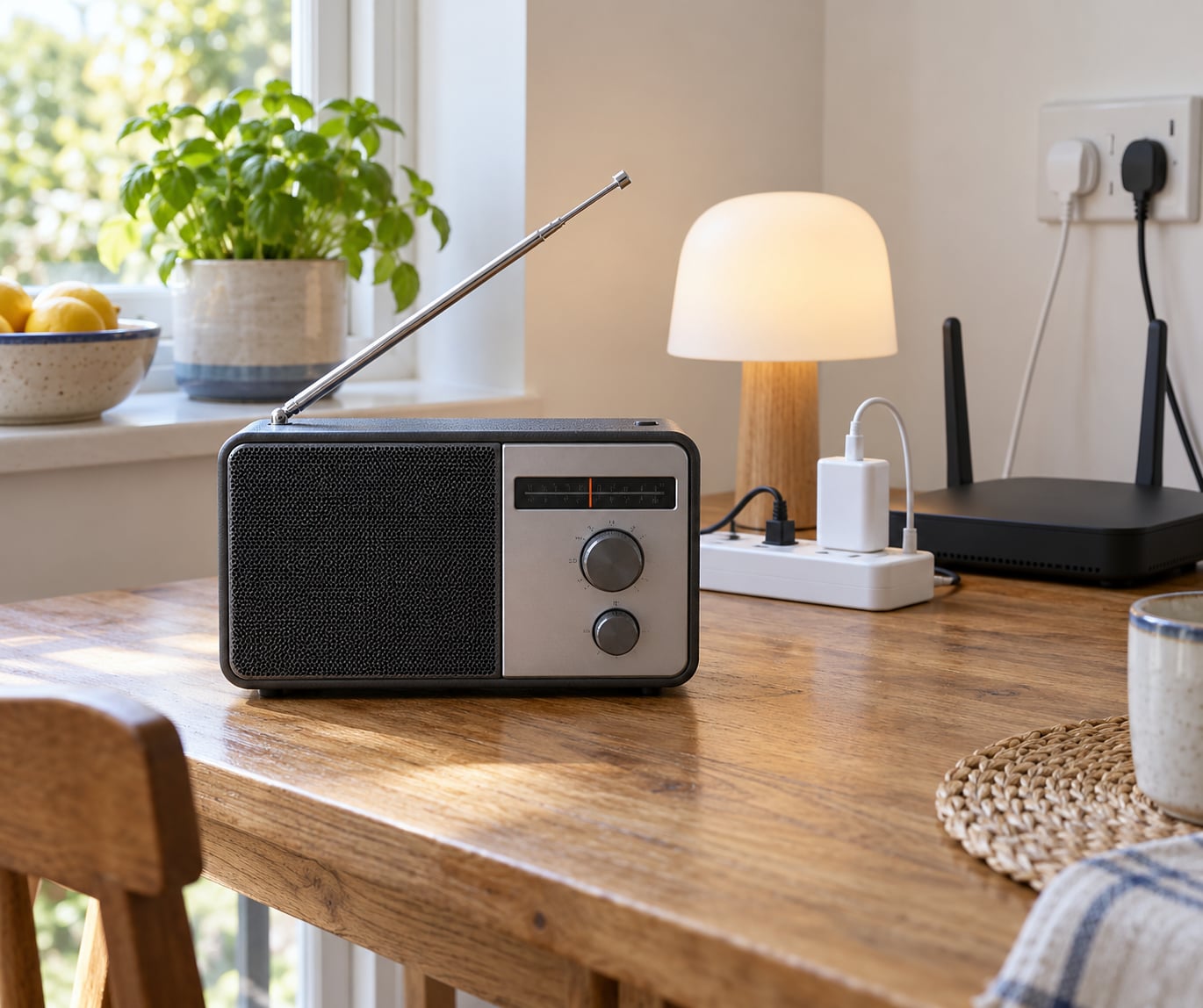
Two names dominate the suspect list because their power supplies switch current thousands of times a second on purpose. The first is LED lighting, especially dimmable bulbs and the small driver hidden in the fitting or the wall switch. The second is the switch-mode power supply in phone chargers, laptop bricks, televisions, games consoles and monitors. A microwave oven is the third, and it will kill FM for as long as it is running.
Beyond those, mains-powered equipment with motors – a vacuum cleaner, a blender, an electric blanket, a fan, a boiler pump – radiates while it runs. Fluorescent and older energy-saving lamps put noise straight onto the power line. Outside the house, overhead power lines, substations, street lighting columns, LED streetlights and nearby transmitter sites set a floor under reception that no amount of indoor tinkering will remove.
How to Identify the Interference Source
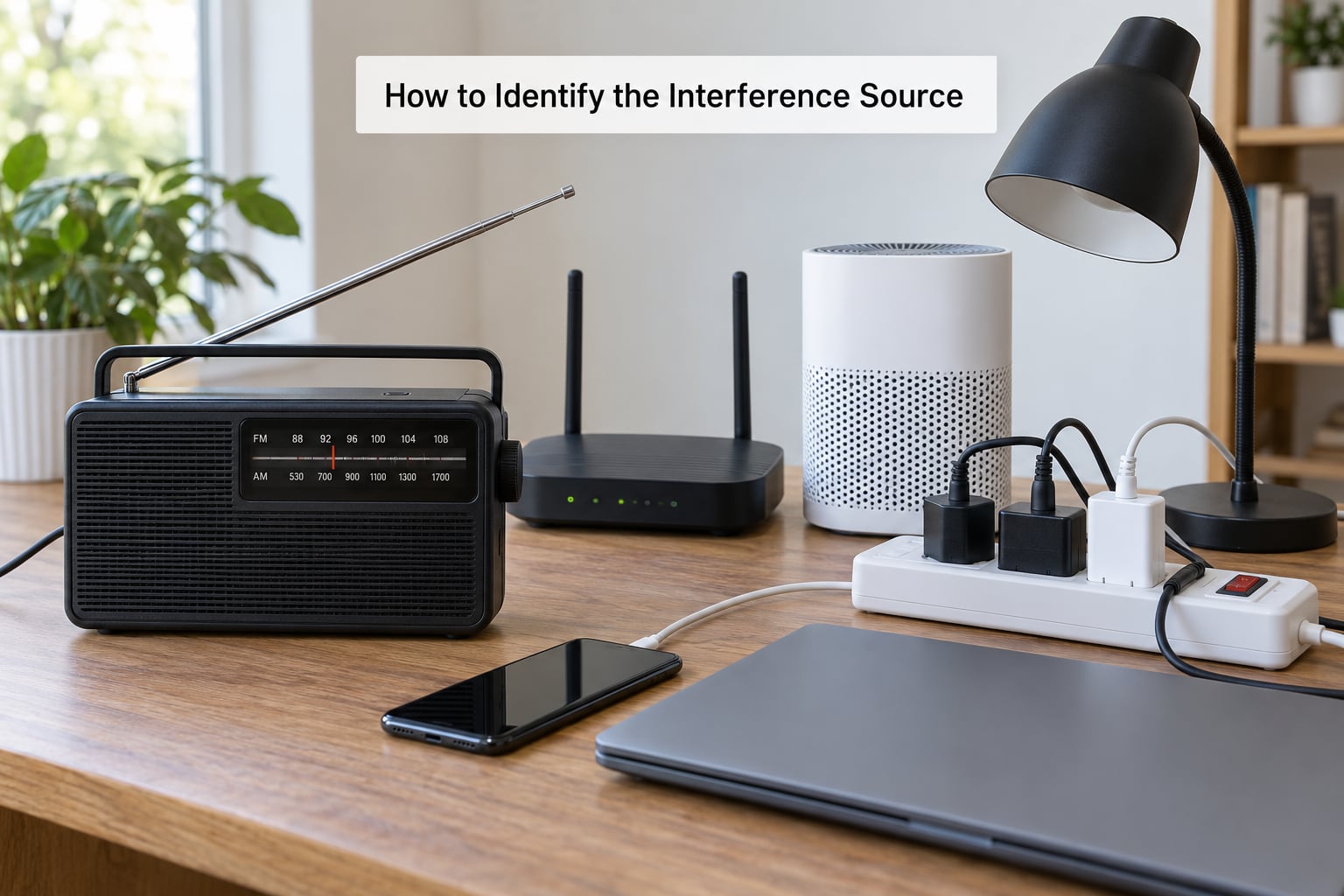
The quickest method is systematic isolation, not theory. Amateurs on radio forums describe breaker-by-breaker switching as the single fastest way to pin down household noise, and the same method works for anyone.
- Log when it happens. Write down the time and what switched on around then. Interference that appears at 6am with the heating and again at 9pm with the kettle is a different fault from a buzzing bulb that never stops.
- Compare stations. If every station carries the same buzz, it is coming into your set or aerial. If only one station buzzes, the problem is that station’s signal or a nearby transmitter on the same channel.
- Unplug suspects one at a time. Start with the mains devices near the radio and work outwards: chargers, TV, console, monitor, router, lamp. Leave each off for a minute and listen.
- Switch off lights, one fitting or switch at a time. Dimmers and LED drivers are frequent culprits, and killing the lighting circuit briefly is quick.
- Use the consumer circuit breaker panel. With the whole house quiet and the radio on a known good station, switch off one breaker at a time and listen for the noise to stop. The circuit that fixes it names the room and the socket. Switch everything back on afterwards – do not leave circuits off.
- Test a different outlet. A radio on a battery or a USB power bank bypasses the mains completely. If the noise disappears, it is coming through the supply or the wiring. If it stays, the noise is radiated.
- Move the radio. Different position, different orientation, different room. If moving it changes the noise, you have positional coupling through mains wiring, a cable or metalwork – and beware, a new position can look like a fix and then fail again.
- Check the aerial and coax. Reseat both connections, look for cracked or kinked cable, and inspect the plug at the set. A marginal aerial connector produces hiss that is easily mistaken for interference.
Step 5 is worth the effort because it converts a guessing game into a single room. Just make sure nobody is in the shower, on the landing, or relying on a medical device powered from that circuit when you do it.
How to Fix Electrical Buzz and Humming
Buzz and hum usually mean something is switching current badly, or two paths into the radio are unbalanced. Dimmer switches that use triac or thyristor control clip the waveform every half cycle, which throws broadband noise onto the line. Motor loads do something similar as they start and stop.
Try these first, all of them free or nearly free:
- Unplug device by device until the buzz stops, then replace that one accessory.
- Swap a cheap unbranded USB charger or power brick for a certified replacement. Forum readers report this single change fixes the problem more often than anything else.
- Turn off or remove dimmers, and use fixed-output fittings instead.
- Move the radio off a power strip and onto a wall socket directly.
- Stop sharing an overloaded extension lead between a radio and a load that draws heavy current.
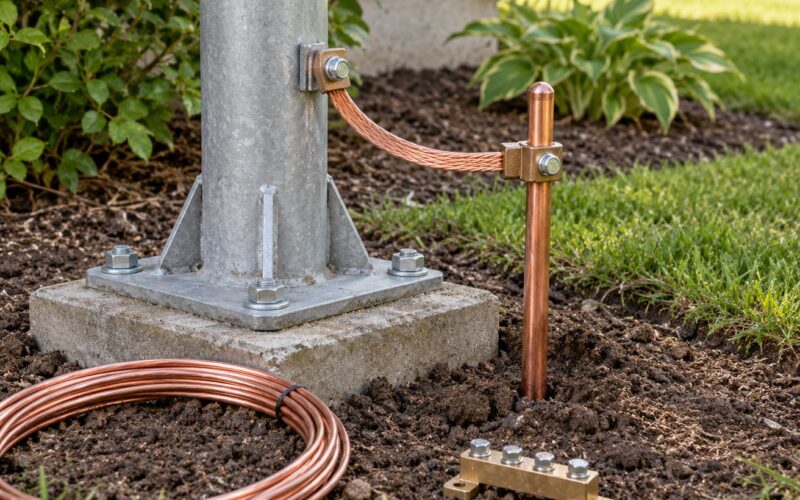
- Check that the aerial and any earth connection are tight rather than merely present.
A ferrite clip-on bead placed around a speaker lead, a USB cable or a mains lead absorbs a lot of this noise and costs very little. It is a trial-and-error fix, so keep a few to hand while you test.
If the buzzing comes from the outlet itself, or it continues after every device is unplugged, stop there. Buzzing sockets, warm plugs, scorch marks or repeated breaker trips are signs of a wiring fault, not a radio fault, and they need a qualified electrician.
How to Reduce AM, FM, and DAB Interference
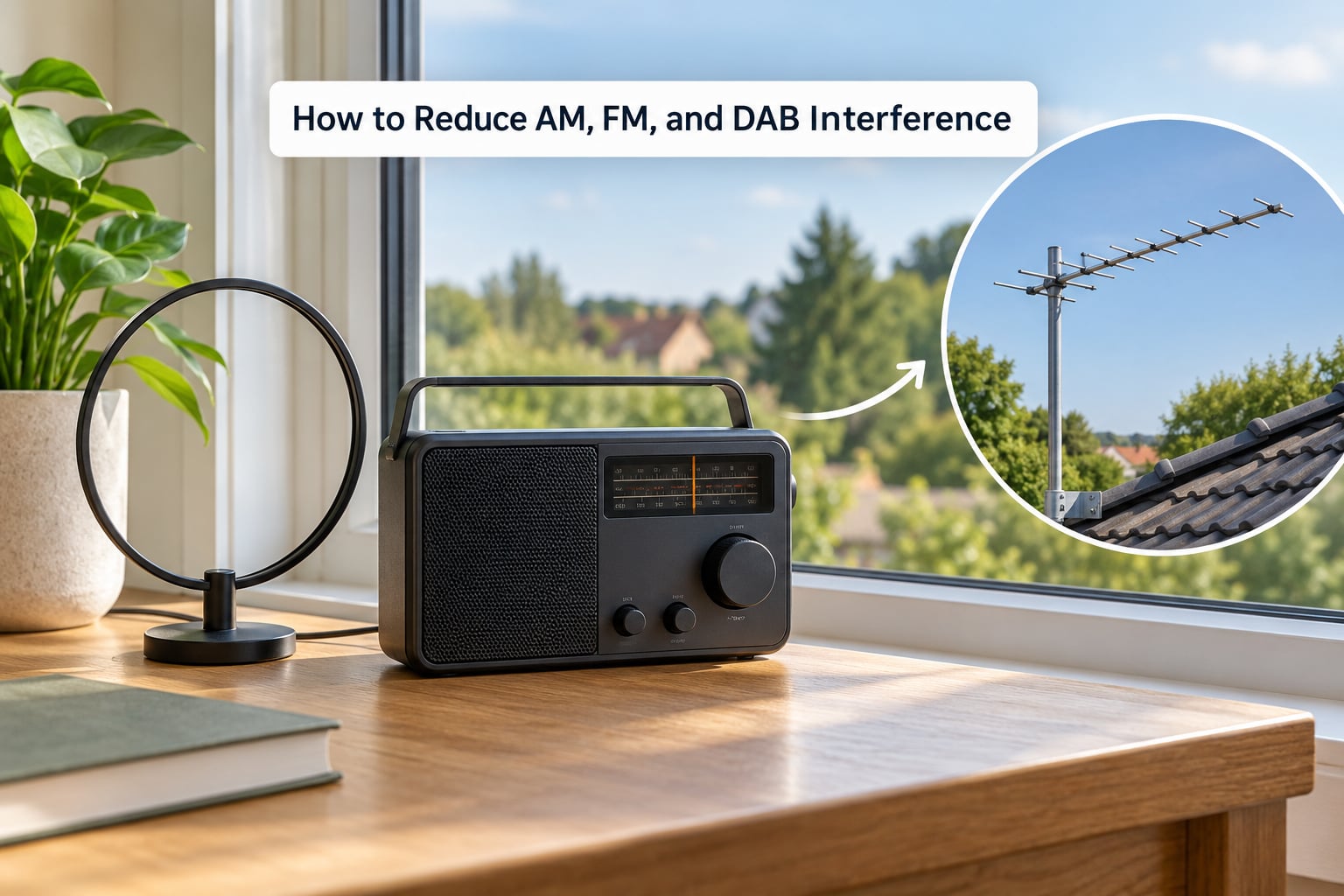
Different bands fail in different ways, so it helps to know which one you are dealing with.
AM is the most easily disturbed. Its long wavelength means the aerial is a loop or a long wire, and long wires pick up whatever the house is doing. AM also lets distant stations arrive at night when ionised air reflects them – which is why a station you could not hear at lunchtime fades in after dark.
FM is far more resistant to household noise because it is broad and strong, but it suffers from overload. A nearby transmitter can swamp the front end so badly that strong stations vanish while distant ones appear. FM also picks up reflections, so in a flat surrounded by concrete and steel you can get flutter and a hollow, double-voiced sound.
DAB is a digital broadcast with an error-correction system, so it does not hiss gradually – it holds steady then drops out completely, usually under speech or applause where there is more data to carry. Those dropouts are nearly always a weak signal or a reflection arriving by two routes at once.
Practical fixes, roughly in order of cost:
- Reposition the set. Away from the back of a TV, a mirror, a window frame and any metal. Try a foot or two higher.
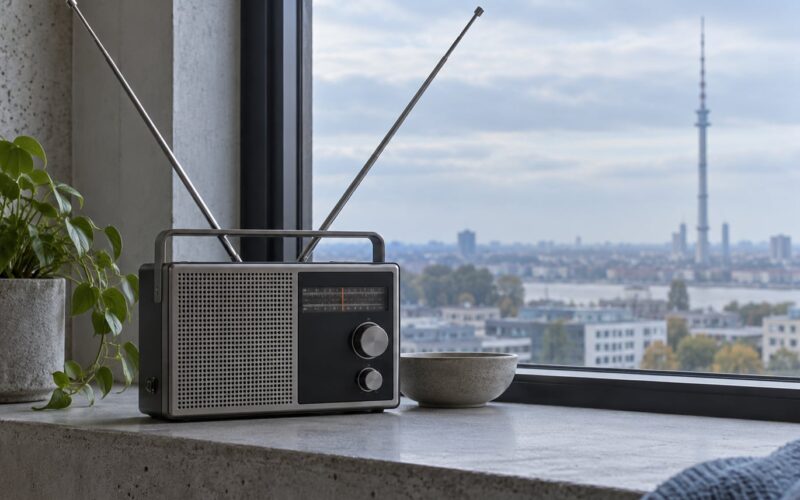
- Turn an FM/DAB aerial to a different angle. A few degrees often removes a reflection that is causing dropouts.
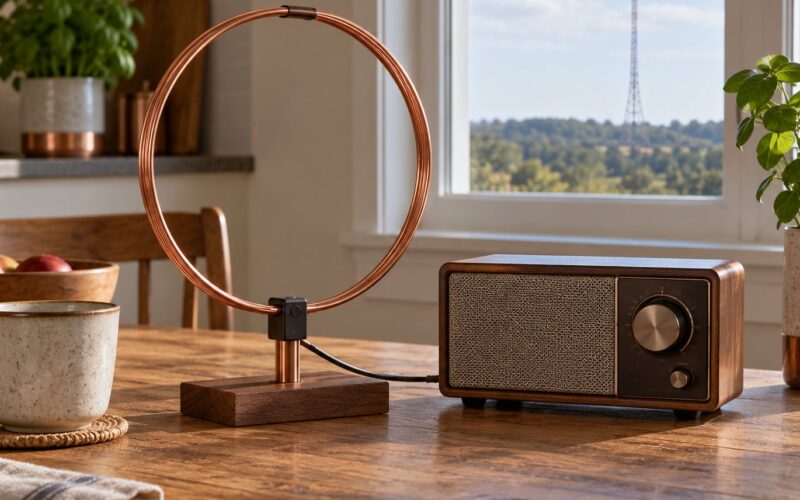
- Extend or replace a telescopic whip with a proper indoor aerial – a loop for AM and FM, or a small outdoor aerial on a bracket outside a window.
- Reseat and inspect the coax or lead. Any crack, sharp bend or loose plug is worth replacing; the cable is cheap.
- Select a different station when one particular frequency is being hit by something local.
Be realistic about the last one. If you live beside an overhead line, a substation or a transmitter mast, reception will be limited, and indoor changes will only take you so far.
How to Fix Wi-Fi Radio and Bluetooth Audio Problems
Streaming radio that sounds like static is usually a network problem rather than a radio problem, and the noise comes from your own 2.4 GHz and 5 GHz traffic.
Check these in order:
- Restart the router, then restart the device playing the stream.
- Move the router off the floor and away from microwaves, cordless phone bases and metal shelving.
- Choose the 5 GHz band where you have few devices competing; it travels less far but is far less crowded.
- Update router firmware and the app or player on your phone, speaker or TV. Old firmware is a frequent cause of dropouts after years of stable use.
- Re-pair the Bluetooth speaker from its own settings, and forget the old profile on the phone before reconnecting.
- Separate the devices. A speaker sitting next to the router, or a phone tucked behind the set, will crackle as packets get retransmitted.
A dedicated Wi-Fi radio with an external antenna does not need a second aerial. The antenna it already has works as designed. What matters is where you put it and whether the signal is strong enough at that spot, so move it to a shelf near a window rather than adding hardware.
If the speaker only crackles when it is plugged into mains, try a different outlet. Cheap Bluetooth speakers with internal switch-mode supplies are a common source of audible hash on quiet passages.
When to Call an Electrician or Replace Equipment
Some symptoms sit outside the scope of a listening problem. Stop and get the wiring checked if you notice buzzing from a socket or plug, sparks, scorch marks or discoloration, a plug or faceplate that feels warm, repeated breaker trips, a burning smell, or a cable that is cut, crushed or frayed.
Also call it in when the interference keeps going after you have unplugged every suspect device on that circuit. That pattern points at fixed wiring, an outdoor power supply, a smart meter transmitter or an EV charge point, none of which you should work on yourself. Do not open outlet faceplates or take the back off a radio to chase it.
Replacement makes sense in two situations: when a cheap charger, bulb or speaker is confirmed as the source, and when your aerial or coax has physically degraded. Beyond that, spend on aerials and connections before you spend on the radio. Most sets that suddenly sound bad are fine and are simply being fed a poor signal.
Frequently Asked Questions
Why does my radio get interference only at certain times?
Interference that comes and goes is usually tied to something switching on and off on a schedule. Boilers, fridge compressors, heated towel rails, kettles and streetlights all turn on cycles, and AM reception opens up at night when distant stations reflect off the ionised atmosphere. If the noise tracks a specific time, note what you switched on at that moment and test by unplugging.
Can LED bulbs cause radio interference?
Yes, particularly dimmable ones. The small driver inside the bulb or the dimmer switch chops up the mains supply thousands of times a second, and the resulting noise travels along the power line and radiates nearby. AM suffers most, followed by FM. Non-dimmable bulbs in an enclosed fitting are far less likely to be the cause, and replacing a cheap driver or removing a dimmer usually settles it.
Does Wi-Fi radio need a separate antenna?
Usually not. A Wi-Fi radio has an antenna built in or supplied with it, and adding another one rarely helps. What matters is placement: put the set within range of your router, off the floor, away from microwaves and metal, and use the 5 GHz band if you are streaming to several devices at once. If the signal is weak at the set’s spot, moving the router or the radio is the fix.
How do I stop static on an FM radio?
Start with the aerial and the connection rather than the radio. Reseat the plug, check the coax or lead for kinks and cracks, and try the set in a different position and orientation. If every station hisses equally, that points to the aerial or to local RF noise; unplug chargers, lamps and screens one at a time and listen. If only one station is noisy, try another station instead.
Why does my Bluetooth speaker crackle or buzz?
Crackling usually means the speaker is losing packets, so clear the air around it. Move it away from the router, microwaves, cordless phone bases and other Bluetooth devices, keep it in line of sight rather than in a cupboard, and re-pair it from both ends. If it only buzzes while plugged into mains, try a different socket, since internal switch-mode supplies in budget speakers can be audible on quiet passages.
When is radio interference an electrical problem?
Treat it as an electrical fault if the noise follows a particular circuit, if it continues after you unplug every device on that circuit, or if you also see buzzing outlets, warm plugs, scorch marks, repeated breaker trips or a burning smell. Test it by switching off consumer circuit breakers one at a time while listening. Any of those warning signs means stop testing the radio and get a qualified electrician to inspect the wiring.
Conclusion
Start with the sequence that costs nothing: unplug the likely electrical devices one at a time, then check the aerial and its connections, then move the radio to a different outlet and position. If that finds nothing, switch off the consumer circuit breakers one at a time and listen, which will name the circuit if the noise is inside your walls. Only when all of that comes up empty is it worth replacing a charger, changing an aerial, or calling an electrician.
Updated for 2026.