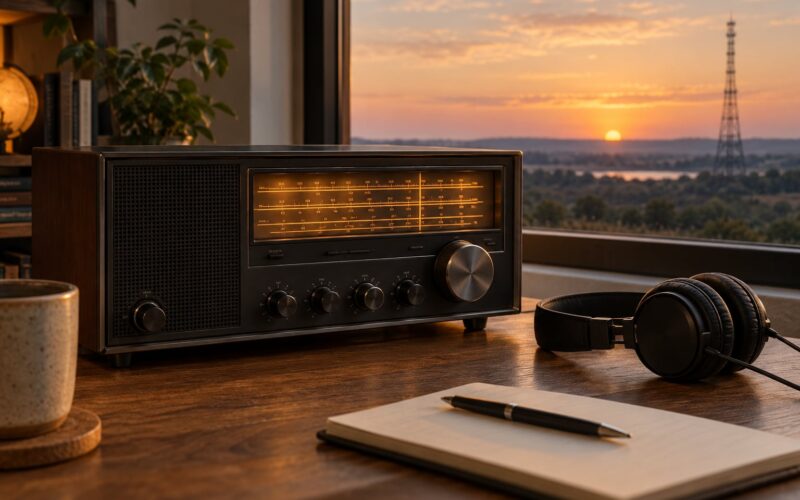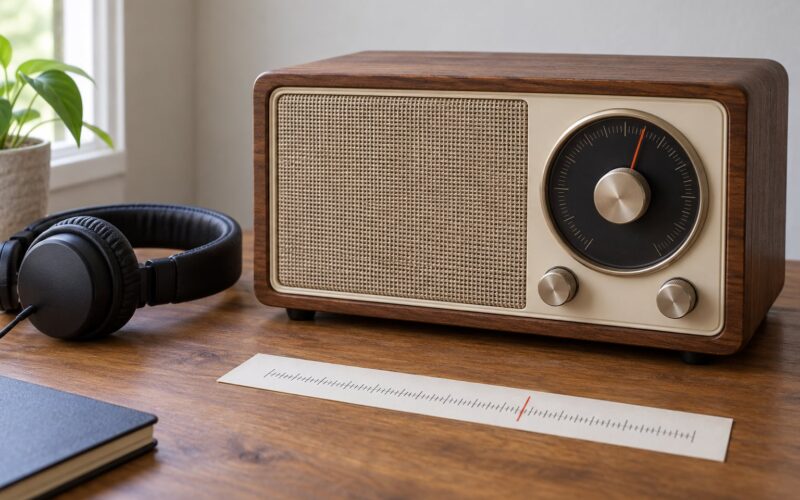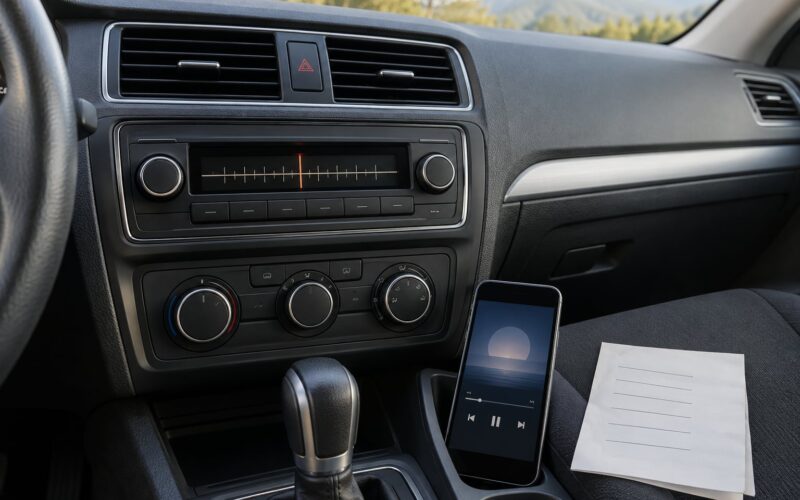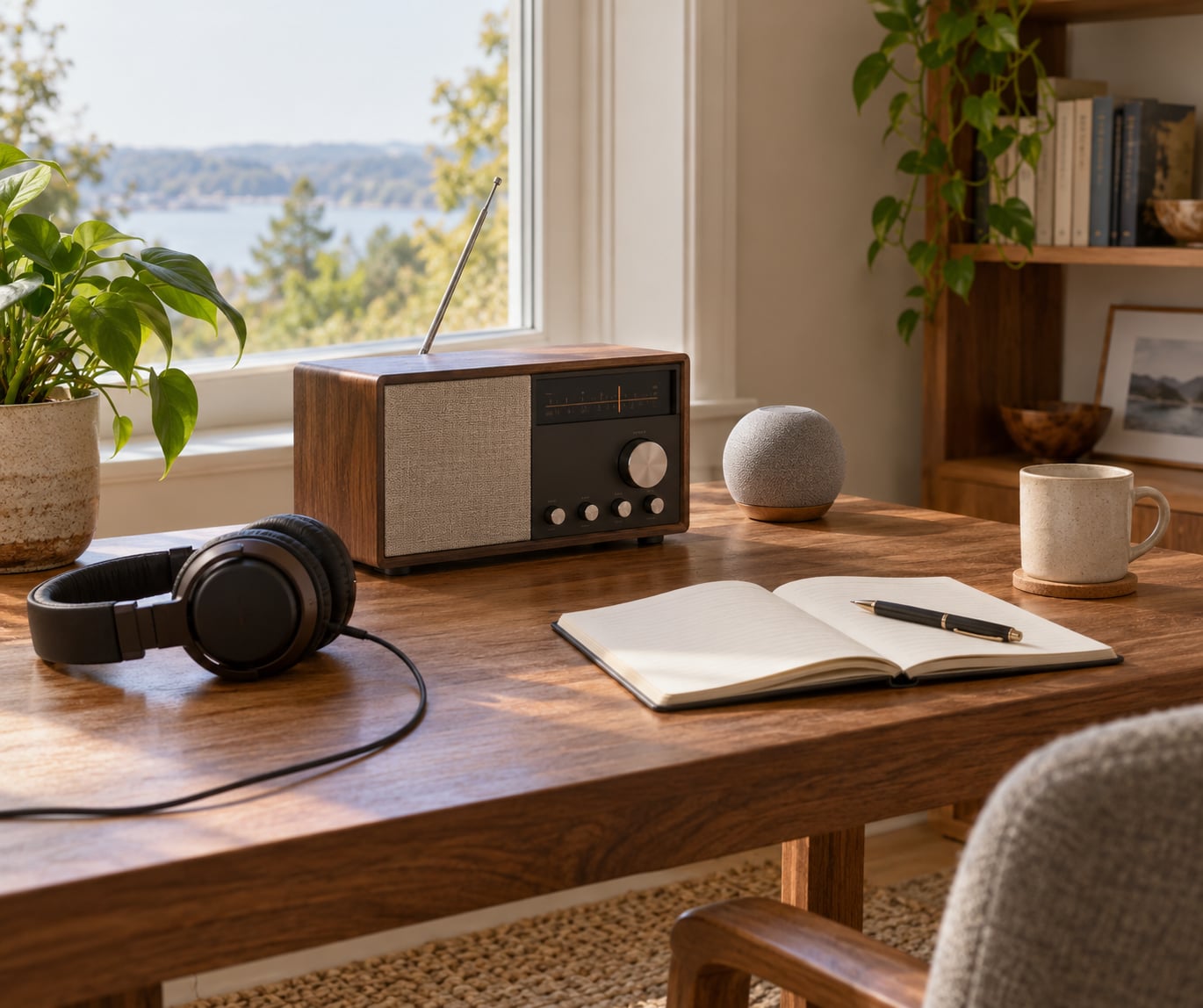
Radio works as background noise for focus when it is predictable, quiet and free of words you understand. Pick a station running steady instrumental or ambient programming, set the volume just below nearby conversation, and let one station run through a single 25 to 50 minute work block. Setting that up takes about five minutes.
The idea is old and simple. A constant, unremarkable sound covers the irregular noises that normally snap your attention away, so the kettle, the door and the upstairs footsteps stop registering as interruptions. Because radio is audio only, your eyes stay free for the screen in front of you.
It is not a cure for every kind of distraction. If your problem is a chatty colleague rather than a noisy building, background sound will not fix it. If you are the sort of person who works best in total quiet, radio is worth testing but not worth forcing.
What You Need
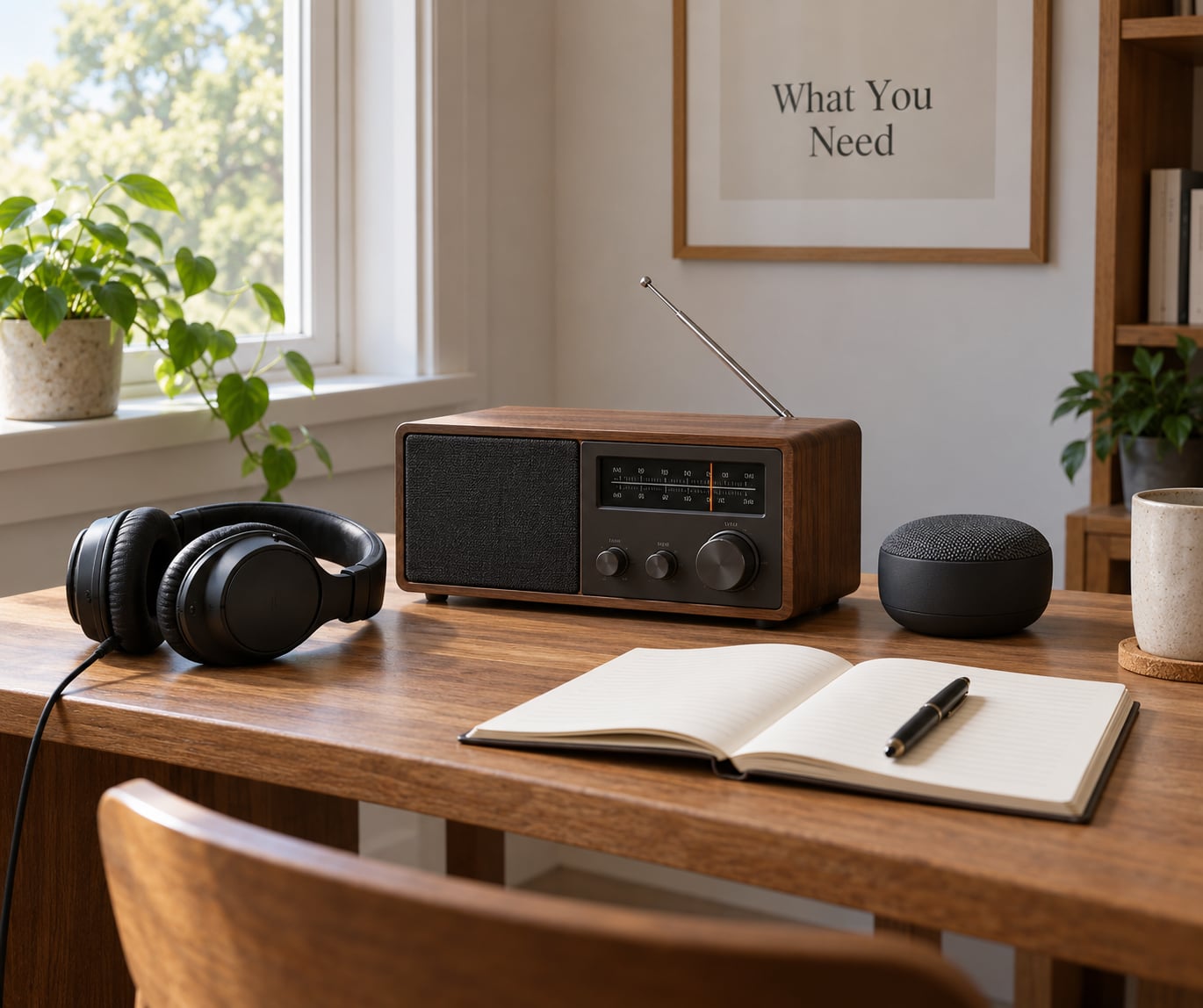
You need very little. Most people already own everything required, and the whole set-up takes one coffee break.
- A listening source. An internet radio station, a broadcast station on a small receiver, or a streaming app playing a curated channel. Ambient, drone, downtempo and lofi channels are the easiest starting points because they rarely feature speech.
- Something to play it on. A small speaker works better than laptop built-in speakers, which tend to sound thin and tiring after an hour. Headphones work too, but they cut you off from doorbells and kettle whistles.
- A device that does not interrupt you. A phone in airplane mode is the cleanest option. Notifications are the single most common reason a focus listening session collapses.
- A timer. A phone alarm or a sleep timer in your streaming app gives the session an end, which stops the habit of drifting back into browsing.
This quick map covers the four common setups. Match the task on the left to the format that suits it.
| Task | Station type | Volume |
|---|---|---|
| Deep work or coding | Ambient, drone or downtempo, 60 to 80 BPM | Low, just audible |
| Email and admin | Classical or light music radio | Low to moderate |
| Reading and research | Instrumental only, no percussion-heavy styles | Very low |
| Studying or revision | Lo-fi beats or film-score style channel | Low, below speech |
| Noisy home or shared flat | Talk radio in a language you do not speak | Just above the noise |
Step-by-Step
Five steps, in order, each one simple enough to do without thinking. If it works, you will settle within about ten minutes and stop noticing the radio entirely, which is exactly the signal you are looking for.
1. Choose Radio Programming That Matches Your Task
Start by asking what your task needs. Deep work and coding want low stimulation, so ambient, drone and downtempo channels are the safe first pick. Email, admin and routine tasks tolerate more movement, so classical and light music radio suit them well.
Avoid anything with a strong vocal lead, and be careful with anything dramatic. Lyrics in a language you understand pull attention back to the words every single time. Instrumental versions of the same station are usually available, so that is the easier switch.
For studying, lo-fi beats and film-score channels are popular because they rarely peak in volume. Give a channel one full block before judging it, because the first fifteen minutes of anything unfamiliar can feel distracting even when it settles.
2. Test the Volume Before You Begin
The rule that matters most is simple: if you can hear the words, it is too loud. Set the radio just below the level of someone speaking to you from the other side of the room, and quieter again for reading.
Play ten seconds of speech at your chosen level, then sit with it for a minute. If your attention keeps drifting to the voices, drop the volume by a few notches and try again. For steady background masking against traffic or building noise, matching the noise level works better than covering it completely.
Sudden loudness is the other half of the problem. A talk segment that starts at double the music level will pull you out of the task every single time, so favour channels with a consistent mix.
3. Set Up a Reliable Listening Method
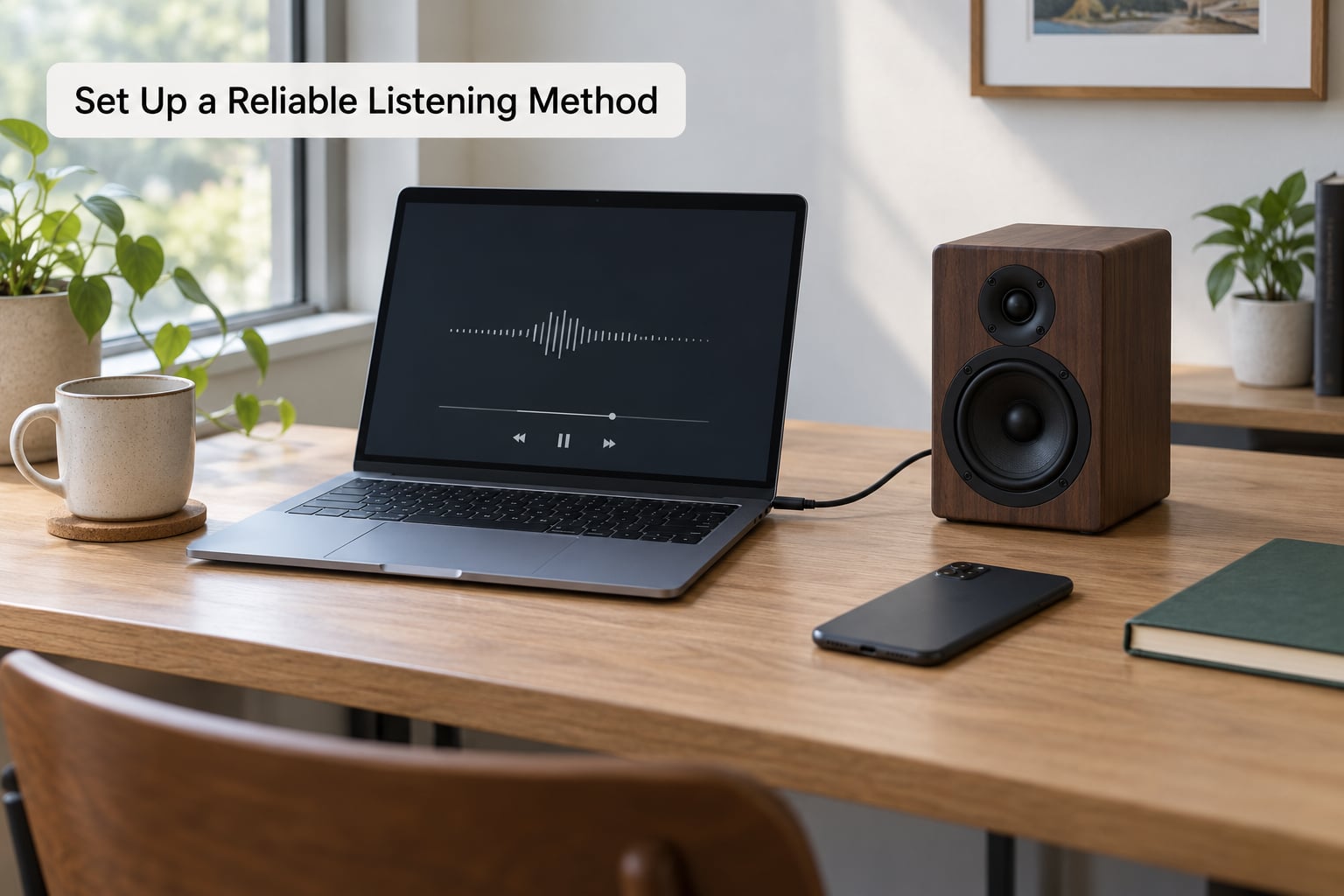
Choose one method and stop fiddling. Online radio gives you the widest choice and needs a steady connection. A broadcast receiver needs no internet and never buffers, which matters if you work somewhere with patchy Wi-Fi. A smart speaker is hands-free and survives a locked screen, which is useful if your phone keeps lighting up.
Whatever you pick, remove the interruptions. Put the phone on airplane mode or in another room, turn off notification sounds on the laptop and the smart speaker, and close the streaming tab that has adverts in it. An advert landing mid-sentence breaks the effect more thoroughly than a loud neighbour.
Speaker or headphones comes down to your room. Headphones mask best and remove you from the household, but they tire the ear after two hours and you stop noticing the door. A speaker fills the room more evenly and lets you hear people who need you.
Set a sleep timer or alarm at the end of your block. Ending on schedule leaves you wanting another session, while endless playback is how a focus tool turns into a distraction.
4. Start With a Focused Work Block
Radio works best as a cue for starting, not as entertainment. Choose one task, decide on a 25 or 50 minute block, and start the station at the moment you begin. Over a couple of weeks that pairing becomes automatic.
Decide in advance what you are listening for. If it is masking noise, stay on one channel. If it is a focus companion, change station between blocks. Deciding mid-block is how you end up browsing for twenty minutes instead of working.
Keep a short list of three or four stations that work and rotate between them rather than hunting for a fifth. Over a long day, a station you know well stops registering as sound, which is exactly what you want.
5. Adjust the Sound as Your Work Changes
Tasks do not all need the same sound. Reading and writing want volume low and vocals out. Numbers, spreadsheets and calls need something you can talk over, so pause the radio or drop it to almost nothing for the call and bring it back afterwards.
Collaboration is the moment to switch off. If someone is in the room with you, turn the radio down rather than up, because the volume that works for you will be the level that annoys them.
When a channel starts to grate, move to another one instead of reaching for the volume knob. Gritting is a mood signal, and lowering the volume usually just makes you strain to hear it. Across a full working day, rotate genres every 60 to 90 minutes so nothing becomes irritating.
Finish by lowering the volume before you stop rather than killing it abruptly. The fade is a small marker that the block is done, and it keeps the radio from competing with the next task.
Common Mistakes
Almost every failed radio setup comes down to one of five things.
Lyrics in a language you understand. This is the most reported complaint across listener threads, because language processing happens automatically and pulls your attention whether you want it or not. Switch to an instrumental channel, or use talk radio in a language you do not speak.
Adverts, jingles and news bulletins. Station ID breaks and traffic bulletins are short, loud and full of words, and they arrive exactly when your concentration is thin. Pick channels with long unbroken programming, and use a station without adverts if you can find one.
Volume set at or above conversation level. If the radio is louder than the person talking to you, it stops being background and becomes a demand. Lower it until you can easily hear a voice in the room over the top.
Emotionally loaded talk radio. Argumentative daytime shows and sad news bulletins drag mood down, and some listeners find that harder to work through than the noise they were trying to cover. Instrumental formats sidestep the problem entirely.
One station for four hours straight. You habituate, then start skipping tracks you never chose, then drift. Rotate every 60 to 90 minutes and treat the change as part of the routine.
One more worth knowing: masking handles steady noise far better than sudden, unpredictable noise. A radio will cover traffic hum and rain. It will not cover a slammed door, a barking dog or a colleague starting a phone call, so do not expect it to solve a shared-office problem on its own.
Frequently Asked Questions
Is there a sound that helps you focus?
There is no single best sound for focus, but two kinds work reliably. Steady continuous audio with no voices, such as ambient radio, drone channels or pink noise, masks irregular background sound and stops it pulling your attention. Faint instrumental music at 60 to 80 beats per minute adds a gentle rhythm without demanding attention. Test both at low volume for one 25 minute block before deciding.
Does listening to radio while studying actually work?
For many listeners it does, mainly because steady sound covers unpredictable noise in shared houses, libraries and busy rooms. The evidence is genuinely mixed, though. Some studies found background music raised output, others found performance fell when the music had lyrics or when people were already multitasking. Treat it as a tool you test personally, not a rule.
Are lyrics distracting when I am concentrating?
English lyrics, more than anything else, are what people report breaking their concentration. The brain processes speech automatically, so words pull attention even when the volume is low. Instrumental channels, lo-fi beats and film-score programming avoid the problem. Talk radio in a language you do not understand also works, because comprehension drops and the brain tunes the voices out.
How loud should background radio be while working?
Set it just below the volume of a conversation nearby. If you can pick out the words of the presenter, it is too loud. For masking traffic hum or building noise, matching that noise level works better than burying it. Raise it only when the noise you are covering is loud or unpredictable, and lower it for reading, writing and phone calls.
Is radio better than white noise for studying?
White noise, pink noise and brown noise are more consistent and never surprise you, which makes them better for long stretches and for sleep. Radio gives you variety, which stops the sound becoming irritating over a working day, and it is better at masking speech. A good compromise is a noise channel for the first hour and radio for the rest.
How long should a focus radio session last?
Match the session to the task rather than to the track length. Twenty-five minutes suits email and admin, and 50 to 90 minutes suits deep work. Rotate stations every 60 to 90 minutes to avoid habituation. Set a timer so the block ends while the sound still feels pleasant, rather than fading out during the hardest part of the task.
Conclusion
Start with one thing today: pick a station running instrumental ambient or lo-fi programming with no talking, set it just below conversation level, and run it through a single 25 minute block of the task you have been avoiding. Judge it on whether you stopped noticing it, not on whether you liked it.
If that works, keep the routine boring. The answer to how to use radio as background noise for focus is consistency rather than the perfect channel: same stations, same gentle volume, same block length.