To listen to radio while working out, open a station’s player or a radio app on your phone, pair your Bluetooth earbuds, tap play, then lock the screen and start the session. It takes about two minutes to set up and the audio runs hands-free for as long as your battery lasts.
Radio suits a workout better than a playlist for one reason: there are no track endings to react to. No shuffle gap, no sudden ballad halfway through a hard interval, no reaching for a phone to skip. You set the station once and the beat just keeps moving, which is why lots of gym-goers and runners default to it for anything longer than an hour.
The rest of this guide walks through the kit you need, the setup in four steps, the things that go wrong mid-session, and the details people usually only find out about halfway through a 10K. Updated for 2026.
Table of Contents
- What You Need to Listen to Radio While Working Out
- Step-by-Step: Getting Radio Into Your Earbuds
- Common Mistakes and How to Fix Them
- Workout Listening Tips That Actually Help
- Frequently Asked Questions
- What is the best way to listen to radio while working out?
- Can I listen to internet radio on a treadmill or an outdoor walk?
- Will listening to radio while exercising use a lot of mobile data?
- How do I keep Bluetooth headphones from falling out during a workout?
- Can I listen to local AM or FM radio through a workout app?
- Is it safe to listen to radio at high volume while working out?
- Conclusion
What You Need to Listen to Radio While Working Out
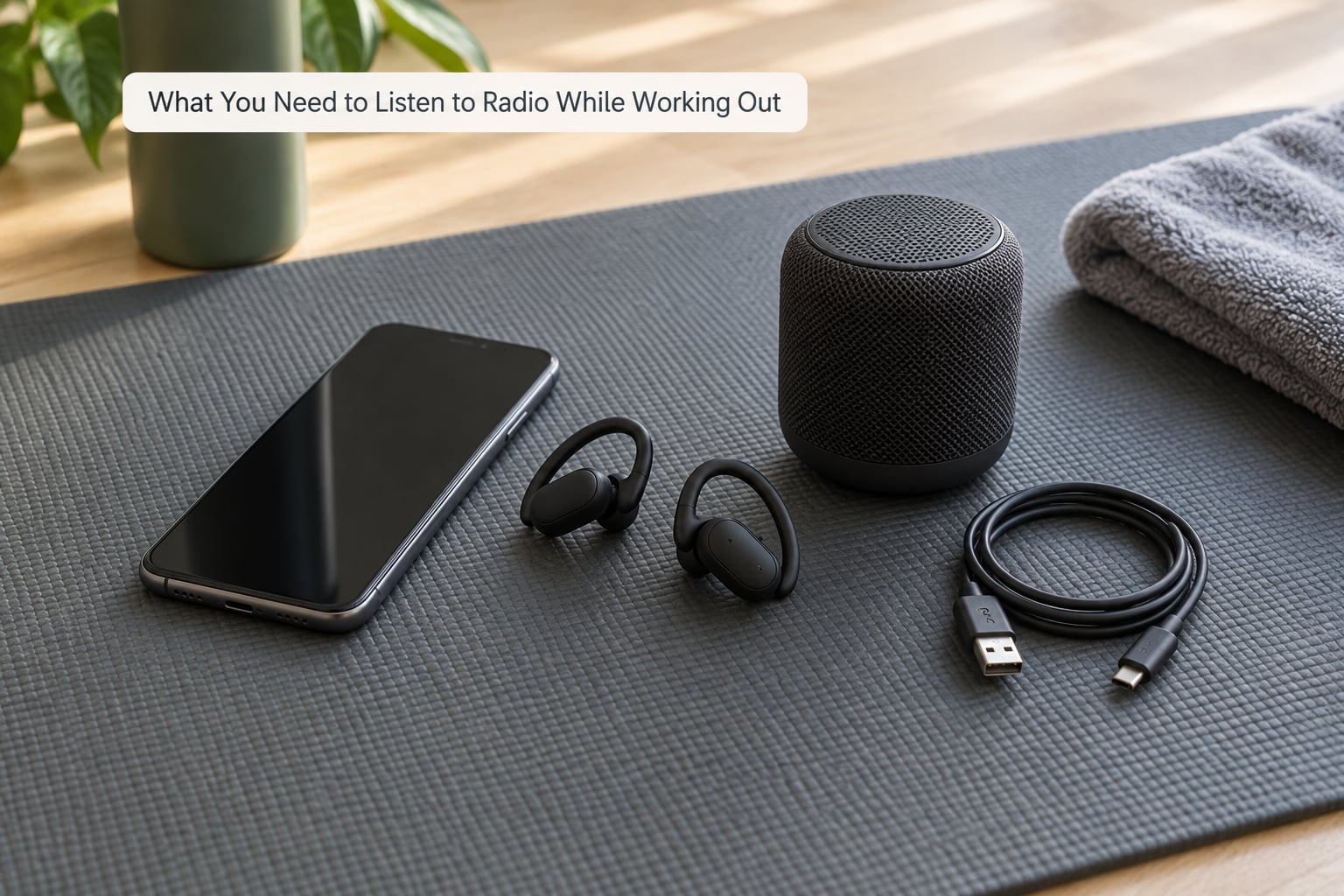
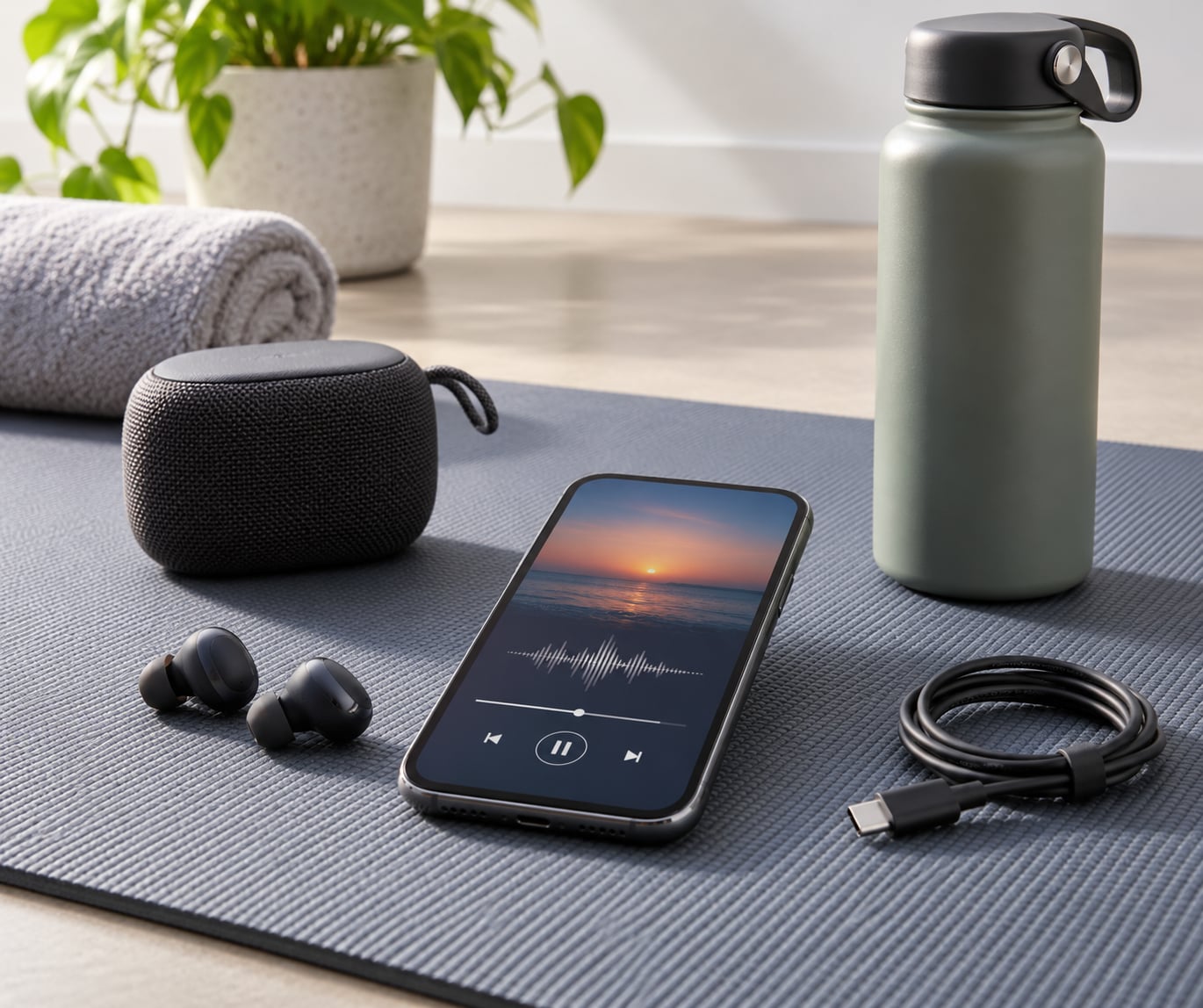
You need four things, and three of them you probably own already. The fourth, a reliable audio source, is where most of the choice actually sits.
- A device that plays audio. A phone is the obvious answer and by far the most flexible. A laptop or tablet works if you are lifting at home. Some smartwatches store music and play it offline, though most cannot stream live radio.
- Headphones or a speaker. Sweat-proof wireless earbuds for cardio and anything on your feet. Hook-style or bone-conduction open-ear headphones if you run outdoors and need to hear traffic. A small Bluetooth speaker if you’re training at home and moving around a garage gym or spare room.
- A radio source. A station’s own web player, a general radio directory app, a dedicated workout radio app, or a live local broadcast stream. Any of the four works; they differ mostly in data use and how many taps it takes to find something good.
- Optional but useful. A phone armband or belt for secure placement, a sweat-resistant pouch, a charging cable, and a second pair of earbud tips. Foam or silicone tips seal better and survive a sweaty hour better than the stock pair most earbuds ship with.
One honest note on subscriptions: plenty of workout radio apps are free and run without an account, and some premium ones add continuous non-stop mixes and offline saving. Paywalls are a common complaint in gym forums, so check the terms before you commit to a yearly plan for something you’ll use twice a week.
Step-by-Step: Getting Radio Into Your Earbuds
Choose a Radio Source
Pick the source before you think about hardware, because it decides your data use and your signal needs. A station’s own web player is the fastest option and often needs no sign-up at all. A radio directory app gives you access to tens of thousands of local and international stations from one place, which is useful when you want a specific local station rather than a curated mix. Dedicated workout radio apps trade breadth for focus: they filter for high-energy or tempo-based content and remove adverts and track selection.
For talk radio, sport commentary and news, treat it as a station type rather than a genre. Voice-led programming suits long, steady sessions like a long run or a full-body strength circuit, because it doesn’t demand you track the tempo. If your gym has poor mobile signal, local broadcast streams and pre-downloaded mixes are the safer bet than a high-bitrate internet stream.
Connect Bluetooth Headphones to Listen to Radio While Working Out
Pair once and the headphones normally reconnect on their own for the next few sessions. On iPhone, open Settings, tap Bluetooth, then tap your earbuds under Devices. On Android, swipe down, tap the Bluetooth icon in Quick Settings, then tap the earbud name in the list of available devices. Put the earbuds in first so they’re in pairing mode, and if they don’t appear after ten seconds, hold the case button or the volume-up button until the light starts flashing faster.
Wired earbuds still beat wireless in two situations: very long sessions where battery matters, and gym floors full of people on Bluetooth. A cable also removes dropouts entirely, and you can tuck the phone anywhere without worrying about a short range. If you do go wireless, stay within about ten metres of the phone and keep your body out of the direct line between the two, because your body absorbs a surprising amount of Bluetooth range when you run.
Test and Adjust the Sound
Do the sound check before you’re mid-burpee. Play speech content, not just music, because talk radio reveals balance and clarity problems that a bass-heavy track hides. If one side drops out, take both earbuds out, put them back in and check they’re seated properly; a single bud left slightly loose usually causes most one-sided audio.
Set your volume at the gym, standing still, to a level where you can follow speech comfortably. Head-worn speakers and in-ear canal headphones gain a few decibels of perceived loudness once the buds are sealed, which is why a level that felt quiet on the sofa can be too loud once it’s sealed in your ear. If you hear the station getting compressed and squashed on loud passages, your stream bitrate is being squeezed by a weak connection rather than by your earbuds.
Keep the Stream Running
Once the audio is playing, lock the screen and check that background playback is actually on. On iPhone, an app playing in the background can be paused by a stray touch if you leave the player on screen, so tap the lock button rather than swiping to another app. On Android, aggressive battery optimisation will sometimes kill a background radio app, so add it to the list of apps allowed to run in the background or exempt it from battery saving.
Two settings do most of the work for a long session. Turn off notifications for the radio app, or put the phone on Do Not Disturb, so a message doesn’t hijack the audio route. And if you’re on mobile data rather than wifi, check what the app does on high bitrate streams before you start; most radio uses a modest amount of data, but high-bitrate station streams can be noticeably heavier than a typical music track.
Finally, decide what happens if the stream dies. A station that buffers mid-set is the single most annoying failure in this whole setup, so keep a second option one tap away: a saved playlist, or a second station preset, in case the first goes quiet.
Common Mistakes and How to Fix Them
Almost every problem in this setup has a boring, fixable cause. These are the ones that come up again and again.
- The stream buffers or drops out mid-set. Usually the gym’s wifi or your mobile signal, not your earbuds. Try a different station, drop to a lower-bitrate version if the app offers one, or fall back to a playlist you’ve saved offline.
- Battery dies halfway through. A phone streaming radio to Bluetooth will not last all day. Lower the screen brightness, turn off background app refresh, and carry a short cable if the session is over an hour.
- Earbuds fall out during jumping or lifting. The fit matters more than the brand. Swap to a smaller or larger tip, or move to a hook-style or over-ear fit that physically locks in place.
- Sweat ruins the earbuds. Sweat gets into the cushions and the drivers, and repeated soaking shortens their life. Wipe the buds after every session, keep a spare pair of tips, and rinse nothing in water unless the manufacturer says you can.
- Notifications interrupt the audio. Put the phone on Do Not Disturb and check the app’s background playback setting before you start.
- Bluetooth drops when you move away. Range is shorter than the label suggests once your body is in the way. Carry the phone in a belt or armband rather than a back pocket, and reconnect from the Bluetooth menu if the audio stutters.
- Sound is quiet, tinny or one-sided. Reseat both earbuds, check the balance setting hasn’t been changed by a previous call, and test with speech to hear problems a music track hides.
- The gym TV audio is useless or out of sync with the equipment. Many gym TVs support a private headphone mode, or a companion app with a headphone mode, that streams the same audio privately to your own earbuds. It’s a genuinely underused option when you want a coach’s cues without the room speaker.
- You get bored of the station after three sessions. Build a short preset list of four or five stations and rotate through them. Radio is at its best when it’s variety, not a single loop.
Workout Listening Tips That Actually Help
Match the station to the session rather than the other way round. A steady, high-tempo stream suits cardio and long steady efforts, where the beat helps you hold pace. Interval work and HIIT want something with more contrast. For strength sets and mobility work, talk radio or a slower, less busy station is often better, because a hard chorus in the middle of a heavy set is more distracting than energising.
| Workout type | What to stream | Why |
|---|---|---|
| Steady cardio, long run | High-energy or constant-tempo stations | A stable beat helps you hold pace without thinking about it |
| HIIT and intervals | Higher energy, harder mixes | Contrast between tracks lines up with the work and rest |
| Strength and circuits | Talk radio, sport, or a low-key station | Fewer lyrics competing with your breathing and counting |
| Mobility, stretching, cool-down | Ambient, local indie, or acoustic | Nothing that pulls you back up to speed at the end |
Keep the volume moderate. Turning it up to drown out a noisy gym is a bad trade, because high volume across a long session is tiring in a way you notice an hour later. Lower the volume during warm-ups and raise it slightly once you’re working, rather than pinning it at maximum the whole time.
If you run outdoors, use one earbud or an open-ear fit so you can still hear traffic and other people. Both ears blocked with noise cancelling is a poor choice on roads and shared paths, whatever the audio sounds like at home. This comes up constantly in running forums and it’s the most common safety point I’d repeat.
And it’s worth saying plainly: training without audio works too. Some people prefer it, and plenty of runners deliberately go silent to hold a pace or work on breathing. Radio is a tool, not a requirement.
Frequently Asked Questions
What is the best way to listen to radio while working out?
The simplest setup is a station’s web player or a radio app on your phone, with your Bluetooth earbuds paired. Open the station, tap play, confirm the audio routes to your earbuds rather than the phone speaker, then lock the screen. Locking it also stops a pocket or armband tap from changing the track mid-set.
Can I listen to internet radio on a treadmill or an outdoor walk?
Yes, and it’s the normal way people do it. Most treadmills now have a phone holder and a charging port or wireless charging shelf, so you can run a stream straight from your phone. Outdoors, streaming works fine over mobile data, though coverage gaps in the same places that lose your GPS can cause buffering, so download a backup mix.
Will listening to radio while exercising use a lot of mobile data?
Less than most people expect. A standard radio stream typically uses roughly 40 to 100 megabytes an hour, and many stations offer lower-bitrate versions in the app that use considerably less. Check the app’s quality setting before a long session, and use wifi at the gym if it is reliable enough for streaming.
How do I keep Bluetooth headphones from falling out during a workout?
Fit beats brand in almost every case. Try a different ear tip size, since most stock tips are one size and many people need either smaller or larger. If you still lose them during burpees, jumping or heavy lifting, switch to hook-style or over-ear headphones that physically lock in place instead of relying on the bud staying in your ear canal.
Can I listen to local AM or FM radio through a workout app?
Most workout radio apps do more than streams. They usually list local AM, FM and online stations, so you can find and preset your local broadcaster inside the app and listen over wifi or mobile data. A dedicated hardware FM receiver is another option if you want zero data use and no phone at all, at the cost of worse audio quality.
Is it safe to listen to radio at high volume while working out?
Keep it moderate and vary the level. Long sessions at high volume are tiring and can make earbuds slip more as you sweat, which tempts you to turn it up further. Outdoors, use one earbud or an open-ear fit so you can still hear traffic and other people. If a session leaves you with ringing ears or dull hearing, drop the volume and take a break.
Conclusion
Start with the simplest version that works: open a station on your phone, pair your earbuds, tap play, lock the screen and put the phone somewhere secure. That is the whole setup, and it takes about two minutes.
Then fix the three things that actually ruin sessions: keep the phone within a few metres of your earbuds, put it on Do Not Disturb, and pick a station that fits the workout rather than the other way around. Do those three and radio becomes the least complicated part of your training.