Table of Contents
- What You Need
- Step-by-Step: How to Build a Better Internet Radio Playlist
- Common Mistakes
- Frequently Asked Questions
- How many stations should be in an internet radio playlist?
- How do I keep an internet radio playlist from becoming repetitive?
- Should I sort internet radio stations by genre or mood?
- Can I save internet radio stations on different devices?
- How often should I update my internet radio playlist?
- What is the best way to discover new internet radio stations?
- Start With Three Stations and Build From There
What You Need
To build a playlist that holds up across a full week, you need a handful of things. None of them are complicated, but each one saves a specific headache later.A scheduler or playlist builder. This is the piece that actually places tracks into time slots. Almost every broadcast platform bundles one, and there are good free options too. The scheduler decides which song follows which, so your rules live here rather than in your head.
A streaming server. Icecast and Shoutcast are the two names you will meet most, and both are software that takes your audio and makes it listenable over the internet. If you are only curating for yourself, skip this entirely.
A properly tagged music library. Artist, title, album, year, duration, version and explicit flag. A scheduler can only balance what it can read, and untagged files are the number one reason a playlist comes out lopsided.
A way to note things down. A notebook, a spreadsheet or a phone note. You will want somewhere to log a track that landed well at 7am so you remember it on a Monday.
Somewhere to track what actually played. Most broadcast providers hand you a now-playing log and listener numbers for free, and those figures are the fastest way to spot a rotation problem.
Free scheduling tools worth knowing about
Paid hosting platforms are fine, but plenty of people build a full rotation on software they already own. These are the ones that come up most often when operators compare notes.
| Tool | Runs on | Best for | Watch out for |
|---|---|---|---|
| LibreTime | Web browser, self-hosted | Browser-based scheduling with smart blocks and a calendar view | Setup needs some patience on a server you manage yourself |
| AzuraCast | Web browser, self-hosted | Running more than one station from one box | More control room than most single-station needs |
| Sam Broadcaster | Windows, macOS, Linux | Small stations and hobby broadcasters on a tight budget | Playlist building takes longer to learn than the alternatives |
| RadioDJ | Windows only | Fast, rule-driven scheduling on a single machine | No Mac or Linux version to fall back on |
| RadioBOSS | Windows | Detailed manual control of every slot | Commercial software with a one-off licence |
| Platform smart playlists | Any browser | Starters who want rotation without touching settings | Less day-to-day control than self-hosted tools |
If you only build one playlist, start with whatever your host provides. You can move to something more configurable once you know what your listeners actually respond to.
One honest caveat: software cannot rescue a rotation that is too small. If a category holds six tracks and you ask for two plays an hour, those six tracks will come round every three hours no matter which scheduler you use. That is arithmetic, not a settings problem.
Step-by-Step: How to Build a Better Internet Radio Playlist
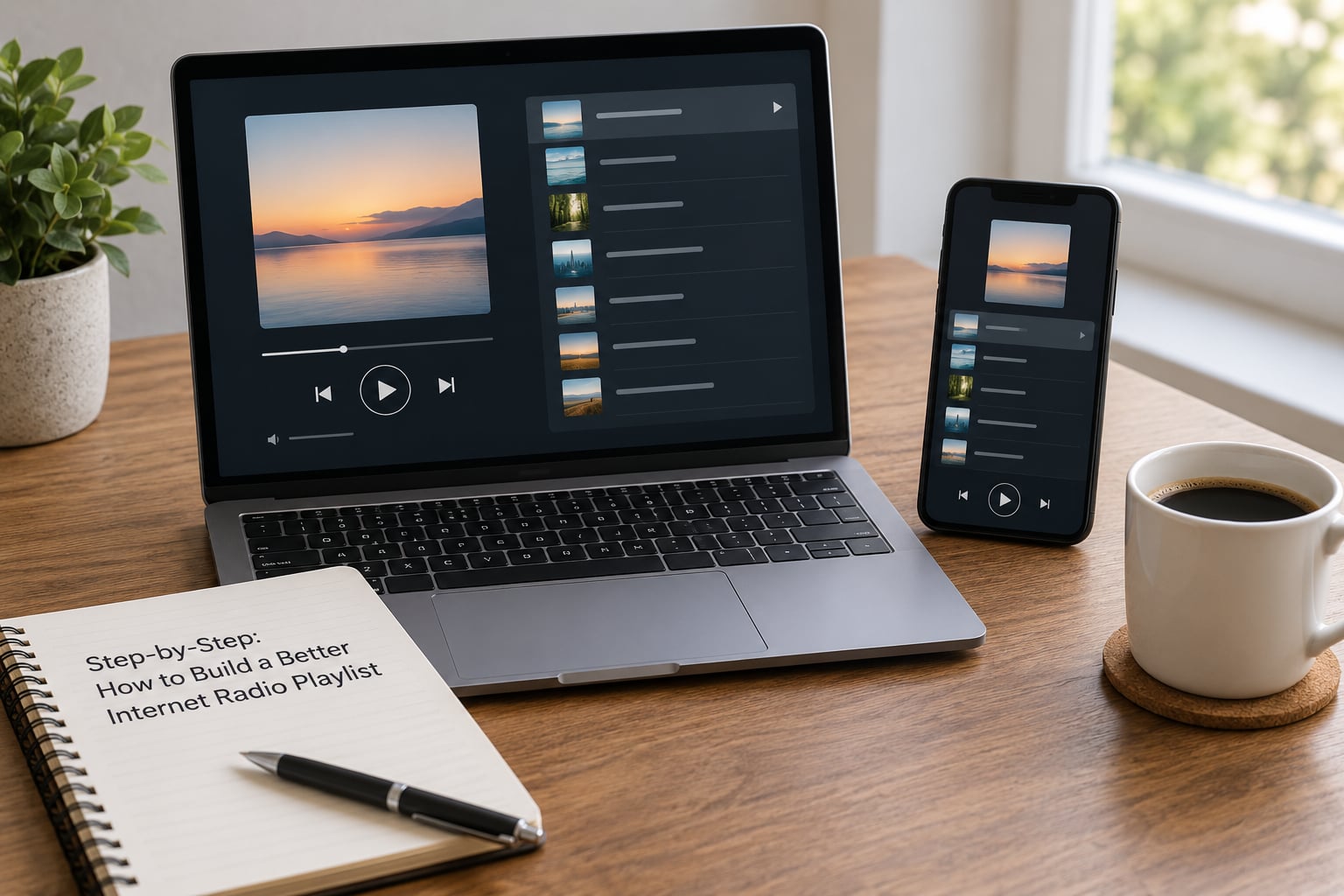
Set Your Listening Goals and Limits
Start by writing down when, where and how long the music plays. A playlist for a 5am shift is not the same animal as one for a Saturday afternoon kitchen, and pretending otherwise is why so many stations feel wrong at one specific hour.
Then pick the job. Does this playlist get you through deep work, get a room moving, sit quietly under conversation, or cover an entire broadcast day? Answer that first, because it decides what you put in and what you leave out.
Set two or three limits while you are here. A hard cap on how many times the same track can play in a day. A rule that no two tracks from the same artist appear in one hour. A note that the overnight hour must stay gentle, because that is when people are trying to sleep.
You will know this step worked when you can describe the playlist in one sentence, for example: bright and upbeat before nine, instrumental and steady through the workday, warm and slower after ten at night.
Choose a Small Set of Reliable Stations
A playlist is built from categories, not from one pile of songs. Four categories cover most formats: high rotation, medium rotation, recurrent and library.
High rotation holds the tracks people request and expect to hear. Medium rotation holds the strong supporting songs. Recurrent holds tracks that come back after a rest of a few weeks or months. The library holds everything else you own and can pull from.
| Category | Approx. tracks | Plays per hour | A listener hears one roughly every | Best for |
|---|---|---|---|---|
| High rotation | 15-20 | 2-3 | 5-7 hours | Recognition and requests |
| Medium rotation | 30-40 | 2-3 | 12-20 hours | The sound of the station |
| Recurrent | 60+ | 1-2 | 1-3 days | Depth without fatigue |
| Library | Everything else | Fills gaps | Weeks | New music and backfill |
The maths behind those numbers is worth holding on to. Onlineradiotraining makes the same point in its high-rotation guide: three high rotation songs an hour across a fifteen-track category means each track plays once every five hours. Robert Johansson’s scheduling notes reach the same place from the other direction, with a six-song category played once an hour returning every six hours.
Pick stations and categories that fit together in sound as well as in number. A category of instrumentals sitting next to a wall of heavy guitar tracks will sound like two stations spliced together, no matter how well the maths works.
This step worked when you can name the categories, roughly how many tracks each holds, and how many plays per hour you have given it.
Balance Familiar Music With Discovery
A playlist that is all familiar gets boring by week two. One that is all discovery gets switched off after ten minutes. The balance is roughly three quarters familiar to one quarter new, and the new quarter matters as much as the familiar part because it is what you are introducing people to.
Give discovery its own category rather than mixing new music into your medium rotation. New tracks have no listener history yet, so mixing them in means they get judged on their first play, which is unfair to both the song and the audience.
Rotation burn is the term for how often a category is allowed to recur. If you want a category to come back only after most of its tracks have played, set the burn to one full pass rather than a partial shuffle. Automation still needs correct rules behind it. Someone running a random, dynamic block on LibreTime reported results they did not like precisely because the rules underneath were loose, not because the software was faulty.
Watch for the rule trap too. A strict artist separation of two hours applied to a category that only turns over every five hours can block an artist from playing at all. Set separation shorter than the category turnover, or not at all.
You will know this step worked when a listener could not point to one song that came round five times an hour, and still recognises most of what plays.
Organize Stations by Mood and Time
Group stations and tracks into named dayparts, then name them the way you will actually think of them at the time. “Focus”, “Energy”, “Evening”, “Weekend” and “Background” are more useful than formal labels because you can call them on a tired Tuesday morning without checking a manual.
| Daypart | Typical times | Listener mindset | Music mix |
|---|---|---|---|
| Commute | 06:00-09:00 | Waking up, not listening closely | High rotation, familiar, moderate energy |
| Workday | 09:00-17:00 | Background company while working | Steady energy, fewer vocals in busy hours |
| Evening | 17:00-22:00 | Attention returns, people choose stations by mood | Broader selection, more new music, warmer sound |
| Overnight | 22:00-06:00 | Low attention, possibly falling asleep | Slow, sparse, quiet, no hard cuts |
Scheduling by hour also solves the complaint that comes up more than any other: the same track landing at 6am, midday, 6pm and midnight every single day. A song placed by position in a flat list lands in the same slot daily, because nothing tells the scheduler that time of day has changed.
The fix is a clock. A song clock is simply a position in the hour, and a power of the hour is a specific track you pin to a specific hour so the schedule has an anchor. Split a longer rotation into several sub-clocks and rotate them across the day, and the pattern changes from hour to hour and day to day.
This step worked when you can name each group, say what time it runs, and describe the energy level of each without hesitation.
Test the Playlist for Variety and Flow
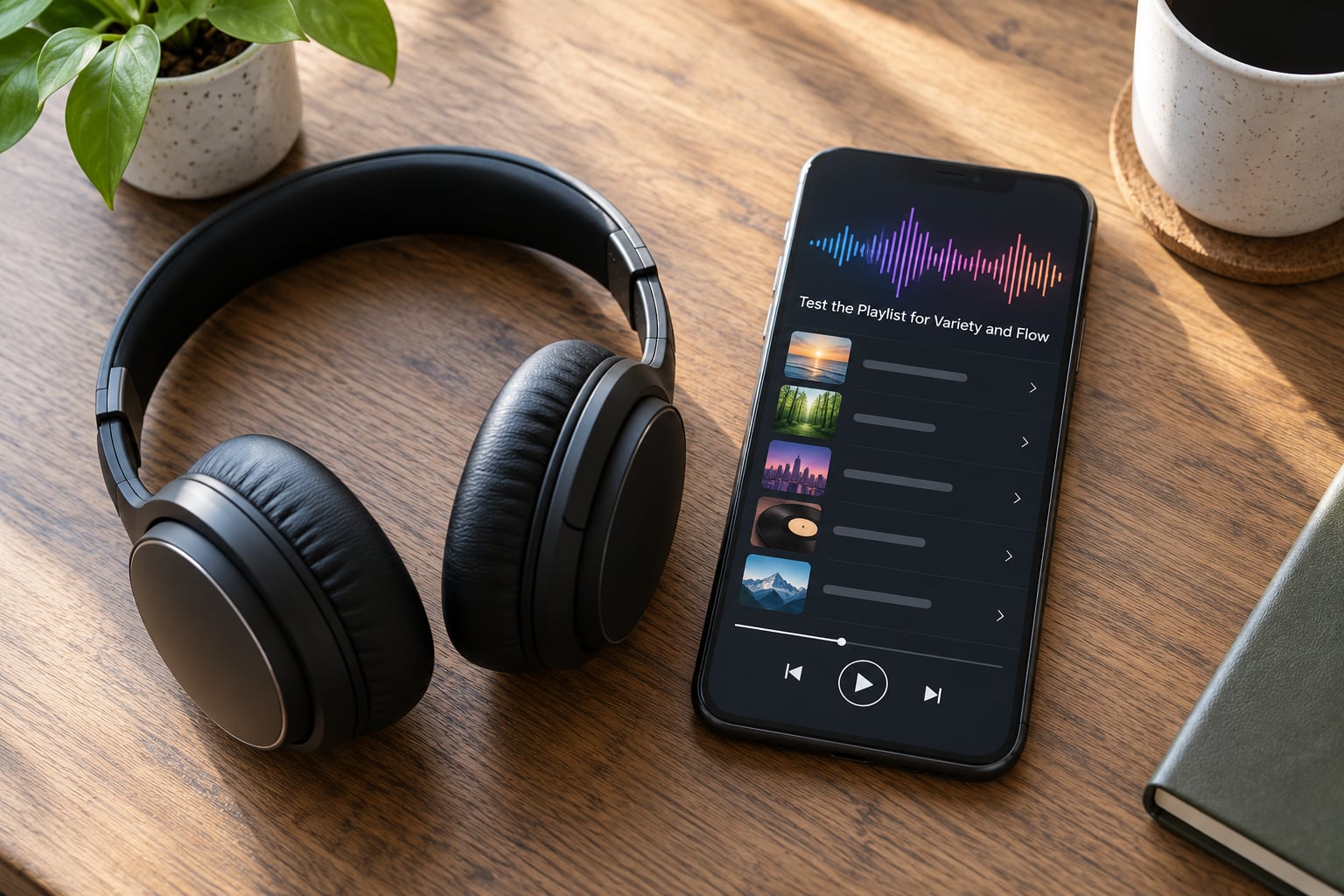
Listen through a full simulated day before you save anything. Do not skip to the parts you know. You are listening for four specific faults.
Excessive repetition. If the same track appears three times in one simulated day, your category is too small or your plays per hour too high.
Abrupt mood shifts. Jump straight from the morning daypart to the overnight one and check nothing jarring sits between them.
Poor stream quality. A low-bitrate stream and a badly mastered file both sound thin, and no amount of good scheduling fixes either.
A mismatch with the setting. Put the focus playlist on and work for twenty minutes. If it pulls your attention, the problem is the track length or the vocal density, not the rotation.
Do the numbers while you are here, because it answers the question nobody else bothers with: how many songs do you actually need? An average track runs about three and a half minutes, so a continuous 24-hour stream needs roughly 411 plays a day. At 410 tracks in your library, that is one pass a day and every track every day. Double your library to about 820 tracks and you are down to roughly one play each per day plus repeats, which is where a station starts to feel fresh. One hundred tracks, by the same arithmetic, is under six hours of music.
This step worked when a full day plays through with no track appearing twice and no gap where you would not want that music.
Save, Schedule, and Refine It
Once the rotation passes, save it as a repeating weekly schedule rather than a single day. Most schedulers let you clone a schedule across days, which is where the discipline starts: each day gets its own variation on the same rule set.
Use favourites and presets on the listener side so the good stuff is one tap away, and mark anything you want to hear more of. Request shows are another route, and they tell you what an audience actually wants in a way no statistic does.
Then schedule a review. Weekly is enough. Look at the now-playing log, check which tracks had unusually high or low completion rates, and act on it.
The pruning rule is simple and worth stating plainly. When a track has had its full run and is starting to wear thin, take it out of high rotation and put it in recurrent. It comes back later, rested, and listeners treat it as a return rather than a repetition. This first-on, first-off movement of tracks between categories is what stops a rotation from calcifying.
Finally, check the licensing position before you broadcast anything to anyone. In the UK, playing music to a public audience means dealing with two separate bodies: PRS for Music on the composition and recording side, and a broadcast licence through PPL and MCPS on the transmission side. A hobby stream is not exempt just because nobody is being paid. Providers sell the technology and no music rights with it, which catches new operators out more often than anything else on this list.
Save, schedule and review is where a playlist starts to improve instead of drifting, so treat the review date as part of the build, not an afterthought.
Common Mistakes
Most tired playlists come from one of a short list of avoidable mistakes. Each has a straight fix.
Building an oversized playlist. Adding everything means nothing gets played often enough to be recognised. Fifteen strong tracks in high rotation beat a hundred that surface twice a week.
Choosing tracks by popularity. A listener count tells you what already works somewhere else. It says nothing about whether the track fits the hour you are filling.
Mixing incompatible moods. Deep concentration music next to high-energy evening tracks produces a schedule nobody can follow. Split them into dayparts.
Saving duplicates. The same track filed twice, or a clean version and an explicit version both tagged as clean, quietly breaks your rotation maths. Sweep for duplicates before every schedule build.
Ignoring stream reliability. A station that drops out mid-song loses the listener before the music matters. Test your stream on mobile data, not just home wifi.
Never pruning. A rotation that only ever grows is a rotation that repeats. Move tired tracks to recurrent every week, even when nothing is broken.
On the listening side, the mirror image of these mistakes is just as common. Using an algorithmic radio with no favourites set, skipping the now-playing history and never making a request all lead to the same result: hearing a narrow handful of tracks repeatedly and assuming the station is bad. Saving a handful of stations you trust, checking what just played when a song catches you, and asking for something occasionally takes a couple of minutes and changes what you hear far more than switching apps does.
Two maintenance habits cover most of the rest. Check your metadata once a month, since a mistagged file only surfaces as a scheduling error later. And keep a short note of anything that worked, because a track that works at 7am on a Tuesday is worth having written down.
Frequently Asked Questions
How many stations should be in an internet radio playlist?
Twelve to twenty is a workable range for a personal or station playlist, organised into four or five named groups rather than one long list. Fewer than eight feels thin once repeats are counted. More than thirty tends to spread attention so widely that nothing becomes recognisable. The right number depends on how many hours you actually listen and how many distinct moods you need to cover, not on how many stations exist.
How do I keep an internet radio playlist from becoming repetitive?
Split your library into rotation categories with different playback rates, then schedule by hour instead of by one flat list. Give high rotation around fifteen tracks played two or three times an hour, keep new music in its own category, and move tired tracks into recurrent so they return after a rest. Planning by hour stops the same track landing in the same slot every single day.
Should I sort internet radio stations by genre or mood?
Sort by mood and time of day. Genre is useful for the library underneath, but the decision listeners make is emotional: is this right for a commute, a focused afternoon or a quiet evening? Name your groups the way you think of them, such as Focus, Energy, Evening and Background, and add genre as a secondary label. That way you can pick a group in two seconds at 6am.
Can I save internet radio stations on different devices?
Yes. Most apps and smart speakers let you favourite a station, and most listening apps sync favourites across a phone, tablet and desktop once you sign in. Preset buttons on hardware receivers store a smaller fixed number, usually eight or ten. Some directory sites also generate a single link that bundles several stations, which works well if you mostly listen on one device.
How often should I update my internet radio playlist?
A weekly review is enough, and it is the single habit that keeps a playlist improving. That is how to build a better internet radio playlist over months rather than a week: check the now-playing log, move worn tracks into recurrent, add new music to the rotation category, and confirm nothing has drifted out of its daypart. Bigger changes belong to the seasonal schedule rather than the weekly one.
What is the best way to discover new internet radio stations?
Start from a genre or a mood rather than a popularity chart. Browse the category pages on the directories you already use, listen for about ten minutes, then check what the station is actually scheduling rather than who it signs. Community and local stations often have the more interesting rotation because they are built by hand. Following a couple of presenters on request shows also surfaces stations without any searching.
Start With Three Stations and Build From There
Pick three stations tonight: one you already know and trust, one that plays something you would not have chosen yourself, and one built for a specific moment, such as a late-night or early-morning slot. Save each one under a clear name so you can find them again.
That is the whole first session. Listen for a week before adding anything, and note what you skipped. What you skip is your real answer about what the playlist is missing.
From there, add a fourth station only when you have a specific gap to fill. Build the rotation category by category, schedule by hour rather than by one long list, and give yourself a weekly review to move tired tracks into recurrent. That routine is what turns a pile of stations into a playlist other people keep coming back to.