Updated October 2026
A typical internet radio stream running at 128 kbps uses about 57.6 MB of mobile data an hour, so two hours of listening on the way to work costs roughly 115 MB a day and around 3.5 GB a month. That is the whole game: pick the right stream quality, block background cellular use, and know your plan’s high-speed threshold before you press play.
Below is the process I use when a data cap is getting tight. It takes about ten minutes to set up once, and after that the stream behaves itself.
Table of Contents
- What You Need
- Step-by-Step: How to Stream Radio Over Cellular Without Overages
- 1. Check your mobile data allowance
- 2. Estimate how much data a radio stream actually uses
- 3. Use an official station app or reputable web player
- 4. Choose a lower audio quality when appropriate
- 5. Start with a short test stream
- 6. Turn on OS-level cellular restrictions
- 7. Monitor usage, set alerts and stop background playback when finished
- Common Mistakes That Cause Radio Streaming Overages
- Tips for Staying Within Your Data Limit
- Frequently Asked Questions
- How much cellular data does streaming radio use?
- Can I prevent my carrier from charging radio-streaming overages?
- Does lowering radio stream quality reduce data use?
- Will streaming radio keep running in the background?
- Do unlimited data plans have a limit?
- Can I listen to radio without using mobile data?
- Conclusion
What You Need
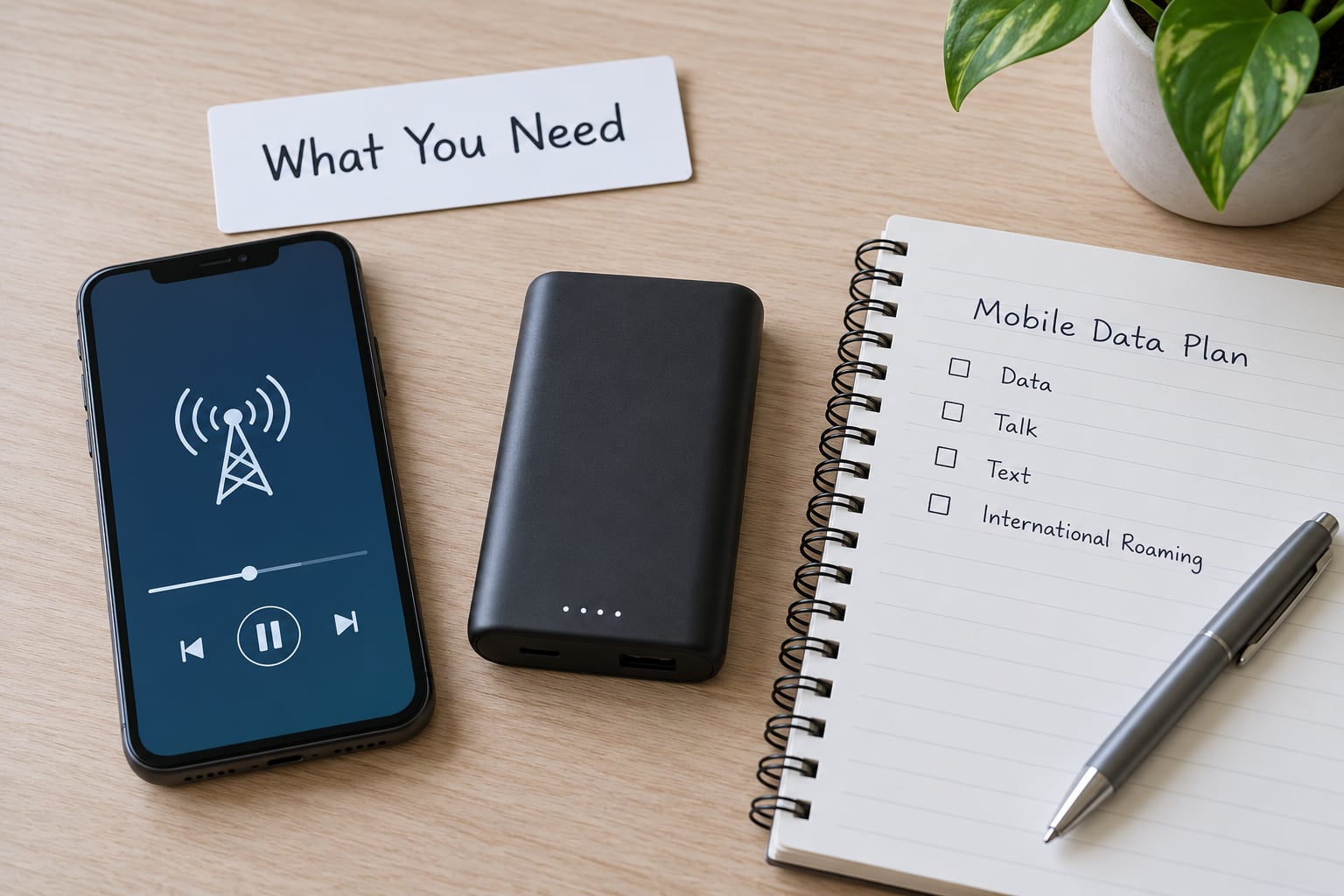
- A smartphone or mobile device with the latest iOS or Android release installed. An older OS often lacks the per-app cellular controls this process relies on.
- Cellular service from a carrier, plus a clear idea of which plan you are on: a capped allowance, an unlimited plan, or a prepaid bundle with a validity window.
- A radio app or a reputable web player. TuneIn Radio, iHeartRadio, Radio.com, Radiomanager and BBC Sounds all publish their own streams, and the station’s own app is usually the most efficient route.
- Reliable station access. A station you can already reach on Wi-Fi before you rely on it over cellular, so buffering is not mistaken for a data problem.
- Access to your carrier’s usage controls. Every major US carrier shows current usage, a usage alert threshold and overage pricing inside its app or account dashboard. Find that screen before you need it, not during a panic.
Step-by-Step: How to Stream Radio Over Cellular Without Overages
1. Check your mobile data allowance
Open your carrier’s app or sign in to the account dashboard. You are looking for four numbers: the data included in your plan, how much of it you have already used this cycle, where high-speed data ends, and what happens after that point.
The fourth number is the one people miss. On a capped plan, going past your allowance usually means paying per megabyte or per gigabyte until you buy more data. On an “unlimited” plan, the traffic is not stopped outright in most cases; it gets deprioritised behind other customers on the same tower, and after a certain threshold some carriers throttle streaming specifically. Audio streams are small enough that many people never reach it, but heavy users on congested areas can.
If the dashboard is unclear, call the carrier and ask them to read you the high-speed threshold and the overage rate directly. It saves guessing.
2. Estimate how much data a radio stream actually uses
The math is simple, and once you have done it once you never need a calculator again. Bitrate is measured in kilobits per second. Multiply by seconds, divide by eight, and you have megabytes.
So a 128 kbps stream for one hour is 128 multiplied by 3600, divided by eight: 57.6 MB. Protocol overhead for the connection adds a small amount on top, so treat these figures as close to what your carrier’s counter will show.
| Stream bitrate | MB per hour | MB per 2-hour day | GB per 30 days at 2 hours a day |
|---|---|---|---|
| 64 kbps | 28.8 MB | 57.6 MB | 1.7 GB |
| 96 kbps | 43.2 MB | 86.4 MB | 2.6 GB |
| 128 kbps | 57.6 MB | 115.2 MB | 3.5 GB |
| 192 kbps | 86.4 MB | 172.8 MB | 5.2 GB |
| 320 kbps | 144 MB | 288 MB | 8.6 GB |
Those last-column figures assume two hours of listening every single day, which is roughly a heavy commute. One commuter who listens for forty minutes on the way to work and forty minutes back uses about 1.4 GB a month at 128 kbps, and about 1.1 GB at 96 kbps. Radio is cheap; it is just not free, and the number scales linearly with time.
One caveat: a station’s own app stream and its website stream are often encoded differently, sometimes even by a different broadcaster, so the figure that matters is whatever that station actually serves. Treat the table as a good estimate rather than a promise.
3. Use an official station app or reputable web player
Start with the station’s own app. It usually publishes a modest bitrate by default because the broadcaster pays for every stream they serve, and many apps expose a quality menu so you can pick a lower tier yourself.
If you use a browser player instead, check whether it offers a quality selector before you start. Some web players pick the highest available stream automatically. A page reload after a dropped connection can also start a fresh stream at full bitrate, so restarting a broken connection repeatedly is quietly expensive in data.
One more thing to check while you are in there: whether the app caches audio for offline playback. If it does, playing a cached show later costs zero data even with cellular switched off.
4. Choose a lower audio quality when appropriate
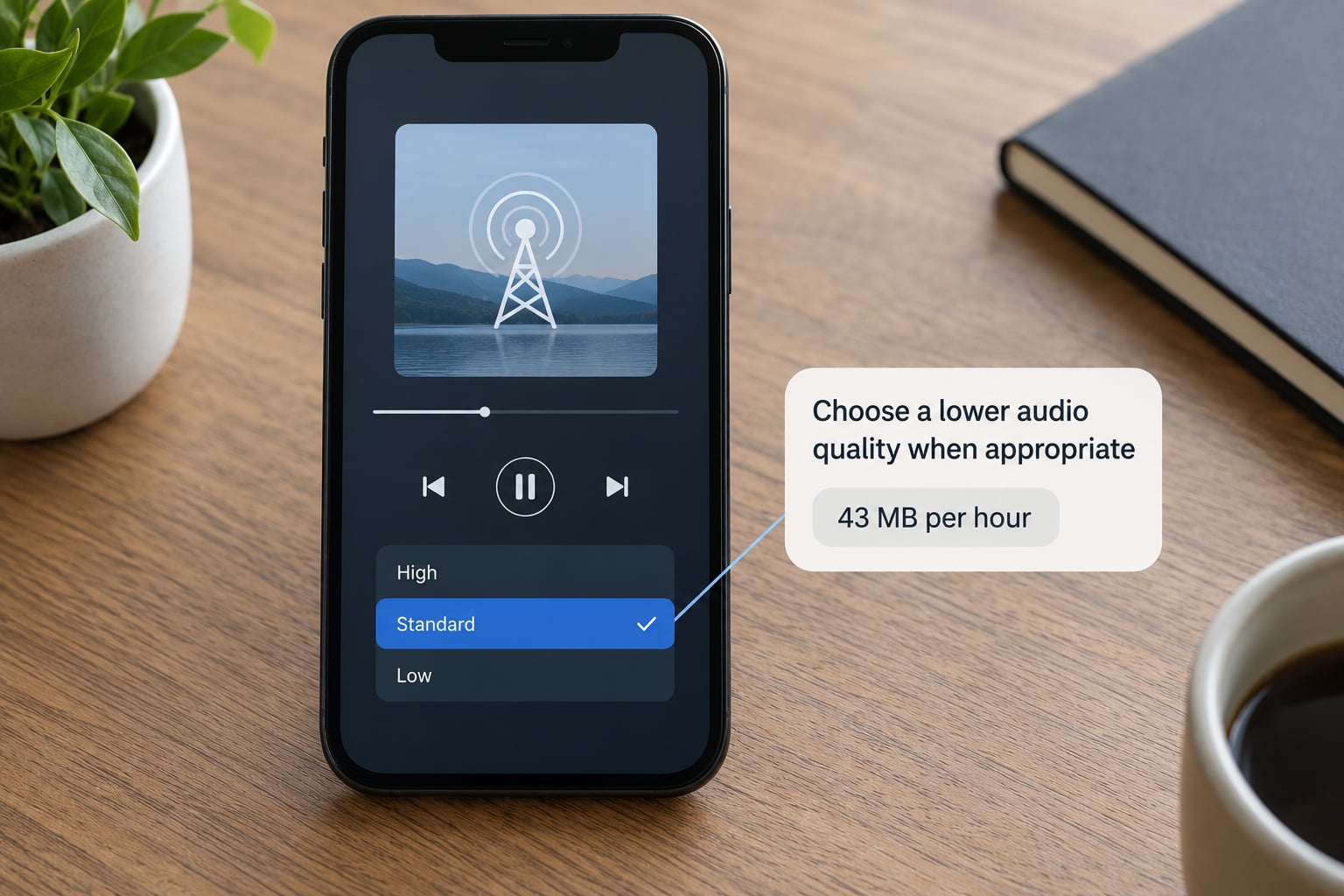
Dropping from 128 kbps to 96 kbps cuts usage by a quarter. Going to 64 kbps cuts it by half again. For spoken-word stations, local news and anything with a single presenter, 64 kbps is genuinely fine, because most speech content has very little high-frequency information to begin with.
For music you will notice the difference. 96 kbps sounds noticeably softer and duller on cymbals and strings than 128 kbps. My compromise is 96 kbps on cellular during the week and full quality on Wi-Fi at home, which is what most radio apps default to when you set a “Wi-Fi only, high quality” rule.
Lower bitrate also helps in poor coverage. A 64 kbps stream is far easier for a rural phone to hold onto than a 320 kbps one, so quality reduction often fixes buffering as a side effect.
5. Start with a short test stream
Run two or three minutes before a long drive. Check that the audio is steady, that it does not drop out, and that your data counter moves by roughly the amount the bitrate predicts.
At 128 kbps, three minutes should land near 2.9 MB. If your counter jumped far beyond that, something else was running: automatic video playback on a social app, a podcast syncing in the background, or the player sitting on a higher stream than you selected. If the audio stutters, step the quality down one tier before trying anything else, because a stall on cellular is usually a bandwidth problem rather than a data cap problem.
6. Turn on OS-level cellular restrictions
This is the step that stops the quiet leaks, and it works at the system level rather than inside one app.
On iPhone, open Settings, then Cellular, scroll to the app you listen with, and switch Allow Cellular Data off. Open Settings, Cellular and Cellular Data Options and turn on Low Data Mode as well. Low Data Mode also pauses background downloads and updates across every app, which is useful when your remaining allowance is small.
On Android, open Settings, Network and internet, Data Saver and turn it on. Data Saver blocks background data for apps that are not in your unrestricted list. For a single app, go to Settings, Apps, choose the radio app, then Data usage and set Mobile data to off.
Whichever platform you are on, these settings are reversible in about ten seconds, so the risk of locking yourself out of something is very low. They also mean you can keep the app installed for Wi-Fi listening while cellular is off for it entirely.
7. Monitor usage, set alerts and stop background playback when finished
Set a usage alert in your carrier’s dashboard at roughly the point where you want to be told. Most carriers let you choose a percentage or a gigabyte figure, and they will text you when you reach it. A text arrives while you are driving; a surprise bill arrives a month later.
For a per-app view, iPhone users get it under Settings, Cellular and then the app entry, which shows total cellular use per app since the counters were reset. Android shows the same under Settings, Apps, then the app’s Data usage entry. Neither gives you a live real-time counter, so the practical routine is to glance at the carrier dashboard before and after a listening session.
Finally, end the stream deliberately. Swipe the player away or hit stop, rather than just locking the screen. A live stream has no natural end, so a session that starts at 7am and is never stopped can run all day. Background playback also behaves differently on car systems: a head unit reconnecting after a CarPlay drop will often resume the last stream without asking, so if you have watched a head unit pick the station back up by itself after the connection returned, you have seen exactly this.
Common Mistakes That Cause Radio Streaming Overages
Ignoring the high-speed threshold. This is the big one. People read “unlimited” and assume audio is included at full speed forever. In practice the threshold exists, and past it streams can be deprioritised or throttled on some plans.
Leaving the stream running in the background. A live radio feed never times out. A screen lock does not stop it, and neither does switching apps on many devices. If you are not listening, stop the stream.
Running maximum quality by default. A 320 kbps stream costs two and a half times what 96 kbps costs for the same hour. On a car commute you hear most of that quality gap and none of the cost benefit.
Mistaking kilobytes for megabytes. Carrier counters switch units mid-cycle and can display KB, MB and GB in different places. 1,024 kilobytes is one megabyte, and that gap is where people lose track of what they have spent.
Not enabling a usage alert. Most overages happen in the last ten days of a cycle when nobody is checking. One text removes the guesswork.
Assuming a buffering fix is free. Some players respond to a stall by raising the bitrate to keep the buffer full, which does the opposite of what you want on a capped plan.
Tips for Staying Within Your Data Limit
Worked example: budgeting an allowance you already have
Say you have 5 GB remaining and a 40-minute drive each way, five days a week. That is about 3.3 hours of listening a week and roughly 14 hours a month.
At 128 kbps that is 14 multiplied by 57.6 MB, so around 806 MB, comfortably inside 5 GB. At 320 kbps the same month costs just over 2 GB. Even at the top quality you would not break the allowance, which is exactly the point people miss: radio is one of the cheapest streaming activities there is, and overages almost always come from something else running alongside it.
Know where the data actually goes
| Activity | Approximate data per hour | Note |
|---|---|---|
| Internet radio at 128 kbps | 57.6 MB | Live stream, continuous use |
| Music subscription on a high-quality setting | around 115 MB | Lossless or hi-res tiers are far heavier |
| Spoken-word podcast download | One-off cost per episode | Replayed offline at zero data |
| Standard-definition video | roughly 700 MB | The real drain on a mobile plan |
| Automatic video autoplay in a feed | Varies widely | The usual surprise on a capped plan |
Video, and especially autoplay video in social feeds, is what eats an allowance. Radio sitting in the background at 96 kbps for eight hours costs under 350 MB.
Listen with zero data when you can
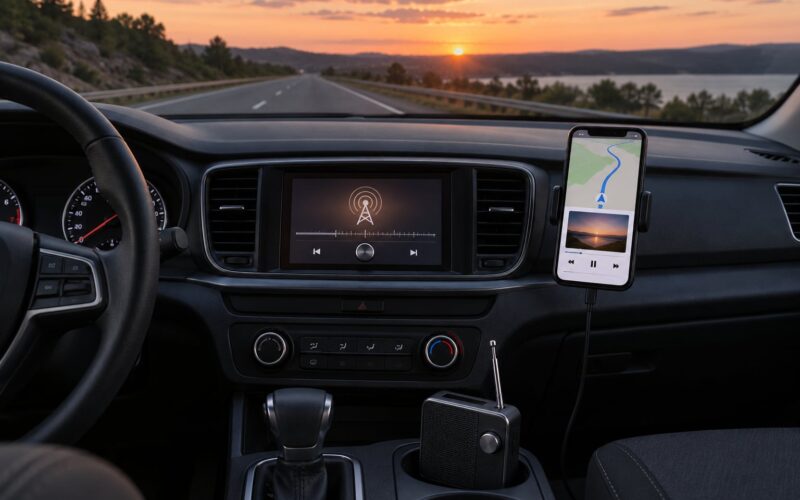
If a local FM or DAB+ signal reaches you, that is genuinely free listening, and a USB or Bluetooth car receiver is a straightforward route for a phone-free drive. For podcasts and pre-recorded shows, download over Wi-Fi and play offline. Both are worth having in your pocket for the day the allowance runs down.
Shorten long sessions on the road
A long-haul driver listening for six hours a day at 128 kbps uses about 1 GB a week. Switching to 64 kbps on those drives, or scheduling the download-and-listen approach overnight on Wi-Fi, removes most of the cost without changing what you hear very much.
Bluetooth and car audio
Streaming from your phone to a head unit over Bluetooth re-encodes the audio, which can dull the sound slightly. It does not meaningfully change the data figure, since the stream itself is unchanged, but a phone playing through the car speakers and then through Bluetooth is simply spending twice as long on a stream. Plugging in instead avoids the extra encode.
Watch roaming costs
Outside your home country, cellular data can be charged at a very different rate or come from a different bundle entirely. Check your roaming terms before streaming radio abroad, and use offline downloads for the flight and the first day of the trip.
Frequently Asked Questions
How much cellular data does streaming radio use?
A standard 128 kbps internet radio stream uses about 57.6 MB an hour. At 96 kbps it is around 43.2 MB an hour, and at 64 kbps roughly 28.8 MB. Two hours a day at 128 kbps therefore costs about 115 MB daily, or roughly 3.5 GB across a 30-day month. Stations encode at different bitrates, so treat these as close estimates.
Can I prevent my carrier from charging radio-streaming overages?
Mostly by staying under your high-speed threshold rather than by avoiding radio. Set a usage alert in your carrier’s dashboard, turn on Low Data Mode on iPhone or Data Saver on Android, switch your radio app to a lower stream quality, and turn its cellular data permission off entirely if you would rather use it on Wi-Fi only.
Does lowering radio stream quality reduce data use?
Yes, directly and proportionally. Halving the bitrate roughly halves the data. Moving from 320 kbps to 128 kbps cuts consumption by 60 percent for the same listening time. Spoken-word stations and local news are comfortable at 64 or 96 kbps; music loses noticeable detail below 128 kbps, especially on cymbals and strings.
Will streaming radio keep running in the background?
Usually yes. Live radio streams do not end on their own, and on many phones locking the screen or switching apps leaves the audio playing on cellular. Car systems are worse: a head unit reconnecting after a CarPlay drop often resumes the previous stream on its own. Stop the player explicitly when you finish, rather than relying on the screen locking.
Do unlimited data plans have a limit?
They have a threshold rather than a hard stop in most cases. Once you pass a certain volume, your traffic can be deprioritised behind other customers, and some carriers throttle streaming services specifically. A 128 kbps radio stream uses about 1.4 GB a month, so an average listener rarely reaches a typical threshold, but heavy users on busy networks can.
Can I listen to radio without using mobile data?
Yes, in three ways. Use an FM or DAB+ receiver for broadcast stations, download podcasts and shows over Wi-Fi and play them offline, or listen on Wi-Fi only with the radio app’s cellular permission switched off. Cached stations inside an app also play at zero data once the buffer is in place.
Conclusion
Check what you have remaining on your plan, then pick the bitrate that matches it: 96 kbps on cellular for a capped plan, full quality on Wi-Fi. Test three minutes and confirm the counter moves as predicted, leave Low Data Mode or Data Saver switched on, and stop the stream when you stop listening. That sequence takes ten minutes once and removes almost every overage risk.