To listen to K-pop radio shows, pick a route and open its official stream: install a K-pop radio app or use a directory platform such as radio.net, AccuRadio or OnlineRadioBox for continuous DJ-curated music, then use the KBS, SBS, MBC, tvN or Arirang websites for scheduled shows with real hosts. Either way you need a device, a decent connection and a player that handles live audio.
This guide walks through how to listen to K-pop radio shows on each route, live and on demand, and the first setup takes about ten minutes.
The catch is that most search results blur two different things. A K-pop music stream is continuous, algorithmically programmed music with no talking. A K-pop radio show is a scheduled broadcast with a named DJ, fan call-ins, interviews and chart segments.
Fans on r/kpophelp keep asking for the second one and keep getting handed playlists for the first. That thread has been running since 2019 with no proper answer, which tells you the gap is real.
Table of Contents
- What You Need
- Step-by-Step: How to Listen to K-Pop Radio Shows
- Common Mistakes
- Frequently Asked Questions
- Can I listen to K-pop radio shows in my car without a Korean FM signal?
- Where can I listen to Korean radio online for free?
- Which K-pop radio station is available in New York City?
- Why does my K-pop radio stream keep buffering or go silent?
- What is the difference between a K-pop music stream and a K-pop radio show?
- Do Korean radio show schedules change, and how do I keep up?
- Conclusion
What You Need
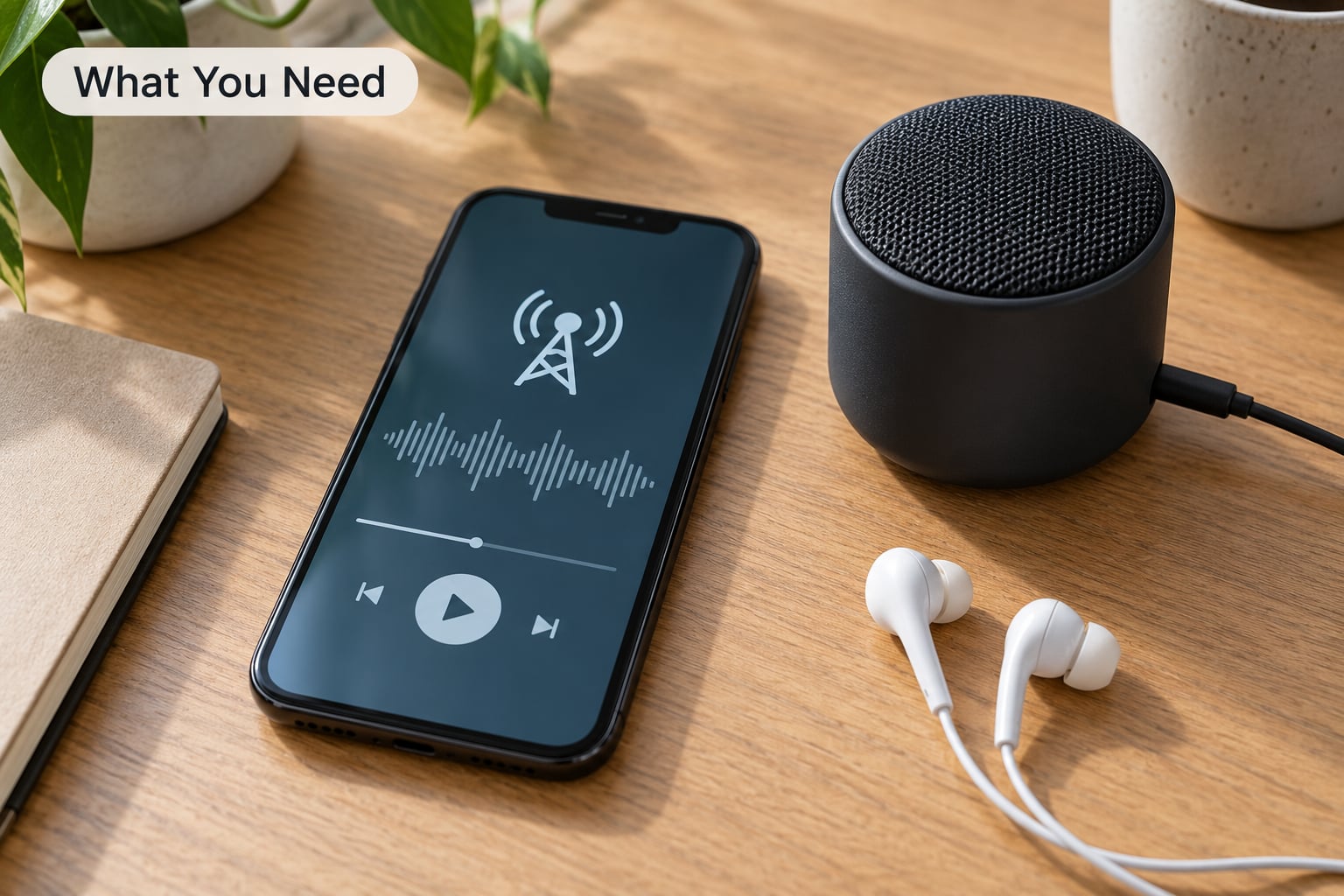
Three things, and only one of them is complicated.
1. A way to receive audio. For live Korean radio that is a phone, tablet, laptop or smart speaker running an app or a browser tab. For the same content in a car it is an FM tuner with the right frequency, or a car system that plays phone audio over Bluetooth, CarPlay or Android Auto.
2. A connection you trust. Wi-Fi is easiest. Mobile data works fine, but a 128 kbps stream runs roughly 1 GB an hour, so a long commute on cellular adds up. Nobody signs up for anything on any route below.
3. A player that handles live streams. Any mainstream radio directory app works. The official broadcaster apps often need a Korean-region store account, which is the one real obstacle for listeners abroad.
Here is what each route actually gives you, and where it tends to let you down.
| Platform | What you get | Account needed | Best for | Region limits |
|---|---|---|---|---|
| radio.net | Thousands of live stations, genre and country filters | No | Finding something new quickly | None, though a few stations drop out in some regions |
| AccuRadio | Hand-built K-pop channels by era, unlimited skips, Alexa and Sonos | Optional | Background music with no schedule | None |
| TuneIn | Large directory plus on-demand show episodes | Optional for free stations | Catching archived episodes | None for the directory |
| MyTuner Radio | Directory with a schedule view for each station | No | Seeing when a show airs before you tune in | Some K-pop stations listed by region |
| OnlineRadioBox | K-pop genre page with many small station streams | No | Niche channels run by fans | Quality varies a lot by station |
| Arirang Radio | Official English-language K-pop and K-culture programming | No | Listeners outside Korea who want spoken English | Occasional stream drops at peak times |
| KBS, SBS, MBC and tvN sites | Official DJ shows with archives and schedules | No for web players | Named hosts and fan call-ins | Apps can be store-locked to Korea; web players usually work |
| iHeart and podcast apps | On-demand interview shows, chapters and timestamps | Free account | Fandom and behind-the-scenes listening | None |
My honest read: install one directory app for music, and bookmark one official broadcaster page for shows. Two habits, two jobs, no overlap.
One thing worth saying up front: broadcaster websites and official show pages are the only trustworthy place for schedules. Fan wikis and Reddit trackers are useful, but they rot fast because hosts change and slots get shuffled between seasons.
Step-by-Step: How to Listen to K-Pop Radio Shows
1. Choose Whether You Want Live Radio or On-Demand Listening
Live radio means tuning in while it airs. You get the countdown, the fan calls you cannot rewind, and the album drop segment the moment it happens. The downside is that a two-hour show disappears unless the station posts a recording.
On-demand listening means episodes you start whenever you want. Most DJ-led K-pop shows now drop an audio version within hours of broadcast, often first on the broadcaster’s own site and then on YouTube and podcast apps. The trade is you lose the live chat-in-the-moment feeling.
There is a third option that suits some people better: a curated K-pop channel. AccuRadio runs era-based channels such as Today’s K-pop and Third Generation K-pop, and radio.net has similar hand-built channels. No DJ talk, no schedule, just music. Good for background work; unsatisfying if you wanted the conversation.
My rule: pick live for a group comeback week, pick on-demand for regular listening.
2. Find a Legitimate K-Pop Radio Station or Program
Korean terrestrial radio is built from three broadcaster groups plus cable. Knowing them makes everything else easier to look up.
KBS runs Cool FM, the station most K-pop fans mean when they say Korean radio. SBS runs Power FM. MBC runs FM4U. tvN is cable rather than radio but its music shows reach a wider audience. Arirang Radio is English-language and the most accessible entry point outside Korea.
Named hosts matter more than station names. r/kpophelp users organise around people, not frequencies: KBS Cool FM’s Park Myung-soo show, Lee Eun-ji’s Gayo Plaza on KBS, MBC’s Kim Shin-young’s Hope Song at Noon, SBS’s Cultwo Show. If you follow the host, you follow the schedule automatically.
How do you spot a trustworthy source? It publishes a weekly grid with Korean Standard Time on it, links out to the broadcaster’s own player, and gets updated when a show moves. Fan wikis usually fail the third test.
Searching in Korean helps more than people expect. Typing a station name the way it is written in Hangul surfaces the broadcaster’s own pages rather than third-party reposts, which is what you want when you already know which show you are after.
The same broadcaster groups run music television, and those shows behave differently from radio. K-pop Up Chart Show, Immortal Songs, MBC Show! Music Core and SBS MTV The Show are chart programmes built around a studio audience and performance slots, so they follow episode schedules rather than live slots. Arirang Radio recaps a lot of that chart-show content, which is part of why it dominates English-language searches.
3. Open the Show in a Compatible App or Browser
Directory apps are the smoothest route. Install radio.net, TuneIn, MyTuner Radio or OnlineRadioBox, search for the station or the K-pop genre, and press play. Search results vary by region, so searching the exact station name such as “KBS Cool FM” beats browsing the genre list.
For the official route, go to the broadcaster’s own website rather than hunting for a stream link someone reposted. KBS, SBS, MBC and Arirang all publish a live player and usually a schedule. If the page looks thin or the audio will not start, that is usually the regional restriction rather than your setup.
Smart speakers are the easiest long-term fix. Sonos, and Alexa-based setups, both handle the popular directory stations through their own skill or service, so you get hands-free listening in the kitchen without touching a phone.
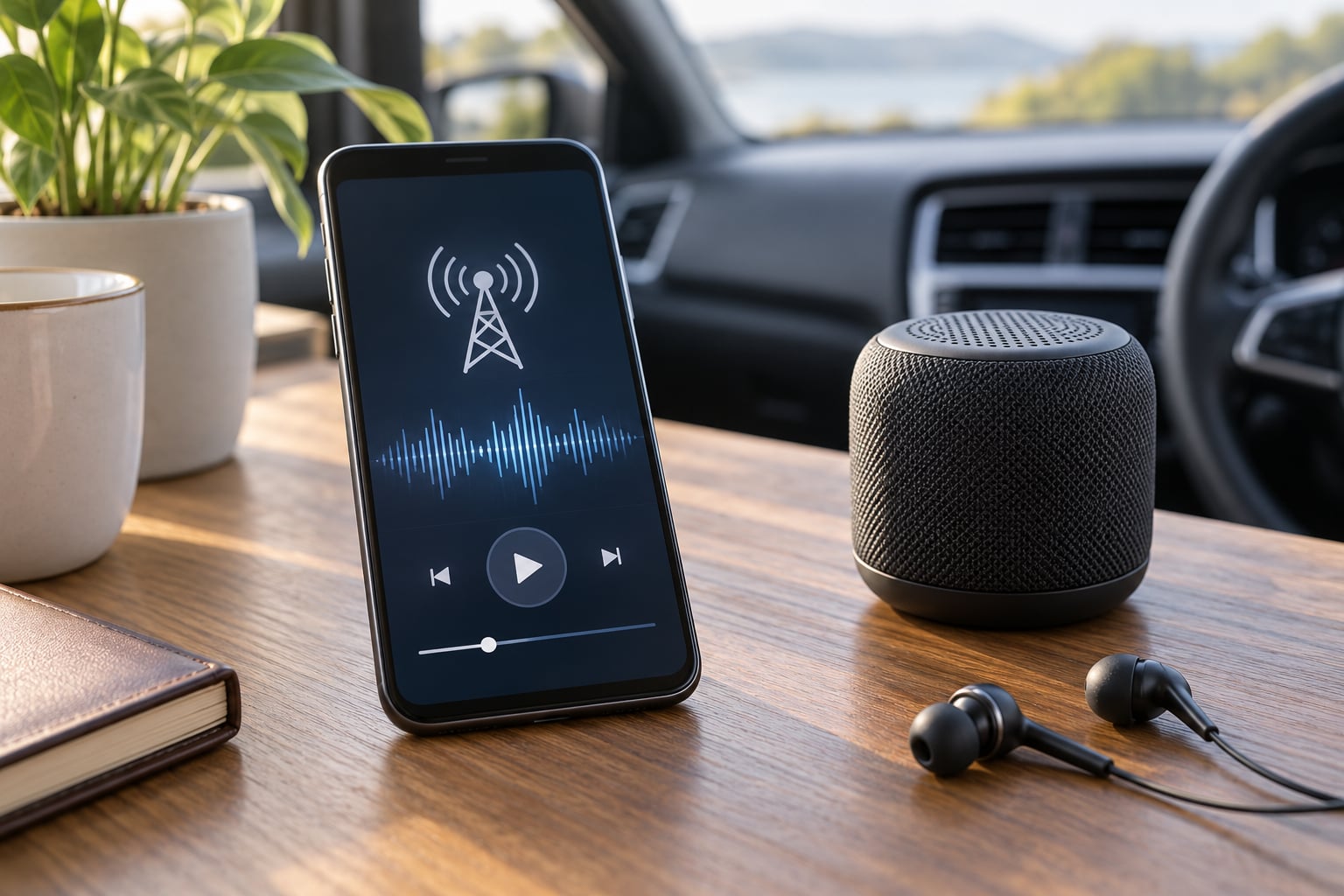
Cars work differently, and it is worth being specific. Bluetooth audio is the least fussy option: pair once, then your phone plays any app through the car speakers. CarPlay and Android Auto do the same thing with better control, since the stream appears in the car’s own app list and keeps playing when you lock the phone. FM tuning is the exception, not the rule.
A tuner only reaches you if a station with the right frequency is broadcasting over the air where you are. Korean stations such as KBS Cool FM and SBS Power FM are licensed for South Korea, so their FM signals simply do not travel. What you can do is check whether a local station runs a K-pop block, or use a USB FM receiver with a manual tuning dial to walk the band. Community and university stations in cities with large Korean communities are the most likely place to find one.
The practical answer for most drivers is the phone. Start the stream before you pull out of the driveway, because hunting for a station while moving is both annoying and a distraction.
Once it plays, set the volume in the player rather than the device volume. Live streams often start quieter than music services, and pushing the device to maximum leaves you with no headroom later.
4. Check the Schedule and Time Zone
Everything on an official K-pop radio show schedule is in Korean Standard Time, which is UTC+9 with no daylight saving. That single fact causes most of the confusion.
Korea is ahead of New York by 13 or 14 hours depending on daylight saving, and ahead of London by 8 or 9. So a show that airs at 8pm KST on a Monday lands at 7am New York time or noon in London that same day, depending on the week. A quick converter saves the guesswork.
Then check whether the slot repeats. Many stations run a first broadcast and a next-day repeat, so a missed Monday is not necessarily a missed appearance. Some shows also rotate guests weekly, which means the schedule page is the only reliable way to know who is on.
For fan tracking, r/kpophelp and r/kpop threads are where people post direct links to specific appearances once they air. Treat those as a bonus, not as your schedule.
One scheduling trick worth adopting early: if you want to follow a particular group’s radio appearances, find its fan community and watch which show announcements get posted there. Comeback promotions are usually booked into a handful of recurring slots, so once you know that a group tends to appear on one host’s Monday show, you can set the reminder once and stop checking.
5. Test the Audio and Save the Show
Give it two minutes before judging it. Streams often start at low quality and step up once they settle, and the first few seconds of a clip or an ad can sound worse than the show.
If the audio stays thin or cuts out, switch from Wi-Fi to mobile data or the other way round. Close other streams running in the background, and if you are on a phone, check that a battery saver is not throttling the connection.
On data use: most directory apps let you pick a stream quality. Choosing the lower option when you are out and about roughly halves the data for a small difference in sound. Turning on background play means you can lock the screen, which saves battery on most phones.
Then save it. Subscribe to the show’s podcast feed if one exists, bookmark the broadcaster page, and add the show to your radio app’s favourites. Next week the show is already in your list instead of something you have to search for again.
Common Mistakes
Treating a playlist as a radio show
An algorithm mixing tracks by mood is not a DJ-hosted broadcast, and treating it as one is why listeners end up disappointed. If you want someone talking to fans, follow named shows. If you want wall-to-wall music, use a curated channel and stop looking for interviews.
Ignoring the time zone
Almost every missed appearance comes down to forgetting that the schedule is Korean time. Set your phone to a second time zone if you travel, and check the conversion once so you know roughly when a 6pm KST slot lands where you live.
Using an app built for a different purpose
Apps that claim to be K-pop radio are often single-channel wrappers that go silent when the underlying source fails. Directory apps with many stations are more reliable because failures affect one station rather than your whole setup.
Trusting an old schedule
Slots move. Shows end, hosts rotate out and stations rebrand. Check the date on whatever schedule you found and confirm it on the broadcaster’s own page before planning around it.
Playing unofficial uploads of full broadcasts
Channels reposting entire shows tend to disappear without warning and sometimes carry the wrong audio. The broadcaster’s own archive is more reliable, and it is the version the station still supports.
A few habits help across all of these: run one stream at a time, set up your shows on Wi-Fi once before you leave home, and keep the official page bookmarked so you can fall back to it when a third-party player fails.
On regional lock, one clarification saves a lot of confusion. A broadcaster app that will not install usually means the app store account is set to a Korean region, which is a different problem from the stream itself being blocked. You do not need to change anything about your connection to fix it; you need the web player or a directory app carrying the same station instead.
And on data: a two-hour show on mobile data at standard quality is roughly 2 GB, which is more than many phone plans want to spend on background music. Wi-Fi while you are at home, lower quality while you are out, and you will barely notice the difference.
Frequently Asked Questions
Can I listen to K-pop radio shows in my car without a Korean FM signal?
Yes. The easiest route is a car system that plays phone audio: Bluetooth, Apple CarPlay or Android Auto. Install a K-pop radio directory app on your phone, start the stream before you drive, and it plays through the car speakers. If you prefer a real tuner, look for a K-pop channel broadcasting on FM in your area, or a USB FM receiver you can tune manually.
Where can I listen to Korean radio online for free?
Directory platforms such as radio.net, AccuRadio, TuneIn, MyTuner Radio and OnlineRadioBox all host free K-pop and Korean music channels, and most do not ask you to create an account. Official broadcaster sites such as Arirang Radio and the KBS, SBS and MBC websites also offer free live players. The broadcaster apps sometimes require a Korean-region store account, so the web player is the easier route from abroad.
Which K-pop radio station is available in New York City?
Local FM stations rarely carry a dedicated K-pop channel, so New York listeners usually go online. A directory app with a 24/7 K-pop channel gives you continuous music with no schedule, while the official broadcaster streams from KBS, SBS, MBC and Arirang give you scheduled shows with real hosts. Some New York-area community stations occasionally run K-pop blocks, which are worth checking local station schedules for.
Why does my K-pop radio stream keep buffering or go silent?
Buffering usually means a weak connection or several streams competing at once. Close other audio apps, switch between Wi-Fi and mobile data, and choose a lower stream quality. A silent stream is more often a regional restriction on an official broadcaster app than a problem with your phone. Switching to a directory platform with several K-pop channels gives you alternatives that work when the official player does not.
What is the difference between a K-pop music stream and a K-pop radio show?
A music stream is continuous, DJ-curated playback with no talking and no fixed schedule, which is what AccuRadio and radio.net channels provide. A radio show is a scheduled broadcast with a named host, fan call-ins, interviews and chart segments, produced by KBS, SBS, MBC or tvN. Shows are what fans mean when they ask for radio with human DJs, and most drop an audio version after airing.
Do Korean radio show schedules change, and how do I keep up?
They do. Hosts rotate, guest lists change weekly and slots occasionally move between seasons. The broadcaster’s own schedule page is the only source that stays accurate, so check it rather than relying on a fan wiki or an old screenshot. Podcast subscriptions and bookmarks help because a show that moves usually keeps the same feed, so you get the new time without having to search for it again.
Conclusion
Start with a directory app for background music, then add one official DJ-hosted show on a schedule you can actually catch. Confirm the time on the broadcaster’s own page, open the stream in the app you will use in the car, and subscribe so the next episode finds you.
Once that one show is set up, the rest is easy. 2026 brings new comebacks every week, and a working radio setup means you hear them on the day.