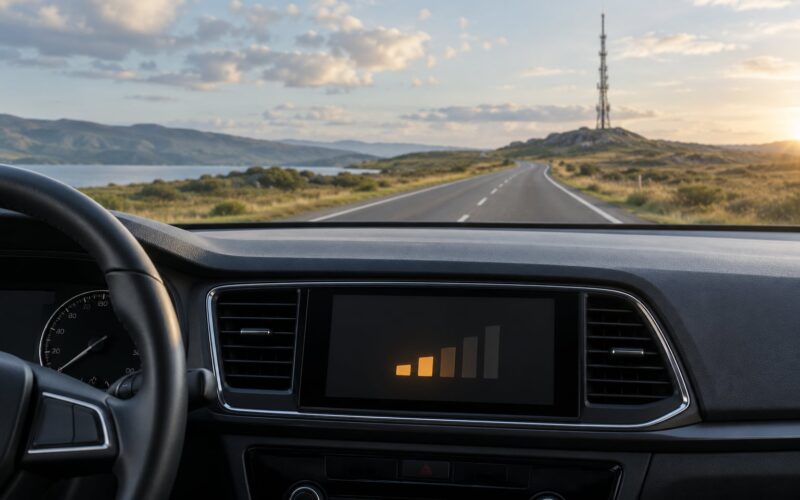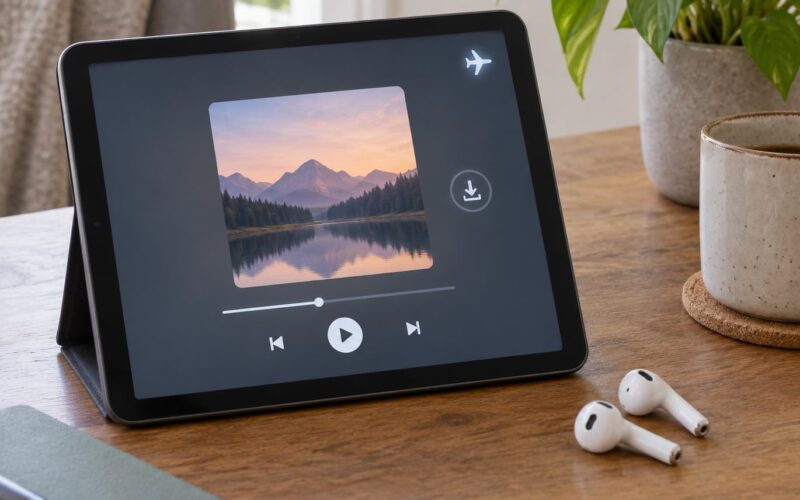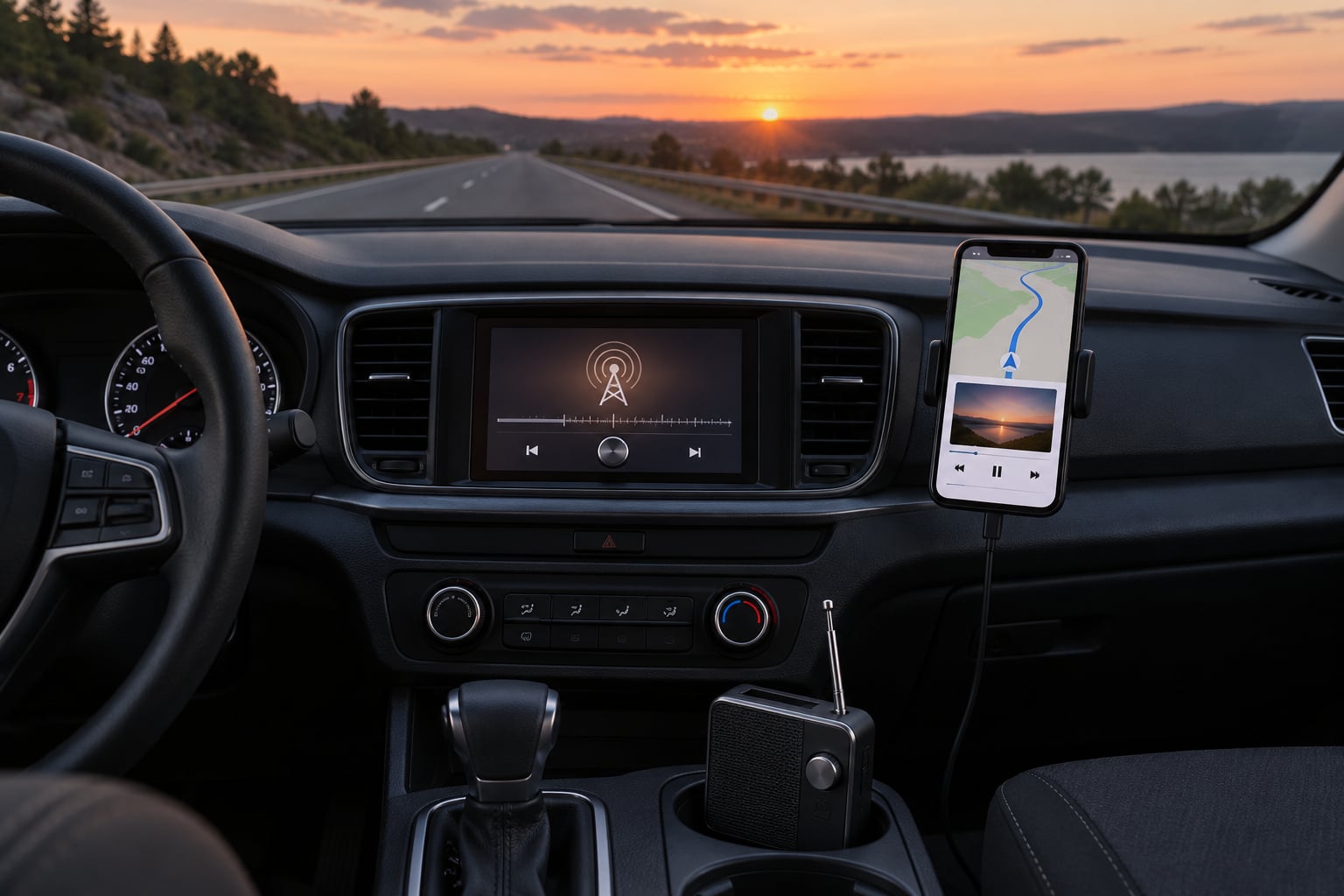
If you have five hours in the seat and only three or four stations hold signal the whole way, the best ways to listen to radio while driving long distances come down to this: start with free broadcast radio for coverage, add a streamed station app for choice, and keep downloaded audio as your backstop for the dead zones between them. Pick your setup before you set off, not when the signal fades.
Most long-drive audio problems are boring ones. You run out of stations, you burn through mobile data, you spend ten minutes scanning for something clear, or you hold a phone in your hand. Each of the ten options below solves a different version of that problem, so the right choice depends on your route more than on your car.
Table of Contents
- Best Ways to Listen to Radio While Driving Long Distances at a Glance
- 1. Tune the Car Radio to a Local Broadcast Station
- 2. Stream a Radio Station Through a Mounted Phone
- 3. Use Apple CarPlay or Android Auto for Radio Apps
- 4. Listen with a Connected Vehicle Radio App
- 5. Choose Satellite Radio for Broad Continuous Coverage
- 6. Carry a Portable Radio for Areas With Weak Mobile Coverage
- 7. Use a Wireless Car Radio Adapter
- 8. Download Music or Radio-Style Playlists for Dead Zones
- 9. Plan Stations and Coverage Before a Long Drive
- 10. Prioritise Easy, Distraction-Free Controls
- Frequently Asked Questions
- Is streaming radio better than FM for long-distance driving?
- Can I listen to internet radio in my car without mobile data?
- What is the best radio option for remote roads?
- Is it legal to use a phone to stream radio while driving?
- Should I download radio shows before a long trip?
- Why does my radio lose signal on the motorway?
- Conclusion
Best Ways to Listen to Radio While Driving Long Distances at a Glance
| Option | Signal reliability | Coverage | Data use | Setup effort | Best for |
|---|---|---|---|---|---|
| FM or AM broadcast | Good in cities, patchy rural | Local transmitter only | None | None | Free listening near home |
| DAB digital radio | Clean until it drops | Regional multiplex | None | None | UK and European drivers |
| Streamed station app | Depends on mobile coverage | Anywhere with signal | Around 60 MB an hour | Low | Choice and station variety |
| CarPlay or Android Auto | Inherits the app’s signal | Anywhere with signal | Same as streaming | Low | Big screens, voice control |
| In-built infotainment radio app | Depends on the vehicle | Subscription region limits | Usually none | Medium | Not wanting a phone in the car |
| Satellite radio | Consistent, few dropouts | Country-wide or continent-wide | None | Medium | Frequent long rural routes |
| Portable radio | Varies by area | Local, or internet with signal | None or minimal | Low | Remote roads and breakdowns |
| FM transmitter adapter | Follows your phone’s signal | Anywhere with signal | Same as streaming | Low | Old cars with an aux socket |
| Bluetooth receiver | Follows your phone’s signal | Anywhere with signal | Same as streaming | Low | Better sound on old cars |
| Downloaded audio | Perfect, no signal needed | Everywhere, including underground | None once downloaded | Low, if done at home | Guaranteed continuous audio |
Read the table as a starting point, not a verdict. Coverage varies so much between two roads a hundred miles apart that any guide claiming a single winner would be guessing.
1. Tune the Car Radio to a Local Broadcast Station
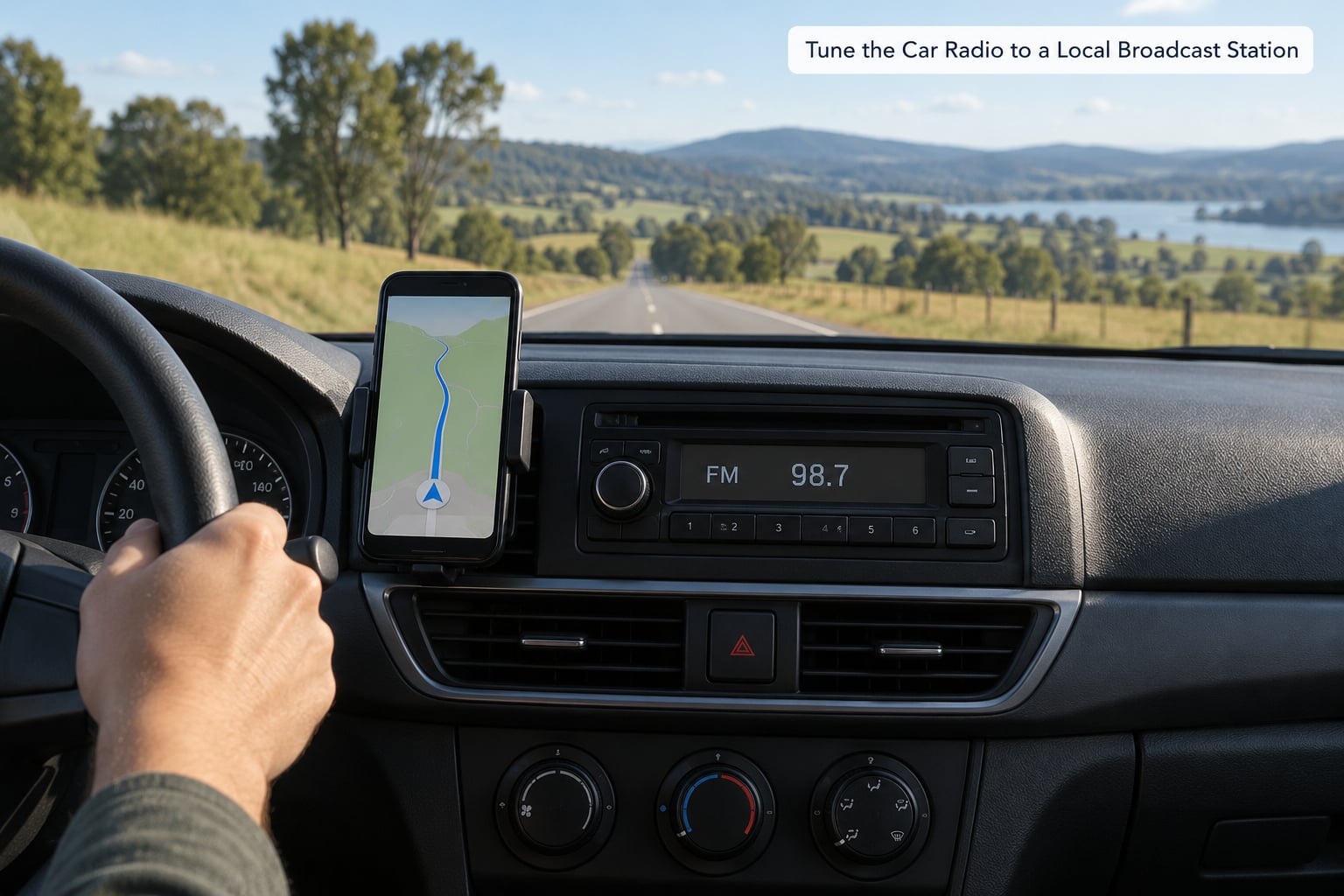
Tuning to a local station is the simplest option and the one most cars already do well. FM gives clean stereo audio, AM carries further at night and through hills, and DAB digital radio on most UK and European cars locks onto a multiplex and holds until you leave its area.
Broadcast reception weakens in predictable places. Expect it to fade in valleys and cuttings, under long bridges, inside dense woodland and in the stretch of motorway between towns where a transmitter serves a town but not the road around it.
Two habits make a broadcast station survive a long drive. Use the traffic message channel or RDS station names so you recognise what you are tuning into at a glance, and store your presets in the order you will need them, so one button press replaces a slow scan.
Long-haul drivers frequently say talk radio and comedy outlast music stations on long shifts, largely because a talk format does not matter when you have just crossed into a new transmitter’s territory.
2. Stream a Radio Station Through a Mounted Phone
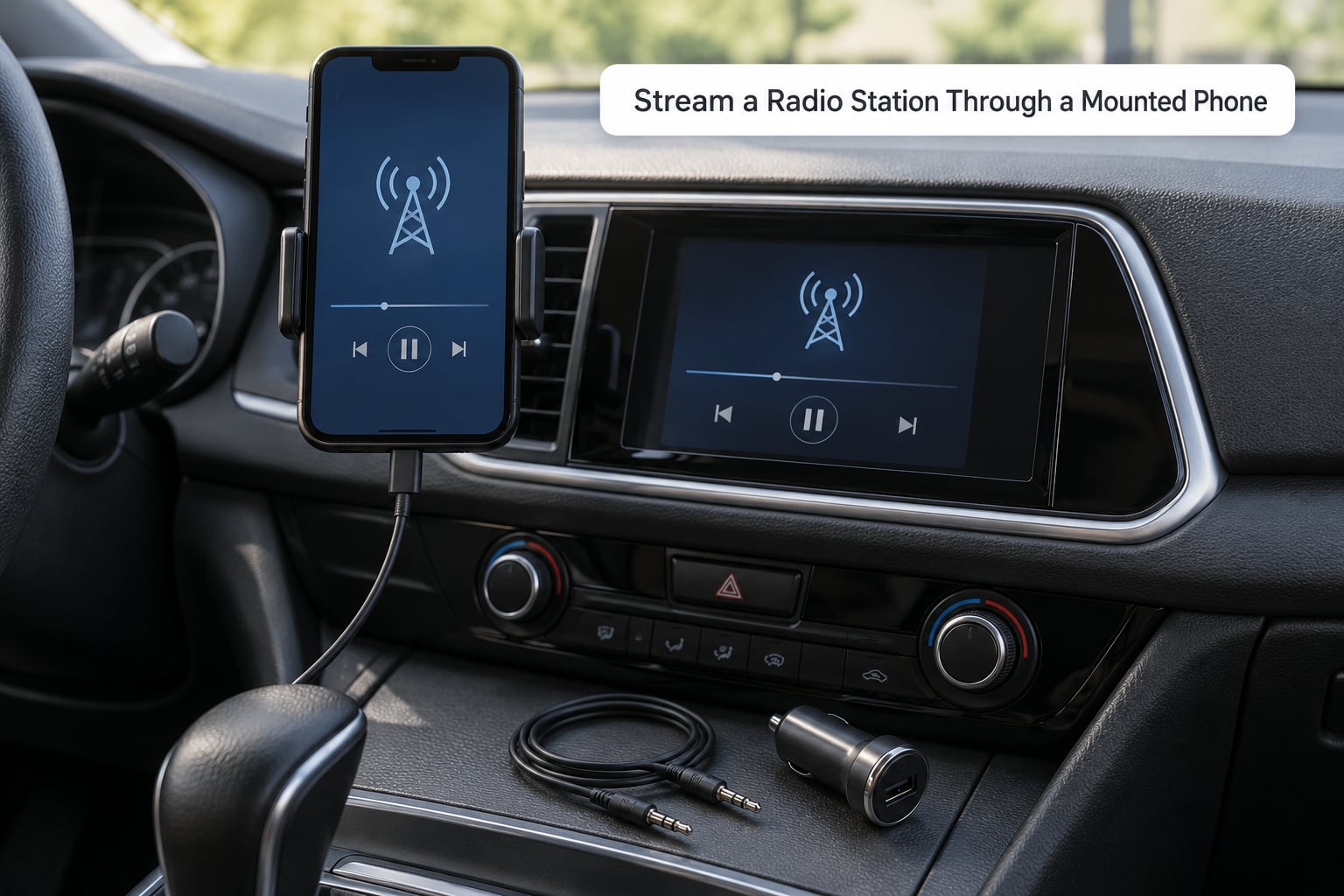
Streaming a live station from your phone turns any transmitter service into a national option. Apps such as iHeartRadio, TuneIn Radio and Radioplayer carry thousands of stations that broadcast radio never reaches your area, including local stations from the city you are driving away from.
Set it up before you move. Mount the phone, pair over Bluetooth or plug into the aux socket, open the app and start playback while still parked, then press the streaming button on the head unit rather than fiddling with the screen at 70 mph.
A radio stream typically uses roughly 1 MB a minute, so about 60 MB an hour. On an eight-hour drive that is close to half a gigabyte, which is fine on an unlimited plan and worth thinking about on a limited one or when roaming abroad.
When coverage thins out, expect a stutter rather than silence. Buffering pauses of a second or two are normal in low-signal areas, and a longer dropout usually means the stream has stopped and needs restarting by hand.
3. Use Apple CarPlay or Android Auto for Radio Apps
CarPlay and Android Auto put supported radio, podcast and streaming apps on the vehicle display, which means larger text, fewer taps and a proper steering-wheel interface. Most modern cars already have it, either as standard or through a wired or wireless connection.
Radio apps vary in what they support here. Music streaming services usually project fully, some live radio apps project with limited controls, and a few show nothing but a station name. Check the app before a long trip rather than at the first services station.
Test the whole chain before departure: connect, start a stream while parked, confirm sound through the speakers, then set your volume and presets. A failed connection discovered at a lay-by is a much worse experience than one found on your drive.
4. Listen with a Connected Vehicle Radio App
Newer vehicles increasingly ship with a radio app built into the infotainment system, so you can listen without a phone in the cabin. That suits drivers who do not want a handset visible, and it also means nothing to drop, charge or overheat.
Check what the service actually includes before you commit. Many need an account and a paid subscription, several only stream inside the country where the car was sold, and the stations offered vary a lot by market.
Because the connection path is the car’s own hardware, audio quality is usually stable and there is no battery drain from streaming. The trade-off is far less choice than a phone app gives you, so treat it as a dependable second option rather than the only one.
5. Choose Satellite Radio for Broad Continuous Coverage
Satellite radio receives from orbiting satellites rather than towers, so one subscription keeps working across deserts, forests and empty motorway where nothing local is audible. For a driver who covers the same long rural route regularly, it is the most predictable option available.
Nothing is perfect. Tall bridges, dense city canyons, some underground car parks and heavily wooded roads will interrupt the signal, and unlike broadcast radio there is no free fallback in the gap.
Activation usually means installing a tuner and a glass-mounted or magnetic antenna, then running a subscription. Verify the account is active and the antenna is properly seated before you leave, because a subscription that has not started properly is a silent car on a motorway.
It is worth weighing against streaming on the same maths. Satellite costs a flat monthly fee and no data, while streaming costs data you may already have.
6. Carry a Portable Radio for Areas With Weak Mobile Coverage
A small battery-powered radio stays useful where mobile coverage ends. A set that receives FM and internet stations gives you two options in one, and internet playback on a portable set will stop at the same point your phone would.
Placement matters more than most people expect. The earphone or speaker in the set works, but an FM-only set gains reception from a window or roof position, so plugging it into the car and moving the lead towards the windscreen improves a weak signal noticeably.
Charge it the night before, pack headphones for a passenger, and expect a couple of hours from a small battery at higher volume. Treat it as a backup that lives in the glovebox, not as the main system for a nine-hour drive.
7. Use a Wireless Car Radio Adapter
If your car has an aux socket but no Bluetooth, an adapter is the cheapest way in. An FM transmitter broadcasts your phone’s audio on an unused frequency that you tune into on the old radio, while a Bluetooth receiver connects wirelessly and plays through the same socket.
Choose the Bluetooth receiver where you can. Forum users are blunt about FM transmitters sounding thin, because the audio is compressed and squeezed through a narrow FM channel before it reaches the speakers.
Two other quirks to know. FM transmitters add a short delay, so what you hear lags your hand by a fraction, and some are picky about which apps they will carry audio from. Set the station once, away from local stations, so you are not fighting interference.
For a car with no aux and no working CD deck, a cassette adapter with a small receiver tucked inside it is a well-worn trick that costs little and needs no tools.
8. Download Music or Radio-Style Playlists for Dead Zones
Downloaded audio is the only option on this list that does not care about coverage at all. Both Spotify and Apple Music let you save playlists or podcasts to a device for offline playback, and once they are on the phone they play in tunnels, car parks and empty countryside alike.
Use it to fill the gaps rather than the whole trip. Pull down a few hours of the kind of audio you would have streamed anyway, then use live radio when you have signal for the local news and traffic updates that matter most.
A short automated recording of a radio show is another version of the same trick, if the app supports it, and it gives you a station’s output without a transmitter. Just remember to listen to it later so you do not bank hours of a programme you never play.
Plan storage before you go. A busy phone running two navigation apps may quietly delete cached audio, so check free space and keep the download list shorter than you think you need.
9. Plan Stations and Coverage Before a Long Drive
Five minutes of preparation removes most of the bad listening on a long drive. Look at your route, note which large towns it passes through, and expect local stations to reach a limited distance beyond them rather than the whole leg.
Save your favourite internet stations in the app while you have a connection, and set the FM and DAB presets for the areas you know. One useful test is simple: how many stations hold a clear signal from the start of the route to the end. On a rural run that can be two or three.
Where the answer is fewer than three, choose your backup before the weak stretch starts. Download the audio, charge the portable set, or accept that you will be listening to downloaded music for the last 90 minutes.
If the route leaves the country, check roaming before departure. Streaming radio abroad can be blocked or expensive, and broadcast stations will change language and format at the border.
10. Prioritise Easy, Distraction-Free Controls
The best option on paper is the one you can operate without looking at a screen. Rank your controls: voice control first, then steering-wheel buttons, then physical preset keys on the head unit, and touch screens last.
Preset your stations before moving so changing them is one button press. Learn the single voice command you would use for play, next track and volume, and set that phrase once so it is not a struggle later.
Volume is a safety control. Keep it low enough to hear sirens, an engine note change or a tyre on the shoulder without straining, which is why driver-education guidance frames it as part of hearing the road rather than a preference.
Anything that pulls your eyes to a screen, even a message arriving on the phone, deserves muting. Long drives are exactly when people reach for the handset to fix something, which is the one part of this list where the safest option is the one you do not touch at all.
Frequently Asked Questions
Is streaming radio better than FM for long-distance driving?
Streaming gives you far more choice and can follow you across the country, but it depends on mobile coverage and uses data. FM costs nothing, runs on the car rather than the phone, and keeps local traffic and news. Most drivers use both: FM near home, streaming where the signal is good.
Can I listen to internet radio in my car without mobile data?
Only in a few cases. A car with its own built-in radio app may stream over a vehicle connection rather than your phone’s data, and a portable internet radio with stored stations can play a saved stream. If the audio comes from your phone, it needs data, so download playlists before a long trip instead.
What is the best radio option for remote roads?
Satellite radio is the most consistent because it does not depend on towers, and a portable FM radio is the most independent of all. Neither works under every obstruction, so keep downloaded audio on your phone as the final layer. Entering a remote area with nothing downloaded is the one plan worth avoiding.
Is it legal to use a phone to stream radio while driving?
Holding a phone while driving is illegal in the UK and discouraged widely elsewhere, and the rules differ by country. Streaming audio through a mounted phone, the head unit or voice control is a different matter from interacting with the screen. Mount it, set it before moving, and check the local law for where you are driving.
Should I download radio shows before a long trip?
Yes, if your route passes through weak coverage. A downloaded podcast or playlist plays in tunnels, car parks and empty stretches with no interruption at all, which live radio cannot do. Leave live radio on for local news and traffic where you have signal, and start the download the night before so you are not doing it in the car park before departure.
Why does my radio lose signal on the motorway?
Local transmitters are sited to serve populated areas, so motorway between towns is often outside their range. Valleys, cuttings, tunnels and dense woodland block the signal further. Fewer stations hold clear reception as a route gets longer, which is why talk radio tends to win on long-haul runs and why a backup option matters.
Conclusion
For most people the answer is a two-layer setup. Broadcast FM, AM or DAB handles the towns and the free local news, a streamed station app fills in the choice and the gaps, and downloaded audio catches anything in between.
Run the same long rural route regularly and satellite radio becomes worth the subscription, because consistency is what you are paying for. Keep a portable radio in the glovebox as the backup that needs no signal and no battery charger.
One thing to do before your next long drive: load two hours of audio onto your phone tonight and preset your stations while parked. That single habit removes the most annoying part of listening to radio on long distances.