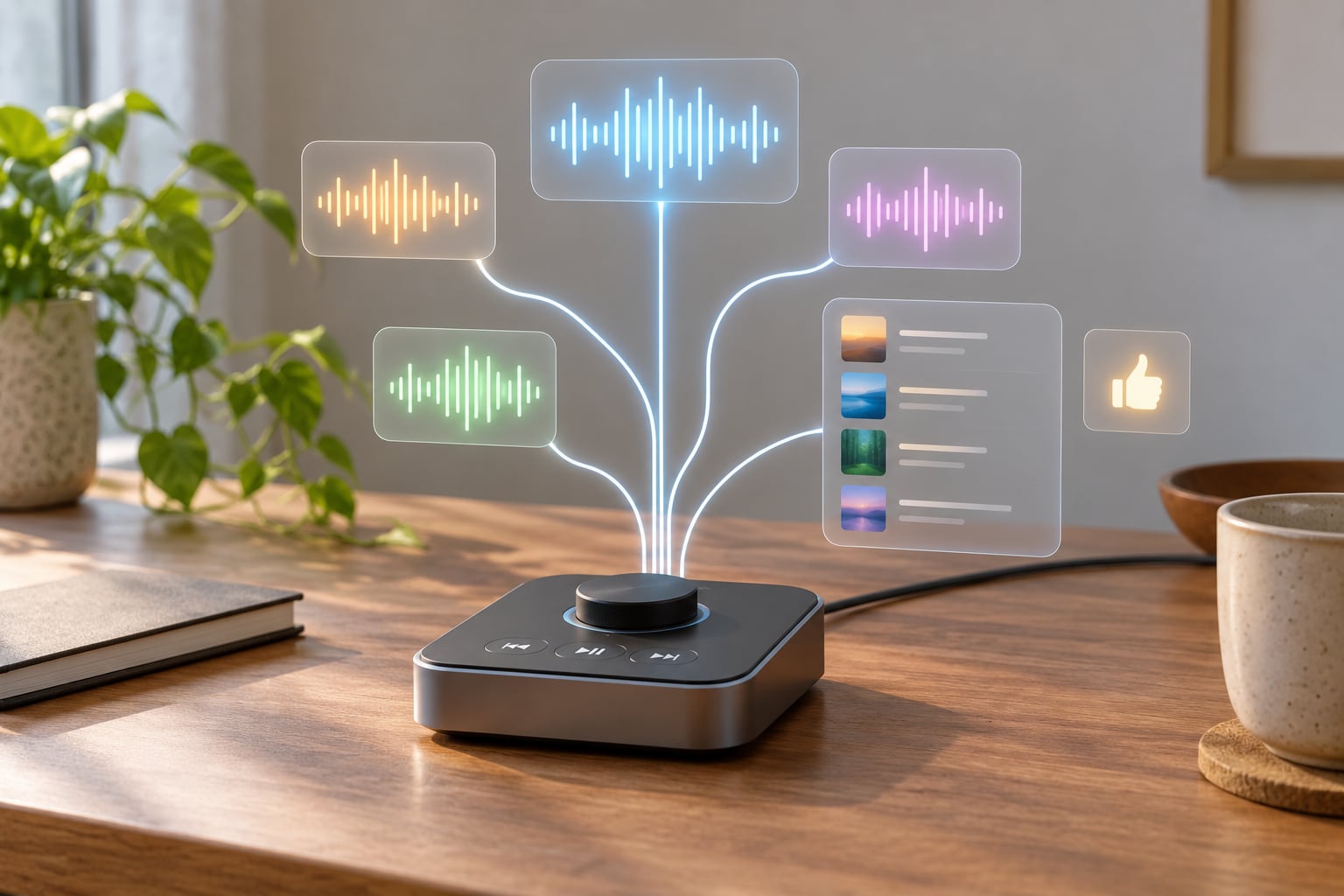
Pandora stations are generated by matching your seed against a database of song analysis: every track in its catalog is stored as roughly 450 musical attributes, and an algorithm picks the songs whose attributes sit closest to what you started from. Your thumbs up, thumbs down and skips then reshape that mix.
That is the short version, and it is genuinely different from how most streaming services build radio. Spotify leans on what people with similar taste played next. Pandora looks at the music itself first, then listens to you.
If you have ever wondered why a station started from one song ends up somewhere unexpected, or why the same six tracks keep circling back, the mechanics below explain both.
Table of Contents
- How Pandora Stations Are Generated
- What Data Does Pandora Use to Personalize Stations?
- How Does Pandora Choose the Next Song?
- How Are Pandora Stations Different From Genre Playlists?
- How Do Pandora Thumb Feedback and Skips Affect Results?
- How Does Pandora Create Stations Around Artists and Songs?
- How Can You Get Better Pandora Recommendations?
- Frequently Asked Questions
- Where Should You Start?
How Pandora Stations Are Generated
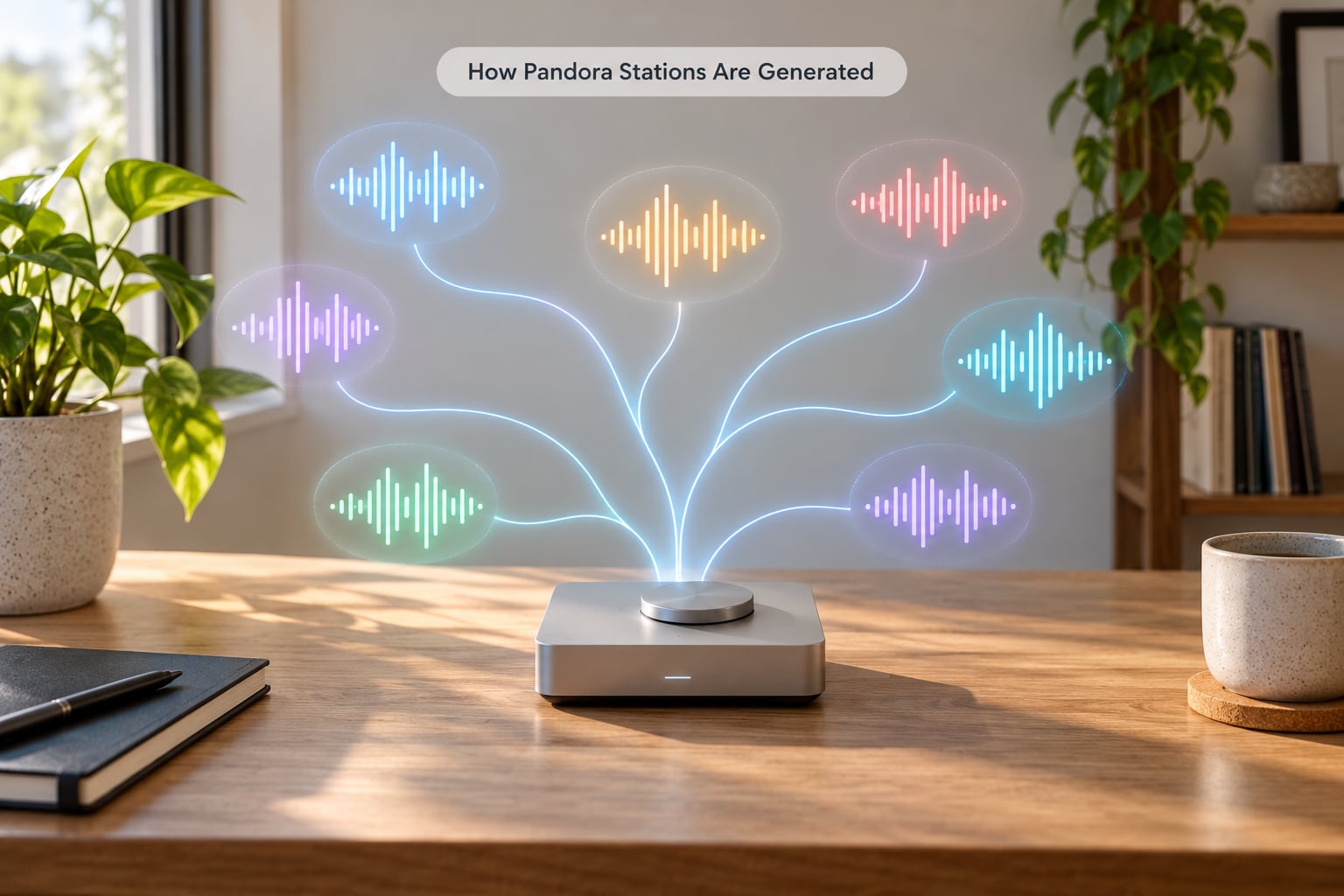
The whole process runs in six steps, and the same six steps run every time you tap a song.
- You pick a seed. An artist, a song, an album, a genre, a decade or a station someone shared.
- Pandora looks up the seed’s musical DNA. The seed has already been analysed and stored as a list of attribute values, so this lookup is instant.
- Every catalog song is scored against the seed. The matching algorithm works out how close each candidate song is on tempo, instrumentation, vocal style, production and dozens of other genes.
- The closest matches are ranked. Songs that share most of the seed’s attributes rise to the top of that ranking.
- The queue is built. Pandora pulls from the ranking, with a rule of thumb that an artist should not repeat too soon, and adds songs that fit the wider pattern rather than the single closest match.
- Your feedback reshapes the ranking. Every thumbs up, thumbs down and skip feeds back into the profile for that station, so what plays next reflects what you did with what just played.
The seed only sets the starting direction. From track three onward, you are the main input.
What Data Does Pandora Use to Personalize Stations?
Two separate piles of data do the work: what the music is, and what you did about it.
Song data: the genes
A gene is just one measured attribute of a track. Analysts score these on a 0 to 5 scale in half-point steps, so a song can be 3.5 for tempo and 1 for distortion.
| Category | Example gene | How it is scored |
|---|---|---|
| Rhythm | Tempo | 0 slow to 5 fast |
| Rhythm | Groove feel | 0 loose to 5 tight |
| Rhythm | Drum style | 0 electronic to 5 live acoustic |
| Instrumentation | Distortion level | 0 clean to 5 heavily distorted |
| Instrumentation | Presence of brass | 0 absent to 5 dominant |
| Instrumentation | Synthesiser weight | 0 none to 5 lead instrument |
| Vocals | Vocal style | 0 spoken to 5 belted |
| Vocals | Production era sound | 0 sparse to 5 dense modern mix |
| Mood | Energy level | 0 calm to 5 high energy |
| Mood | Melody complexity | 0 simple to 5 intricate |
This is human work, not a machine guessing from the waveform. A trained analyst spends roughly 20 to 30 minutes on each track, and about 10 percent get analysed a second time by someone else as a quality check.
The gene count varies by style. Pop and rock catalogues use roughly 150 genes, rap around 350, jazz closer to 400, because the attributes that matter differ by genre.
Listener data: your signals
On your side, the signals are simpler and they are always being collected.
- Thumbs up tells the station you want more like this track.
- Thumbs down removes that track from consideration without narrowing everything around it.
- Skipping is a weaker negative signal, and it is usually logged without the track being blocked.
- Listening to the end counts as a positive signal.
- Adding and removing artists and songs reshapes the artist rotation directly.
- Which stations you open, and for how long feeds your broader profile.
The matching itself is content-based filtering, meaning it compares items to items. Your listening history adds collaborative filtering on top. Both run at once, and which one dominates a given recommendation depends on how much history you have built up.
One detail worth knowing: the full gene list has never been published. It sits behind a patent, and the list of attributes is treated as a trade secret.
How Does Pandora Choose the Next Song?
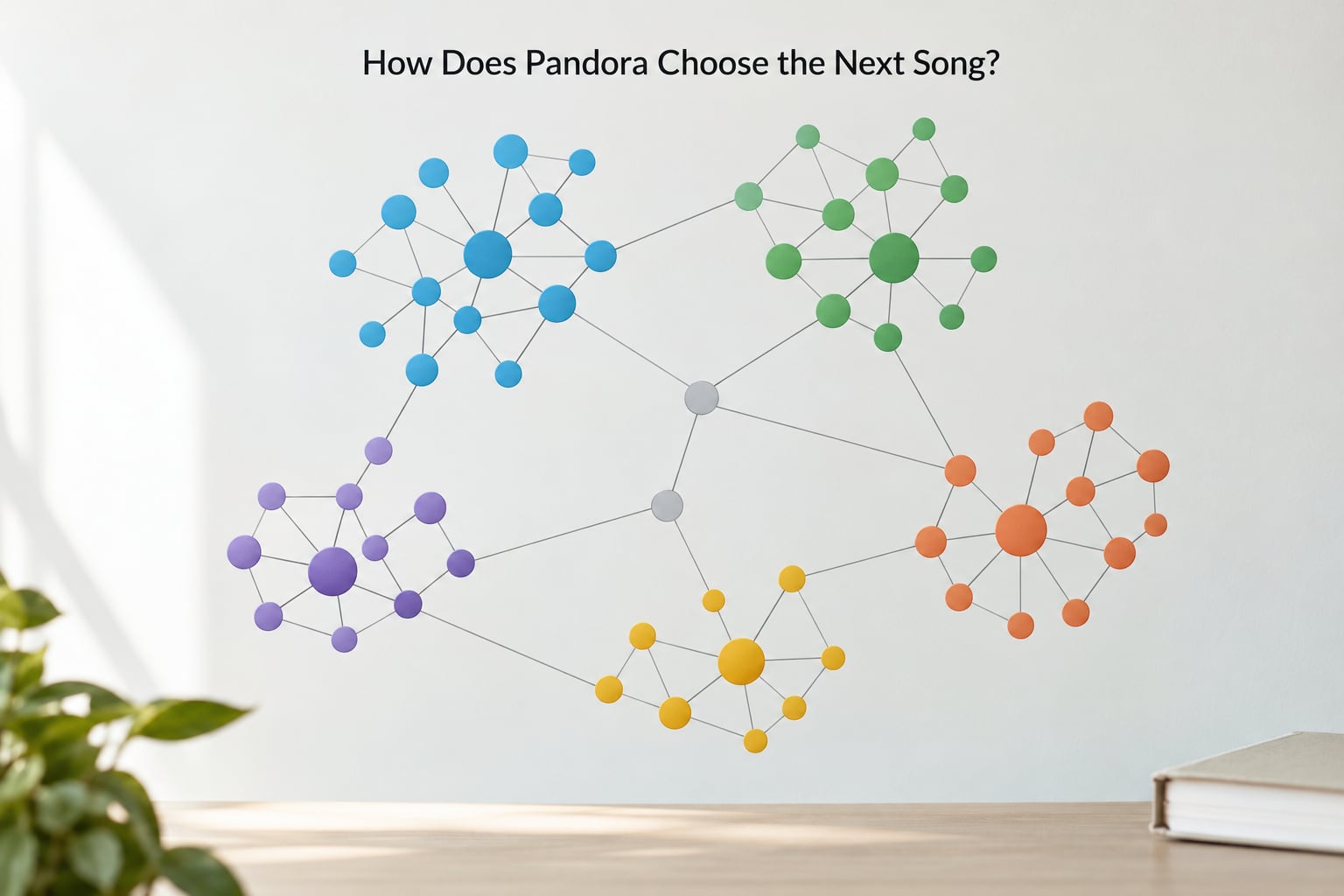
Step by step, it looks closer to this: take the seed’s attribute list as a target, measure the distance between that target and each candidate song, and treat the smallest distances as the best matches.
Song distance is not a single score across all genes. Some genes carry more weight than others depending on the station, which is why two songs that sound similar to you might rank far apart, and why a genre station never quite matches what you had in your head.
Why similar artists keep coming back
A handful of artists tend to sit closest to any given point in attribute space, so they surface first and often. Listeners on r/Pandora describe the result bluntly: A sounds like B, B sounds like C, C sounds back to A.
Pandora inserts rotation rules to break that circle. A track is held back after it plays, the same artist is spaced out, and the algorithm deliberately mixes in songs that fit the pattern without being near clones. Those tracks are often less obvious matches, which is exactly where the good discovery usually sits.
Deep cuts and more from this artist
Listeners say selecting deep cuts helps break a cycle, and it does something useful. The back catalogue of artists you already rate highly gets pulled forward, and that adds fresh tracks without moving the station somewhere you never asked for.
How Are Pandora Stations Different From Genre Playlists?
A genre playlist is a bin. A Pandora station is a similarity search.
That difference shows up in four places. A genre playlist is fixed, so everyone hears the same order. A station is recalculated around your seed and your feedback, so two people who start from the same song get different results.
Discovery is where the gap widens. A genre playlist stays inside its label. An artist station built on one performer will drift towards artists with similar genes, and those may sit in a different genre entirely. That is the feature listeners single out most often as the reason to use Pandora at all.
Repetition behaves differently too. A playlist repeats on a schedule. A station repeats when its feedback profile narrows, which is a feedback problem rather than a scheduling one.
| Station type | What starts it | What it optimises for |
|---|---|---|
| Artist station | An artist you choose | Songs and similar artists with matching genes |
| Song station | One track | Tracks sharing most attributes with that one song |
| Genre station | A style or era | Broad consistency within the label |
| Decades station | A year range | Era match, which is looser than listeners expect |
| Mood or activity playlist | A theme or task | Dozens of machine learning models on top of the genome |
| Thumbprint Radio | Your own ratings | Everything you have positively rated, refreshed weekly |
Mood and activity playlists are the newer layer, built with 75 or more machine learning algorithms layered over the raw gene data, and they refresh every week.
How Do Pandora Thumb Feedback and Skips Affect Results?
A thumbs up is the most powerful button on the screen, and that is exactly why it causes the most common complaint.
When you thumbs up a track, the station looks for more songs close to it. Do that twenty times with songs from one mood or one scene and the station contracts into a very small neighbourhood. You asked for one track and got a whole genre of them.
A thumbs down behaves differently. It removes that song and leaves the rest of the catalogue open. A skip is weaker still, mostly logged rather than acted on.
This counter-intuitive pattern has circulated for years, most visibly in a 2017 Lifehacker piece built on a Reddit user’s observation: use thumbs down and skip rather than thumbs up, because an approval narrows you and a rejection does not.
What each action actually does
- Thumbs up on something you like but do not want more of — hold off. A skip carries most of the meaning without closing the door.
- Thumbs down on a track with no redeeming features — worth it. It keeps the track from returning.
- Thumbs down on a track you simply did not want at that moment — you have now blocked a song you might have liked elsewhere.
- Skipping everything you dislike without rating — the least effective option, because skips carry the least weight.
Rate the songs you have real opinions about, and let the rest slide past.
How Does Pandora Create Stations Around Artists and Songs?
All station types run through the same machinery. Only the seed changes, and the seed changes what the attribute target looks like.
An artist station targets that artist’s average attribute profile rather than any individual song. It is broader, so it reaches tracks by that artist plus others with similar genes, and it tolerates a wider swing in tempo or production than a song station would.
A song station is the narrowest version. It targets one song’s exact attribute list, which is why it often surprises you: you seed a quiet folk record and end up with something moody and intimate but not folk at all. The genes care about shape, not category.
Listeners on r/Pandora consistently name the song-seeded station as the signature strength of the service, precisely because it produces that leap. On-demand playback fills in the rest, letting you pull a specific artist or album back into a station you have drifted away from.
One practical note on stations disappearing. A Pandora Community moderator, AdamPandora, confirms stations are synced to your account across devices, so a station created in the app should show up on desktop when you are signed into the same account. A station that will not appear is almost always an account or sign-in mismatch rather than a generation problem.
How Can You Get Better Pandora Recommendations?
Getting a station to behave takes less than people expect, because the controls are all in the feedback loop.
- Reseed from a song, not a genre. A track gives the algorithm a precise attribute target, and a genre label gives it a wide one you cannot steer.
- Reserve thumbs up for tracks you genuinely want an endless stream of. Approvals are what narrow a station.
- Use thumbs down freely instead of skipping. It removes the track with far less effect on what surrounds it.
- Pull deep cuts when a station stalls. A less-known track from an artist already in rotation breaks the loop without relocating the station.
- Start a fresh station rather than rescuing an old one. A station carrying three years of feedback keeps carrying it. A new seed gives the algorithm a clean profile.
- Check your account when a station will not load. Cross-device visibility depends on being signed into the same account.
If a decades station keeps playing the wrong years, that is an attribute labelling gap rather than something you can correct by rating. Rate the outliers instead so they stop coming round.
Frequently Asked Questions
What is the Pandora Music Genome Project?
It is the analysis system behind every Pandora station. Trained analysts score each catalog song on roughly 450 musical attributes such as tempo, distortion level, instrumentation and vocal style, storing each track as a set of numeric values. Stations are then generated by comparing songs on those attributes rather than by matching genre labels.
How does Pandora choose the next song for my station?
It takes the seed’s attribute values as a target, measures how close every other catalog song is to that target, ranks the closest matches, and draws from that ranking while spacing out repeat plays and the same artist. Songs that fit the pattern without being near clones get mixed in, which is where most discovery comes from.
Why do Pandora stations keep playing the same songs?
Usually because the station’s own feedback narrowed it. Every thumbs up pulls the station closer to a smaller neighbourhood of similar tracks, so approving a run of songs quietly funnels you into a corner. Thumbs down, skipping without approval, using deep cuts, or starting a fresh station all widen it again.
Should I use thumbs up or thumbs down on Pandora?
A thumbs up makes the station hunt for more songs like that one, which is useful when you have found a lane you want to hear more of. A thumbs down just removes that track and leaves the catalogue open. Most listeners get more variety by reserving approvals for songs they want a lot of, and rejecting the rest.
Does Pandora use AI to generate stations?
Both. Station generation itself is largely content-based matching on the Music Genome attributes, and machine learning runs alongside it, with dozens of models powering mood and activity playlists built on top of the raw analysis. The gene analysis is still done largely by trained human analysts rather than by machines reading the audio.
Why can’t I find a station I created on my phone on my desktop?
Stations are tied to your account, not your device, so they should sync. A missing station almost always means the two devices are signed into different accounts, or one is signed out. Confirm the sign-in on both, and any station created after that should appear on both.
Where Should You Start?
Pick one song you genuinely like right now and build a station from it rather than from a genre. Listen through about ten tracks before touching any buttons, rate the ones you have a real opinion on, and hold back the thumbs up for the handful you would happily hear again.
After that, judge the station by one thing only: whether it keeps turning up something you had not played before. If it stops, the answer is almost never to add more approvals. It is to reject a few tracks, pull some deep cuts, and start again from a better seed.