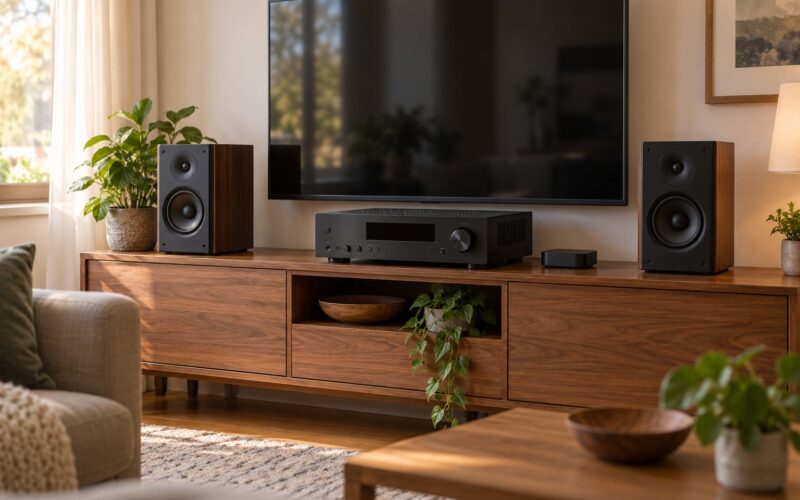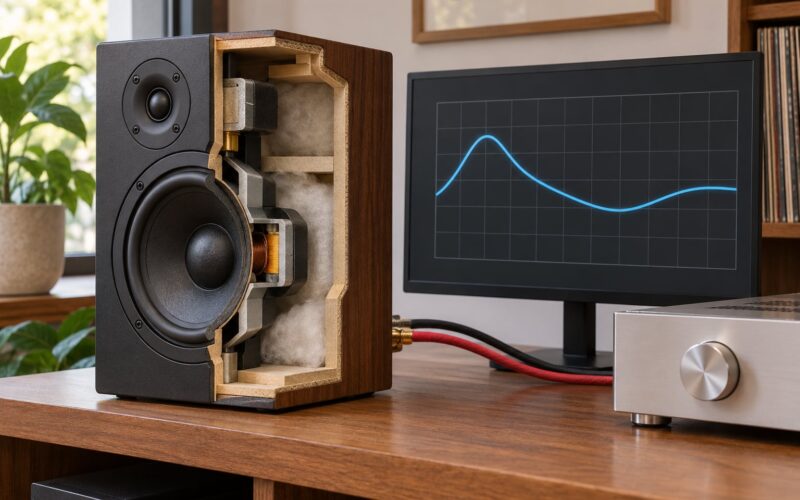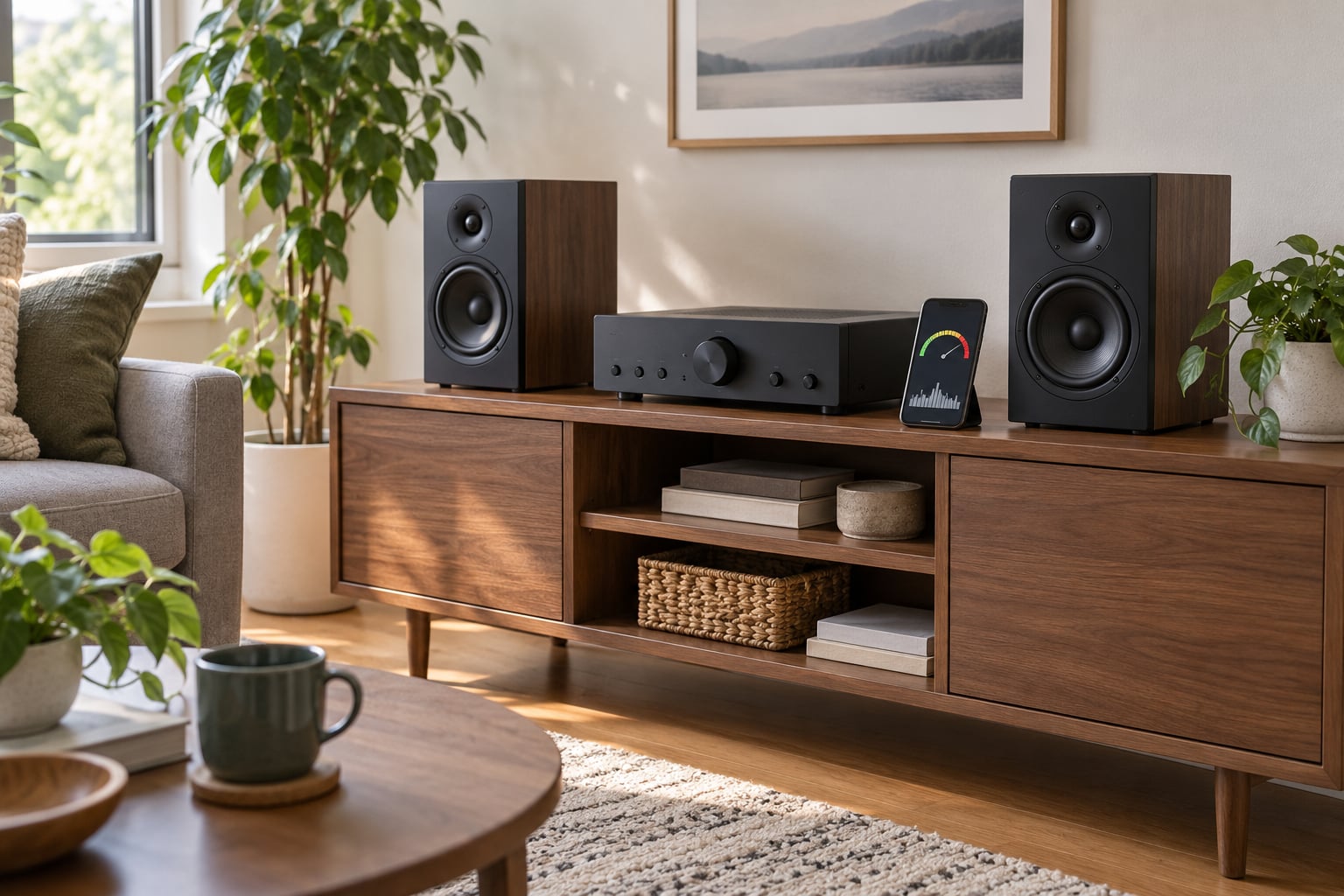
Matching speakers to a receiver comes down to three numbers: nominal impedance, continuous power and sensitivity. Match the speaker’s ohms to the receiver’s minimum rating, keep the receiver’s continuous watts per channel in the same ballpark as the speaker’s power handling, then check sensitivity against your room and normal listening volume. Those three checks take about ten minutes and prevent almost every expensive mistake.
The reason it feels murky is that two of those numbers are buried in small print and the third is a marketing line rather than a measurement. Manufacturers quote a nominal wattage figure that says almost nothing about real-world output, and speakers advertise a single “impedance” number that hides what the driver actually does in the bass.
Get it right and you can turn the receiver up without a hint of strain, change volume without the sound thinning out, and stop wondering whether your gear is about to fry. This guide is written for 2026 and updated as spec sheets get clearer.
Table of Contents
- What You Need
- Step-by-Step
- Confirm Both Devices Are Rated for the Same Nominal Impedance
- Compare Speaker Power Handling With Receiver Output
- Use Sensitivity to Estimate How Loud and Clean the Speakers Will Sound
- Match Frequency Response, Driver Size, and Listening Preferences
- Account for Room Size, Placement, and System Configuration
- Test the Speakers at a Safe Volume and Check Each Channel
- Common Mistakes
- Common Speaker and Receiver Matching Mistakes to Avoid
- Match Speakers to a Receiver with a Quick Specification Check
- Frequently Asked Questions
- Conclusion
What You Need
You need the spec sheet for each device, not a guess. Most of this takes about ten minutes once you know where to look.
From the speaker, collect the manufacturer and model, the nominal impedance in ohms, the minimum impedance if it is listed, the recommended or continuous power handling range, and the sensitivity in dB at 1W/1m. Note the driver size and cabinet dimensions too, because they tell you how much air the speaker moves before it needs help from a subwoofer.
From the receiver or amplifier, collect the minimum speaker impedance per channel, the continuous (RMS) watts per channel at each impedance, and whether that figure assumes all channels driven at once. Also note the listening distance in your room, because distance changes how much power you actually need.
Optional but useful: a sound level meter app if you want to measure your room rather than estimate it, and the printed spec sheets from the manufacturers’ websites. Many current models have a PDF manual with the full ratings table; older or imported units sometimes only have a plate on the back panel.
Step-by-Step
Confirm Both Devices Are Rated for the Same Nominal Impedance
Impedance is the electrical load the speaker puts on the amplifier, measured in ohms. Lower ohms pull more current, and the receiver’s output transistors work harder to deliver it, which is why an 8-ohm speaker is the easy case and a 4-ohm speaker is the one that shuts amplifiers down.
Nominal impedance is the number printed on the spec sheet, and it is a rounded average, not a ceiling. A speaker labelled 8 ohms will dip to 5 or even 4 ohms at one specific bass frequency, right where it uses up most of its excursion. That dip is the reason manufacturers publish a separate minimum impedance figure, and it is the number that decides whether your receiver is safe.
| Speaker nominal impedance | Receiver rated 8 ohms only | Receiver rated 6 ohms | Receiver rated 4 ohms |
|---|---|---|---|
| 8 ohms | Safe | Safe | Safe |
| 6 ohms | Safe | Safe | Safe |
| 4 ohms | Not supported | Safe | Safe |
| Two 8-ohm pairs in parallel | Safe (4 ohms total) | Safe | Safe |
The rule is simple: the speaker’s minimum impedance must meet or exceed the receiver’s minimum rating. Eight-ohm speakers on an eight-ohm channel are the safest basic match, and a higher-impedance speaker on a lower-rated receiver is fine. The one dangerous direction is lower speaker impedance than the receiver can handle, which pushes current past what the output stage was designed for.
Wiring changes the number. Two speakers in series add their impedances, so 8 plus 8 gives 16 ohms. Two pairs in parallel halve it, so 8 plus 8 in parallel presents 4 ohms to the receiver, which is exactly why a second pair of 8-ohm speakers on an 8-ohm-only receiver is a bad idea.
You know this stage worked when the receiver’s manual lists a minimum rating at or below your speaker’s minimum impedance, and both channels of a stereo pair carry the same speaker.
Compare Speaker Power Handling With Receiver Output
Continuous power, often called RMS, is the honest number: the power the amplifier delivers over time. Peak power and PMPO are short bursts, and they are marketing figures that describe a condition lasting milliseconds.
Receiver ratings need more care. A figure like 100W x 2 usually means two channels driven with the rest idle, and sometimes all channels driven at a much lower number. The manual will state which. Read that line before you compare anything.
The workable rule of thumb is to put the receiver’s continuous watts per channel at roughly 75 to 150 percent of the speaker’s continuous power handling, with more headroom for low-sensitivity speakers and large rooms. That is a range for a reason, not a formula to quote at a dealer.
And no, doubling receiver power does not double loudness. Doubling watts buys about 3 dB, which is a barely noticeable step. It takes roughly 10 dB, something like eight to ten times the power, to read as twice as loud.
| Rating type | What it measures | Use it for matching? |
|---|---|---|
| Continuous / RMS | Sustained output over time | Yes, this is the one |
| Peak | Maximum short-term burst | No |
| PMPO | Marketing peak, often inflated | No |
| Dynamic headroom | Short-term power above continuous | Useful, if quoted honestly |
Too little power is the more common way people damage speakers. A small amplifier pushed past its limit clips the waveform, the clipped signal carries far more high-frequency energy than a clean one, and that extra energy heats the voice coil until it fails. Too much power is comparatively forgiving as long as the volume stays sane and you are not clipping on the way there.
This stage is working when your receiver sits comfortably inside that 75 to 150 percent band, and you can turn it up to your normal listening level with headroom left.
Use Sensitivity to Estimate How Loud and Clean the Speakers Will Sound
Sensitivity is the sound pressure level the speaker produces from 1 watt at 1 metre, written as a number like 86 dB or 91 dB. It tells you how much amplifier you need for a target level, and it is often the number that actually decides the pairing.
The differences sound small and are not. An 88 dB speaker needs roughly twice the power of a 91 dB speaker for the same volume, and a 93 dB speaker will play a small room loudly from an amp rated lower than the speaker’s own power handling suggests.
Compare two systems from the same listening distance, because moving your seat changes the answer before any electronics do. Double the distance and you lose about 6 dB of level; halve it and you gain the same. A couch at the back of a big open-plan room genuinely asks more of the receiver than a desk a metre from the speakers.
This stage works when the wattage you worked out in step two lines up with the sensitivity you just read. A low-sensitivity speaker with a small receiver is the mismatch to catch here.
Match Frequency Response, Driver Size, and Listening Preferences
Frequency response tells you the range the speaker reproduces, usually written as 45 Hz to 25 kHz. A floorstander reaching 35 Hz will handle low notes without help, while a bookshelf that bottoms out at 70 Hz depends on a subwoofer for real bass.
Driver size and cabinet volume set how much air a speaker moves. Big cabinets with large woofers need an amplifier that can actually control them, and they overwhelm a small room sooner than they satisfy it. Small speakers in a large room run out of level long before they run out of extension.
Where this gets personal is what you listen to. If vocals and acoustic detail come first, sensitivity and midrange clarity matter most, and a modest amp with an efficient speaker wins. If film soundtracks drive the setup, look at low-frequency extension and whether you will add a subwoofer later.
Account for Room Size, Placement, and System Configuration
Room volume sets the target level, and target level sets power needs. A 90 dB speaker one metre away drops to about 84 dB two metres away, which is often the right level for normal evening listening. Sizing the amp around that quieter target is how people end up with plenty of power and still a comfortable seat.
Placement changes more than spec sheets admit. Speakers close to a wall get reinforced bass, which can push the bass region harder than you planned. Toeing them in toward the listening position widens the stereo image and often firms up the centre image. Moving the speakers back three or four feet and off the wall can fix a sound you were about to blame on the electronics.
Configuration matters just as much. A home theatre with a centre channel, surrounds and height speakers puts every channel through the same amplifier, so add roughly 20 to 30 percent headroom for a five or seven channel setup rather than sizing on two channels alone. A subwoofer takes the deepest bass off the front speakers, which often lets you get by with a smaller receiver.
This stage works when you know your room and distance and have adjusted your target level to match.
Test the Speakers at a Safe Volume and Check Each Channel
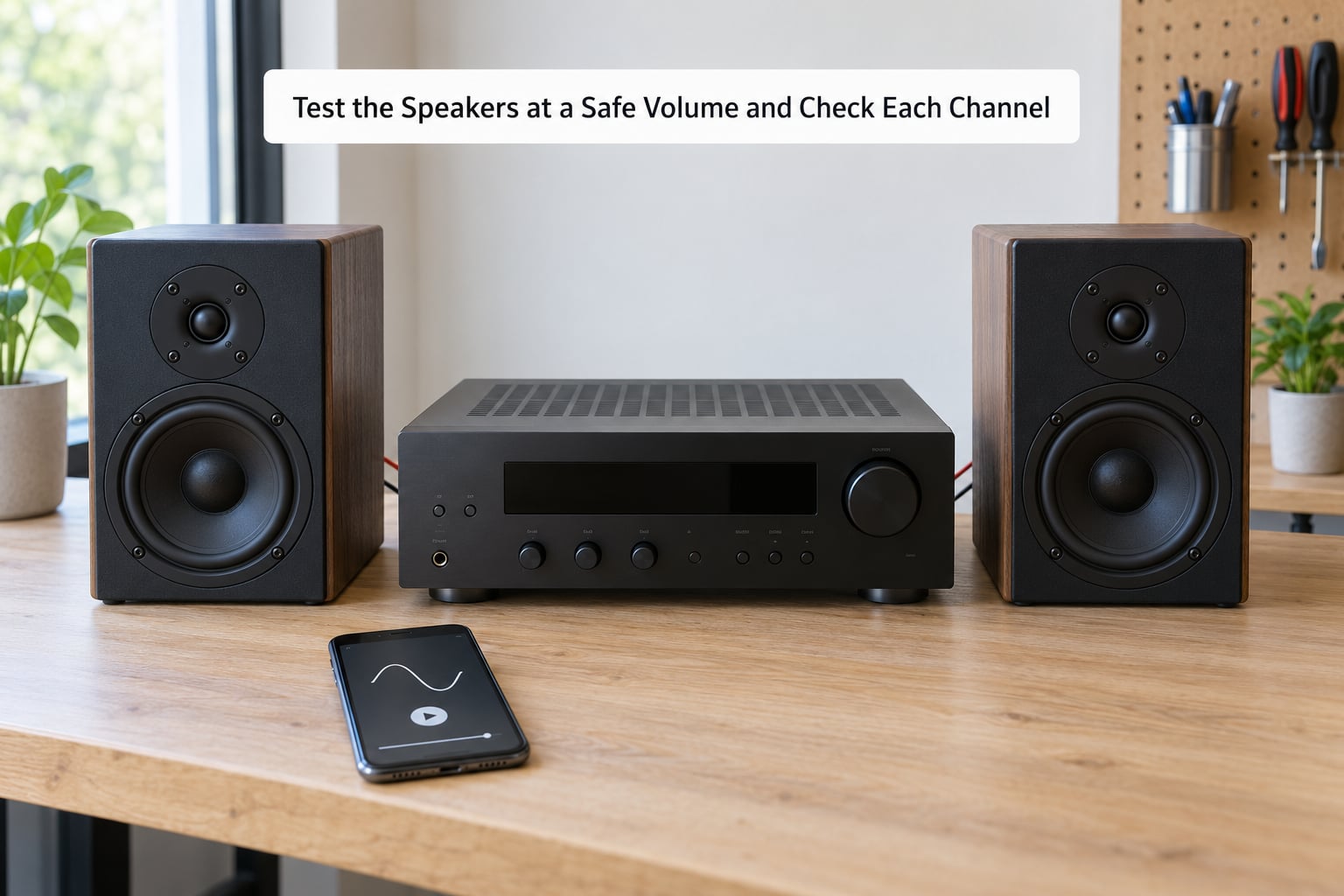
Specifications narrow the field. Listening settles it. Start with the receiver off, check the wiring, then power up and play something familiar at low volume first.
Run a channel-by-channel check. Unmute one speaker at a time, or better, unplug one at a time and compare. A channel that sounds quieter, duller or brighter than its partner points at the speaker, the wire or the terminal, not at the receiver’s overall quality.
For distortion, push a familiar track with loud vocals and percussion up to your normal level and listen for harshness on the peaks. Clippy, fizzy edges at moderate volume mean the amplifier is running out of clean headroom, and turning it down is the fix.
Keep the receiver’s ventilation clear while you listen, and stop immediately if the receiver, the amplifier or either speaker becomes uncomfortably hot, smells of hot dust or starts cycling on and off. A protection circuit cutting in is information, not an obstacle.
You know the pairing works when every channel plays at a matched level, the volume control has room left above your listening position, and nothing distorts at that level.
Common Mistakes
These are the errors that come up most often, with the correction for each.
- Ignoring the minimum impedance. Read the speaker’s minimum figure, not just the nominal one, and confirm the receiver is rated for it.
- Matching on wattage alone. Wattage without impedance and sensitivity tells you almost nothing about whether the pairing works.
- Assuming more power is always better. Headroom above your needs helps, but doubling the watts adds about 3 dB and mostly costs money.
- Using the wrong terminals. Some receivers have separate front and back binding posts, and using the back pair drops impedance and can stop the unit from switching on at all.
- Placing speakers hard against a wall. Bass gets uneven and the amplifier works harder on peaks. Pull them forward a foot or two and retest.
- Blaming the receiver for a speaker fault. Swap channels before you conclude anything. One speaker failing to play points at that speaker or its cable.
Common Speaker and Receiver Matching Mistakes to Avoid
Most of these mistakes share a root cause: treating one spec sheet number as the whole story. Here is what each one looks like and what to do instead.
Impedance mismatch. A 4-ohm speaker on a receiver rated only for 8 ohms draws more current than the output stage is built for. Depending on the design it will get hot, distort, or shut down to protect itself, and repeated trips are how a healthy receiver turns into a faulty one. The fix is to check the receiver’s minimum rating before you buy anything, not after.
Overdriving a low-power speaker. If your receiver’s continuous output sits far below the speaker’s recommended range, the amplifier clips trying to reach your listening level. That is the fastest route to a blown voice coil. Either add a receiver with more current capability or lower your target volume to a level the pairing can deliver cleanly.
Underpowering the whole system. An oversized amplifier driving sensitive speakers is the safer direction of the two errors. The one warning is clipping: pushing any amplifier into its limit produces the same damaging signal. Watch for harshness on vocal peaks and pull the volume back.
Mismatched channels. Keep the left and right speakers as a matched pair with identical impedance. Mixing impedances across the front pair changes how the amplifier responds to each channel, and the imbalance is audible. Mixing across front and rear is a separate matter and is far more forgiving, though matching still sounds better.
Poor ventilation. Receivers are warm by design, but a closed cabinet or a stack with no airflow around the case raises internal temperature. Every protection circuit in the unit is calibrated for airflow that is not there. Leave clearance and route cables so they do not block vents.
Changing cables, plugs or placement without retesting. A loose binding post or a stray strand of copper bridging the two terminals is enough to produce hum or silence on one channel. Do the one-speaker-at-a-time check again after any change, and terminate the cables properly rather than relying on bare wire.
Match Speakers to a Receiver with a Quick Specification Check
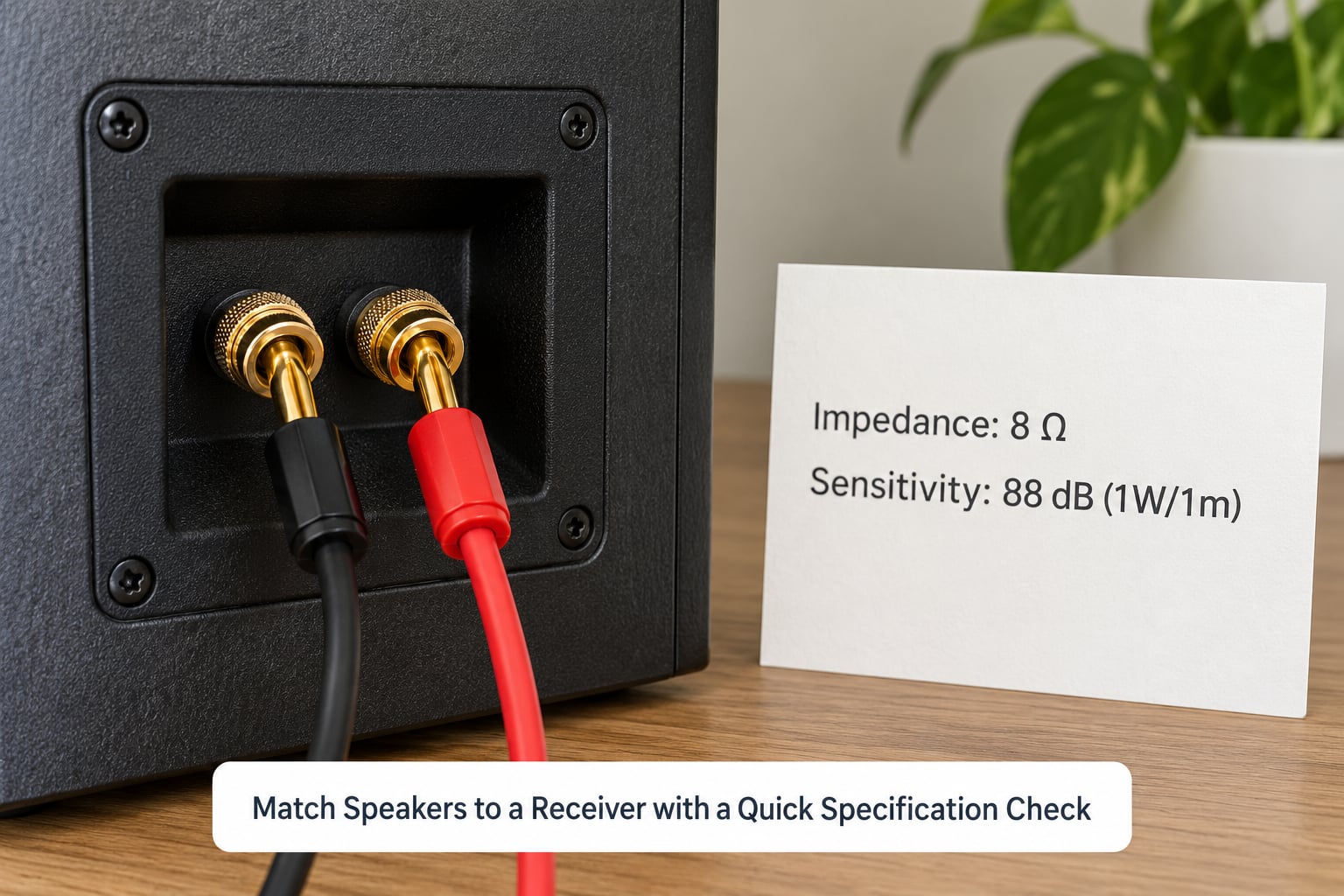
Run this checklist before a receiver leaves your cart.
- Manual impedance. Find the receiver’s minimum speaker impedance per channel in the manual, not on the box.
- Speaker minimum. Compare the speaker’s minimum impedance against it. Equal or higher is fine.
- Power headroom. Check continuous watts per channel at that impedance, and confirm whether all channels are driven.
- Sensitivity against the room. A speaker below 88 dB wants more power, particularly in a large room or at a long listening distance.
- Speaker scale. Match cabinet size and driver size to the room, not to the receiver.
- Channel matching. Identical speakers left and right, with the centre and surrounds following the same impedance where you can manage it.
- Low-volume test. Play something familiar, check each channel alone, and listen for distortion at your real level.
Here is that arithmetic with real numbers. Suppose you own 6-ohm bookshelf speakers rated 75 W continuous, sensitivity 86 dB, and you are pairing them with an AV receiver rated for 8-ohm speakers at 90 W per channel continuous with all channels driven.
Impedance checks out. Six ohms is above the receiver’s 8-ohm minimum, so the load is lighter than the unit is designed for, and the specification says 8 ohms or higher. That is a safe match with margin.
Power is close to where you want it. Ninety watts continuous against 75 W recommended is about 120 percent, inside the 75 to 150 percent band. With four extra channels and a subwoofer in the mix, that headroom is doing useful work, because the receiver will deliver less per channel once everything is driven.
Sensitivity is the one to watch. At 86 dB this is an inefficient pair that needs more power per decibel, and it is likely why the receiver sits near the top of the recommended range. If you ever move to a large open-plan room or sit further back, this pairing becomes the wrong one and you would want either a more sensitive speaker or a receiver with more output. Nothing here is broken, but the system is set up for a small room at close range.
That last point is the real lesson. Every number above was safe, and none of them on its own said whether the system would sound right.
Frequently Asked Questions
Can I connect 4-ohm speakers to an 8-ohm receiver?
Only if the receiver is specifically rated for a 4-ohm load. Most 8-ohm receivers assume a minimum of 6 or 8 ohms, and driving 4-ohm speakers can make the output stage run hot, distort or shut down to protect itself. Check the manual for a 4-ohm rating or an impedance selector before connecting anything. If the receiver only lists 8 ohms, choose 6-ohm or 8-ohm speakers instead.
What speaker impedance is safest for my receiver?
An 8-ohm speaker is the safest default, because it presents a lighter load than almost any receiver is designed for. Six-ohm speakers are also broadly safe. The danger runs the other way, from lower speaker impedance into a higher receiver minimum. Whatever you choose, check the speaker’s minimum impedance, not just the nominal figure printed on the box.
How many watts should my receiver have for my speakers?
Aim for continuous or RMS watts per channel at roughly 75 to 150 percent of the speaker’s continuous power handling, and more if the speakers have low sensitivity. More than double the power you actually need buys about 3 dB, so the range matters more than the headline figure. Also check whether the receiver’s rating assumes all channels driven, since a home theatre setup delivers far less per channel.
Does a higher-wattage receiver sound better?
Not on its own. Extra clean headroom means the amplifier stays out of clipping at your normal volume, which sounds better than an amp straining, but wattage alone does not change the character of the sound. Room correction, speaker quality and placement usually matter more. Buying a much larger receiver than you need mostly buys reserve for louder listening.
Do speakers and receiver need to be from the same brand?
No. Impedance, power handling and sensitivity are industry standards, so any speaker that meets the receiver’s minimum rating will work correctly. Matching brands is a marketing idea, not an electrical requirement. What does matter is keeping the left and right pair identical, and matching the centre and surrounds to the fronts wherever you can.
Conclusion
The safest first move is to check the receiver’s minimum speaker impedance against your speakers’ minimum impedance, then compare continuous watts per channel with the speaker’s recommended power handling. Add sensitivity when you judge whether the pair will be loud and clean enough for your room.
Then connect everything and listen at moderate volume, one channel at a time, before you settle in. That single afternoon of checking is cheaper than any receiver or speaker you would otherwise replace.